g0t3nks/amule-web-controller
Modern web UI for aMule using EC Protocol
10K+
g0t3nks/amule-web-controller repository overview
⚠️ DEPRECATED - Please migrate to aMuTorrent
This image has been renamed and is no longer maintained.
Migration
Replace your image reference:
# Old (deprecated)
image: g0t3nks/amule-web-controller:latest

# New
image: g0t3nks/amutorrent:latest
Or pull directly:
docker pull g0t3nks/amutorrent:latest
Links
- Docker Hub: g0t3nks/amutorrent
- GitHub: got3nks/amutorrent
What's new in aMuTorrent?
- rTorrent integration (BitTorrent support)
- Prowlarr integration (torrent search)
- Push notifications via Apprise
- Multi-platform images (amd64/arm64)
See the changelog for details.
aMule Web Controller
A modern, real-time web interface for controlling aMule via the EC (External Connection) protocol. Features Sonarr/Radarr integration (Torznab indexer + qBittorrent-compatible API) and GeoIP peer location display. Built with Node.js, WebSockets, and React.
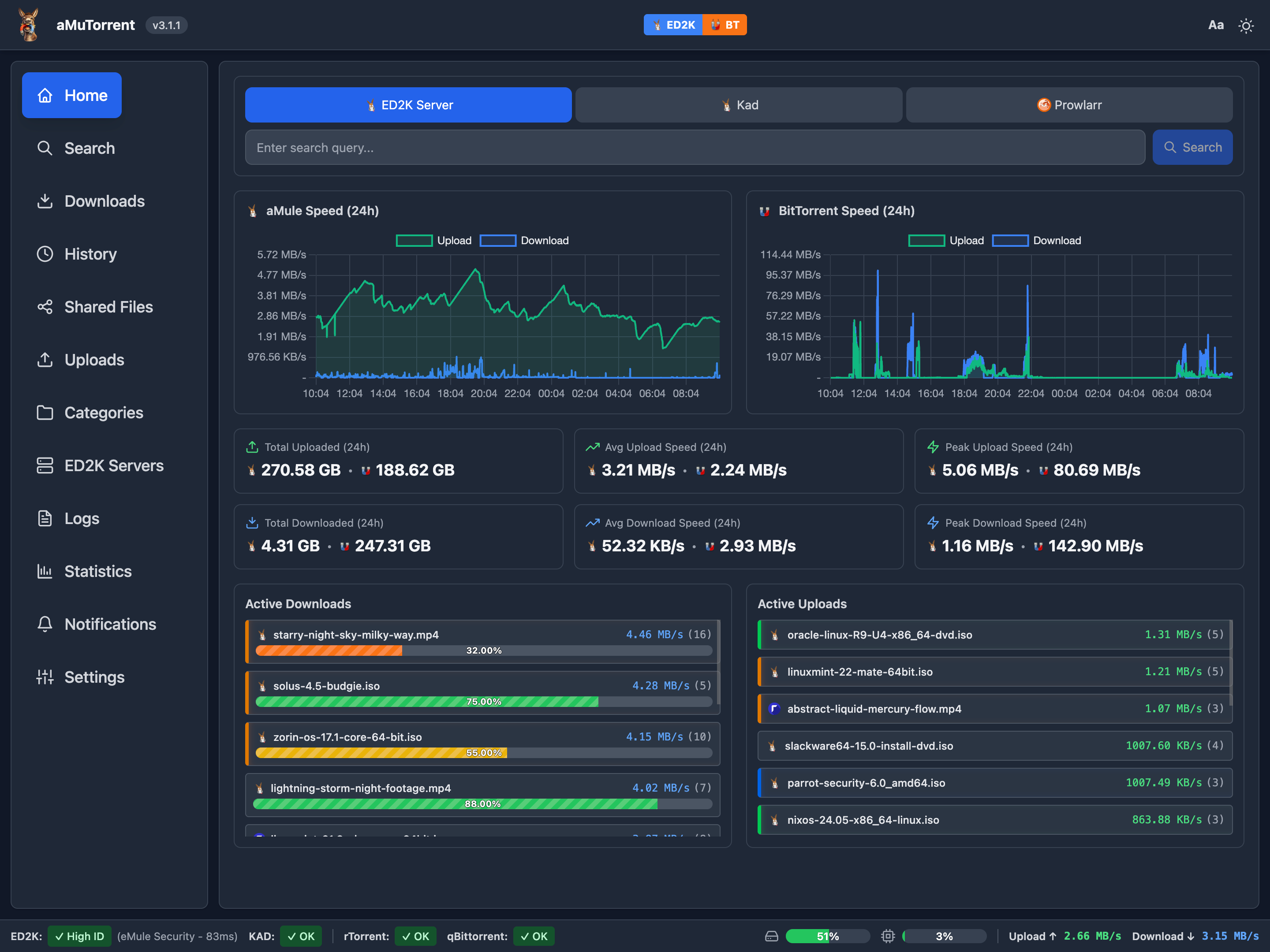
Full documentation and source code: https://github.com/got3nks/amule-web-controller
Quick Start
Prerequisites
- aMule running with External Connections (EC) enabled
1. Create directories
mkdir -p data logs
sudo chown -R 1000:1000 data logs
2. Create docker-compose.yml
services:
  amule-web:
    image: g0t3nks/amule-web-controller:latest
    user: "1000:1000"
    container_name: amule-web-controller
    ports:
      - "4000:4000"
    environment:
      - NODE_ENV=production
      - PORT=4000
    extra_hosts:
      - "host.docker.internal:host-gateway"
    volumes:
      - ./logs:/usr/src/app/server/logs
      - ./data:/usr/src/app/server/data
    restart: unless-stopped
3. Start and configure
docker compose up -d
Open http://localhost:4000 and follow the setup wizard:
- aMule Host: host.docker.internal (for aMule on host machine)
- aMule Port: 4712 (default EC port)
- aMule Password: Your EC password
Environment Variables
All optional - the setup wizard is the recommended configuration method.
- PORT – Web server port (default: 4000)
- WEB_AUTH_ENABLED – Enable password protection
- WEB_AUTH_PASSWORD – Web UI password
- AMULE_HOST – aMule hostname or IP
- AMULE_PORT – aMule EC port (default: 4712)
- AMULE_PASSWORD – aMule EC password
- SONARR_URL – Sonarr base URL
- SONARR_API_KEY – Sonarr API key
- RADARR_URL – Radarr base URL
- RADARR_API_KEY – Radarr API key
- SKIP_SETUP_WIZARD – Skip wizard (true / false)
All-in-One Setup (aMule + Web Controller)
See https://github.com/got3nks/amule-web-controller/blob/main/docker-compose.all-in-one.yml on GitHub.
Documentation
- https://github.com/got3nks/amule-web-controller/blob/main/docs/CONFIGURATION.md
- https://github.com/got3nks/amule-web-controller/blob/main/docs/INTEGRATIONS.md
- https://github.com/got3nks/amule-web-controller/blob/main/docs/GEOIP.md
- https://github.com/got3nks/amule-web-controller/blob/main/docs/API.md
Support
Tag summary
Content type
Image
Digest
sha256:8c21ac399…
Size
64.9 MB
Last updated
9 months ago
docker pull g0t3nks/amule-web-controller