gf78/smartmetervienna
Save your smart meter measurements automatically to your influx database. (Wiener Netze)
50K+
gf78/smartmetervienna repository overview
SmartMeter Vienna
- Github: https://github.com/gf78/smartmetervienna/
- Docker Hub: https://hub.docker.com/r/gf78/smartmetervienna
Table of Contents
- Features
- Screenshots
- Prerequisites
- Installation
- Configuration
- Manual import
- Cron Job
- Rest API
- Web UI
- Notifications
- Grafana
Features
- Support smart meters used in Vienna by Wiener Netze
- Retrieve power consumption and avg. load for a single day or for a date range (max. 3yrs)
- Store values into influx database (V2)
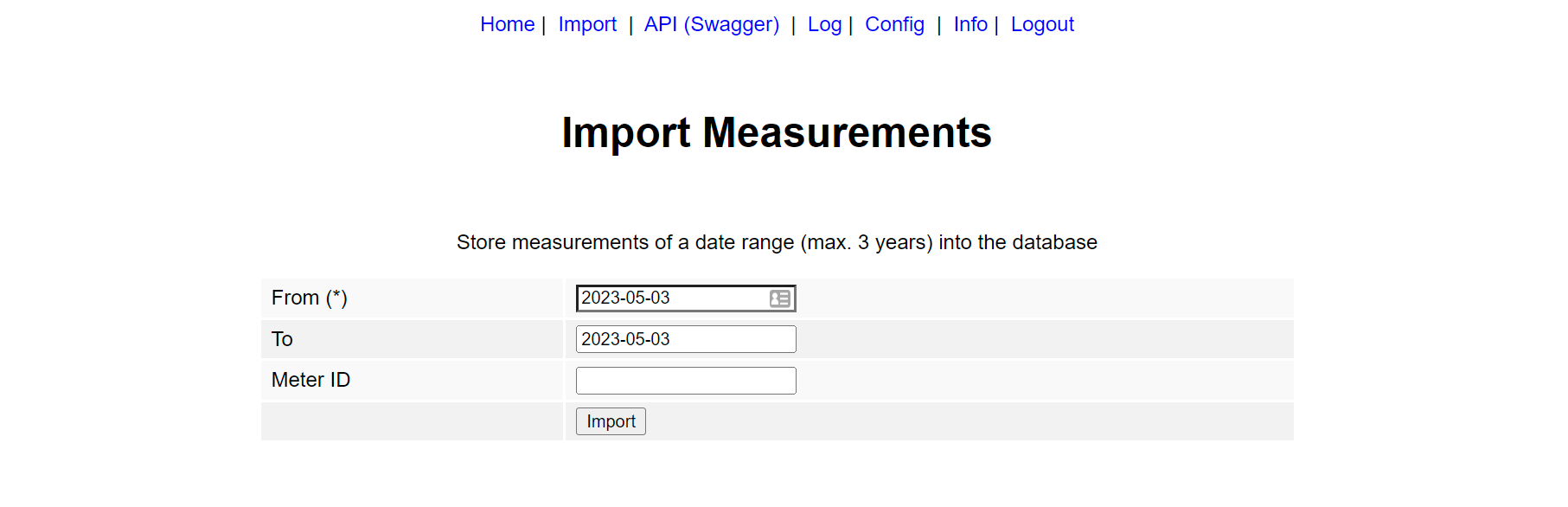
- Import measurements for a single day or a date range manually via the web UI
- Run daily cron job to store data of prev. day(s)
- Retrieve measurement data via Rest API
- Optional API-KEY authorization
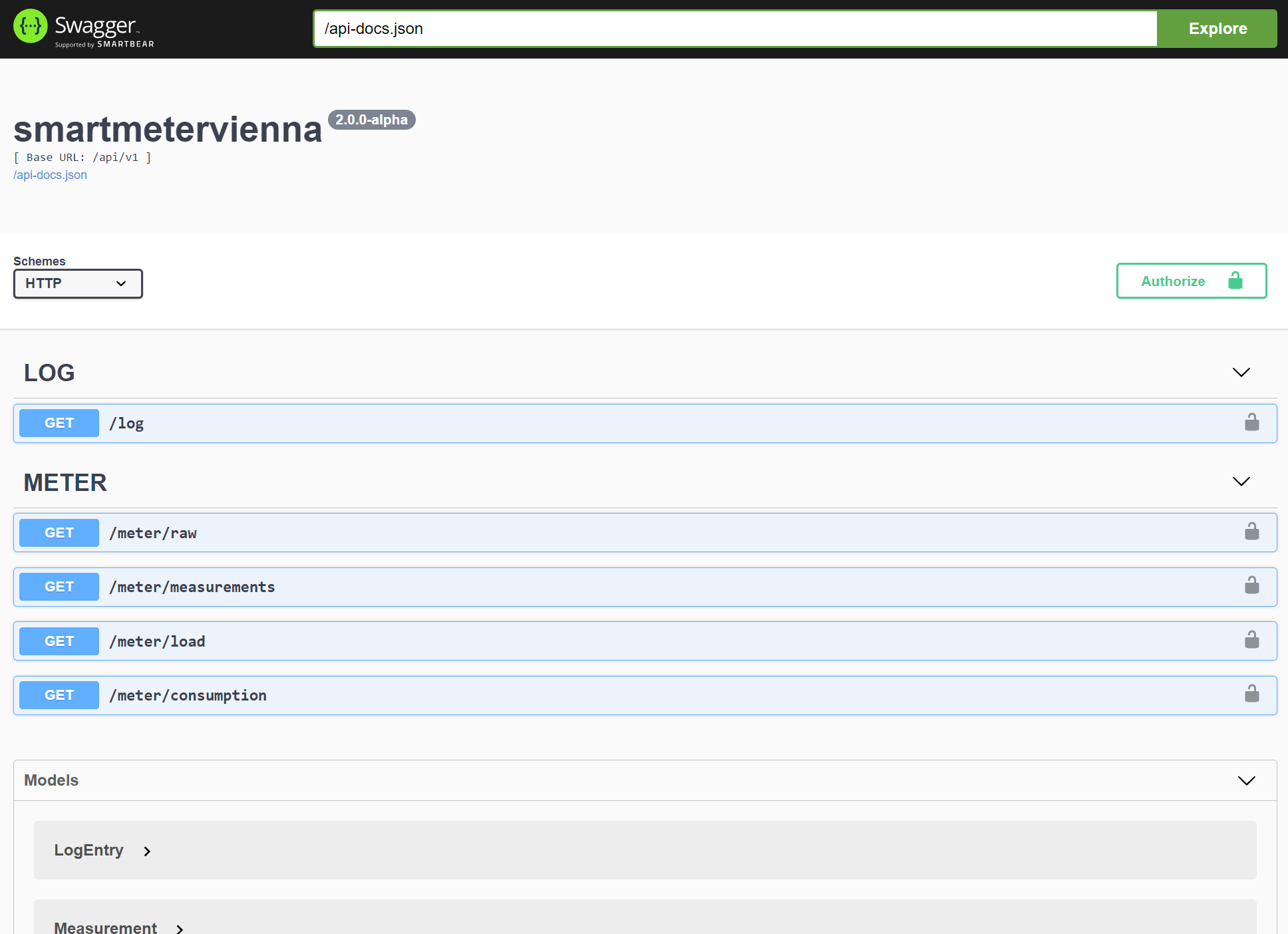
- Swagger: API definition and interactive web UI
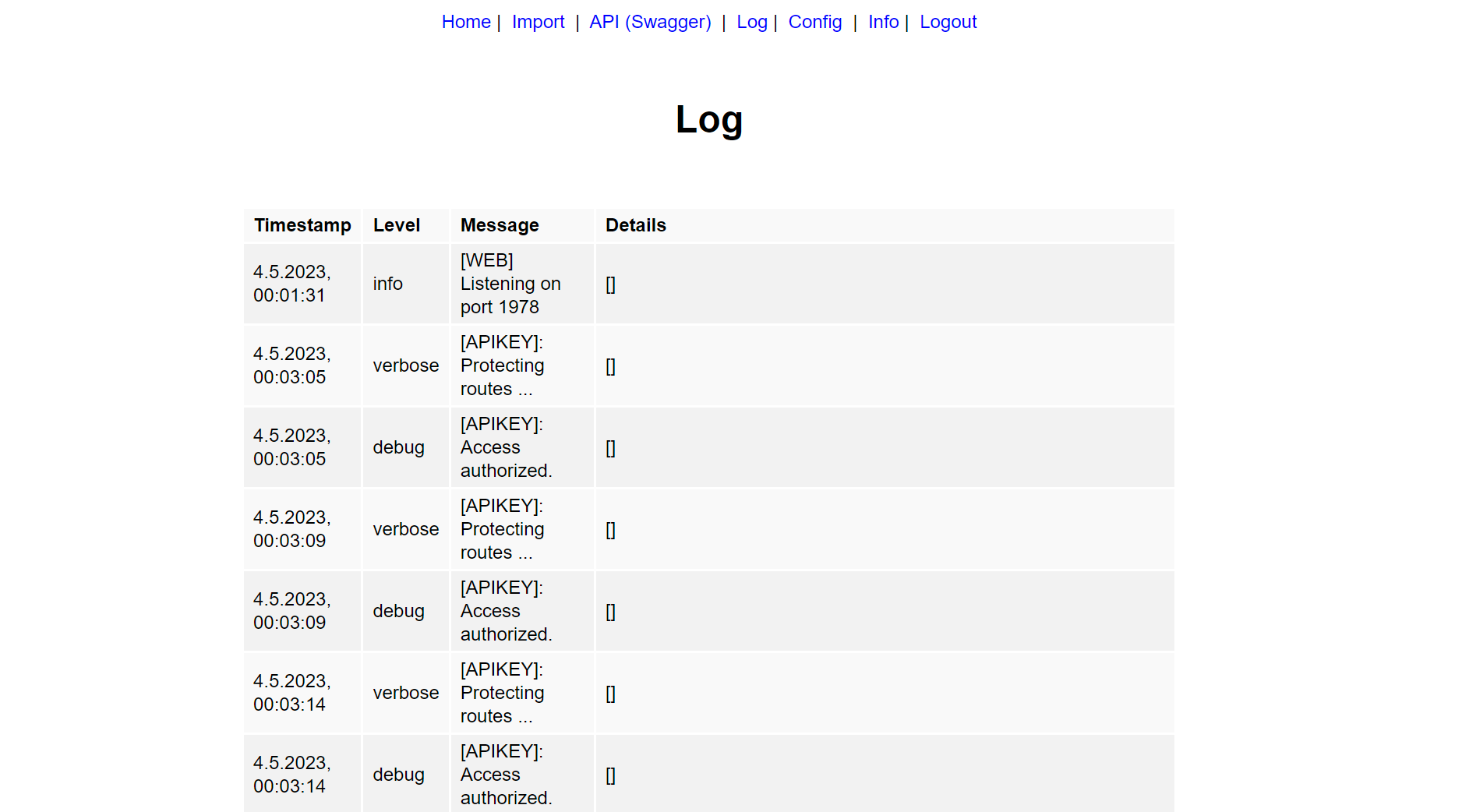
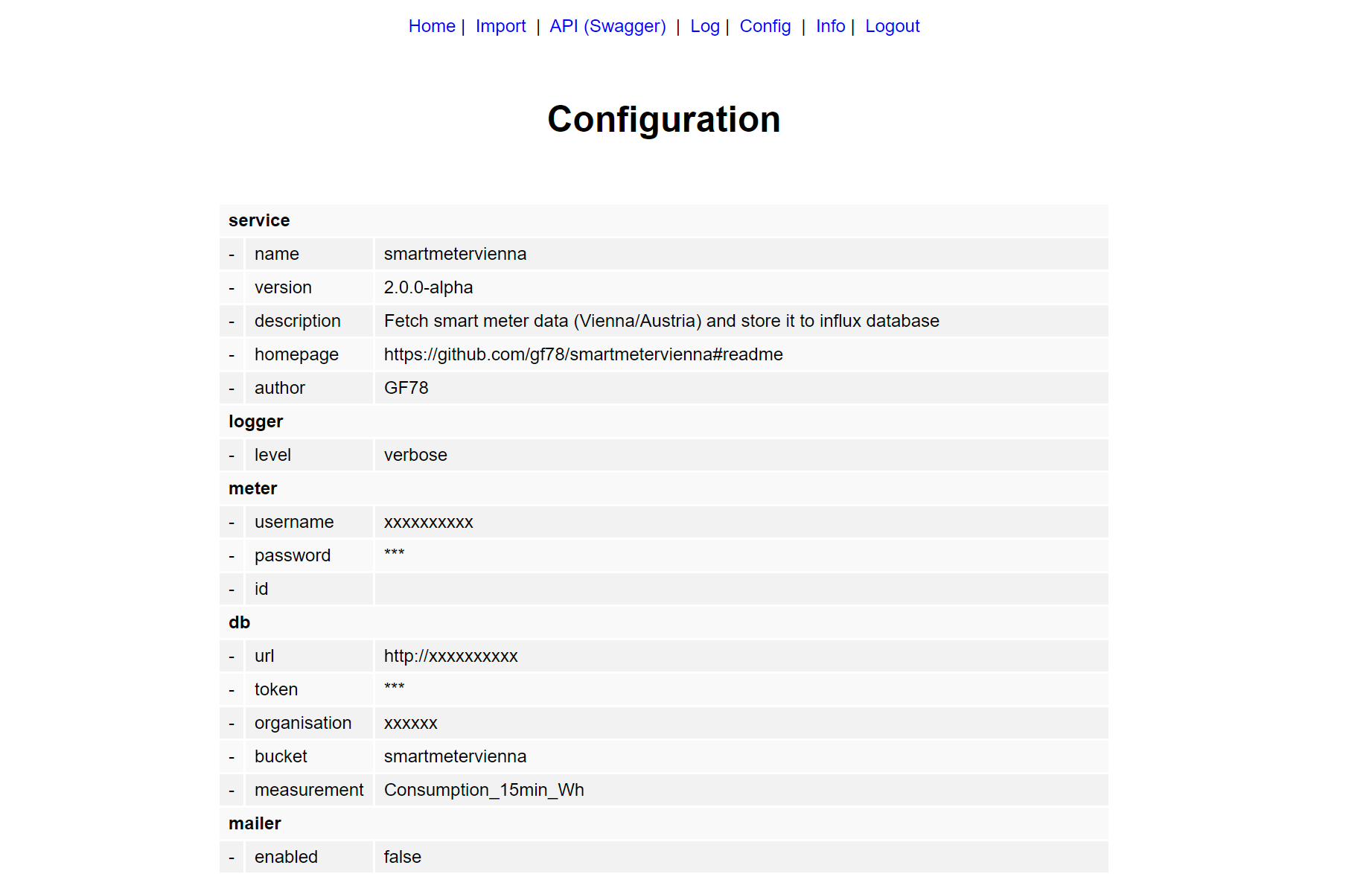
- Check service configuration and log on web UI
- Receive email notifications about cron job result
- Trigger webhook requests on cron job run
- Grafana dashboard JSON model included
- Extensive logging service
- Dockerized based on Alpine Linux image
Screenshots
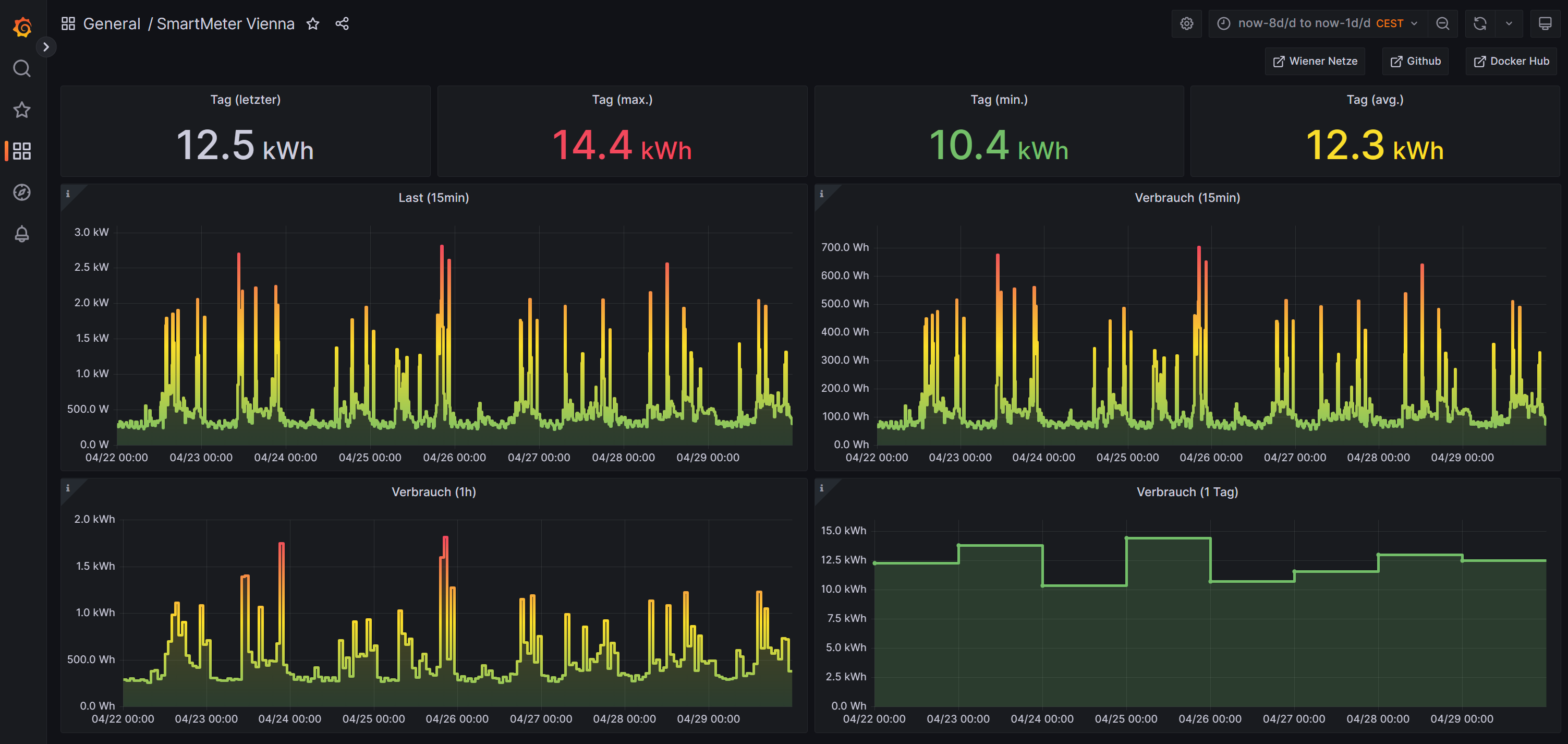
Grafana Dashboard
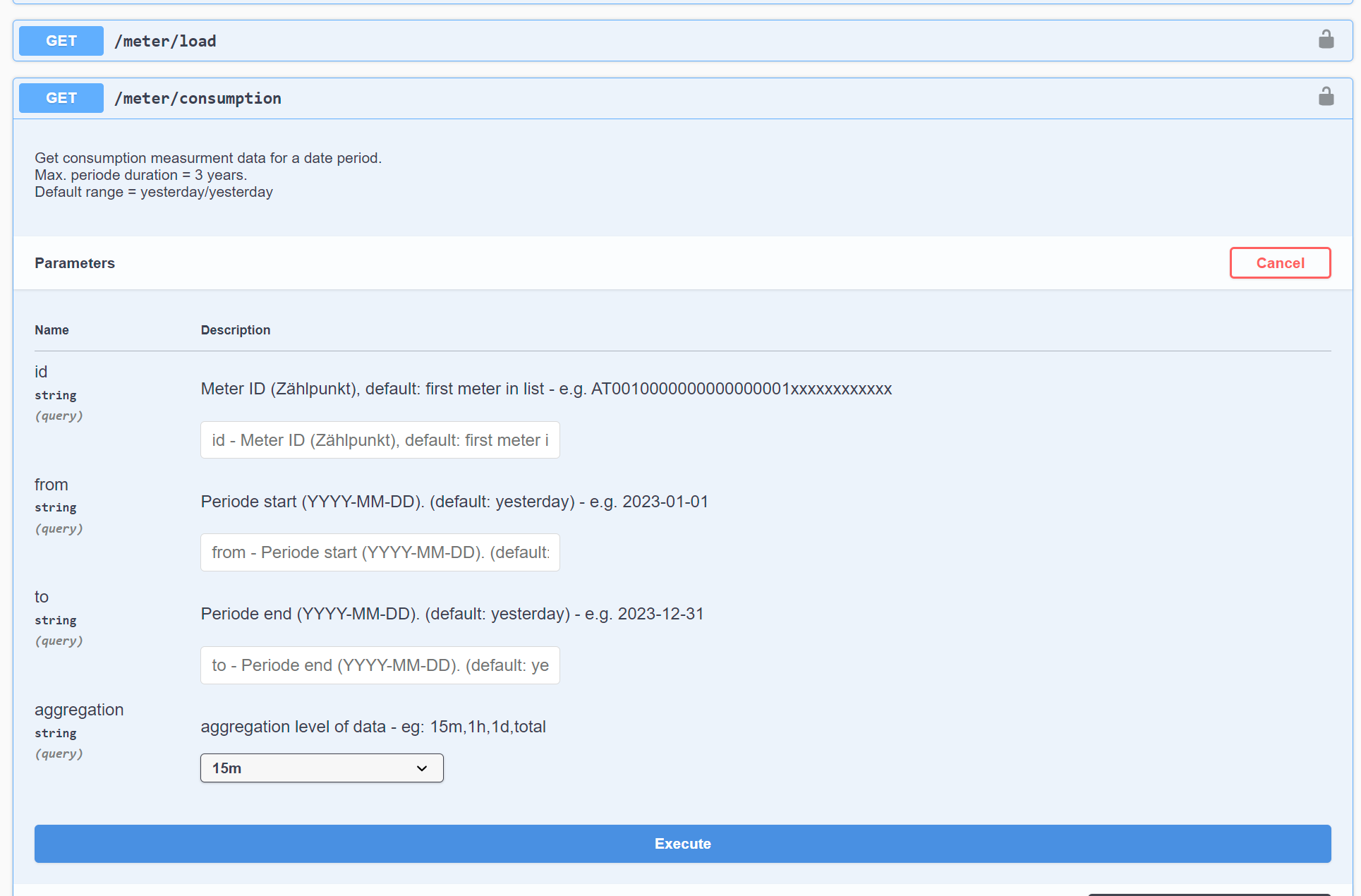
Swagger UI for Rest API
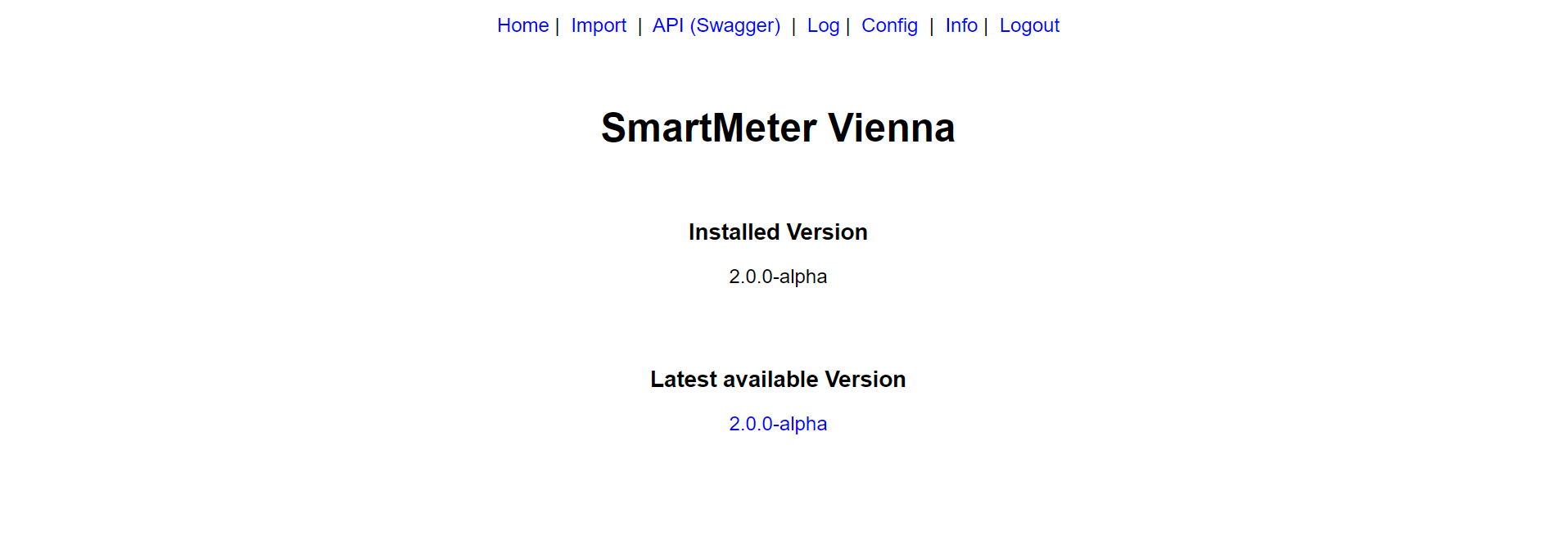
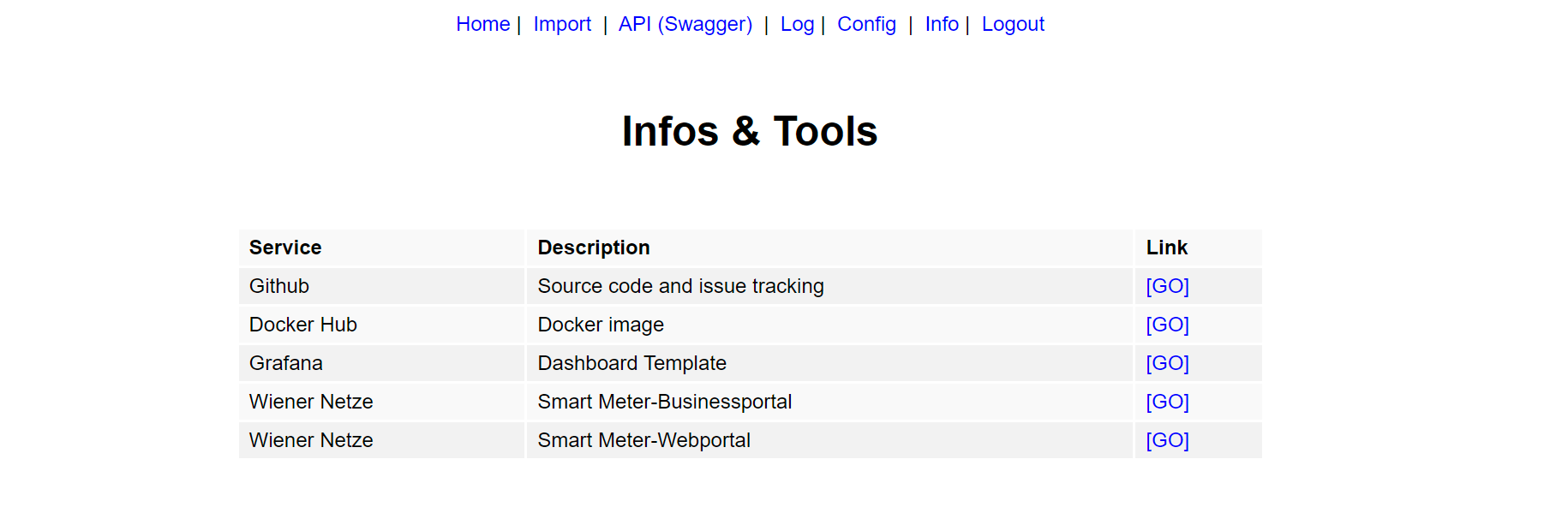
Web UI

Prerequisites
- Customer of Wiener Netze
- Smart meter installed
- Account created https://smartmeter-web.wienernetze.at/
- Opt in to 15 minutes interval measurements
Installation
Edit the docker-compose.ymlfile and create a new docker container:
version: "3.3"
services:
  smartmetervienna:
    container_name: smartmetervienna
    image: "gf78/smartmetervienna:latest"
    restart: unless-stopped
    ports:
      - "80:1978"
    environment:
      PORT: 1978
      API_KEY: "xxx"
      LOG_LEVEL: "error"
      CRON_SCHEDULE: "0 12 * * *"
      CRON_DAYS_IN_PAST: "7"
      LOGWIEN_USERNAME: "xxx"
      LOGWIEN_PASSWORD: "xxx"
      INLUXDB_URL: "http://xxx:8086"
      INLUXDB_ORGANISATION: "xxx"
      INLUXDB_BUCKET: "smartmetervienna"
      INLUXDB_MEASUREMENT: "Consumption_15min_Wh"
      INLUXDB_TOKEN: "xxx"
      SMTP_HOST: "xxx"
      SMTP_PORT: 587
      SMTP_SECURE: false
      SMTP_CIPHERS: "SSLv3"
      SMTP_USERNAME: "xxx"
      SMTP_PASSWORD: "xxx"
      SMTP_FROM: "xxx"
      SMTP_TO: "xxx"
      MAIL_ENABLED: false
      MAIL_SUBJECT: "SmartMeter Vienna"
      MAIL_ON_SUCCESS: true
      MAIL_ON_FAILURE: true
      MAIL_ON_RESTART: true
      WEBHOOK_ENABLED: false
      WEBHOOK_METHOD: POST
      WEBHOOK_URL_RESTART: "http(s)://xxx"
      WEBHOOK_URL_SUCCESS: "http(s)://xxx"
      WEBHOOK_URL_FAILURE: "http(s)://xxx"
    volumes:
      - "smartmetervienna-logs:/logs"
volumes:
  smartmetervienna-logs:
    external: true
    name: smartmetervienna-logs
Configuration
Use the following environment variables to configure the service
| Variable | Description | Mandatory |
|---|---|---|
| PORT | Web UI port 1978 | no |
| API_KEY | Secure Web UI and Rest API | no |
| LOG_LEVEL | Level of logging service error, info, verbose | no |
| CRON_SCHEDULE | Schedule for cron job 0 10,16 * * * | no |
| CRON_DAYS_IN_PAST | Number of days in the past should be imported | no |
| LOGWIEN_USERNAME | Username for smart meter portal of Wiener Netze | yes |
| LOGWIEN_PASSWORD | Password for smart meter portal of Wiener Netze | yes |
| METER_ID | Meter id (Zählerpunkt) of Wiener Netze | no |
| INLUXDB_URL | URL of influx db http://xxx:8086 | no |
| INLUXDB_TOKEN | Token of influx db | no |
| INLUXDB_ORGANISATION | Organisation of influx db | no |
| INLUXDB_BUCKET | Bucket of influx db (default: smartmetervienna) | no |
| INLUXDB_MEASUREMENT | Measurement name for influx db (default: Consumption_15min_Wh) | no |
| SMTP_HOST | SMTP server host | no |
| SMTP_PORT | SMTP server port 587 | no |
| SMTP_SECURE | SMTP server sercurity true, false | no |
| SMTP_CIPHERS | SMTP server ciphers SSLv3 | no |
| SMTP_USERNAME | SMTP server username | no |
| SMTP_PASSWORD | SMTP server password | no |
| SMTP_FROM | Sender email address | no |
| MAIL_ENABLED | Email notifications enabled: true, false | no |
| MAIL_TO | Receipients email address | no |
| MAIL_SUBJECT | Email subject | no |
| MAIL_ON_SUCCESS | Send otifications on success: true, false | no |
| MAIL_ON_FAILURE | Send otifications on failure: true, false | no |
| MAIL_ON_RESTART | Send otifications on restart: true, false | no |
| WEBHOOK_ENABLED | Webhook notifications enabled: true, false | no |
| WEBHOOK_METHOD | Webhook protocol: POST, GET | no |
| WEBHOOK_URL_RESTART | Webhook URL on restart | no |
| WEBHOOK_URL_SUCCESS | Webhook URL on success, supported placeholders %%FROM%%, %%TO%%, %%DAYS%%, %%COUNT%%, %%RATE%% and %%SUCCESS%% | no |
| WEBHOOK_URL_FAILURE | Webhook URL on failure, supported placeholders %%FROM%%, %%TO%%, %%DAYS%%, %%COUNT%%, %%RATE%% and %%SUCCESS%% | no |
Cron Job
Set CRON_SCHEDULE ENV variable for example to "0 10,16 * * * to request daily at 10am and 4pm the measurements of the last day(s) and store them into the database. If enabled you will receive email and/or webhook notifications on success/failure. It is recommended to set CRON_DAYS_IN_PAST to a value greater than 1 to import measurements that where not provided in time by Wiener Netzte on one of the following days.
Schedule format: https://crontab.guru/
Rest API
See swagger file for more details.
Security
Set a value for the ENV variable API_KEY to activate the authorization for the Rest API and the Web UI. The ApiKey can be provided as header, query param or cookie.
Meter
- Original response of SmartMeter-Portal:
/api/v1/meter/raw?from=YYYY-MM-DD&to=YYYY-MM-DD - Basic measurements for DB storage:
/api/v1/meter/measurements?from=YYYY-MM-DD&to=YYYY-MM-DD - Enhanced consumption measurements
/api/v1/meter/consumption?from=YYYY-MM-DD&to=YYYY-MM-DD - Enhanced load measurements
/api/v1/meter/load?from=YYYY-MM-DD&to=YYYY-MM-DD
[
  {
    "measurement": "Consumption",
    "unit": "Wh",
    "value": 97,
    "timestamp": "2023-03-31T22:00:00.000Z",
    "start": "2023-03-31T22:00:00.000Z",
    "end": "2023-03-31T22:14:59.999Z",
    "text": "97Wh"
  },
  {}
]
Log
- Get log of the current day:
/api/v1/log
[
  {
    "level": "info",
    "message": "[WEB] Listening on port 1978",
    "timestamp": "2023-04-27T06:45:46.806Z"
  },
  {}
]
Web UI
Access the status page: //your-server:your-port/
- Home: Check current version and if update is available
- Import: Manually trigger import of measurements to database
- Log: Check log entries
- Config: Check current configuration
- Info: Further information and links
Notifications
Configure the SMTP/Email service to receive emails in case of restart, cron job success and cron jobfailure.
Webhook
Configure the webhook service to receive GET or POST webhook requests in case of restart, cron job success and cron job failure. The payload of a POST request will include the retrieved measurement data.
Use the following placeholder in the URL if needed: %%FROM%%, %%TO%%, %%DAYS%%, %%COUNT%%, %%RATE%% and %%SUCCESS%%
Grafana
Feel free to use the included Grafana Dashboard Model.
Tag summary
Content type
Image
Digest
sha256:fe877bdc6…
Size
76.1 MB
Last updated
almost 3 years ago
docker pull gf78/smartmetervienna