giiibates/fetchly
Self-hosted media downloader for YouTube, TikTok, Instagram & Facebook.
5.9K
giiibates/fetchly repository overview

Self-hosted media downloader for YouTube, TikTok, Instagram & Facebook.
Paste a link, preview it, pick a format — with a live job dashboard, waveform audio trimming, BPM analysis, and Lalal.ai stem separation.





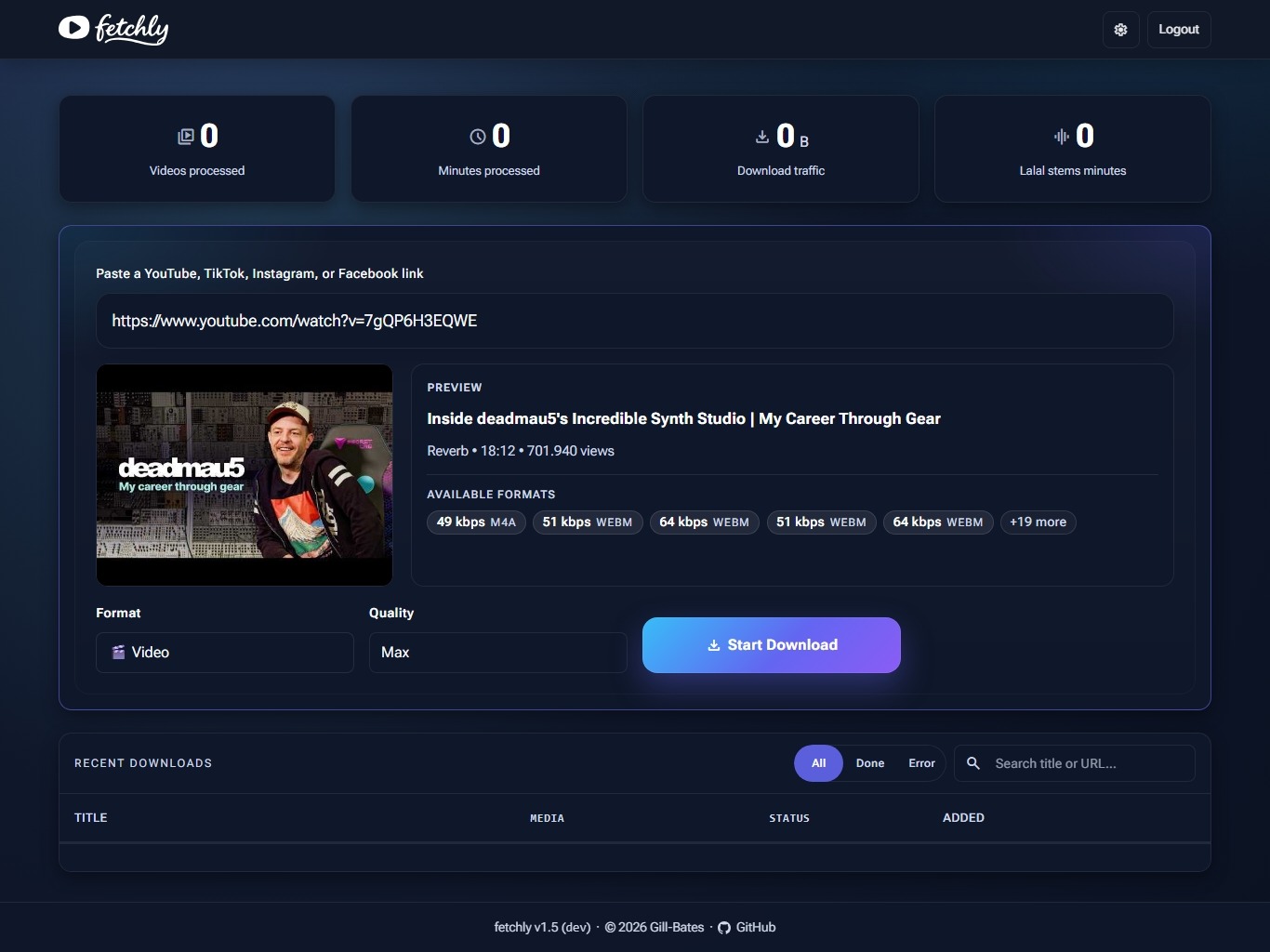
Dashboard — paste a link, preview the media, pick a format, and track every job live.
More screenshots
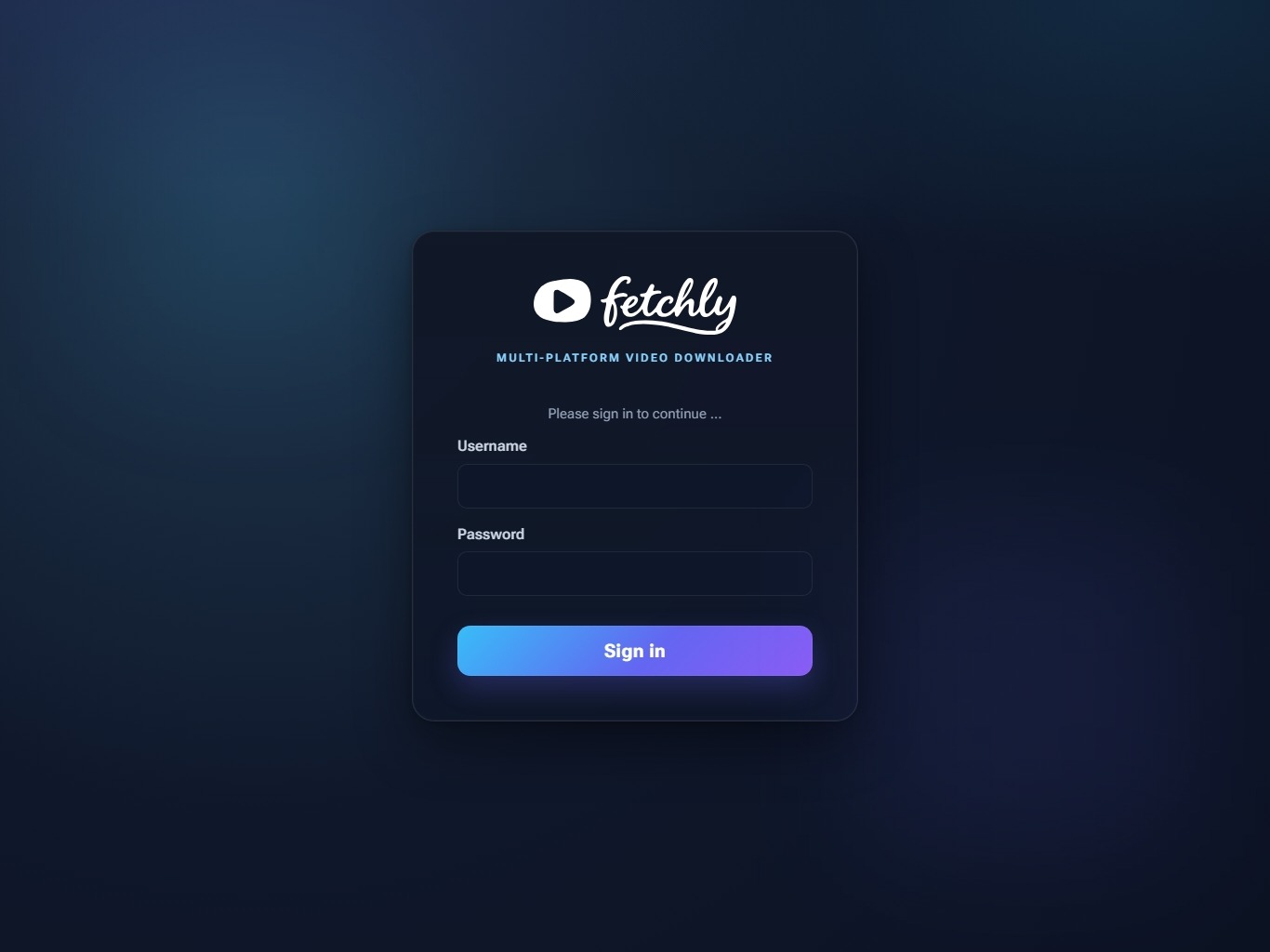
Authenticated login with invisible, server-verified anti-bot protection.

Integrations — connect Lalal.ai for stem separation and paste browser cookies for sign-in-only downloads.

System — host resources, component versions, one-click update checks, and the in-app changelog.
Download, shape, share
fetchly turns yt-dlp into a self-hosted media workspace. Pick formats in a web UI,
follow every job live, trim audio visually, find its tempo, create stems, and share
finished downloads without handing your media to another service.
Features
| Feature | What you get |
|---|---|
| Download everywhere | Save video or audio from YouTube, TikTok, Instagram, and Facebook in one place. |
| Stay in control | Follow every job from a live dashboard, from queued through downloading and analysis to finished, cancelled, or failed. |
| Choose your quality | Pick the quality you want, then decide what the highest tier produces: H.264 for files that play everywhere, AV1 for the smallest files, or the untouched source for the best resolution. |
| Brand every video | Burn the fetchly logo — or your own uploaded SVG or PNG — and your hostname, once set, into the corner of every downloaded video, or switch it off. |
| Trim with precision | Cut audio visually with an interactive waveform before you download or process it further. |
| Find the tempo | Analyze BPM and beat confidence, then use the result to guide audio trimming. |
| Create clean stems | Connect Lalal.ai to separate vocals and instrumentals when you need production-ready tracks. |
| Share what you made | Send friends and family a share link to a finished download — no account needed on their side, with an optional limit on how many times it can be used. |
| Keep it private | Run everything yourself with persistent storage, authentication, CSRF protection, anti-bot checks, and login rate limiting. |
| Ready to run | Get the complete application and its required dependencies in one Docker image. |
Supported platforms
| Platform | Video | Audio | |
|---|---|---|---|
 | YouTube | ✅ | ✅ |
 | TikTok | ✅ | ✅ |
 | ✅ | ✅ | |
 | ✅ | ✅ |
Note: Public URLs work without account cookies. Age- or login-gated content may work after importing a current signed-in session under Settings → Integrations; platforms can still reject stale or revoked sessions.
Quickstart
Docker is the recommended way to run fetchly. The image (Docker Hub) bundles ffmpeg, yt-dlp, yt-dlp-ejs, and deno — nothing else to install.
Docker Compose
# compose.yaml
services:
  fetchly:
    image: giiibates/fetchly:latest
    container_name: fetchly
    restart: unless-stopped
    stop_grace_period: 20s
    ports:
      # Loopback until the admin account exists — a port published without a
      # host address is reachable from the whole network.
      - "127.0.0.1:8000:8000"
    environment:
      FETCHLY_SECRET_KEY: ${FETCHLY_SECRET_KEY:?generate with: openssl rand -base64 32}
    volumes:
      - ./data:/app/data
export FETCHLY_SECRET_KEY="$(openssl rand -base64 32)"
docker compose up -d
A fuller compose file with logging, timezone, and reverse-proxy notes lives in the repository's Docker Compose file.
Open http://127.0.0.1:8000 and create an admin account in Settings → Security.
Only then widen the port binding (0.0.0.0:8000:8000) or put fetchly behind a
reverse proxy. stop_grace_period stays above the container's 15 s graceful
shutdown so the SQLite WAL checkpoint completes.
Learn more
The fetchly documentation covers installation, configuration, reverse proxies, security, platform cookies, the API, and troubleshooting.

Tag summary
Content type
Image
Digest
sha256:2723caebf…
Size
409.1 MB
Last updated
9 days ago
docker pull giiibates/fetchly