giiibates/wirebuddy
Self-hosted WireGuard VPN with web UI, DNS ad-blocking, and real-time traffic analytics
10K+
giiibates/wirebuddy repository overview

Use WireGuard with ease!






Documentation • Quick Start • GitHub
A complete self-hosted VPN solution with web-based management, integrated Unbound DNS resolver, ad-blocking, real-time traffic analytics, and GeoIP visualization.
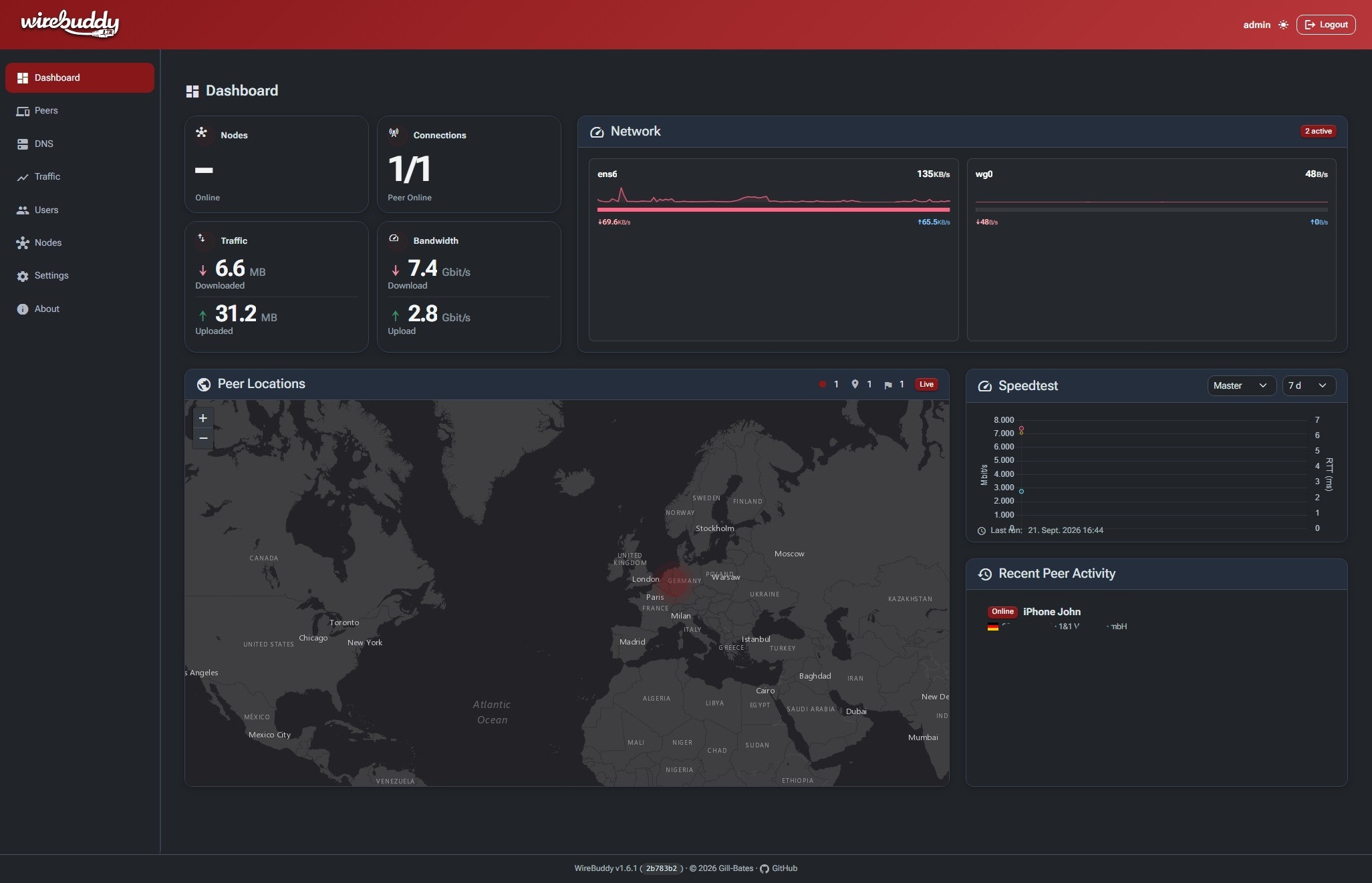
Dashboard — network status, peer locations, and speedtest history at a glance.
More screenshots
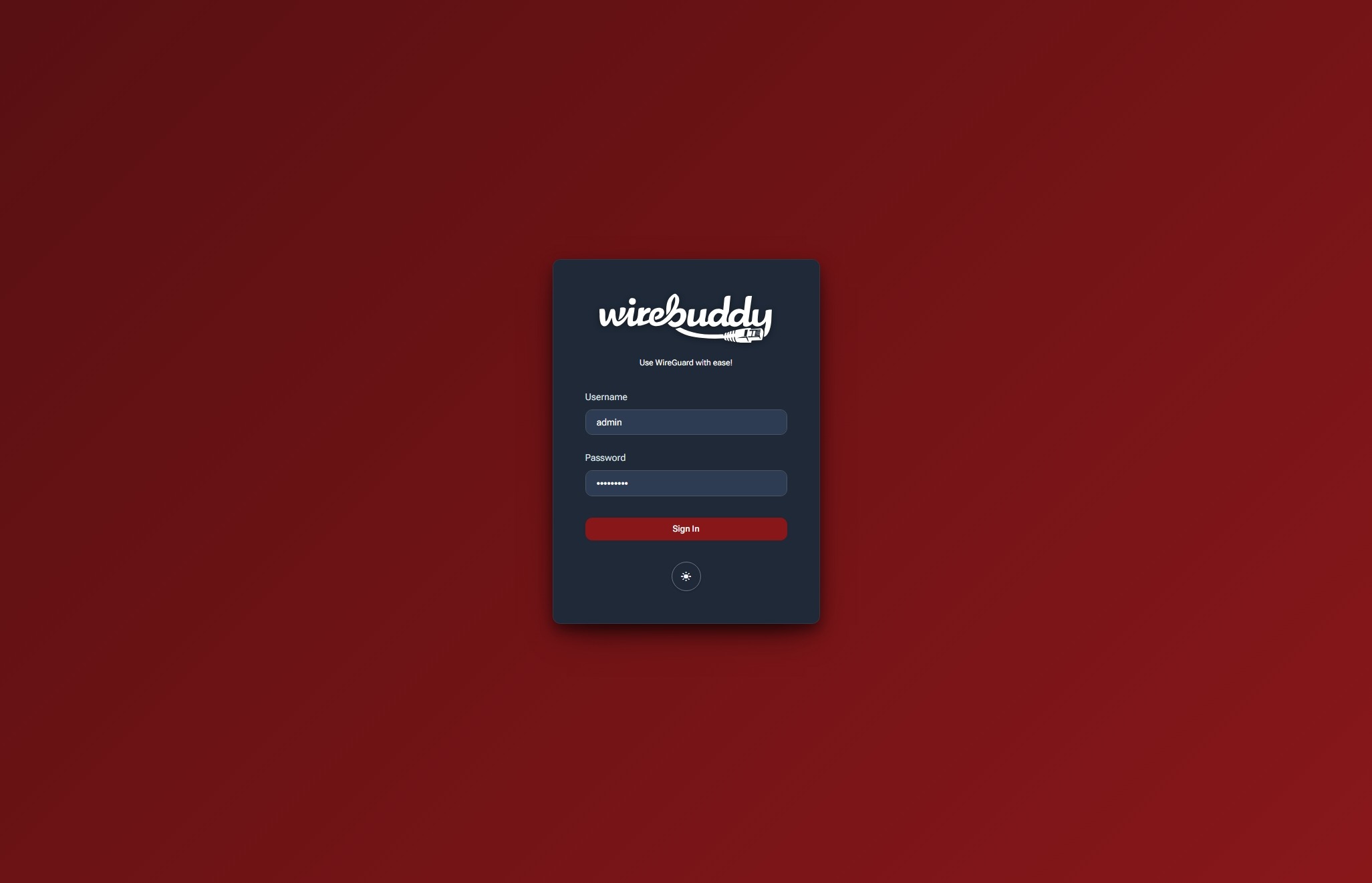
Login — dark/light theme toggle, no account enumeration on failed attempts.
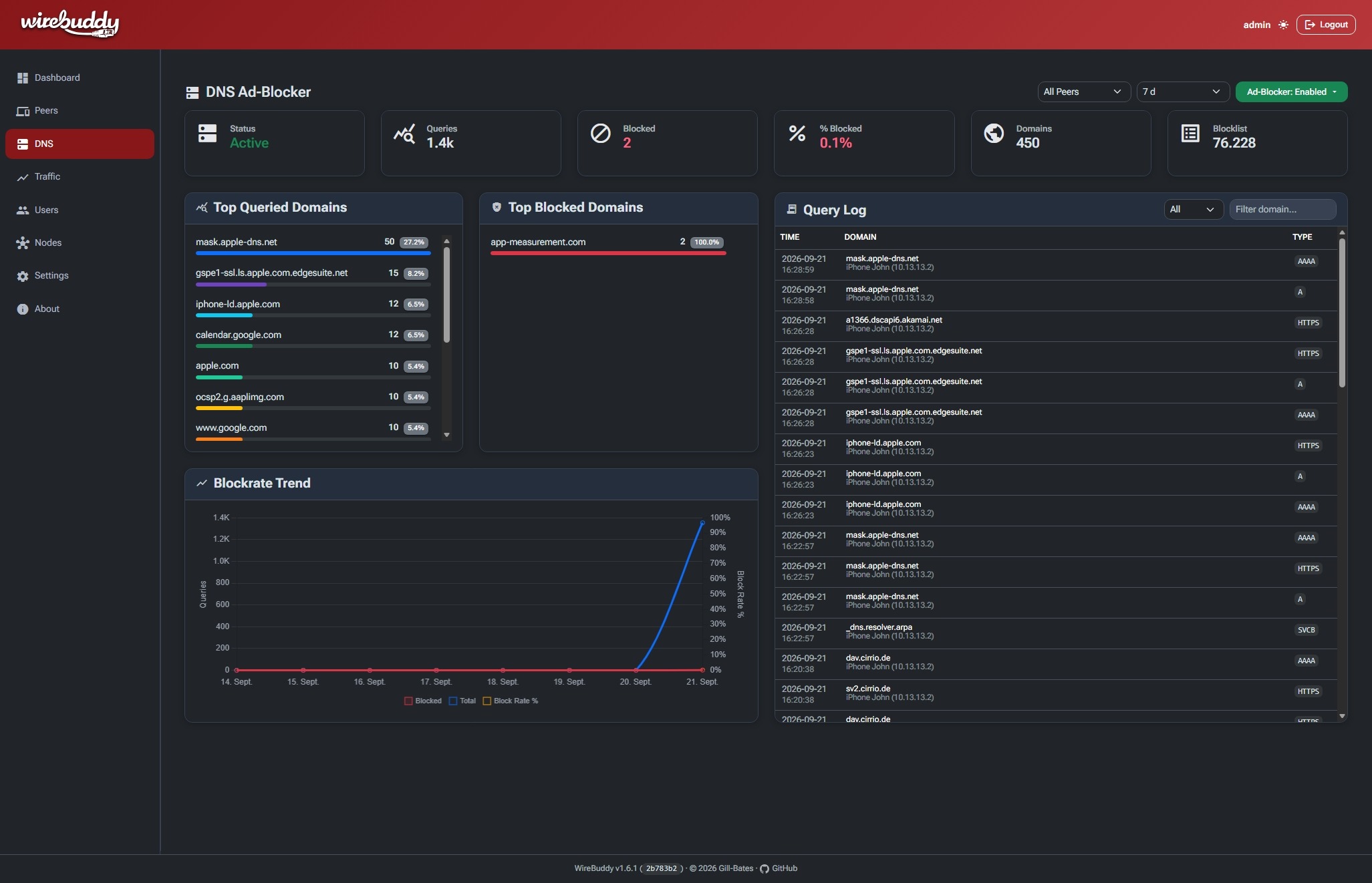
Traffic — per-peer RX/TX charts with destination breakdown by country and ASN.
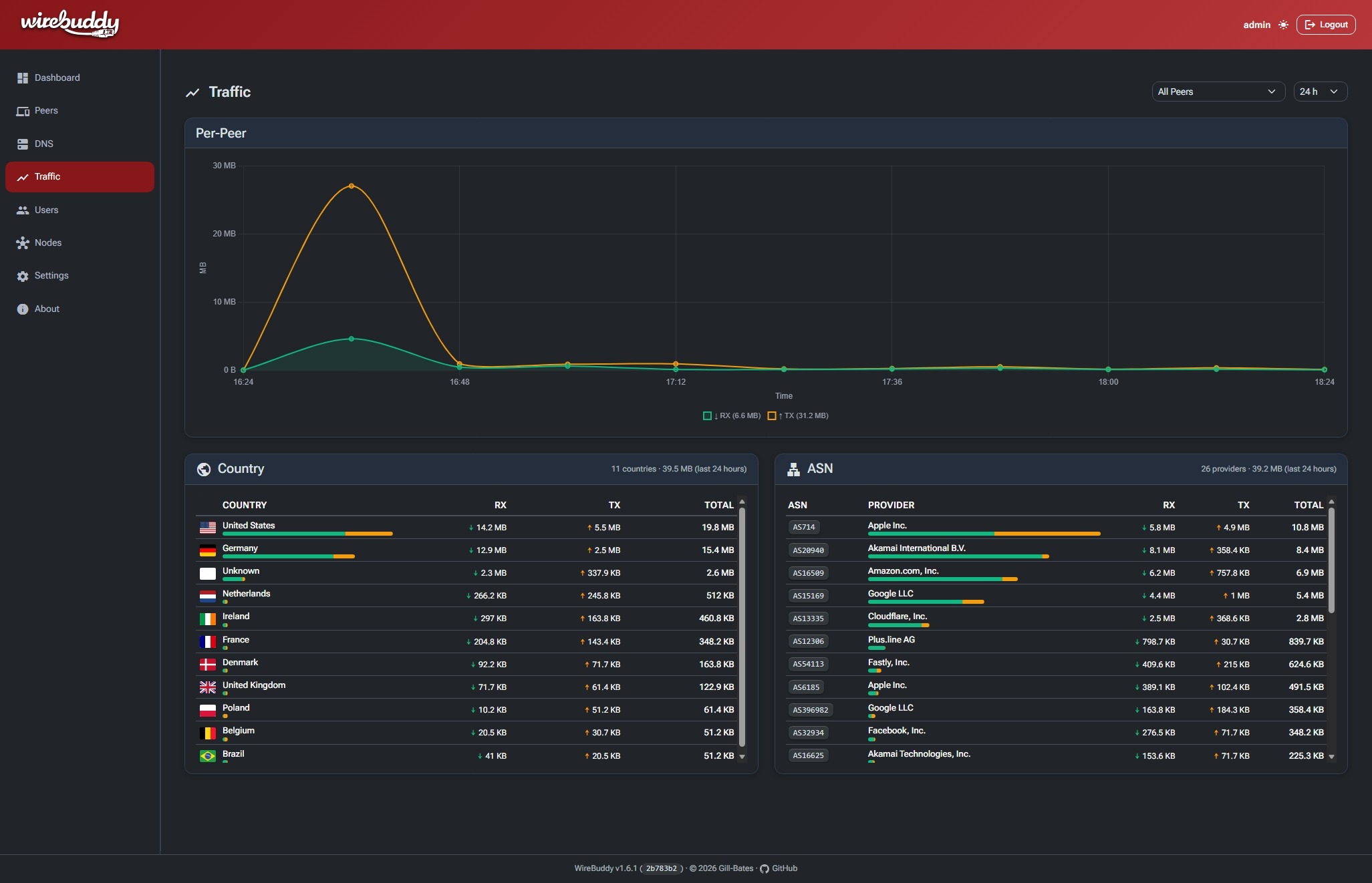
DNS Ad-Blocker — live query log, top blocked domains, and block-rate trend.
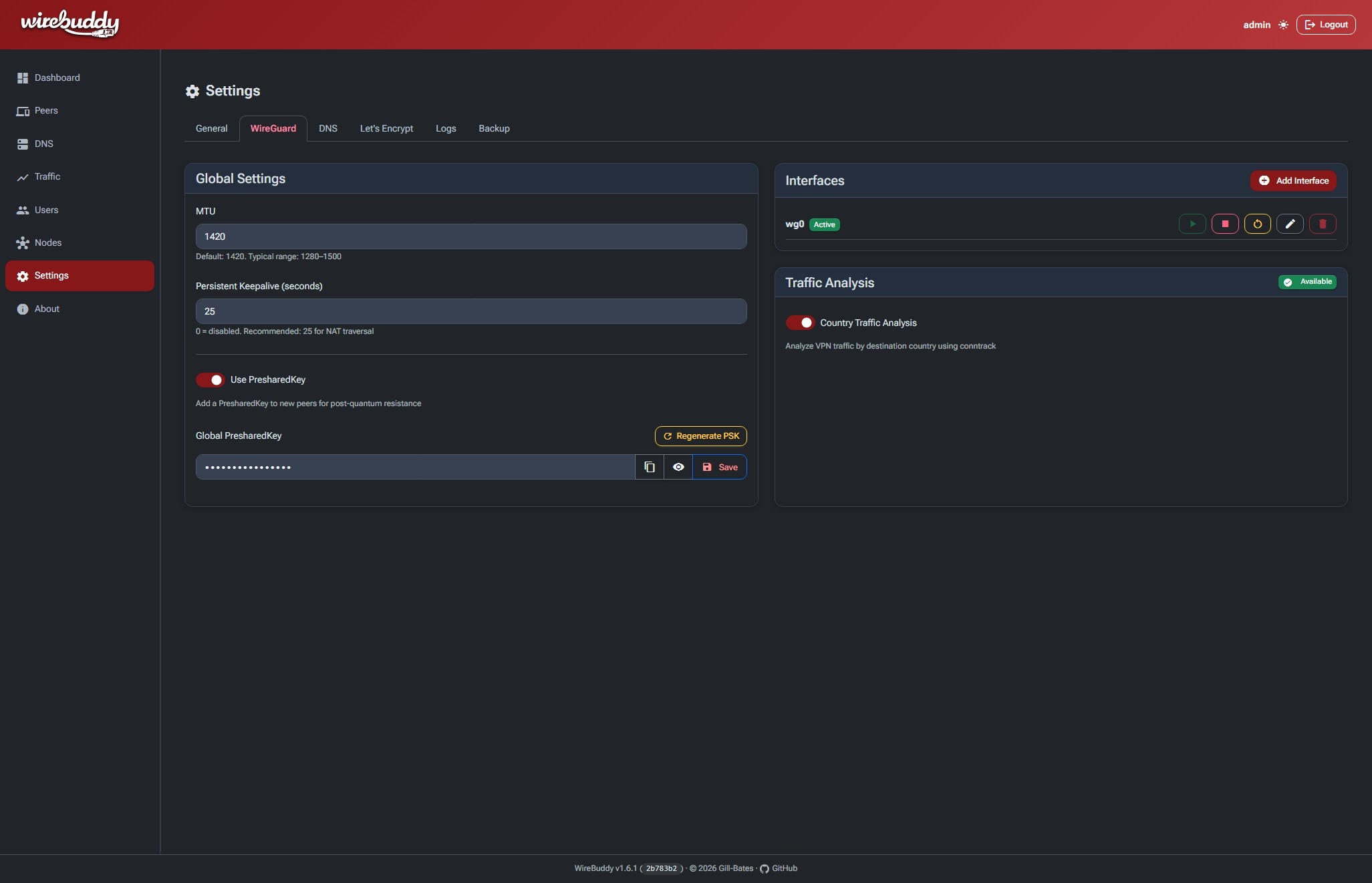
WireGuard Settings — global tunnel defaults, interface management, and traffic analysis.
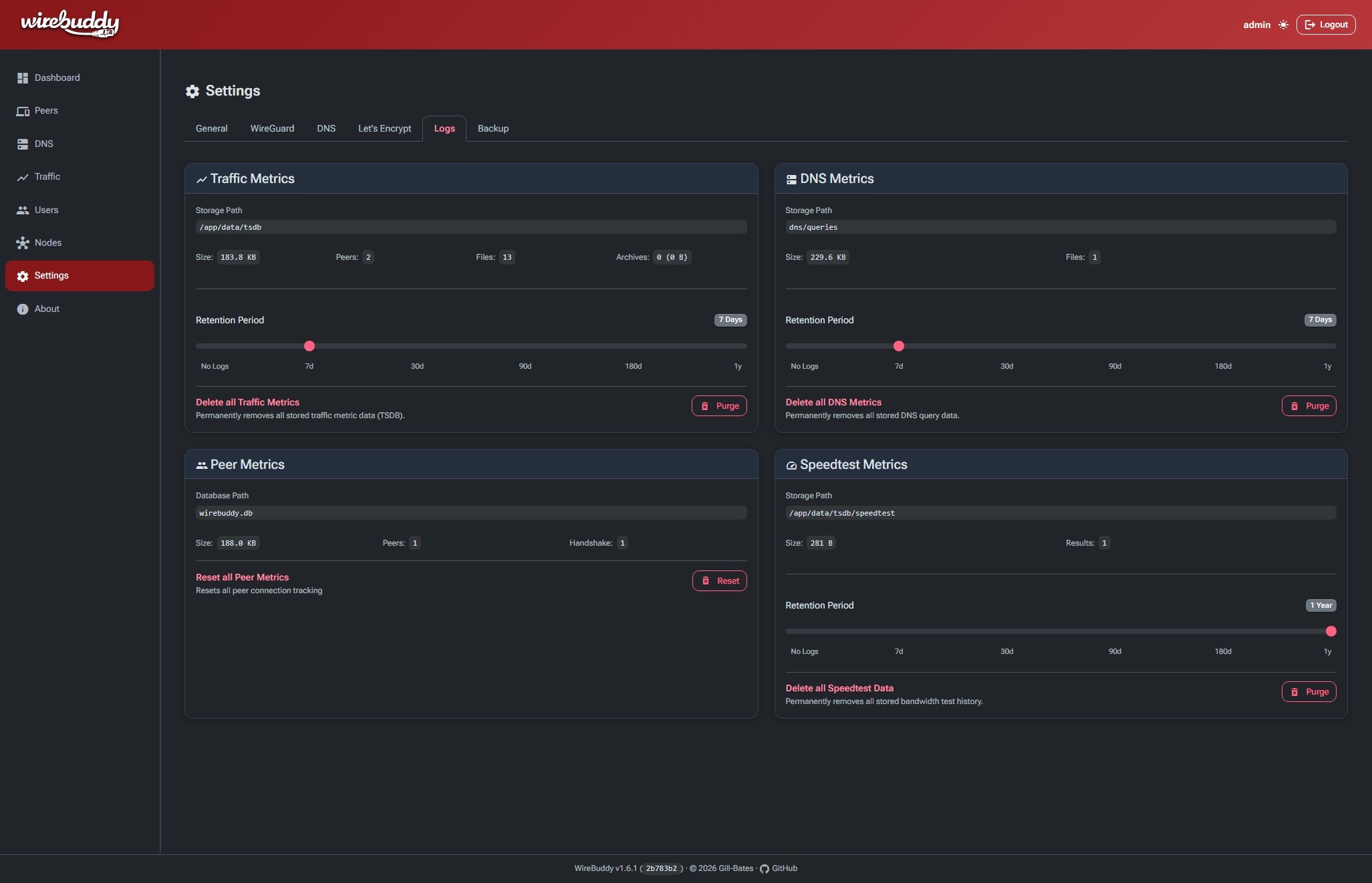
Logs — per-dataset retention and storage stats, with one-click purge.
Features
| Category | Highlights |
|---|---|
| WireGuard VPN | Multi-interface management, automatic keypair generation, routing presets, client isolation, QR codes for mobile setup |
| Multi-Node | Distributed VPN clusters, automatic peer synchronization, metrics aggregation, and token-based enrollment |
| DNS Ad-Blocking | Integrated Unbound resolver with blocklists, DNS-over-TLS, real-time query log, DNSSEC, client-scoped rules |
| Monitoring | Built-in time-series database, per-peer traffic charts, traffic analysis by country & ASN |
| GeoIP | MaxMind GeoLite2 integration, interactive heatmap, country flags & ASN badges |
| HTTPS & Certificates | Built-in HTTPS with self-signed or Let's Encrypt certificates, HTTP-01 validation, and certificate management |
| User Management | Multi-user roles, Passkeys (WebAuthn) & MFA (TOTP), login tracking |
| Web UI | Customizable drag-and-drop dashboard, responsive Bootstrap 5, dark/light/auto theme, Material Icons |
Getting Started
docker pull giiibates/wirebuddy:latest
WireBuddy expects Linux with network_mode: host, a /dev/net/tun device and
WireGuard support in the host kernel. Set WIREBUDDY_SECRET_KEY (required) and
open http://<your-server-ip>:8000. The temporary admin password is printed
once to the container log (docker logs wirebuddy).
The default setup serves the GUI over HTTP. To use WireBuddy's built-in HTTPS, enable Settings → General → Serve GUI over HTTPS, then restart the container. It uses a self-signed certificate until you obtain a Let's Encrypt certificate in Settings → Let's Encrypt.
For the Compose file, docker run command, environment variables, and security
setup, see the Documentation.
License
Released under the MIT License.
Maintained by Gill-Bates
Tag summary
Content type
Image
Digest
sha256:ba8654a94…
Size
119.3 MB
Last updated
9 days ago
docker pull giiibates/wirebuddy