
gravitycloud/gravity-ci-cd-agent
A Multi-Cloud and Multi-Region Kubernetes CI/CD Agent for ArgoCD
Image
Integration & delivery
Developer tools
1
5.9K
gravitycloud/gravity-ci-cd-agent repository overview
Gravity CI/CD Agent for ArgoCD
Gravity Agent for k8s is a multi-cloud and multi-region deployment tool. It enables easy replication of applications, low-code CI/CD setup on top of ArgoCD.
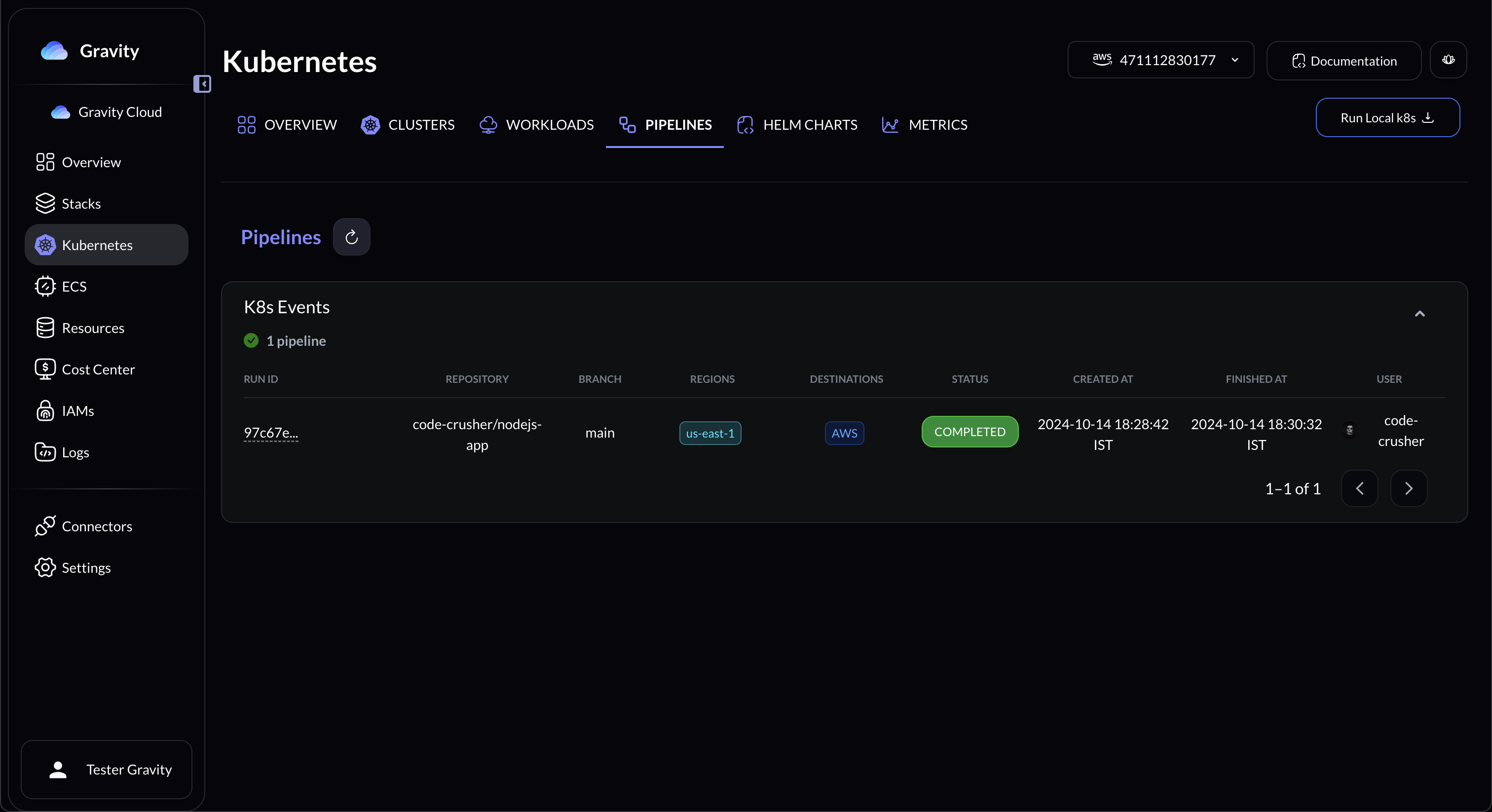
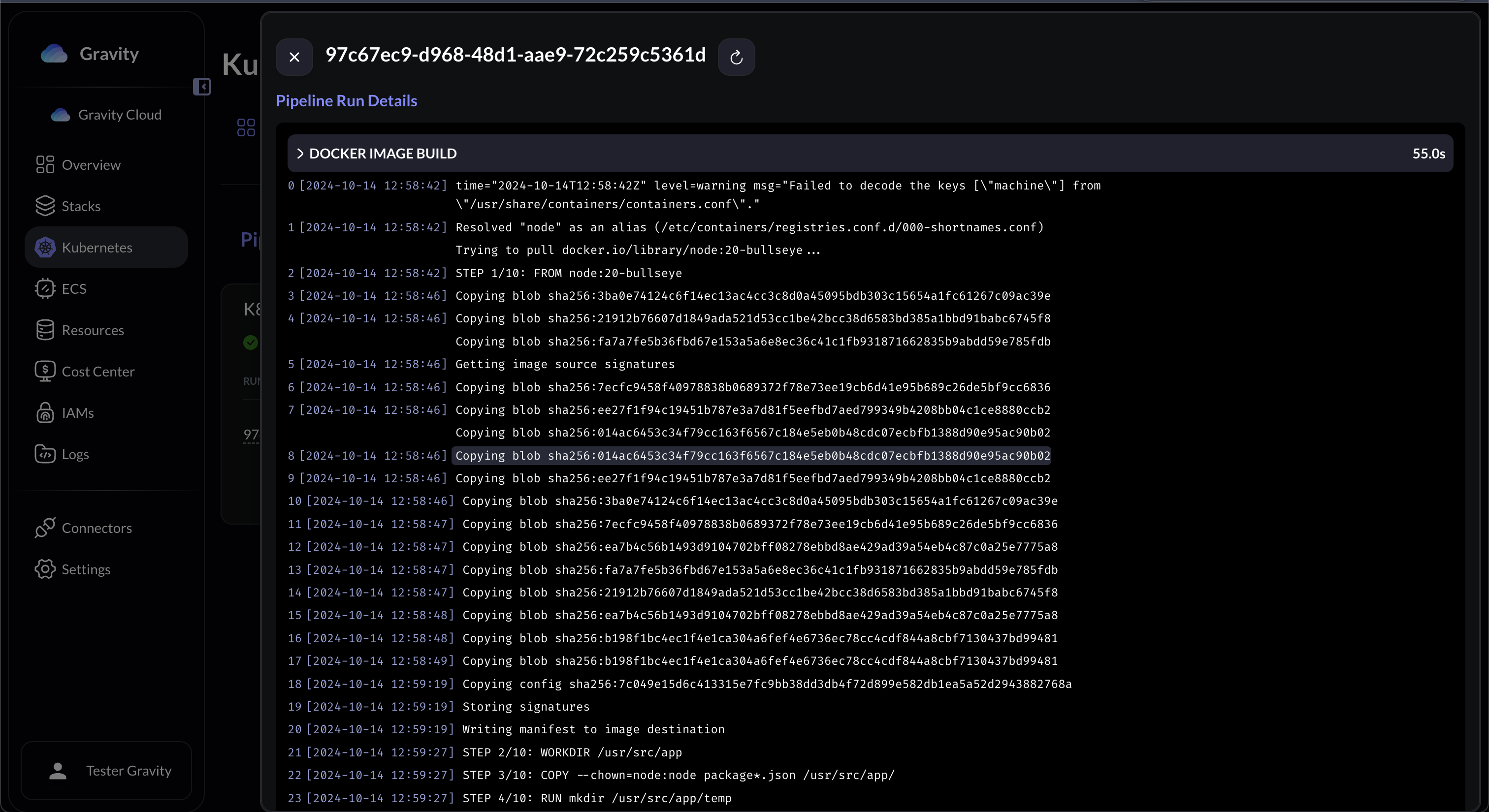
Setup
Github Repository
- Add the
gravity.yamlfile to the root of your repository. - Make the changes as per your app
You can use the following example as a template:
metadata:
  name: nodejs-app
spec:
  branch:
    - name: main
      approval: manual
    - name: development
      approval: automatic
  aws:
    repository:
      - name: nodejs-app-east
        regions:
          - us-east-1
        branch: main
        valueFile:
          source: s3
          bucket: gravity-app-prod-values
If you are using Github to store the values file, you can use the following example to setup the repository:
metadata:
  name: nodejs-app
spec:
  branch:
    - name: main
      approval: manual
    - name: development
      approval: automatic
  aws:
    repository:
      - name: nodejs-app-east
        regions:
          - us-east-1
        branch: main
        valueFile:
          source: git
- Update Github Action workflow with name as
Deployand only run CI, tests and any business logic to generate values file (such as secrets, no need to manage docker images)
Gravity K8s Agent
- Update the
example.envfile with the required variables.
GRAVITY_API_KEY=
GITHUB_TOKEN=
GITHUB_REPOSITORIES=array-separated-by-comma,second-repo
AWS_ACCESS_KEY_ID=access-key-with-ecr-login-and-push-permissions
AWS_SECRET_ACCESS_KEY=
AWS_ACCOUNT_ID=
POSTGRES_HOST=postgres-gravity-service
POSTGRES_DB=postgres
POSTGRES_USER=
POSTGRES_PASSWORD=
SLACK_WEBHOOK_URL=
ENV=production
GRAVITY_WEBSOCKET_URL=wss://api.gravitycloud.ai
GIT_BRANCHES_ALLOWED=main,staging
- Run
export $(grep -v '^#' example.env | xargs) && envsubst < deployment.yaml > deployment_subst.yamlto generate the deployment.yaml file with the actual values. - Deploy the application to Kubernetes using
kubectl apply -f deployment_subst.yaml.
Working
- The agent syncs with the repository and checks if there are any new CI actions completed.
- It then check the postgress database for the status of the deployment action (if completed previously, pending or failed)
- Generates the Docker file, and then iterates through the cloud accounts, regions while tagging and pushin them into the repositories.
- It will go and update the Values file in your git or Update the S3 values file along with the ArgoCD manifest file.
- In the whole workflow, Slack notifications can be setup as per your requirement.
- In the whole workflow, you can sync the deployment process with Gravity UI also.
Links
- Docker Hub: https://hub.docker.com/r/gravitycloud/gravity-ci-cd-agent
- Website: https://gravitycloud.ai
- Discord: https://discord.gg/fJU5DvanU3
Tag summary
Content type
Image
Digest
sha256:8cb308a28…
Size
358.3 MB
Last updated
over 1 year ago
docker pull gravitycloud/gravity-ci-cd-agent