grilix/gonic repository overview

FLOSS alternative to subsonic, supporting its many clients




libera.chat #gonic
features
- browsing by folder (keeping your full tree intact) see here
- browsing by tags (using taglib - supports mp3, opus, flac, ape, m4a, wav, etc.)
- on-the-fly audio transcoding and caching (requires ffmpeg) (thank you spijet)
- jukebox mode (thank you lxea)
- support for per-user podcasts (thank you lxea)
- pretty fast scanning (with my library of ~27k tracks, initial scan takes about 10m, and about 5s after incrementally)
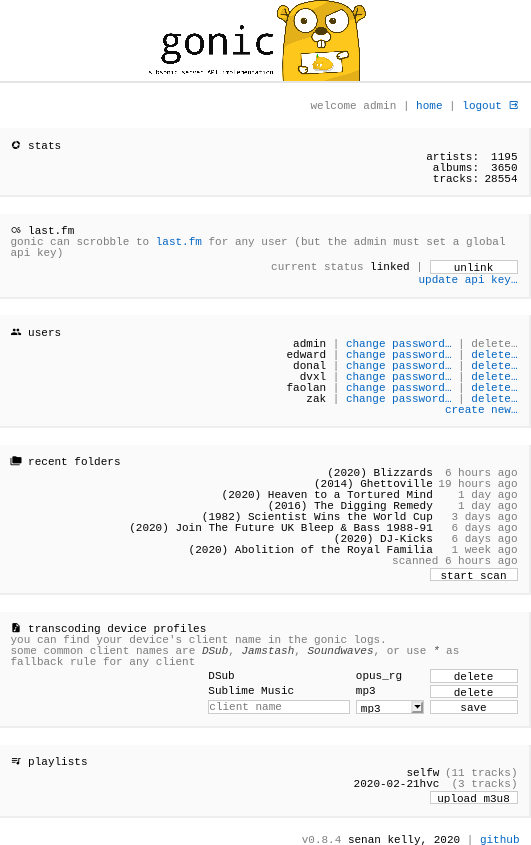
- multiple users, each with their own transcoding preferences, playlists, top tracks, top artists, etc.
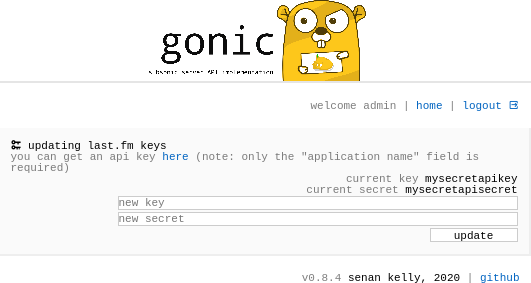
- last.fm scrobbling
- listenbrainz scrobbling (thank you spezifisch, lxea)
- artist similarities and biographies from the last.fm api
- multiple genre support (see
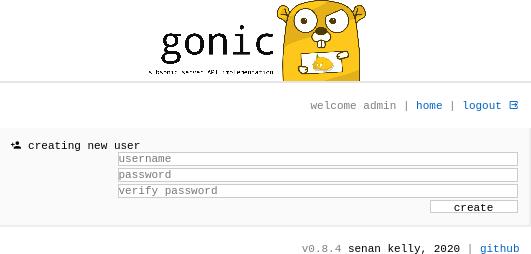
GONIC_GENRE_SPLITto split tag strings on a character, eg.;, and browse them individually) - a web interface for configuration (set up last.fm, manage users, start scans, etc.)
- support for the album-artist tag, to not clutter your artist list with compilation album appearances
- written in go, so lightweight and suitable for a raspberry pi, etc. (see ARM images below)
- newer salt and token auth
- tested on dsub, jamstash, sublime music, soundwaves, and stmp
installation
the default login is admin/admin.
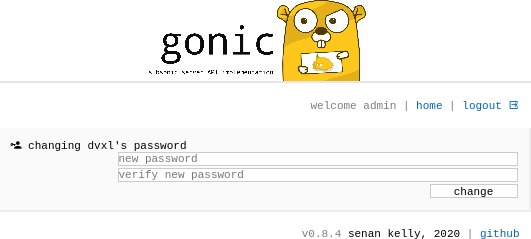
password can then be changed from the web interface
...from source
$ apt install build-essential git sqlite libtag1-dev ffmpeg libasound-dev # for debian like
$ pacman -S base-devel git sqlite taglib ffmpeg alsa-lib                  # for arch like
$ go install go.senan.xyz/gonic/cmd/gonic@latest
$ export PATH=$PATH:$HOME/go/bin
$ gonic -h # or see "configuration options below"
note: unfortunately if you do this above, you'll be compiling gonic locally on your machine (if someone knows how I can statically link sqlite3 and taglib, please let me know so I can distribute static binaries)
...with docker
the image is available on dockerhub as sentriz/gonic
available architectures are
linux/amd64linux/arm/v6linux/arm/v7linux/arm64
# example docker-compose.yml

version: '2.4'
services:
  gonic:
    image: sentriz/gonic:latest
    environment:
    - TZ
    # optionally, see more env vars below
    expose:
    - 80
    volumes:
    - ./data:/data                # gonic db etc
    - /path/to/music:/music:ro    # your music
    - /path/to/podcasts:/podcasts # your podcasts
    - /path/to/cache:/cache       # transcode / covers / etc cache dir

    # set the following two sections if you've enabled jukebox
    group_add:
    - audio
    devices:
    - /dev/snd:/dev/snd
then start with docker-compose up -d
...with systemd
tested on Ubuntu 21.04
- install go 1.16 or newer, check version, and install dependencies
$ sudo apt update
$ sudo apt install golang

$ go version
go version go1.16.2 linux/amd64

$ sudo apt install build-essential git sqlite libtag1-dev ffmpeg libasound-dev
- install / compile gonic globally, and check version
$ sudo GOBIN=/usr/local/bin go install go.senan.xyz/gonic/cmd/gonic@latest

$ gonic -version
v0.14.0
- add a gonic user, create a data directory, and install a config file
$ sudo adduser --system --no-create-home --group gonic
$ sudo mkdir -p /var/lib/gonic/ /etc/gonic/
$ sudo chown -R gonic:gonic /var/lib/gonic/
$ sudo wget https://raw.githubusercontent.com/sentriz/gonic/master/contrib/config -O /etc/gonic/config
- update the config with your
music-path,podcast-path, etc
$ sudo nano /etc/gonic/config
music-path        <path to your music dir>
podcast-path      <path to your podcasts dir>
cache-path        <path to cache dir>
- install the systemd service, check status or logs
$ sudo wget https://raw.githubusercontent.com/sentriz/gonic/master/contrib/gonic.service -O /etc/systemd/system/gonic.service
$ sudo systemctl daemon-reload
$ sudo systemctl enable --now gonic

$ systemctl status gonic            # check status, should be active (running)
$ journalctl --follow --unit gonic  # check logs
should be installed and running on boot now 👍
view the admin UI at http://localhost:4747
...elsewhere

configuration options
| env var | command line arg | description |
|---|---|---|
GONIC_MUSIC_PATH | -music-path | path to your music collection (see also multi-folder support below) |
GONIC_PODCAST_PATH | -podcast-path | path to a podcasts directory |
GONIC_CACHE_PATH | -cache-path | path to store audio transcodes, covers, etc |
GONIC_DB_PATH | -db-path | optional path to database file |
GONIC_LISTEN_ADDR | -listen-addr | optional host and port to listen on (eg. 0.0.0.0:4747, 127.0.0.1:4747) (default 0.0.0.0:4747) |
GONIC_PROXY_PREFIX | -proxy-prefix | optional url path prefix to use if behind reverse proxy. eg /gonic (see example configs below) |
GONIC_SCAN_INTERVAL | -scan-interval | optional interval (in minutes) to check for new music (automatic scanning disabled if omitted) |
GONIC_JUKEBOX_ENABLED | -jukebox-enabled | optional whether the subsonic jukebox api should be enabled |
GONIC_GENRE_SPLIT | -genre-split | optional a string or character to split genre tags on for multi-genre support (eg. ;) |
screenshots
 |  |  |  | 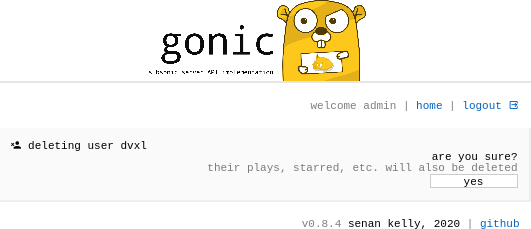 |
multiple folders support (v0.15+)
gonic supports multiple music folders. this can be handy if you have your music separated by albums, compilations, singles. or maybe 70s, 80s, 90s. whatever.
if you're running gonic with the command line, stack the -music-path arg
$ gonic -music-path /path/to/albums -music-path /path/to/compilations
if you're running gonic with ENV_VARS, or docker, try separate with a comma
GONIC_MUSIC_PATH=/path/to/albums,/path/to/compilations
if you're running gonic with the config file, you can repeat the music-path option
music-path /path/to/albums
music-path /path/to/compilations
after that, most subsonic clients should allow you to select which music folder to use. queries like show me "recently played compilations" or "recently added albums" are possible for example.
example nginx config with GONIC_PROXY_PREFIX
  location /gonic/ {
      proxy_pass http://localhost:4747/;
      # set "Secure" cookie if using HTTPS
      proxy_cookie_path / "/; Secure";
      # set "X-Forwarded-Host" header for last.fm connection callback
      proxy_set_header X-Forwarded-Host $host;
  }
directory structure
when browsing by folder, any arbitrary and nested folder layout is supported, with the following caveats:
- Files from the same album must all be in the same folder
- All files in a folder must be from the same album
please see here for more context
music
├── drum and bass
│   └── Photek
│       └── (1997) Modus Operandi
│           ├── 01.10 The Hidden Camera.flac
│           ├── 02.10 Smoke Rings.flac
│           ├── 03.10 Minotaur.flac
│           └── folder.jpg
└── experimental
    └── Alan Vega
        ├── (1980) Alan Vega
        │   ├── 01.08 Jukebox Babe.flac
        │   ├── 02.08 Fireball.flac
        │   ├── 03.08 Kung Foo Cowboy.flac
        │   └── folder.jpg
        └── (1990) Deuce Avenue
            ├── 01.13 Body Bop Jive.flac
            ├── 02.13 Sneaker Gun Fire.flac
            ├── 03.13 Jab Gee.flac
            └── folder.jpg
Tag summary
Content type
Image
Digest
Size
41.8 MB
Last updated
over 4 years ago
docker pull grilix/gonic:public-playlists