hasan72341/nyora
Self-hosted manga/manhwa reader in Docker: web UI + Kotatsu parser helper, fully local.
173
hasan72341/nyora repository overview
Nyora — Self-Hosted Manga Reader in Docker
Run your own manga / manhwa / manhua reader in one container. hasan72341/nyora bundles the
web reader UI and the parser helper (the open-source Kotatsu
engine) together, so every source is parsed on your own machine — no cloud, no account, no
tracking, no ads. A fully-local, self-hosted Tachiyomi / Mihon / Kotatsu alternative you own end to end.
Run it
docker run -d --name nyora -p 8080:8080 -v nyora-data:/data hasan72341/nyora:latest
Open http://localhost:8080 — that's the whole install.
For sources behind a Cloudflare challenge, use the Compose file (it adds a FlareSolverr sidecar):
git clone https://github.com/Hasan72341/nyora-docker
cd nyora-docker
docker compose pull && docker compose up -d
What you get
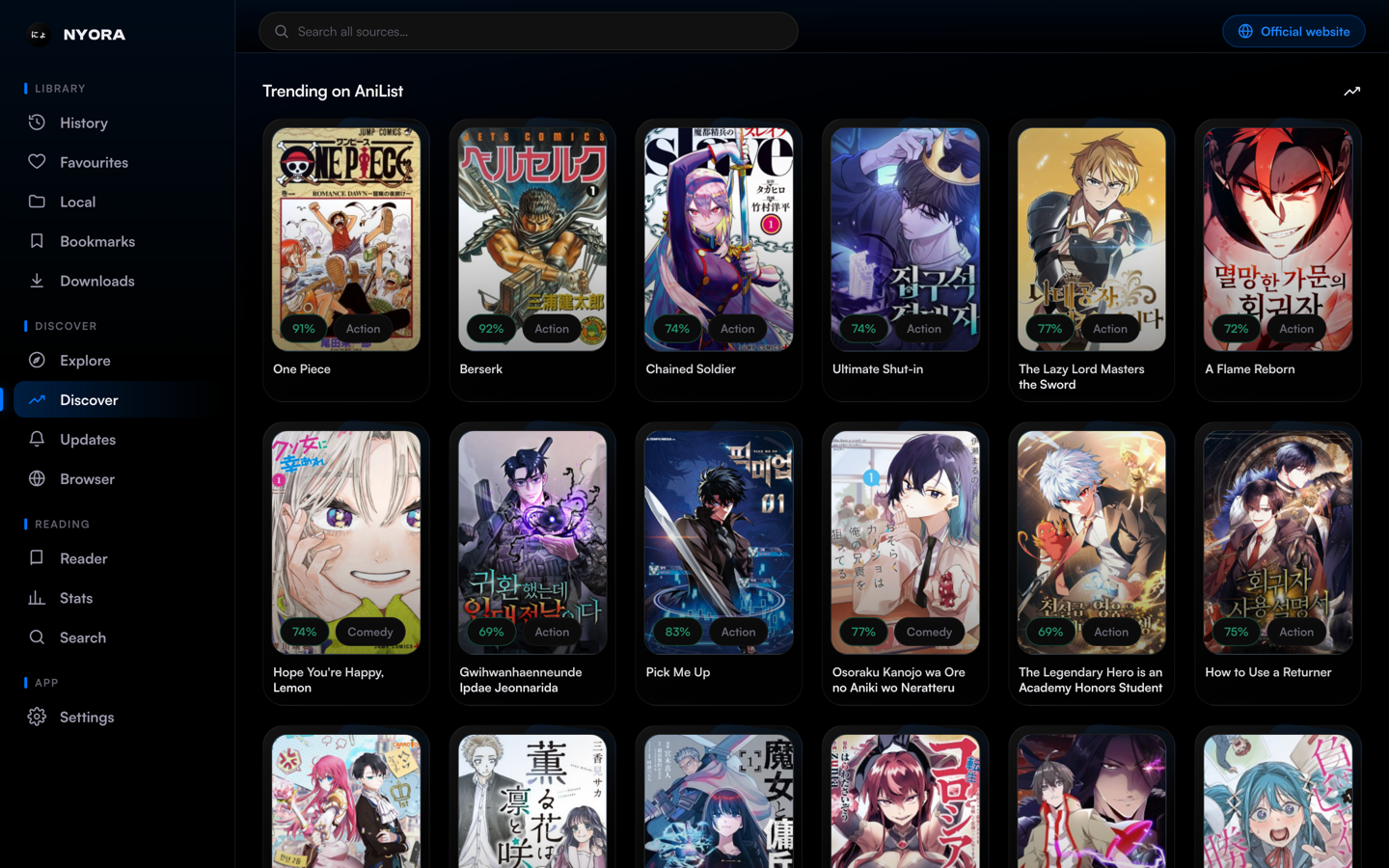
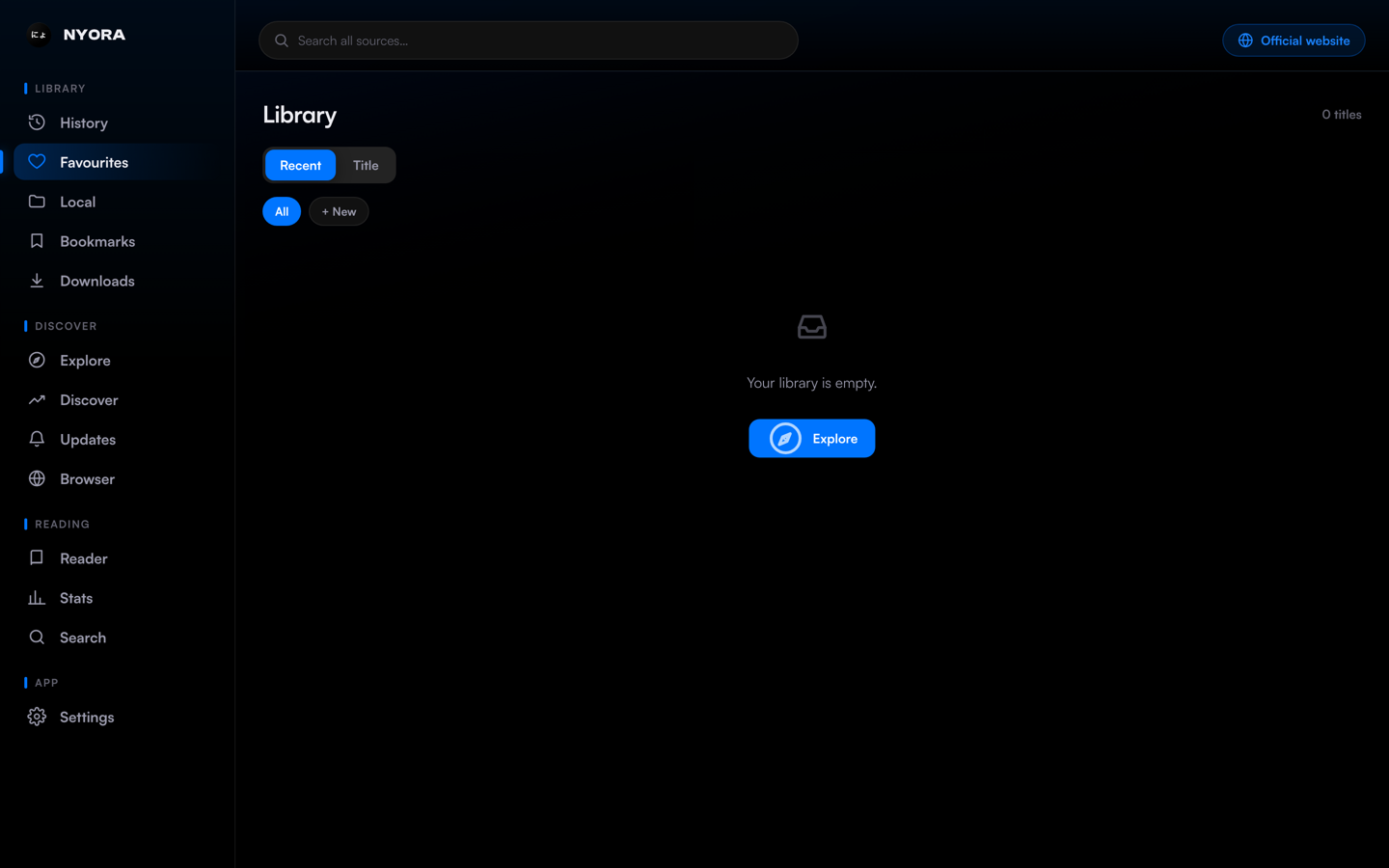
- A polished web reader — standard + webtoon modes (LTR / RTL / vertical), library, custom categories, reading history.
- Hundreds of manga / manhwa / manhua sources parsed locally by the in-container Kotatsu engine.
- 100% local reading — nothing about what you read leaves your machine. Optional cross-device sync is the only remote piece (self-host it or use a guest session).
- No ads, no tracking, no sign-up. Open-source, Apache-2.0.
Screenshots
 |  |
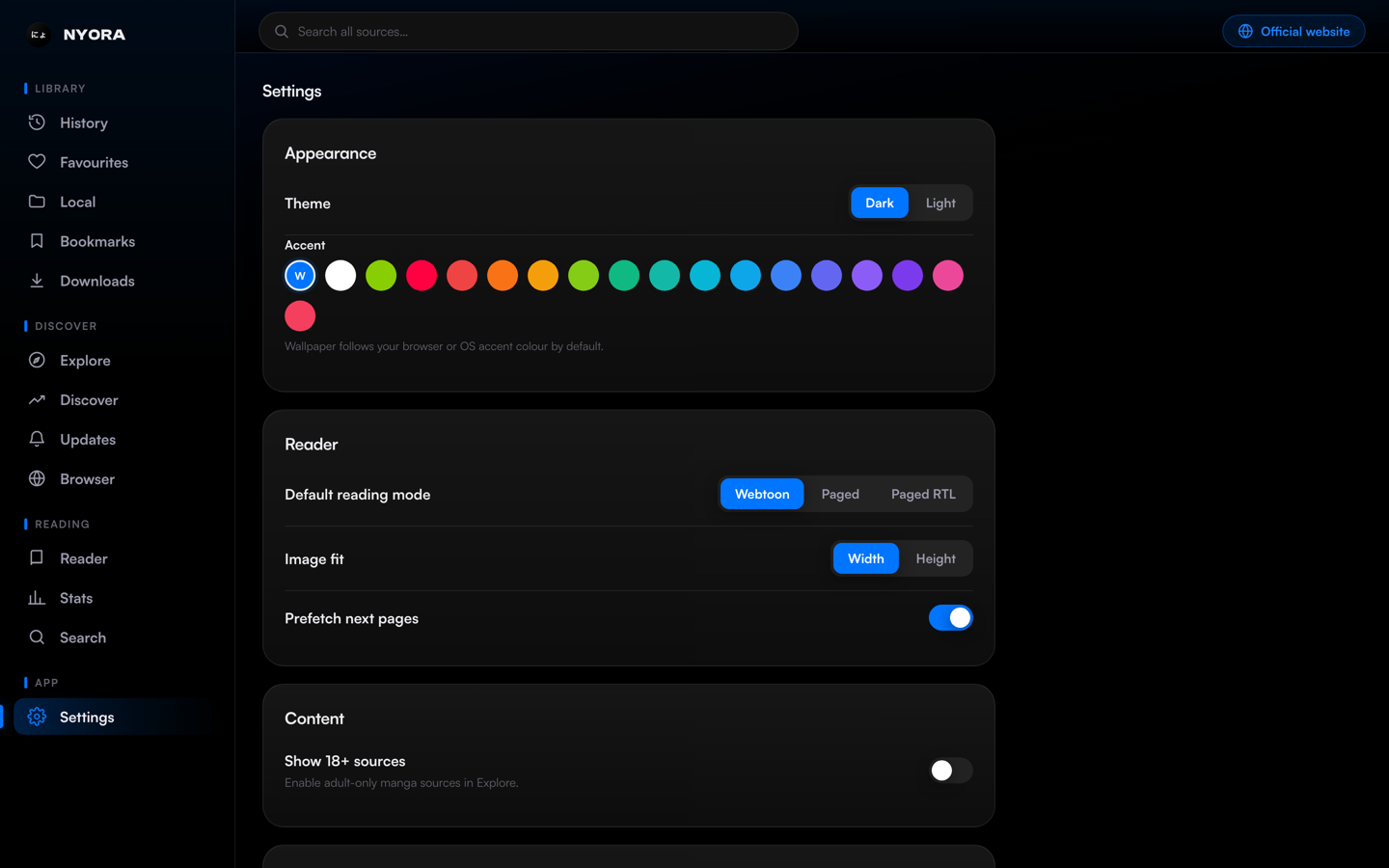 | 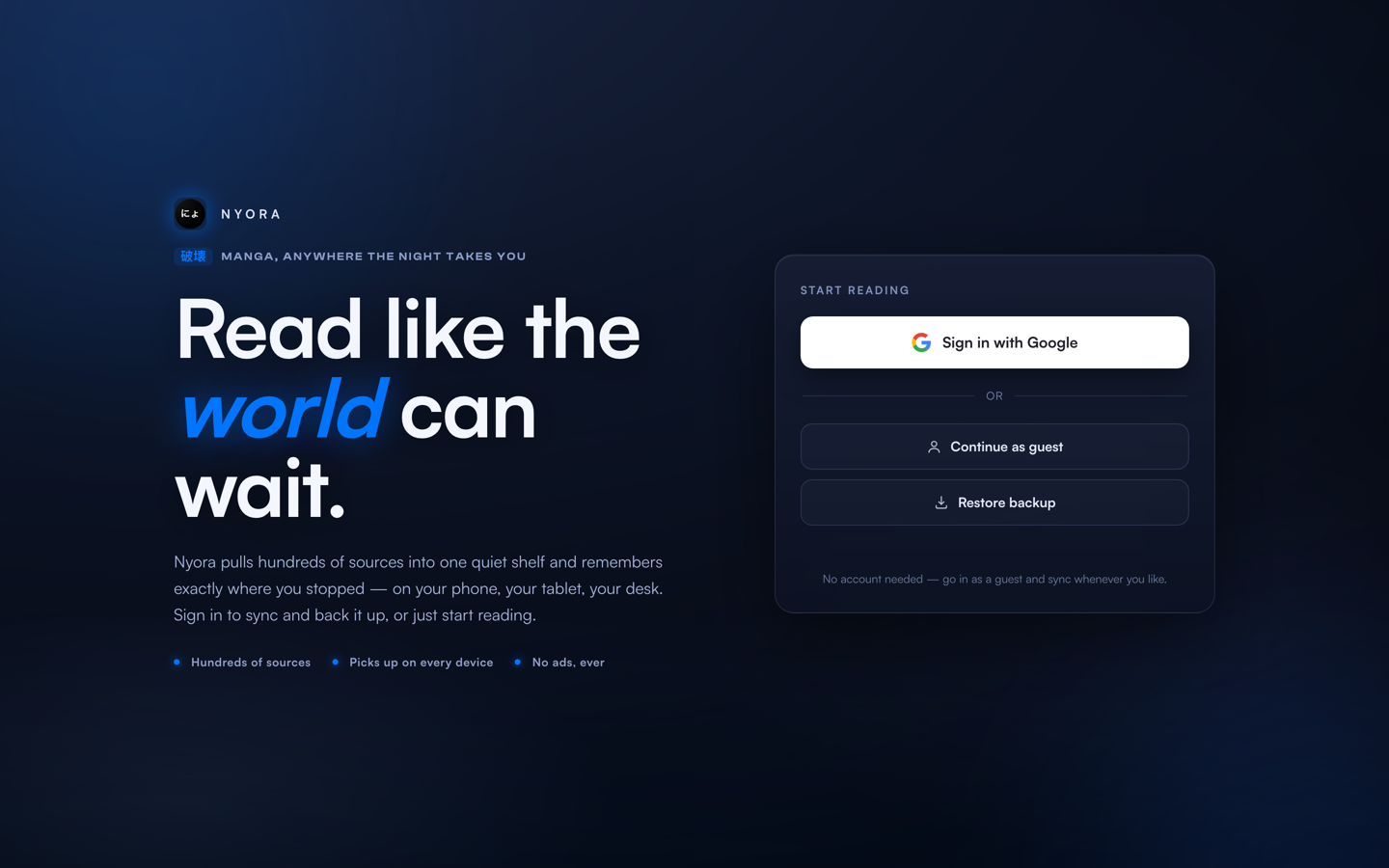 |
The Nyora web reader — running entirely from your own Docker container.
How it works
- Caddy :8080 serves the web SPA and reverse-proxies
/api/*to the local helper (same-origin, no CORS). - Java helper :8788 is the Kotatsu parser engine + REST server — it fetches and parses each source and proxies covers/pages.
The browser only ever talks to the one origin it loaded from; the helper does all the parsing server-side, on your box.
Configuration
| Setting | Default | Purpose |
|---|---|---|
| host port | 8080 | -p <host>:8080 |
/data volume | — | persists your library, history, settings + SQLite DB |
NYORA_SYNC_URL | Nyora Cloud | optional sync backend (self-host / omit) |
NYORA_HELPER_PORT | 8788 | loopback port the helper binds behind /api |
JAVA_OPTS | -Xmx320m … | JVM tuning for the helper |
Behind HTTPS? Just proxy your hostname to the container's :8080 (Caddy / Traefik / nginx) — the app adapts to whatever origin it's served from, no extra config.
Tags & platforms
latest— currently linux/arm64 (a multi-arch amd64 + arm64 build is planned).
FAQ
How do I self-host a manga reader with Docker? — docker run -d -p 8080:8080 hasan72341/nyora and open localhost:8080.
Is this a self-hosted Tachiyomi / Mihon / Kotatsu alternative? — Yes, a fully-local one built on the Kotatsu parser engine.
Does it need an account or phone home? — No; reading is entirely local, sync is optional.
Where is my library stored? — In the /data volume; back it up by copying that volume.
Links
- Repo & full docs: https://github.com/Hasan72341/nyora-docker
- Nyora project (every repo): https://github.com/Hasan72341/Nyora
- Apps + hosted web reader: https://nyora.pages.dev
Apache-2.0. Built on the open-source Kotatsu parser engine; not affiliated with Tachiyomi, Mihon or Kotatsu.
Tag summary
Content type
Image
Digest
sha256:d13f355a1…
Size
208.6 MB
Last updated
3 months ago
docker pull hasan72341/nyora