hiddenath/bookhaven
A self-contained 3D e-book reader — a web application that simulates a physical book
329
hiddenath/bookhaven repository overview
📖 BookHaven 3D
A self-contained 3D e-book reader — a web application that simulates a physical book in three-dimensional space. No build step, no Node.js, no npm — just a browser and Python.
🌐 Live demo: 129.151.144.75:8080 — try it before installing
🎬 Demo
⚠️ The media below is large — click to expand (high traffic, ~9 MB total).
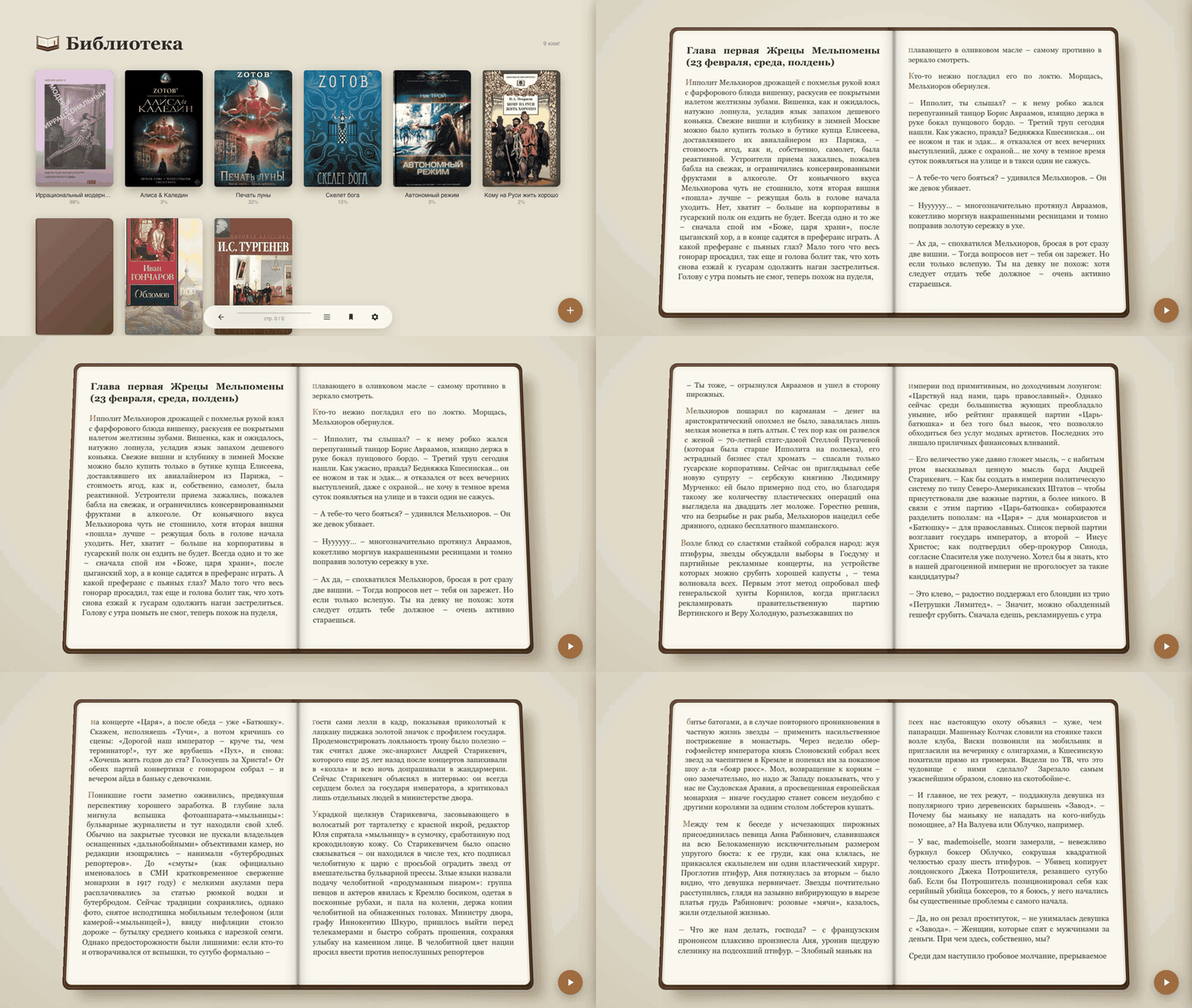
▶️ 3D page-flip animation (GIF, ~3.7 MB)
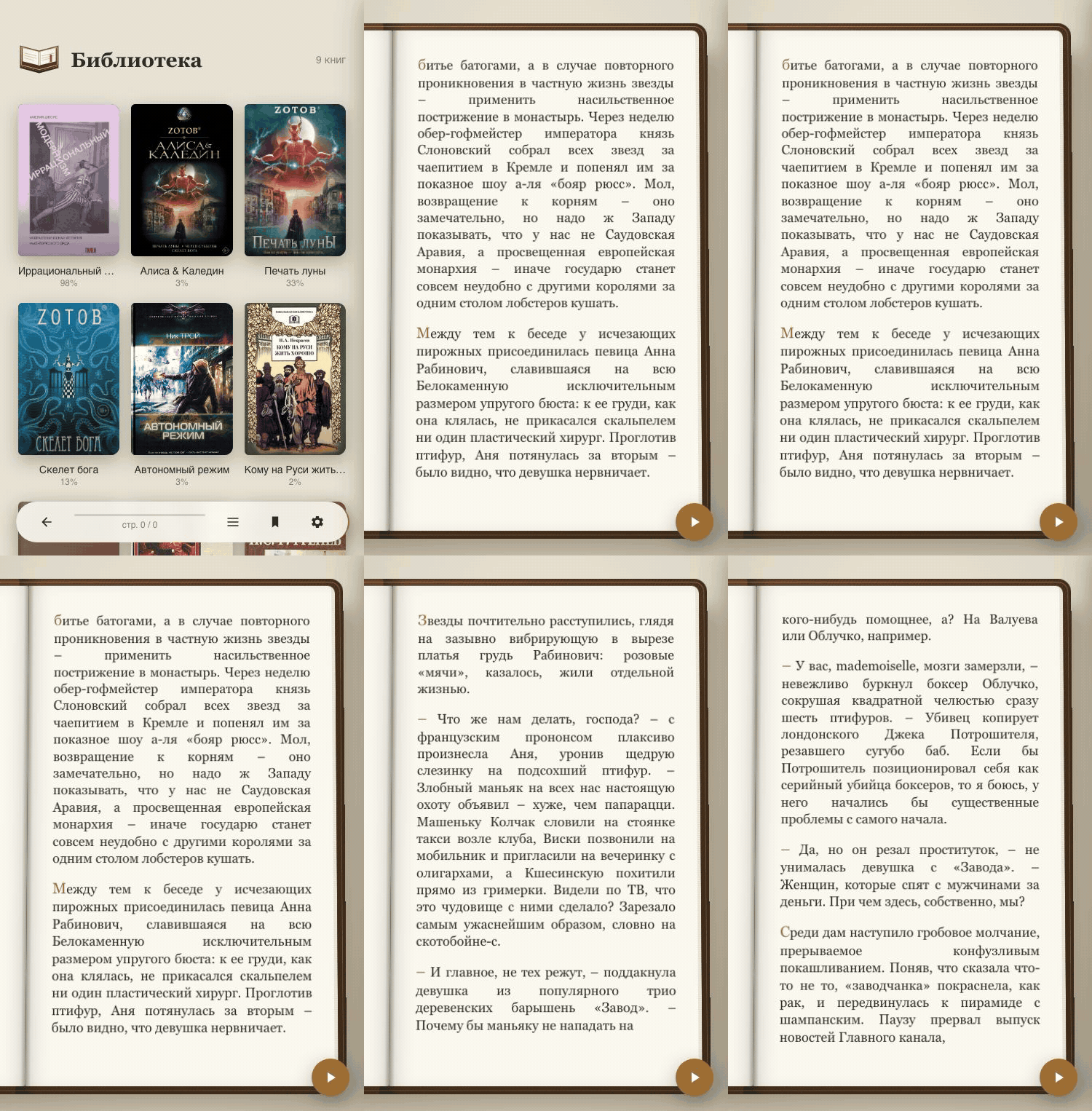
📱 Single-page mode on a phone (GIF, ~3.2 MB)
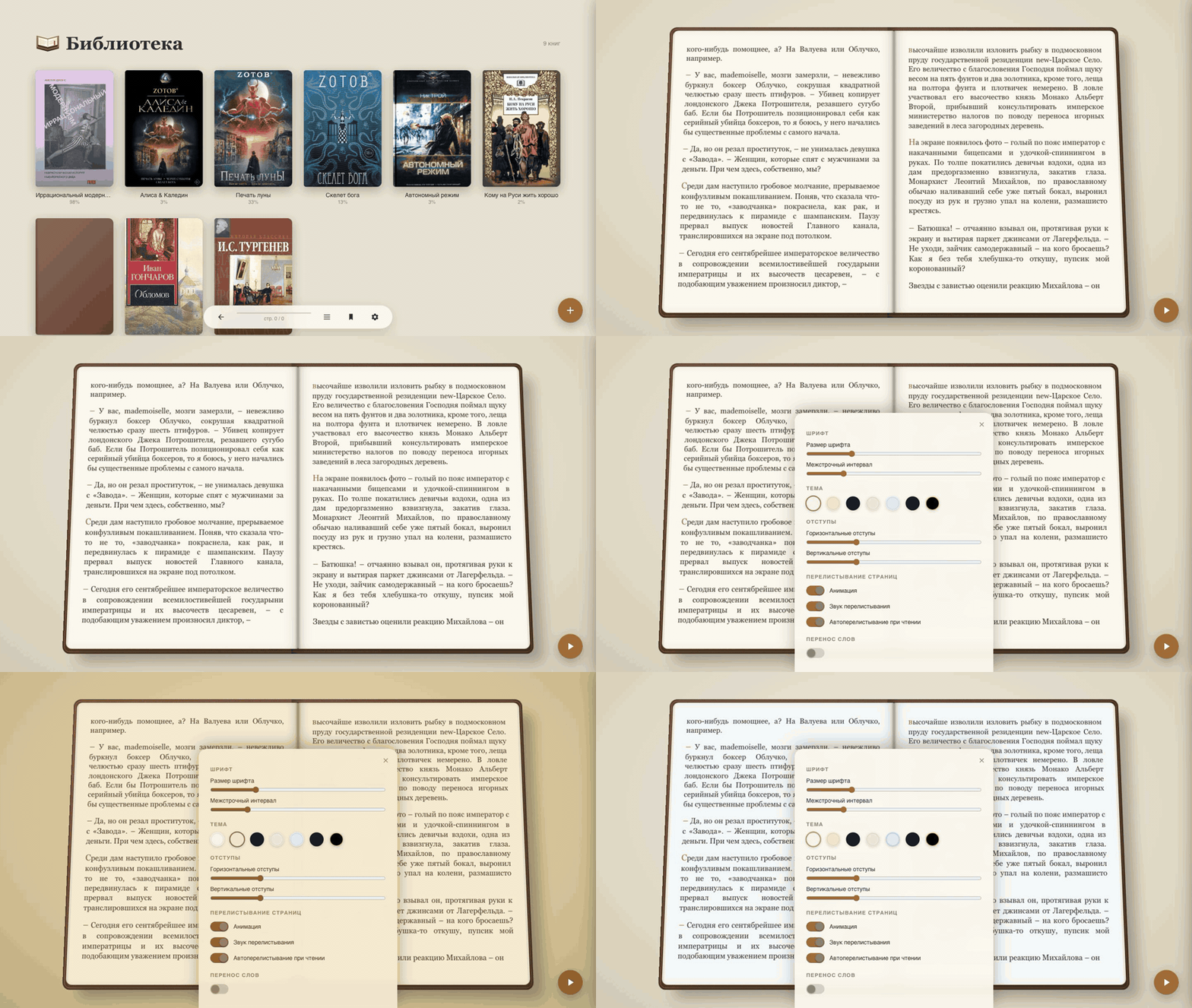
🎨 Themes and settings (GIF, ~1.6 MB)
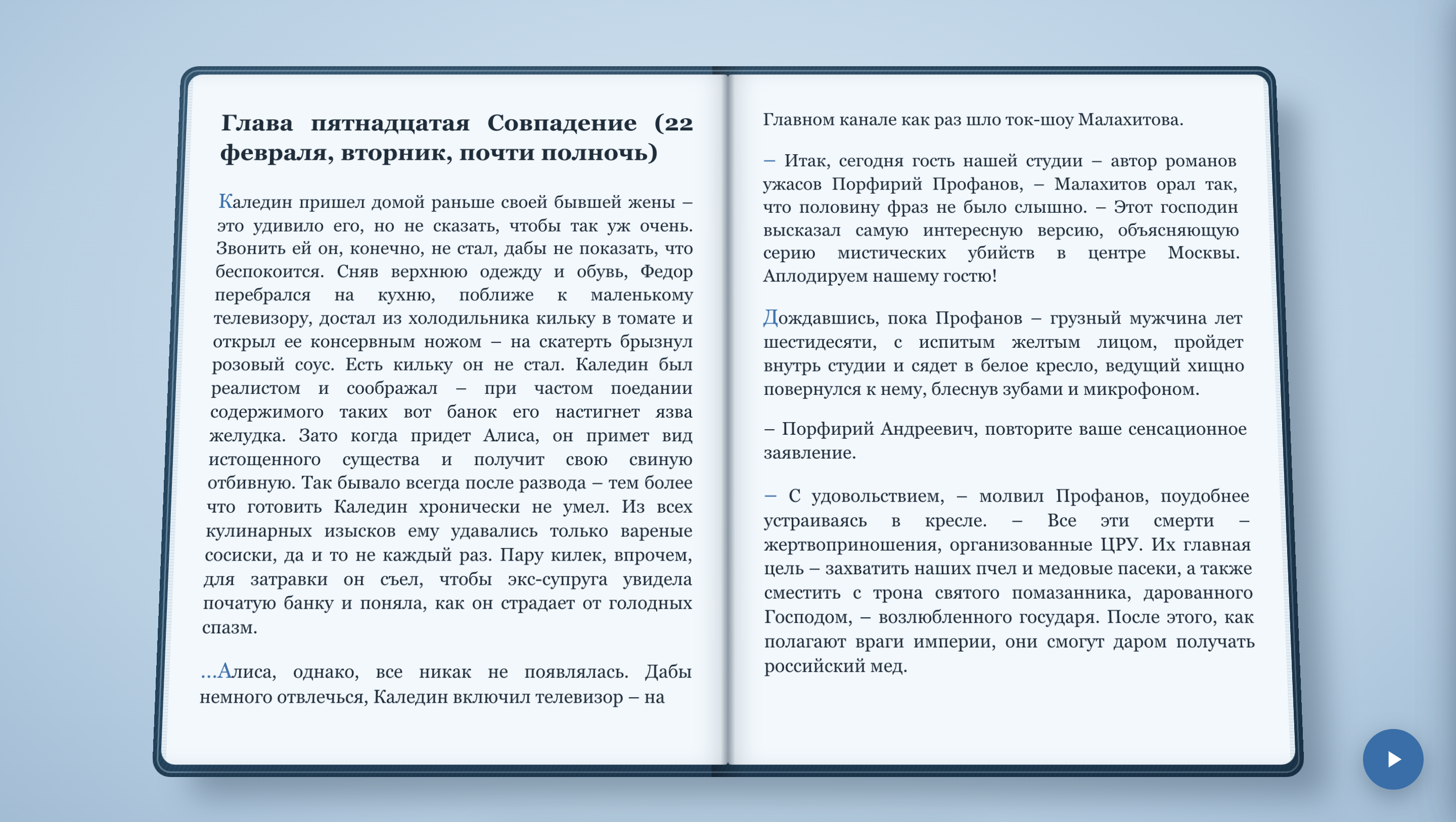
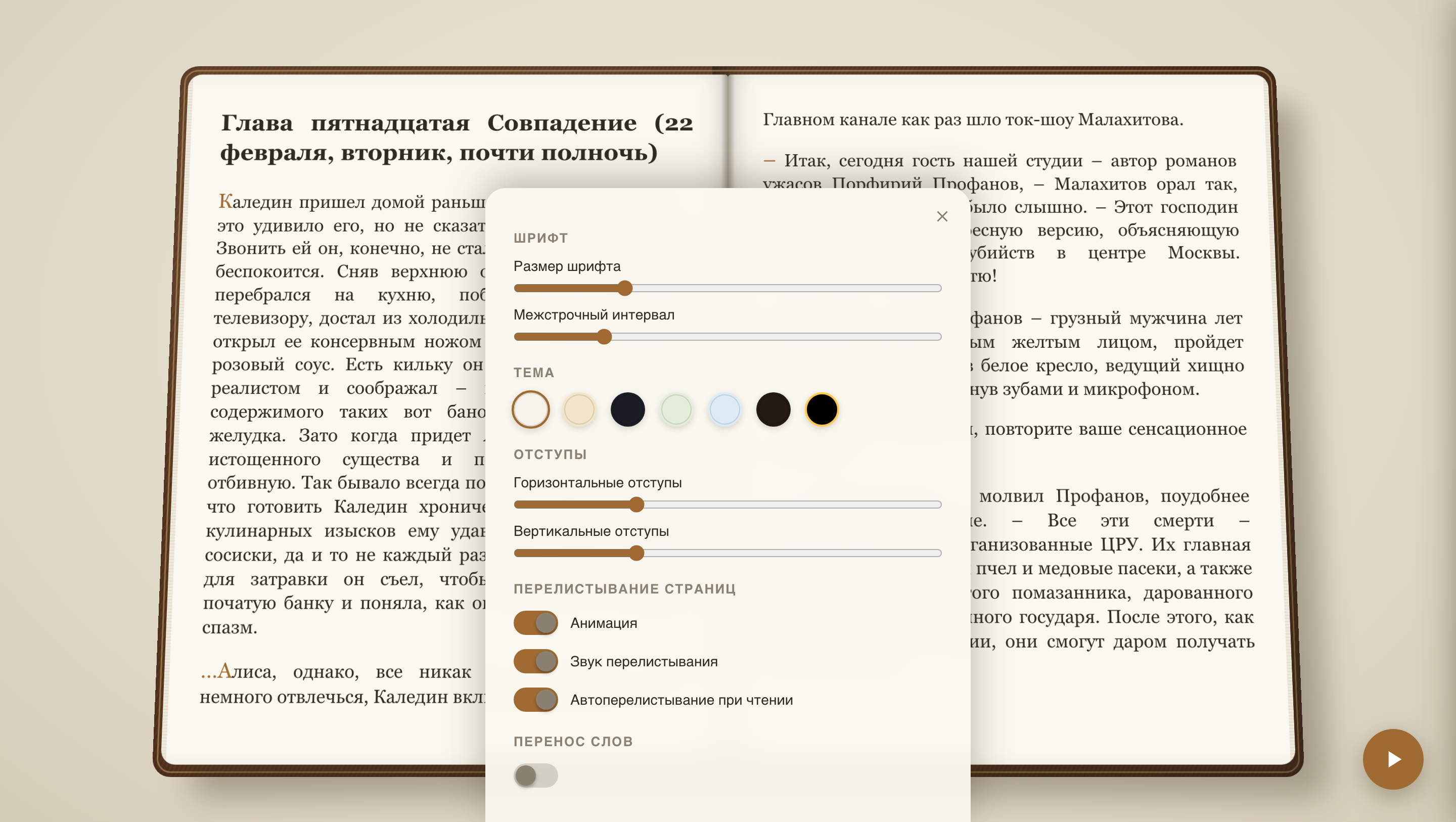
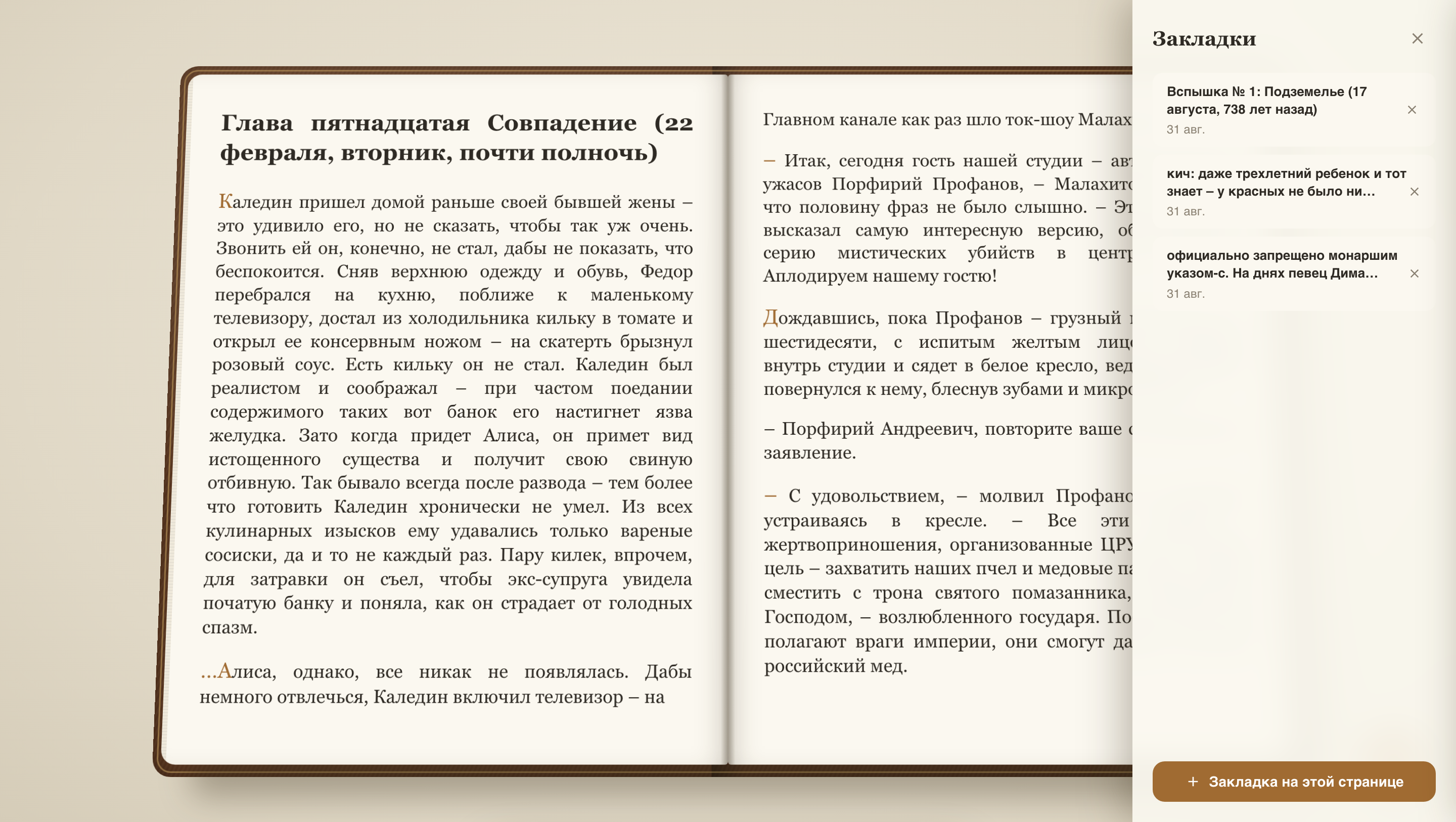
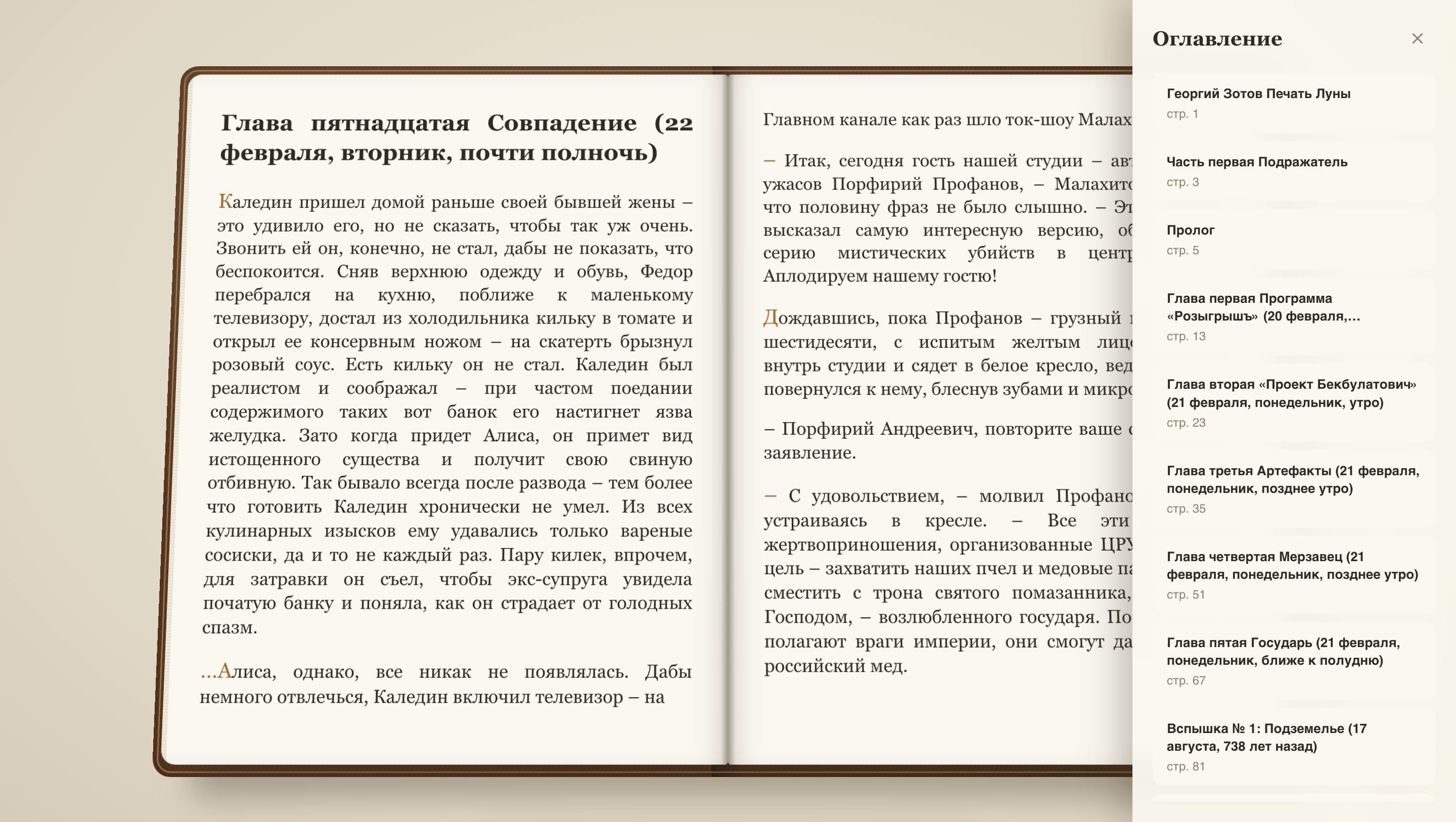
📸 Screenshots
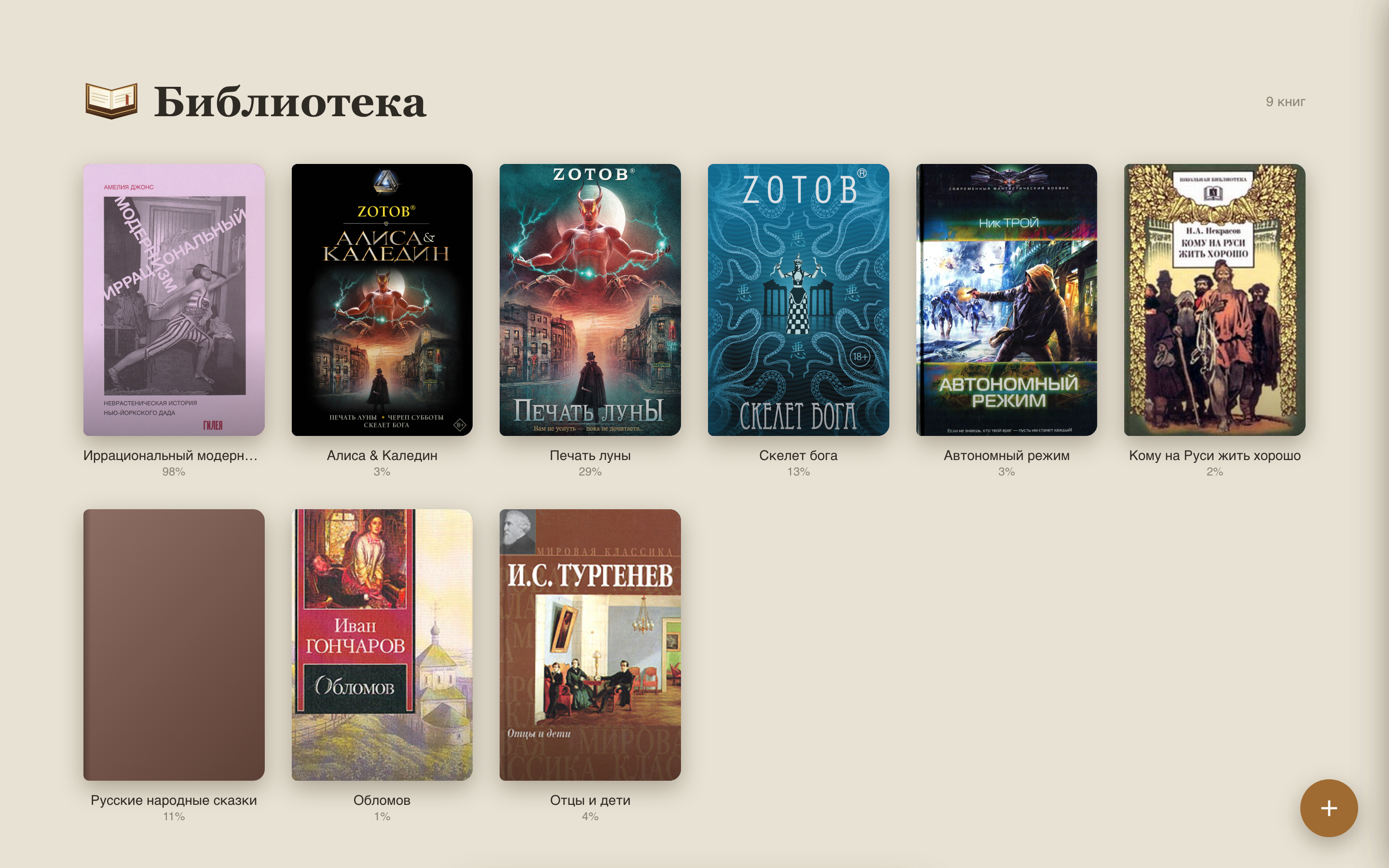
🖼️ Show screenshots (13 images, ~24 MB total)
 | 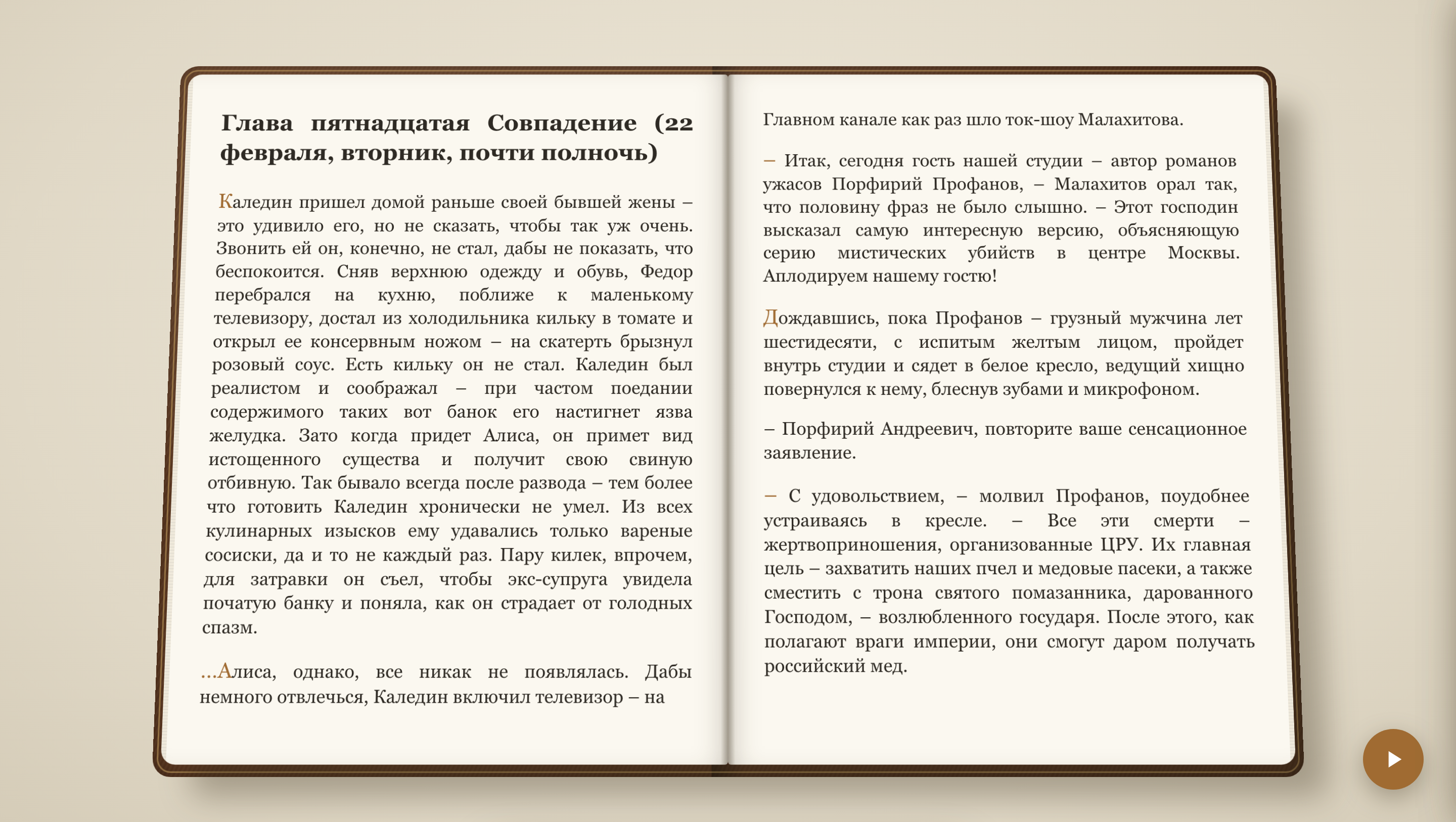 |
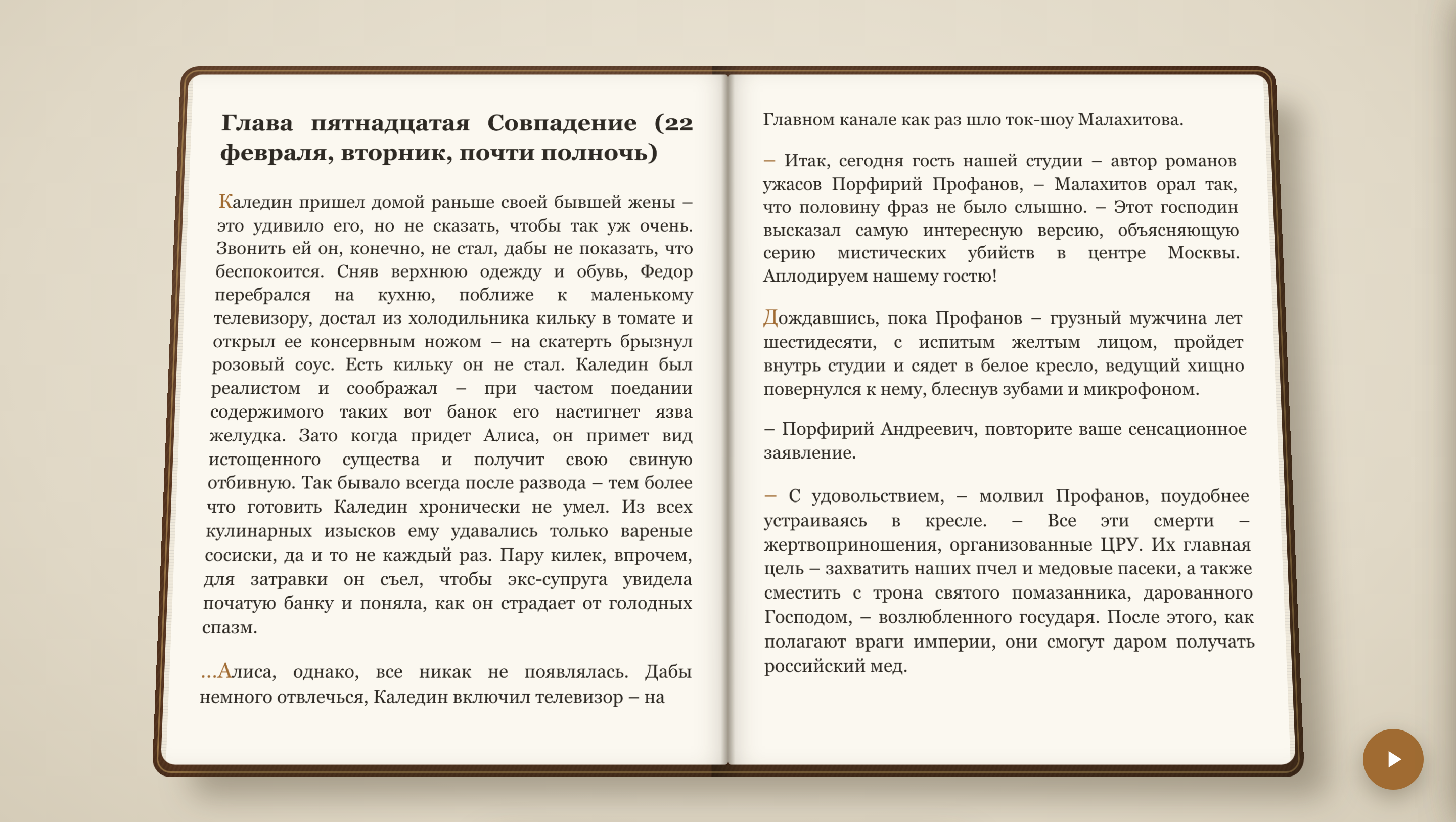 |  |
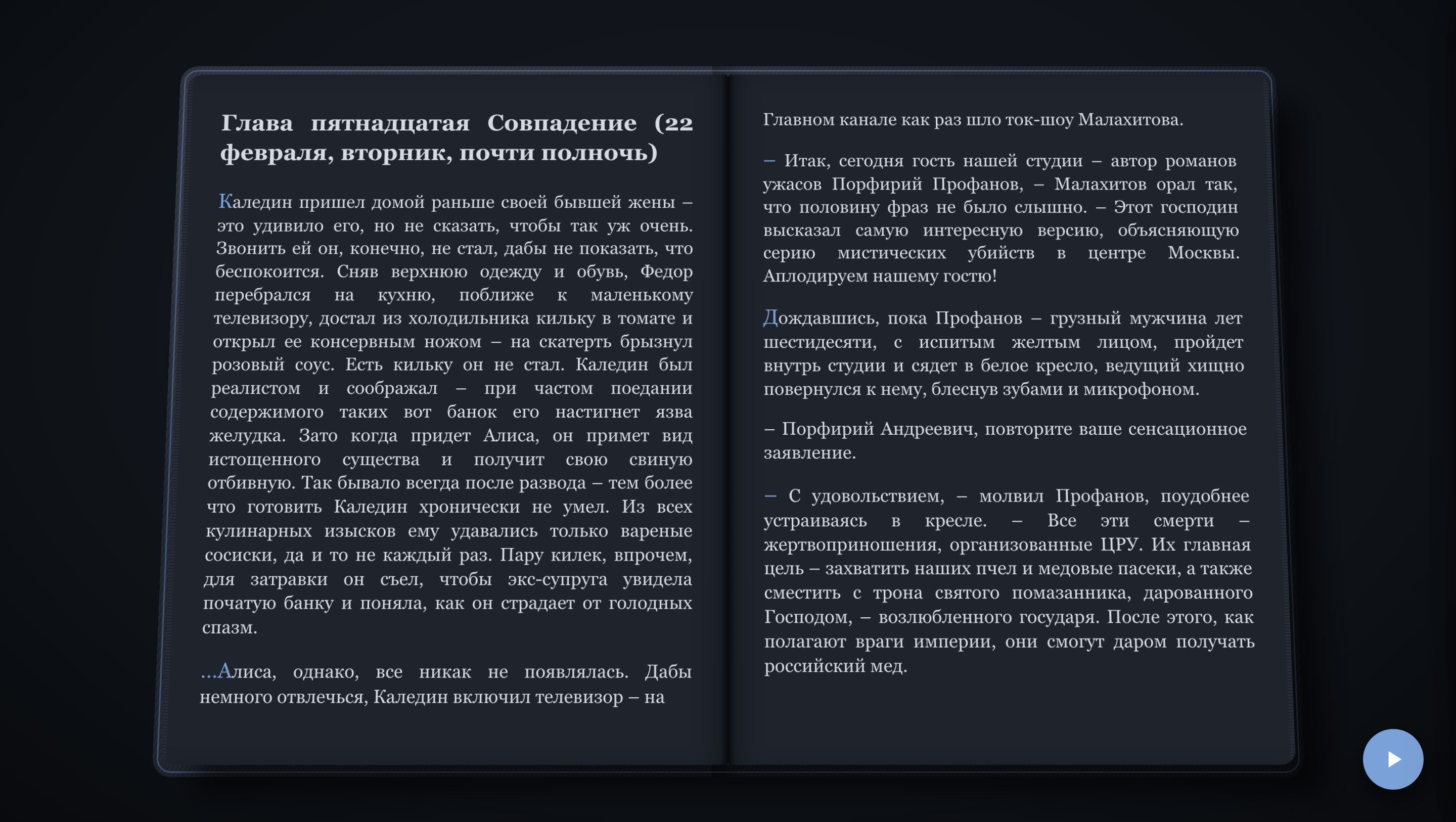 | 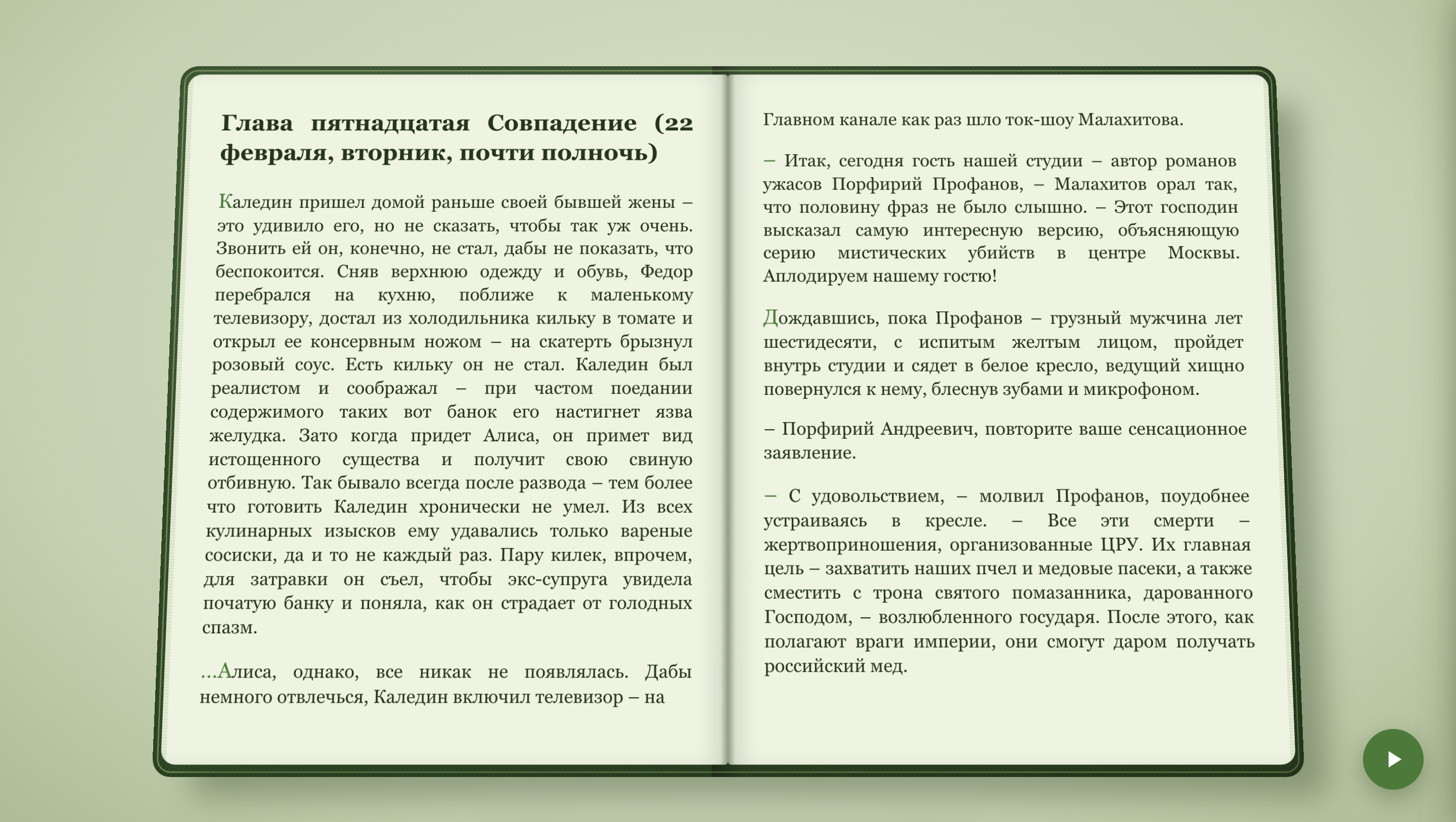 |
 |  |
 |  |
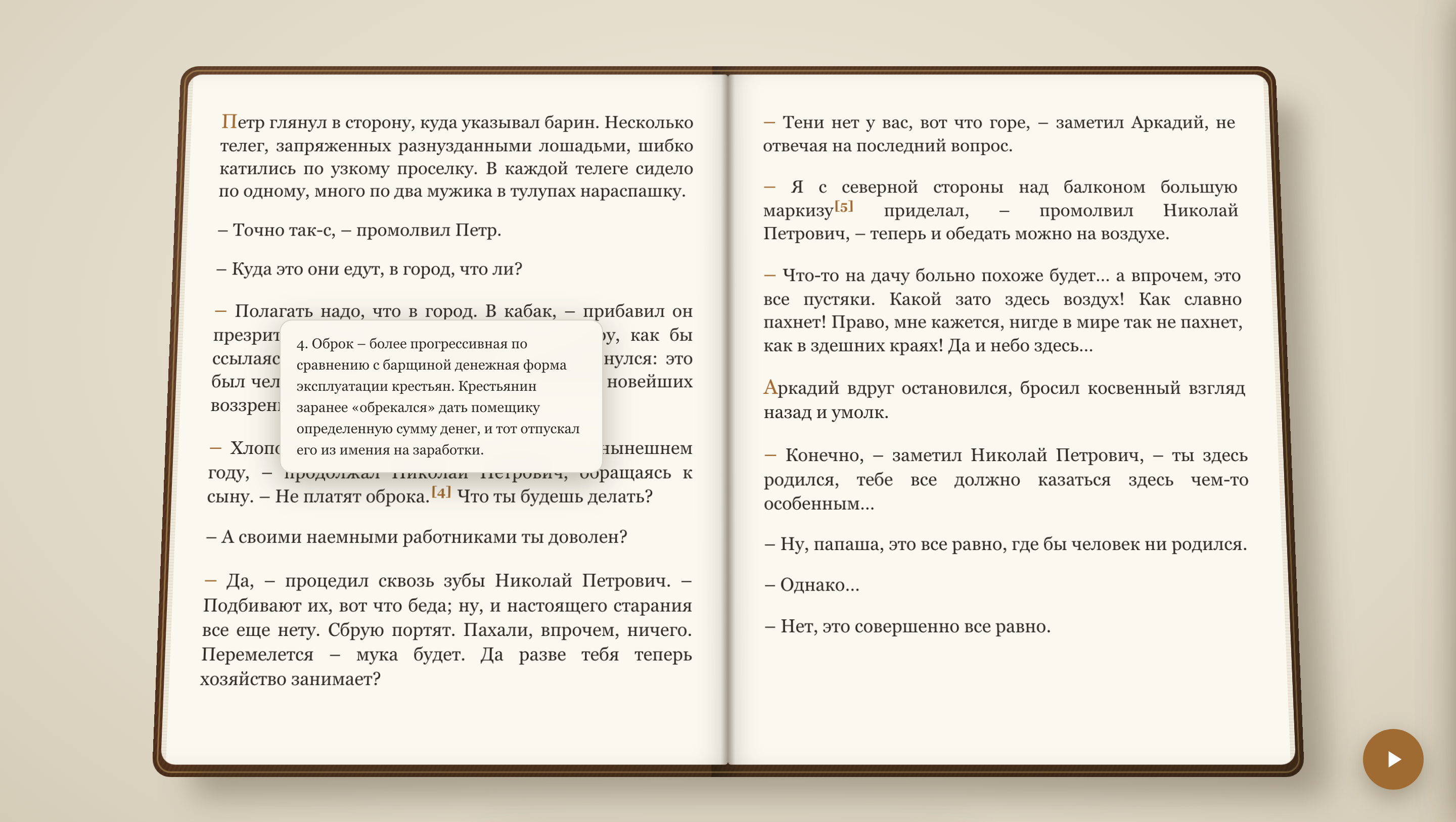 | 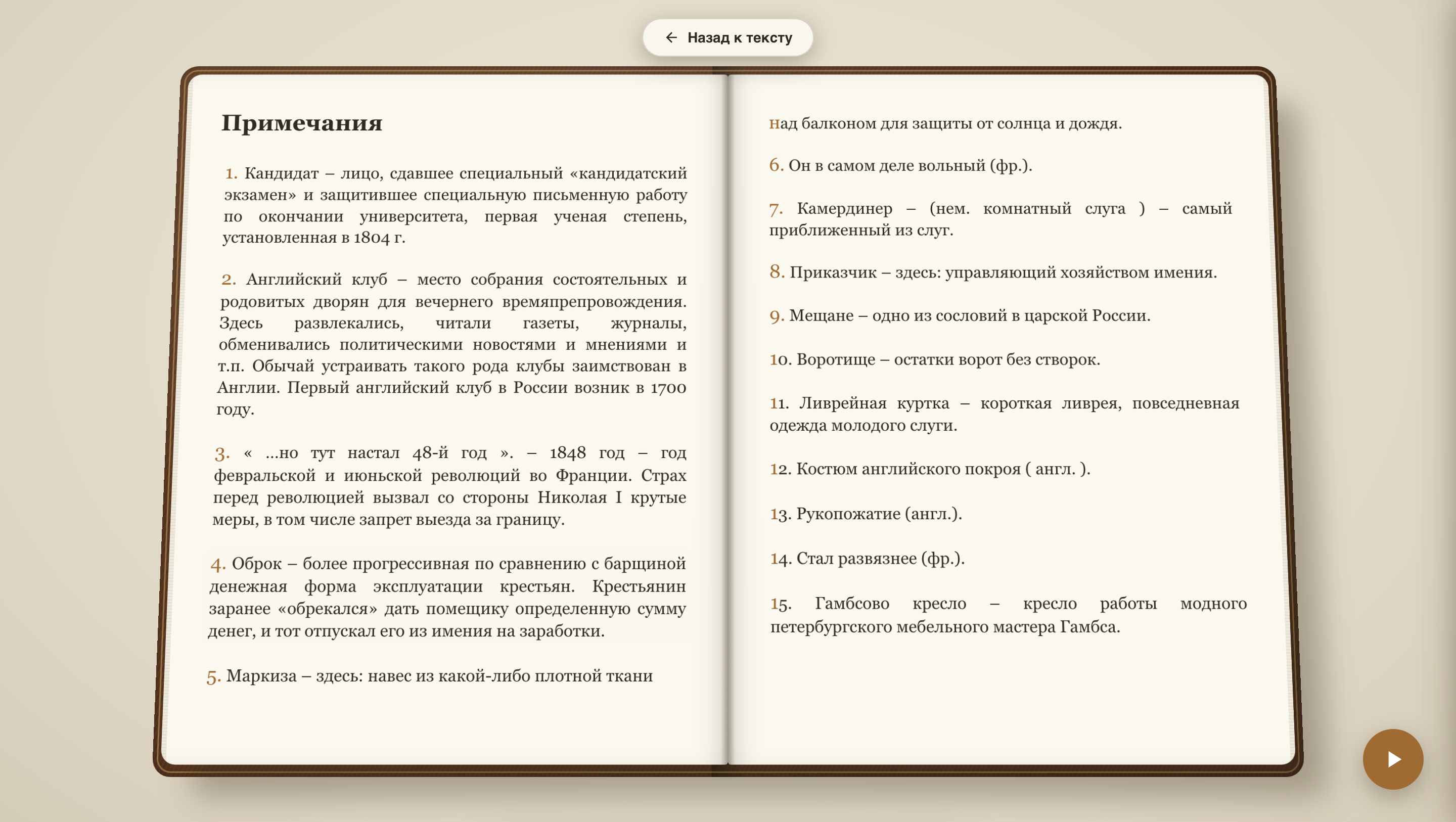 |
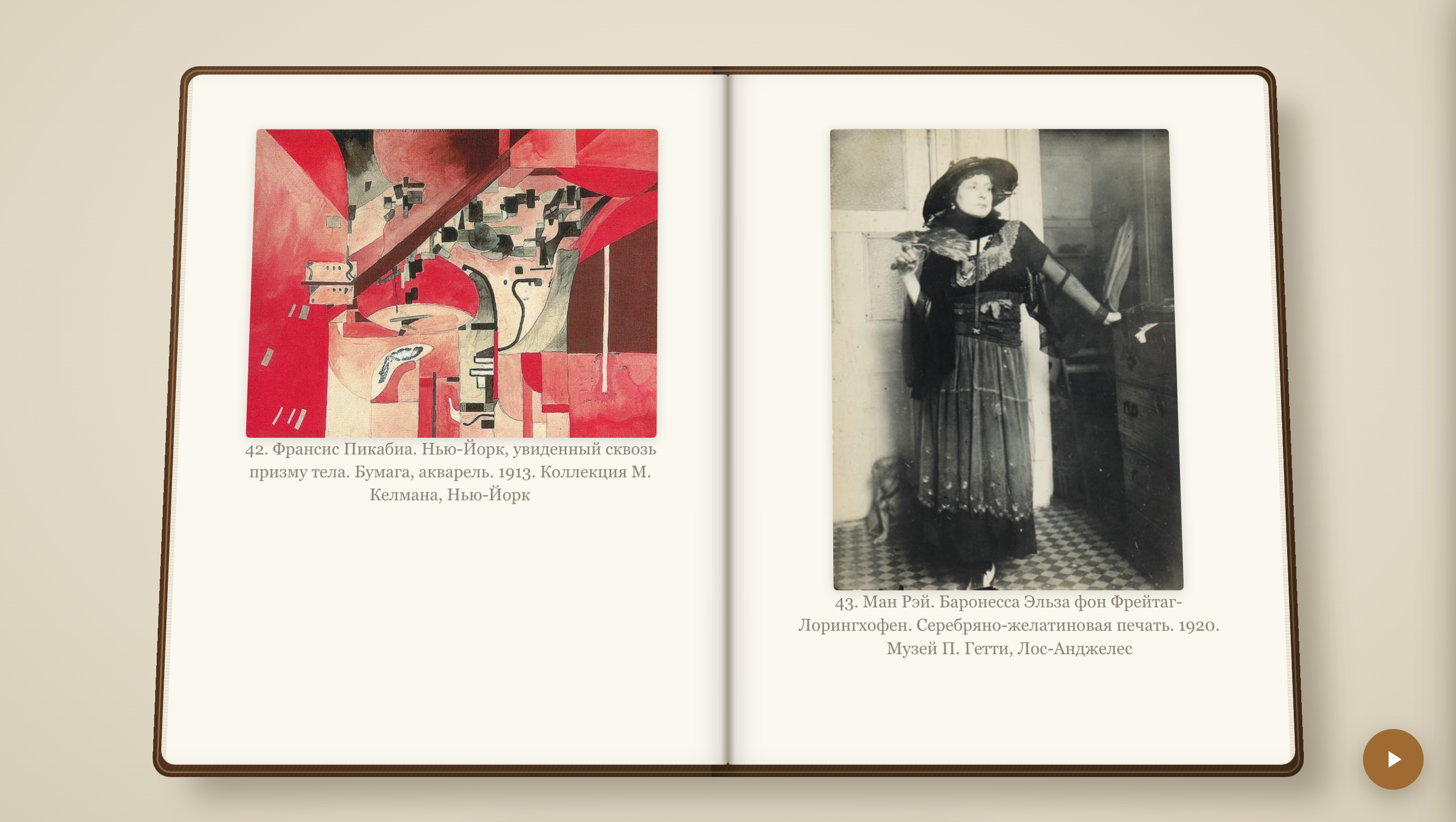 |
✨ Features
Reading
- 📕 3D book spread with page-flip animation (CSS 3D)
- 📱 Single-page mode — for tall/portrait screens only the right page is shown automatically
- 🖱️ Interactive page turning — grab the page corner with the mouse or your finger
- 👆 Touch controls — swipe left/right and wide tap zones on the screen edges
- 🔊 Volume keys — page turning inside an Android WebView wrapper (in a regular browser the OS intercepts them)
- ⌨️ Navigation: arrows, spacebar, Home/End, click zones on the sides
- 📄 Dynamic layout — text is split into pages according to screen size, font and margins
- 📍 Position saving — reopening a book returns you to where you left off (anchored to text, not page numbers)
Narrator (read aloud)
- 🗣️ Text-to-speech — the narrator reads the book aloud using the built-in browser voices (Web Speech API, works offline)
- 📖 Reads both pages of the spread, then flips the page with animation and sound — just like manual reading
- 🎚️ Stress marks — a 3.2M-word Russian stress dictionary (RUAccent) marks the stressed vowel of every word, so the voice puts accents correctly («за́мок», not «замо́к»)
- 🎭 Human-like pacing — separate pauses after sentences, paragraphs, chapter titles and poem stanzas; headings are read slower, like an announcer
- 🧹 Clean speech — quotes and markup symbols are not read aloud, dashes become natural pauses
- ⏯️ One button — the FAB button starts/stops narration when a book is open (in the library it still adds books)
- 📄 Auto-flip toggle — optionally stop at the end of each page instead of turning automatically
Page-flip sounds
- 🔊 Paper rustle on every page flip — a random sound from the
sounds/folder (no repeats in a row) - ➕ Drop-in sounds — add more MP3/OGG/WAV files into
sounds/, they are picked up automatically, no code changes - 🔈 Toggle in settings — sound can be turned off alongside the animation toggle
Library
- 📚 Card grid with covers, title, author and reading progress
- ➕ Adding books: button, Drag & Drop
- 📂 Formats: TXT, EPUB, FB2
- 🗑️ Deleting books with confirmation
- 💾 Server-side storage — books live in the
books/folder, metadata inmeta.json
Bookmarks
- 🔖 Add/remove bookmarks with text preview
- 📑 Side panel with the list, click to jump to the location
- 🎯 Marker on the book edge — visual bookmark indicator
Table of Contents
- 📃 Chapter navigation — jump to any chapter from the TOC panel
Settings
- 🔤 Font size, line height, horizontal & vertical margins
- 🎨 7 themes: Paper, Sepia, Night, Forest, Sky, Ember (OLED), Amber (OLED)
- 🌙 Immersive mode — clicking the center hides all panels
- 🔤 Hyphenation toggle
- 🎞️ Page-flip animation and flip sound toggles
- 📄 Auto-flip during narration toggle
📱 Phone controls
- Tap the screen edges — right/left edges flip forward/back (zones widen automatically on touch screens)
- Swipe — swipe left to go forward, right to go back
- Volume keys — in a regular browser the OS intercepts them, so flipping works inside an Android WebView wrapper. The wrapper can control the reader in three ways (implementation:
js/reader.js,_bindVolumeKeys):
| Way | How to do it in the wrapper |
|---|---|
| JS bridge | Callwindow.BookHavenNative.volumeUp() / .volumeDown() (e.g. via evaluateJavascript in onKeyDown) |
| Event | Dispatchwindow.dispatchEvent(new Event('volumeup')) / ('volumedown') |
| Key | Forward akeydown with keyCode 175 (louder) / 174 (quieter) to the WebView |
🚀 Quick start
Docker (recommended)
docker run -d --name bookhaven \
  -p 8080:8080 -p 8001:8001 \
  -v bookhaven-books:/app/books \
  -v bookhaven-data:/app/data \
  --restart unless-stopped \
  hiddenath/bookhaven:latest
Open http://localhost:8080 — that's it. Books and settings live in named volumes and survive container recreation. Add a book via the UI (button / drag & drop) or:
docker cp "My book.fb2" bookhaven:/app/books/
Local (no Docker)
# Start the server (static + API in one file)
python3 server.py

# Open in browser
http://127.0.0.1:8080
The server runs two processes in threads:
- 8080 — static files (HTML/CSS/JS)
- 8001 — API for saving state and books
Options:
python3 server.py          # both servers
python3 server.py --static # static only (8080)
python3 server.py --api    # API only (8001)
python3 server.py --quiet   # no request logging
📁 Project structure
book_reader/
├── index.html          # Entry point, UI markup
├── book.svg            # Logo (library header + favicon)
├── server.py           # Single server: static + API
├── css/
│   ├── main.css        # Global styles, themes (CSS Custom Properties)
│   ├── reader.css      # 3D reader scene, bookmarks
│   └── library.css     # Library (card grid)
├── js/
│   ├── main.js         # Initialization, pagination, state, autosave
│   ├── reader.js       # Reader: flip animation, drag, keyboard, volume keys
│   ├── narrator.js     # Narrator: speech engines, pacing, stress marks
│   ├── sounds.js       # Page-flip sounds (random pick from sounds/)
│   ├── library.js      # Library: cards, import, deletion
│   ├── bookmarks.js    # Bookmarks (side panel, marker on the book edge)
│   ├── notes.js        # Footnotes: tooltip, jump to note, "back" button
│   ├── parsers.js      # TXT/EPUB parsers (FB2 — server-side)
│   ├── position.js     # Reading anchors (data-block-id)
│   ├── toc.js          # Table of contents
│   └── storage.js      # localStorage + server-side saving
├── lib/
│   ├── epub.js         # epub.js (downloaded, BSD)
│   ├── jszip.min.js    # JSZip — epub.js dependency
│   └── stress_dict.json.gz # Russian stress dictionary (3.2M word forms, RUAccent)
├── sounds/             # Page-flip sounds (MP3/OGG/WAV, picked up automatically)
├── assets/             # Screenshots and GIF animations for the README
├── books/              # Book catalog (created automatically)
│   ├── <name>.fb2 / .txt / .epub   # Book file with its original name
│   └── <name>.meta.json            # Metadata next to the book file
└── data/
    └── state.json      # Global settings (created automatically)
🔧 How it works
Pagination
Text is split into pages in the browser: a hidden measurer computes the height of each paragraph under the current font settings, then paragraphs are laid out into pages. Each paragraph gets a stable identifier (data-block-id) tied to the book and its sequential number — so the reading position does not "drift" when settings change.
Data storage
Books are stored as plain files in books/ — the original filename is kept, no subfolders. Metadata (progress, bookmarks, covers) is stored in <name>.meta.json next to the book.
| What | Where |
|---|---|
| Books (originals) | books/<name>.fb2 / .txt / .epub |
| Book metadata (progress, bookmarks) | books/<name>.meta.json |
| Global settings | localStorage + data/state.json |
API
| Method | Path | Description |
|---|---|---|
GET | /books | List of books (metadata without text) |
POST | /books | Save a book (copies intobooks/) |
GET | /books/<id>/text | Book text (FB2 parsed on the fly) |
GET | /books/<id>/meta | Book metadata |
POST | /books/<id>/meta | Update progress/bookmarks |
GET | /books/<id>/cover | Book cover (from FB2<coverpage>) |
GET | /books/<id>/image/<name> | Image from the book body (FB2<binary>) |
DELETE | /books/<id> | Delete a book |
GET | /sounds | List of page-flip sound files |
POST | /tts/stress | Mark up text with stress accents (U+0301) for the narrator |
📋 Tech stack
- Frontend: vanilla ES2022 JavaScript, CSS3 Custom Properties, CSS 3D transforms
- Backend: Python
http.server(no dependencies) - Libraries: epub.js + JSZip (bundled in
/lib/) - TTS: Web Speech API (browser voices) + RUAccent stress dictionary (3.2M word forms)
- Icons: inline SVG (Material Design paths)
📄 License
Dual licensing:
- 🆓 Personal use — free: read, install on your devices, modify for yourself, share with others for personal use.
- 💼 Commercial use — paid license: selling, embedding into commercial products/services, monetized hosting, using the code in commercial projects — requires purchasing a license from the author.
Applies to the repository version dated September 1, 2026 and later.
Third-party libraries: epub.js (BSD-3-Clause), JSZip (MIT/GPLv3).
📚 About the books in the screenshots: the demo uses free preview versions of books from LitRes (a Russian e-book store) and a public-domain art book. They are shown for demonstration purposes only and are not distributed with the project.
Tag summary
Content type
Image
Digest
sha256:b9290fadd…
Size
81.6 MB
Last updated
about 2 months ago
docker pull hiddenath/bookhaven