hunterlong/read_the_docs_nginx
Read the Docs Theme running Nginx with docs source in your Github repo!
542
hunterlong/read_the_docs_nginx repository overview
Read The Docs Nginx Docker
This Docker image will create simple Documentation based on Sphinx Read The Docs Theme as you've seen from ReadTheDocs.org. You can mount your docs source to this image, or you can pull from your public and/or private github. You can even put custom configs for Nginx.
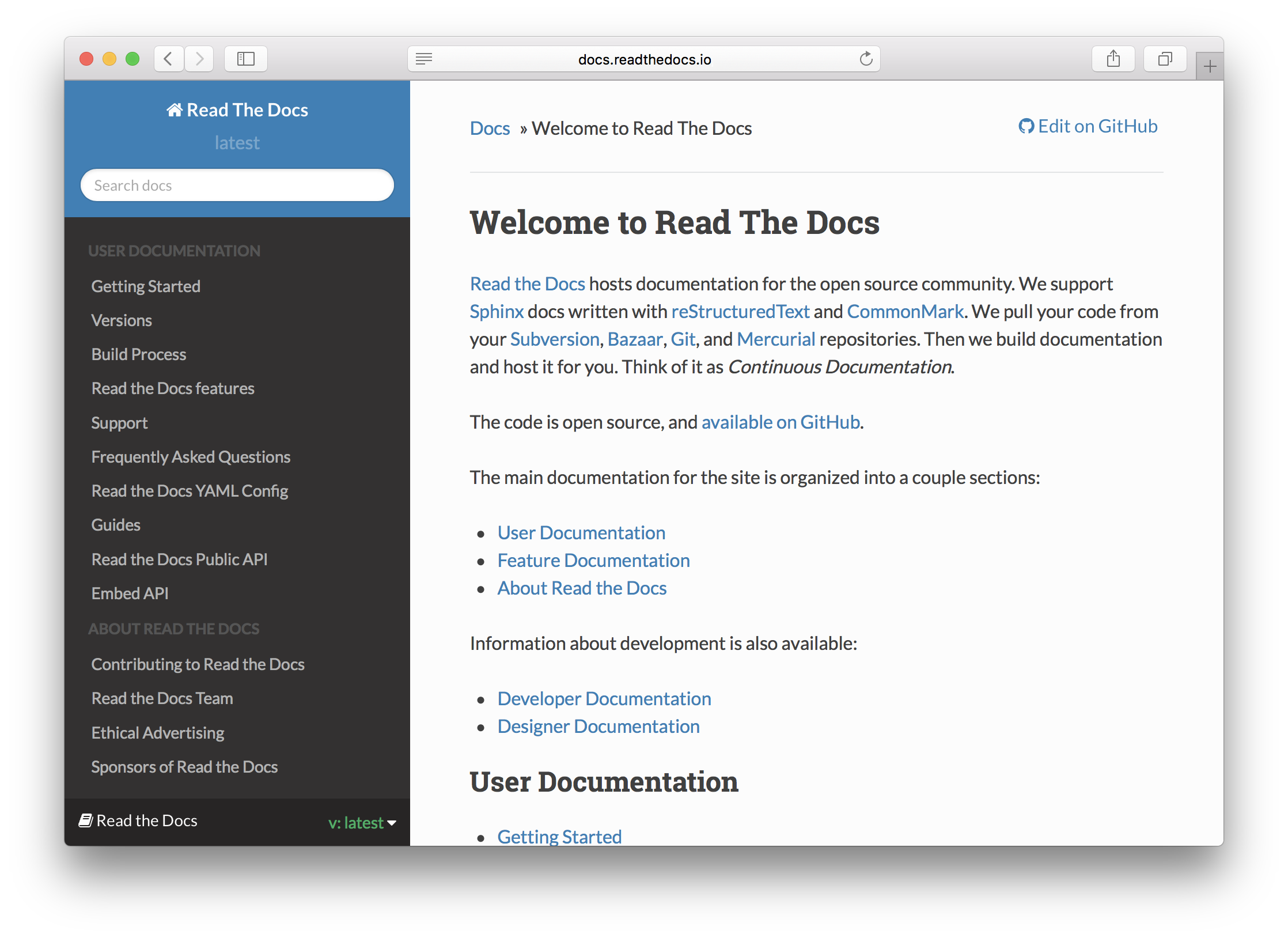
Mounting Docs
Mount your volume to '/root/docs_source' and it will automatically be generated on startup.
docker run -it -v /var/mydocs:/root/docs_source -p 80:80 hunterlong/read_the_docs_nginx
Docs From Public Github Repo
'DOCS_FOLDER' should equal the folder inside the repo that holds the documentation (*.rst). You can remove this if the repo is just the documentation. Notice how this repo, the .rst files are inside the 'docs' folder.
docker run -it -p 80:80 \
  -e "GITHUB_REPO=hunterlong/read_the_docs_nginx" \
  -e "GIT_BRANCH=master" \
  -e "DOCS_FOLDER=docs" \
  hunterlong/read_the_docs_nginx
Docs From Private Github Repo
You can generate a Personal Token from Github. https://help.github.com/articles/creating-an-access-token-for-command-line-use/
docker run -it -p 80:80 \
  -e "GITHUB_REPO=hunterlong/read_the_docs_nginx" \
  -e "GIT_BRANCH=master" \
  -e "GIT_USERNAME=mygithubuser" \
  -e "GIT_PERSONAL_TOKEN=h7d9ka82ihjd929jd38hfhaiqnc" \
  -e "GIT_BRANCH=master" \
  -e "DOCS_FOLDER=docs" \
  hunterlong/read_the_docs_nginx
Custom Spinx Build Config
Inside the directory of the docs, you should have a file conf.py. You must include the file included or change file to your own. In this config file, you change docs Name, Version, and more settings.
Custom Nginx Config
If you'd like to edit the Nginx Config file for hosting the docs, checkout conf/nginx/webapp.conf. If your github repo has folder 'conf/nginx' it will look for app.conf. It will be automatically copied from the github repo into Nginx.
You can also mount your config like so:
docker run -it -v /var/mydocs:/root/docs_source \
  -v /etc/mynginx/vhost.conf:/etc/nginx/sites-enabled/webapp.conf \
  -p 80:80 hunterlong/read_the_docs_nginx
Tag summary
Content type
Image
Digest
Size
169 MB
Last updated
over 9 years ago
docker pull hunterlong/read_the_docs_nginx