iflip721/airconnect
Use AirPlay to stream to UPnP/Sonos & Chromecast devices
5.2K
iflip721/airconnect repository overview
docker-compose
services:
  airconnect:
    image: iflip721/airconnect:latest
    container_name: airconnect
    restart: unless-stopped
    # build:
    #   context: .
    #   dockerfile: docker/Dockerfile
    # Required, not a preference.
    #
    # AirPlay discovery is mDNS (5353/udp multicast), UPnP discovery is SSDP
    # (1900/udp multicast), and the bridges bind ephemeral RTSP/RTP/HTTP ports
    # per device unless AIRCONNECT_PORT_BASE is set. None of that survives a
    # bridge network. The manager detects bridge mode at startup and says so on
    # the Diagnostics page rather than failing silently.
    network_mode: host
    volumes:
      - ./config:/config
    environment:
      TZ: Etc/UTC
      # both | upnp | cast
      # With host networking this port is taken directly on the host, so change
      # it here if 8080 is already in use.
      AIRCONNECT_MODE: both
      AIRCONNECT_WEB_PORT: 8282
      # AIRCONNECT_WEB_BIND: 0.0.0.0

      # --- Tuning ----------------------------------------------------------
      # The preset is taken for its latency only (-l 50:100); the three settings
      # below override the rest of it. That combination is the one measured to
      # work on Sonos S2 (firmware 17.2.6) - see docs/RELIABILITY.md for the
      # session-by-session evidence.
      #
      # sonos-fast (default)  -g 0 -l 50:100
      # compat                adds -c wav, for firmware that refuses FLAC.
      #                       Note WAV caps a session at roughly 3-6 hours.
      # upstream              stock upstream behaviour, no overrides.
      AIRCONNECT_PRESET: sonos-fast

      # Lossy, and deliberately so. A FLAC stream out of this encoder runs about
      # 900 kbit/s, which is more than a Sonos on a marginal wireless link
      # sustains: delivery falls to ~2/3 of real time, the send buffer backs up,
      # and the speaker drops the connection under a minute in. mp3:320 fits
      # comfortably. Check a speaker's link before assuming it is fine -
      # http://<sonos-ip>:1400/status/ifconfig reports 0 packets on eth0 when it
      # is wireless, and br0's dropped counter gives the quality directly.
      #
      # Required by AIRCONNECT_STREAM_TYPE=radio below: that scheme plays nothing
      # at all with a lossless payload.
      AIRCONNECT_CODEC: "mp3:320"

      # -1 = advertise no content length.
      #
      # NOT 0. "-g 0" does not mean "no length" - airupnp substitutes INT_MAX
      # (airupnp.c:43), so the renderer is told it is fetching a 2 GiB track and
      # paces its reads to suit. On S2 that stalls the stream 30-50s in. Chunked
      # (-3) was measured too and fails the same way, just later.
      AIRCONNECT_HTTP_LENGTH: "-1"

      # How a Sonos is told to present the stream. Only affects Sonos; every
      # other renderer is always sent audioBroadcast.
      #
      #   broadcast            audioBroadcast, no res@duration.
      #   track                upstream's musicTrack with a 1ms res@duration.
      #                        Combined with -g 0 this is what makes S2 firmware
      #                        pace the stream like a file and drop it ~20-40s
      #                        in. Here for S1 hardware and for A/B testing.
      #   radio                audioBroadcast plus Sonos' x-rincon-mp3radio://
      #                        scheme. This is what removes the 10-15s startup
      #                        wait without the fixed-length stall.
      #
      # ONLY with a lossy codec. Despite this build lifting upstream's mp3/aac
      # gate, a FLAC payload over x-rincon-mp3radio:// is fetched continuously
      # and never played - the session looks healthy and is silent. The
      # Diagnostics page fails this combination explicitly.
      AIRCONNECT_STREAM_TYPE: radio

      # AIRCONNECT_LATENCY: "50:100"

      # --- Network ---------------------------------------------------------
      # Set these on a multi-homed host, where discovery would otherwise bind
      # the wrong interface. The UPnP port must be 49152 or above.
      # AIRCONNECT_BIND_IP: 192.168.1.10
      # AIRCONNECT_UPNP_PORT: 49152

      # Pin the RTSP/RTP/HTTP pool instead of using ephemeral ports. Size it
      # for at least (devices x 4) + 1.
      # AIRCONNECT_PORT_BASE: 49200
      # AIRCONNECT_PORT_RANGE: 128

      # --- Logging ---------------------------------------------------------
      # Levels are error | warn | info | debug | sdebug. These are only the
      # starting values: the web UI changes them on a running bridge without a
      # restart, which is how you capture a session without dropping it.
      # AIRCONNECT_LOG_RAOP: info
      # AIRCONNECT_LOG_UPNP: info

      # --- Misc ------------------------------------------------------------
      # AIRCONNECT_NAME_FORMAT: "%s+"
      # AIRCONNECT_UPDATE_CHECK: "true"     # notify only; nothing self-updates

    healthcheck:
      # Must follow AIRCONNECT_WEB_PORT, not a hardcoded 8080: a compose-level
      # healthcheck replaces the image's outright, so pinning the port here makes
      # the container permanently unhealthy the moment the port above is changed.
      # `$$` escapes the expansion past compose so the container's shell resolves
      # it against the service environment.
      test: ["CMD-SHELL", "curl -fsS http://127.0.0.1:$${AIRCONNECT_WEB_PORT:-8080}/healthz || exit 1"]
      interval: 30s
      timeout: 5s
      start_period: 20s
      retries: 3

    # The bridges' signal handler does real work (joining threads, freeing,
    # I/O), so give shutdown room to complete before Docker escalates.
    stop_grace_period: 15s
docker
docker run -d --name airconnect --network host \
  -v ./config:/config \
  -e AIRCONNECT_CODEC=mp3:320 \
  -e AIRCONNECT_HTTP_LENGTH=-1 \
  -e AIRCONNECT_STREAM_TYPE=radio \
  iflip721/airconnect:latest
Variables
Explicit variables always override whatever the preset implied.
Core
| Variable | Default | Notes |
|---|---|---|
AIRCONNECT_MODE | both | both, upnp, cast |
AIRCONNECT_PRESET | sonos-fast | See above |
AIRCONNECT_CONFIG_DIR | /config | Mount a volume here to keep settings |
AIRCONNECT_WEB_PORT | 8080 | Taken on the host directly, under host networking |
AIRCONNECT_WEB_BIND | 0.0.0.0 | |
AIRCONNECT_UPDATE_CHECK | true | Notify only — nothing ever self-updates |
Volumes
/config holds airupnp.xml and aircast.xml. Mount it to keep discovered
devices across upgrades. The directory must be writable — a read-only mount also
crashes upstream's config writer, which does not check whether the file opened.
The Diagnostics page probes for this.
Networking
--network host is mandatory.
AirPlay discovery is mDNS multicast (5353/udp), UPnP discovery is SSDP multicast (1900/udp), and the bridges bind ephemeral RTSP/RTP/HTTP ports per device unless you pin a range. None of that survives a bridge network. The Diagnostics page detects bridge mode and says so rather than leaving you with an empty device list.
Two other environmental failures, both checked automatically:
- avahi on the host may hold 5353 exclusively. Set
disallow-other-stacks=noin/etc/avahi/avahi-daemon.conf. The bridges bind withSO_REUSEADDR/SO_REUSEPORT, so this is not always fatal. - IGMP snooping on a switch or router will silently filter discovery.
On a multi-homed host set AIRCONNECT_BIND_IP, or discovery may bind the wrong
interface.
Configuration
Everything is environment variables. Upstream supports none — there is not a
single getenv in its tree — so the manager translates them into command-line
flags.
The shipped baseline
docker-compose.yml does not use a preset unmodified. It takes sonos-fast for
its latency and overrides the rest — the only one of four configurations measured
on Sonos S2 that both starts quickly and stays up:
AIRCONNECT_CODEC: "mp3:320"      # FLAC (~900 kbit/s) outruns a weak wireless link
AIRCONNECT_HTTP_LENGTH: "-1"     # NOT 0 — that means INT_MAX, and stalls S2
AIRCONNECT_STREAM_TYPE: radio    # requires a lossy codec, or it plays nothing
The evidence, four sessions against one S2 coordinator on firmware 17.2.6, each played until it failed or was clearly stable:
| Codec | -g | -S | Time to audio | Result |
|---|---|---|---|---|
| flac | 0 (INT_MAX) | broadcast | 689 ms | dies at 30.7 s |
| flac | -3 (chunked) | broadcast | 1826 ms | dies at 47.5 s |
| flac | -1 (none) | radio | — | never plays at all |
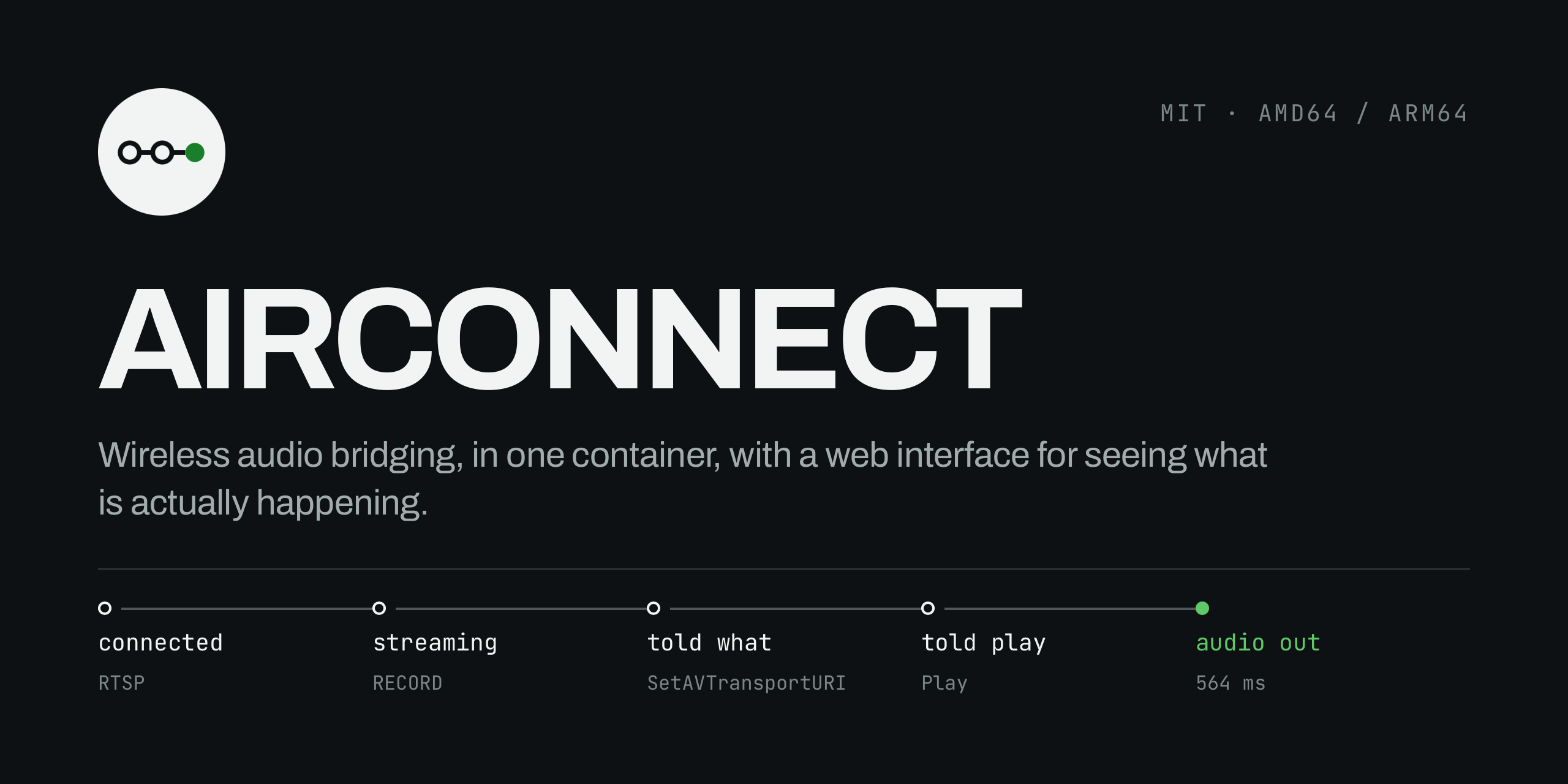
| mp3:320 | -1 (none) | radio | 564 ms | stable |
Presets
AIRCONNECT_PRESET | Flags it implies | When |
|---|---|---|
sonos-fast (default) | -g 0 -l 50:100 | Firmware where you have verified a long session survives — not S2 |
compat | -c wav -g 0 -l 50:100 | Firmware that refuses FLAC. WAV's ~4 GB header caps a session at 3–6 hours |
upstream | none | Reproducing stock upstream behaviour |
Aliases: fast/sonos_fast, wav, stock/default. Any unrecognised value is
treated as custom and implies nothing, leaving every setting to the variables
below.
The built-in default stays sonos-fast so a bare docker run reproduces the
historical behaviour — which means a bare docker run will show a Diagnostics
warning about -g 0. Use the compose file, or set the three variables above.
Tag summary
Content type
Image
Digest
sha256:2a9745586…
Size
34.8 MB
Last updated
3 months ago
docker pull iflip721/airconnect