ikoldakov/proxium
Self-hosted HTTP/SOCKS5 proxy with a web admin panel. No config files.
3.5K
ikoldakov/proxium repository overview
Proxium
Your own proxy service in one docker run.
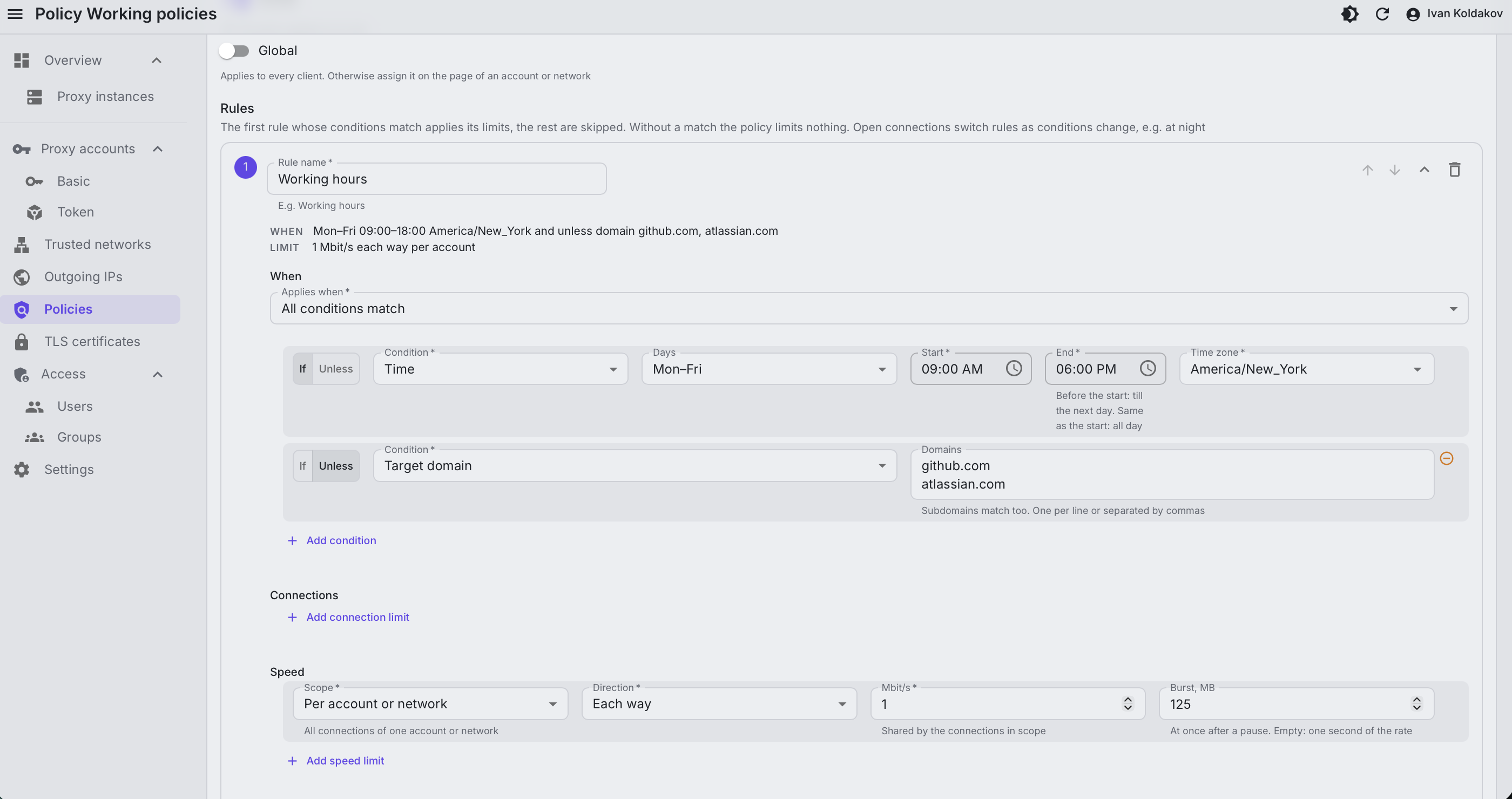
HTTP and SOCKS5 proxy with accounts, quotas, speed limits, outgoing IP pools and a web admin panel. Self-hosted. Open source. No config files.
- Source: github.com/koldakov/proxium
- Docs: proxium.koldakov.com
- License: MIT
Quick start
docker run -d --name proxium -p 80:80 -p 8080:8080 -v proxium:/var/lib/proxium \
  -e SUPERUSER_CREATE=true -e [email protected] -e SUPERUSER_PASSWORD=change-me \
  ikoldakov/proxium
- Open the admin UI at http://localhost and log in.
- Add an account under Proxy accounts → Basic, copy its password: it's shown once.
- Use it:
curl -x http://username:password@localhost:8080 https://ifconfig.me
curl -x socks5h://username:password@localhost:8080 https://ifconfig.me
One image runs the proxy, the API, the admin UI and PostgreSQL. State lives in the /var/lib/proxium volume.
Tags
| Tag | What |
|---|---|
latest | The last release |
0.1.0, 0.1 | A release, pinned |
edge | The current main, not released yet |
Platforms: linux/amd64, linux/arm64. Mirror: ghcr.io/koldakov/proxium.
Features
- HTTP and SOCKS5 on the same port, TLS to the proxy on the same port too
- Basic and bearer token accounts with expiry and revocation, trusted networks without credentials
- Connection limits, speed limits, traffic quotas per day, month or in total
- Policy rules by time of day, target domain, IP and port, protocol, client IP
- Outgoing IP pools and dedicated IPs
- Loopback, private networks and cloud metadata blocked by default
- Web admin UI and REST API, admin groups with per-section permissions
- Changes reach the proxy within seconds, no restart
Ports and volume
80, 443 | Admin UI, HTTP and HTTPS |
8080 | Proxy, change with PROXY_LISTEN |
/var/lib/proxium | Database, generated keys, admin certificates |
Several listening or outgoing IPs need --network host (Linux only).
HTTPS for the admin UI
docker run -d --name proxium -p 80:80 -p 443:443 -p 8080:8080 -v proxium:/var/lib/proxium \
  -e ADMIN_HOST=admin.example.com -e ADMIN_TLS=auto \
  ikoldakov/proxium
ADMIN_TLS: off (default), auto (Let's Encrypt), files (own certificate), internal (self-signed).
Main variables
| Variable | Description |
|---|---|
SUPERUSER_CREATE | true creates the first admin from SUPERUSER_EMAIL and SUPERUSER_PASSWORD |
PROXY_LISTEN | Proxy addresses, e.g. 0.0.0.0:8080 or 10.0.0.0/29:10000-10999 |
ADMIN_HOST, ADMIN_TLS | Admin domain and HTTPS mode |
DATABASE_URL | Own PostgreSQL instead of the bundled one |
ENCRYPTION_KEY, API_SECRET_KEY | Own keys, else generated once and kept in the volume |
PROXIUM_SERVICES | Run only some of proxy, api, admin |
All of them: Configuration. Installation, compose and own database: Installation.
Tag summary
Content type
Image
Digest
sha256:6f05def16…
Size
205.3 MB
Last updated
7 days ago
docker pull ikoldakov/proxium