j3ko/motionberry
A lightweight solution for motion detection and video streaming on Raspberry Pi, powered by picamera
1.7K
j3ko/motionberry repository overview
Motionberry
A lightweight solution for motion detection and video streaming on Raspberry Pi, powered by picamera2
Tested and optimized for Raspberry Pi Zero 2W with a Camera module v3
Quick Links
Features
- Support for Dockerized or bare-metal deployments
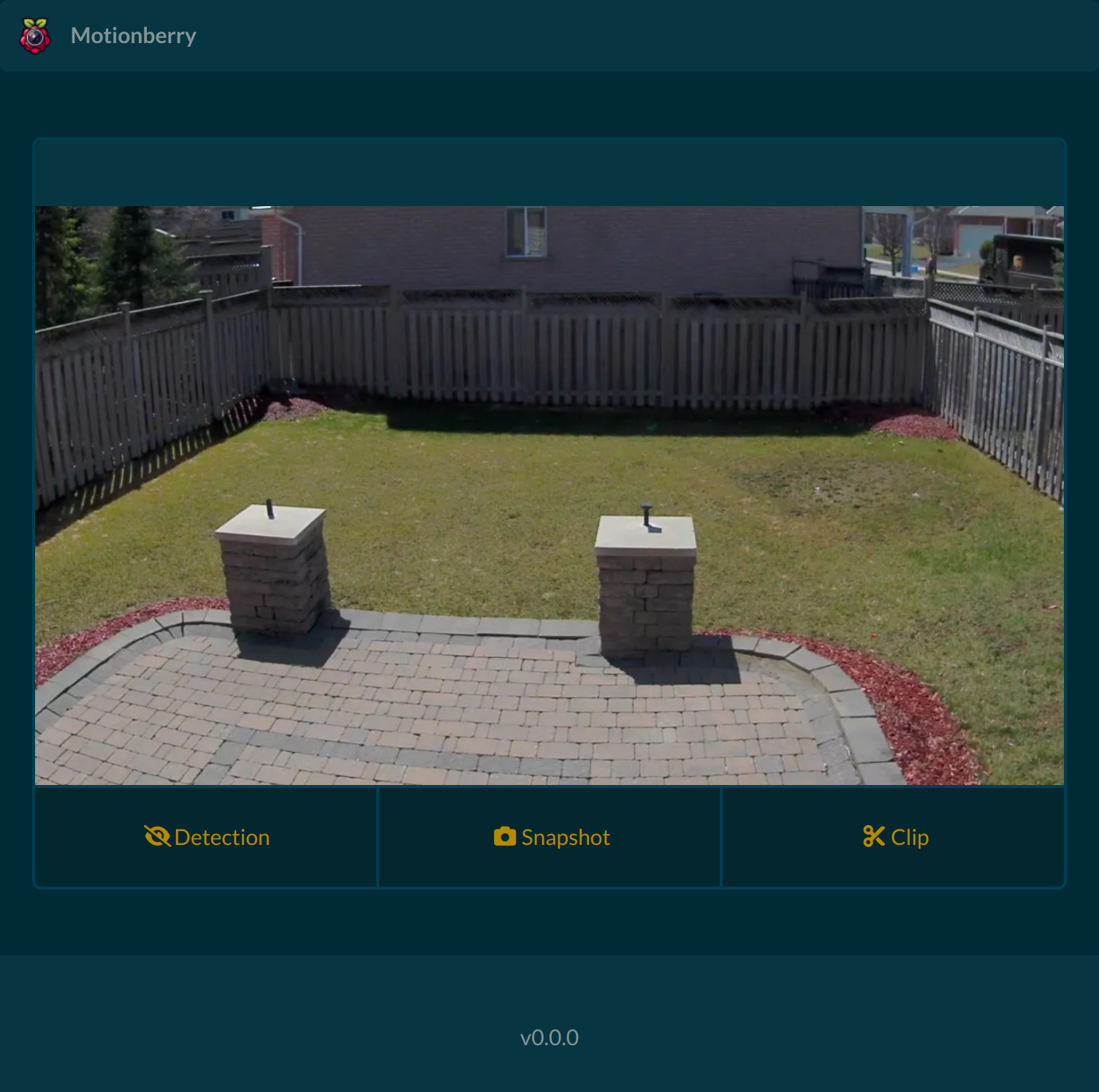
- Responsive user interface
- Motion-triggered recording
- Triggered snapshots (JPEG)
- Triggered clip recording
- Output in raw H.264, mkv or MP4 format
- RESTful API and webhook events (documentation)
- Optional notifications via ntfy, Pushover, and webhooks
- See CHANGELOG.md for more
Pre-requisites
- A Raspberry Pi (tested on Raspberry Pi Zero 2W and compatible with other models)
- A camera module compatible with picamera2 (e.g., Raspberry Pi Camera Module 3).
- Raspberry Pi OS 64-bit
Bare Metal Installation (Recommended)
To install Motionberry as a systemd service on your Raspberry Pi, follow these steps:
1. Clone the repository:
git clone https://github.com/j3ko/motionberry.git
2. Run the installation script:
sudo bash motionberry/scripts/install.sh
To uninstall Motionberry, run the following:
sudo bash motionberry/scripts/uninstall.sh
Docker installation
To install Motionberry using Docker on your Raspberry Pi, follow these steps:
1. Install Docker
2. Run the following command to deploy Motionberry:
docker run --name motionberry \
  --privileged \
  -e PUID 1000 \
  -e PGID 1000 \
  -v <path to config.yml>:/motionberry/config \
  -v <path to capture directory>:/motionberry/captures \
  -v /run/udev:/run/udev:ro \
  -p 5000:5000 \
  j3ko/motionberry:latest
Explanation of Options:
--privileged: Required for hardware access, such as the camera module.-e PUID/-e PGID: Set user and group IDs to match your system's user permissions.-v <path>: Map local directories to container paths:<path to config.yml>: Path to your configuration file.<path to capture directory>: Directory where captures will be stored.
-p 5000:5000: Maps port 5000 on the host to the container.
Replace <path to config.yml> and <path to capture directory> with appropriate paths on your host machine.
Configuration
For configuration options, refer to config.default.yml.
Notifications
Motionberry supports runtime notifications through flexible REST-compatible services like webhooks, ntfy, and Pushover.
| Type | Description |
|---|---|
http_post | Basic POST request with raw body |
form_post | Sends as application/x-www-form-urlencoded |
json_post | Sends as application/json |
Example: ntfy
Send a plain-text notification via ntfy.sh:
notification:
  motion_started:
    - type: http_post
      url: "https://ntfy.sh/my-motionberry"
      headers:
        Title: "Motion Detected"
        Tags: "camera,warning"
      data: "Motion detected!"
Example: Pushover
Send an alert to your mobile via Pushover:
notification:
  motion_started:
    - type: form_post
      url: "https://api.pushover.net/1/messages.json"
      data:
        token: "${pushover_token}"
        user: "${pushover_user}"
        message: "🚨‼️🚨 Motion Detected! 🚨‼️🚨"
Tip: Environment variables like ${pushover_token} can be used here.
Dynamic Substitution
Notifications support dynamic placeholders. For example, to send the preview and duration of a recorded clip:
notification:
  motion_stopped:
    - type: form_post
      url: "https://api.pushover.net/1/messages.json"
      data:
        token: "${pushover_token}"
        user: "${pushover_user}"
        message: "🚨‼️🚨 Motion Detected (${clip_duration}s) 🚨‼️🚨"
        attachment_base64: "${preview_base64}"
        attachment_type: "image/jpeg"
Supported Notification Actions
| Action Name | Description |
|---|---|
application_started | Triggered when the application successfully starts. |
detection_enabled | Triggered when motion detection is enabled. |
detection_disabled | Triggered when motion detection is disabled. |
motion_started | Triggered when motion is detected and recording starts. |
motion_ended | Triggered when motion ends and a saved file becomes available. |
Substitution Keys per Action
These keys can be used inside strings with the ${key} syntax (e.g., ${filename}).
| Action Name | Substitution Key | Description |
|---|---|---|
motion_stopped | filename | The name of the saved video. |
motion_stopped | filepath | The full path of the saved video. |
motion_stopped | preview_base64 | The JPEG preview of the clip in base64 encoding. |
motion_stopped | clip_duration | The duration of the recorded clip in seconds. |
Reporting Issues
For bugs and issues, please create a GitHub issue here.
Tag summary
Content type
Image
Digest
sha256:6459ae8e6…
Size
484.4 MB
Last updated
12 months ago
docker pull j3ko/motionberry