jakestanger/filebrowser
A web based file browser and pastebin-like service, with a lightweight front-end.
474
jakestanger/filebrowser repository overview
Filebrowser
A web based file browser and pastebin-like service, with a lightweight front-end.
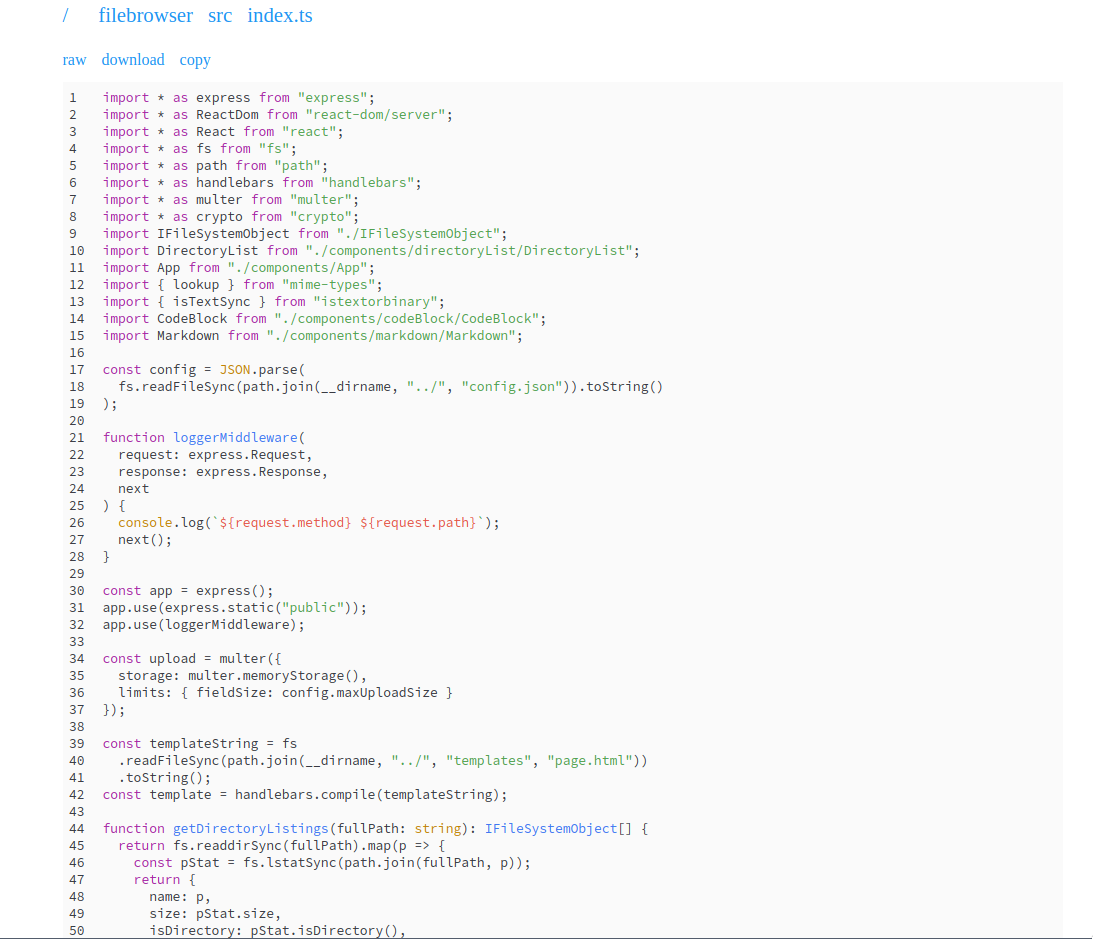
This is a small Express server with two endpoints. One serves the files and directory listings, and the other saves files to disk.
The page rendering is achieved using server-side React to utilise modern web components while still serving static pages. JavaScript is only required client-side for the copy to clipboard button.
The idea for this very much came from Deno and its file previewer which works in the same way, pretty much using the same libraries and frameworks (repo here).
Features
- Directory listings.
- Renders markdown files using
react-markdown. - Syntax highlights text files using
react-syntax-highlighterwithhighlight.js. - Renders images.
- File types without special treatment (such as binary files) are served raw by the browser.
- Ability to view and download raw from browser.
- Ability to copy text to clipboard using
clipboard.js. - Only serves HTML to browsers - if
text/htmlis not explicitly in the requested mime types, the raw file is provided. - Saves uploaded files to a designated folder.
- No huge front-end frameworks - client-side JS is only required for copy button.
Uploading
You can upload files to the server by posting on /. The server will return the URL to the file.
$ curl -F '[email protected]' http://localhost:5000
http://localhost:5000/pastes/d1713df8.rs
Some things to note:
- The request body is ignored. You must upload a file as form data.
- The file must be uploaded using the form key
file. - Only one file can be uploaded at a time.
Installation
- Clone this repo
- Copy
.env.exampleas.envand tweak/fill in the values to your needs. See the configuration section below for more information. The environment variables can of course also be provided directly. - Run
yarn installto install dependencies. - Run
yarn buildto compile the TypeScript.- You can use
yarn startto test with. This will rebuild before starting.
- You can use
Docker
A Docker image is included if you would prefer to deploy the app that way:
docker run -d \
  -p 5000:5000 \
  -v /path/to/files:/var/www/filebrowser \
  jakestanger/filebrowser
Configuration
The app is configured using environment variables. dotenv is installed, meaning a .env file can optionally be used.
Below is the contents of the .env.example:
# The port to use for serving
PORT=5000

# The path on disk to serve from
ROOT_PATH=""

# Whether to allow post requests on '/' to upload files.
ALLOW_UPLOADS=true

# The relative directory to upload files to
UPLOAD_PATH="/pastes"

# The expected `Authorization` header in order to upload files.
# Leave blank to allow public uploads
UPLOAD_AUTH=""

# The maximum size of a file, in bytes
MAX_UPLOAD_SIZE=1000000
Systemd Service
If you want to run the server in the background and are using a systemd-based Linux distro this should help:
[Unit]
Description="NodeJS filebrowser"
Requires=network.target

[Service]
WorkingDirectory=/path/to/repo
ExecStart=/usr/bin/node /path/to/repo
Restart=always
StandardOutput=syslog
StandardError=syslog
SyslogIdentifier=filebrowser

[Install]
WantedBy=multi-user.target
Nginx configuration
If you want to make the server publicly available, you should use a reverse proxy. If you are using Nginx, the following should work:
You will need to change the root, server name, SSL certs and proxy port.
server {
  listen 443;
  listen [::]:443;

  root /path/to/repo/public;

  server_name example.com;

  ssl_certificate /path/to/fullchain.pem;
  ssl_certificate_key /path/to/privkey.pem;

  location / {
    proxy_pass http://localhost:5000;
  }

  location ~ ^(/js)|(/css) {
     # empty block required to avoid proxying js and css
  }
}
Tag summary
Content type
Image
Digest
Size
140.9 MB
Last updated
over 4 years ago
docker pull jakestanger/filebrowser