jchristn77/verbex-server
Inverted index server with REST API and tooling for devops integration
Image
Machine learning & AI
Content management system
Databases & storage
0
4.9K
jchristn77/verbex-server repository overview

Verbex


A high-performance inverted index library for .NET 8.0 with SQLite storage and full-text search.
Verbex is in ALPHA - we welcome your feedback, improvements, and bugfixes
Screenshots
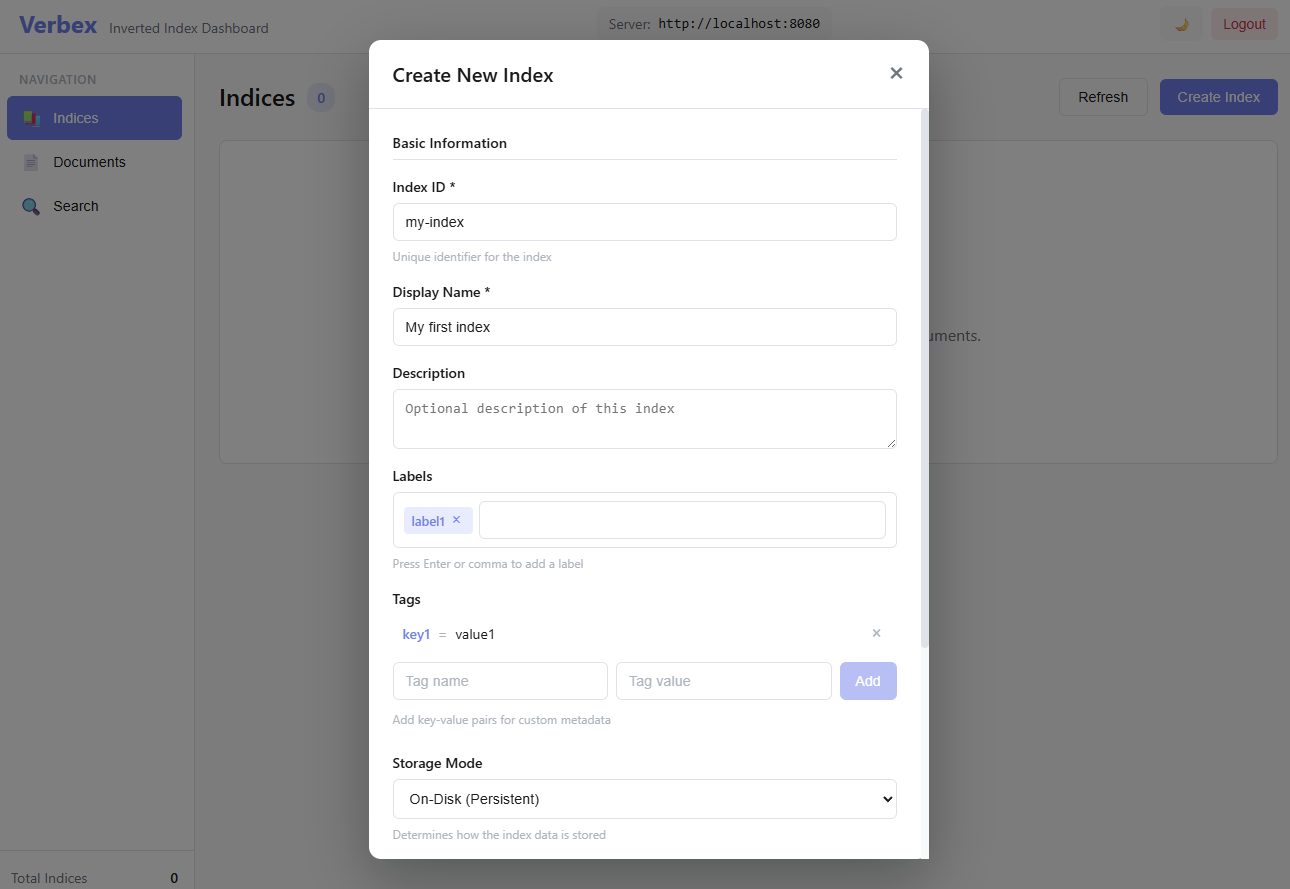
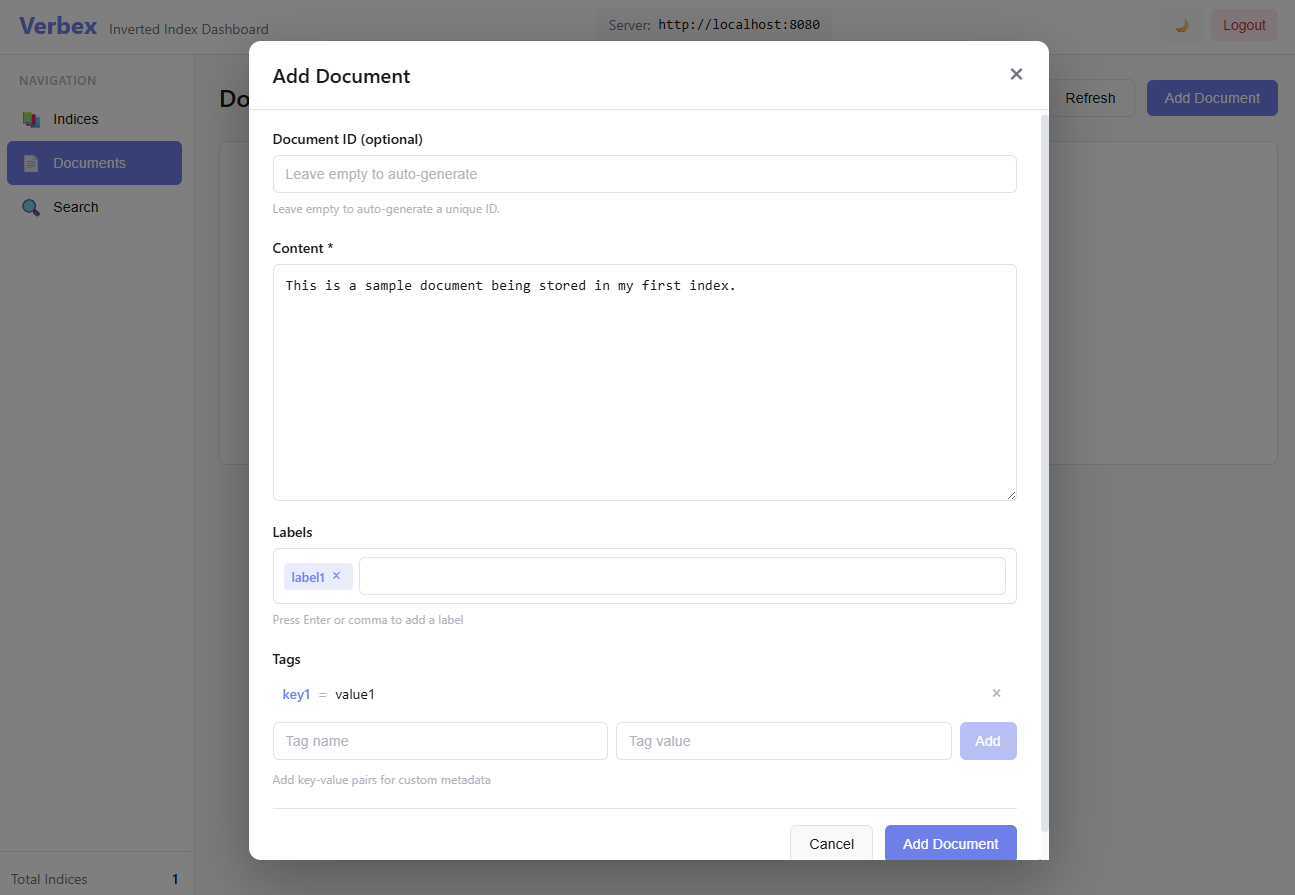
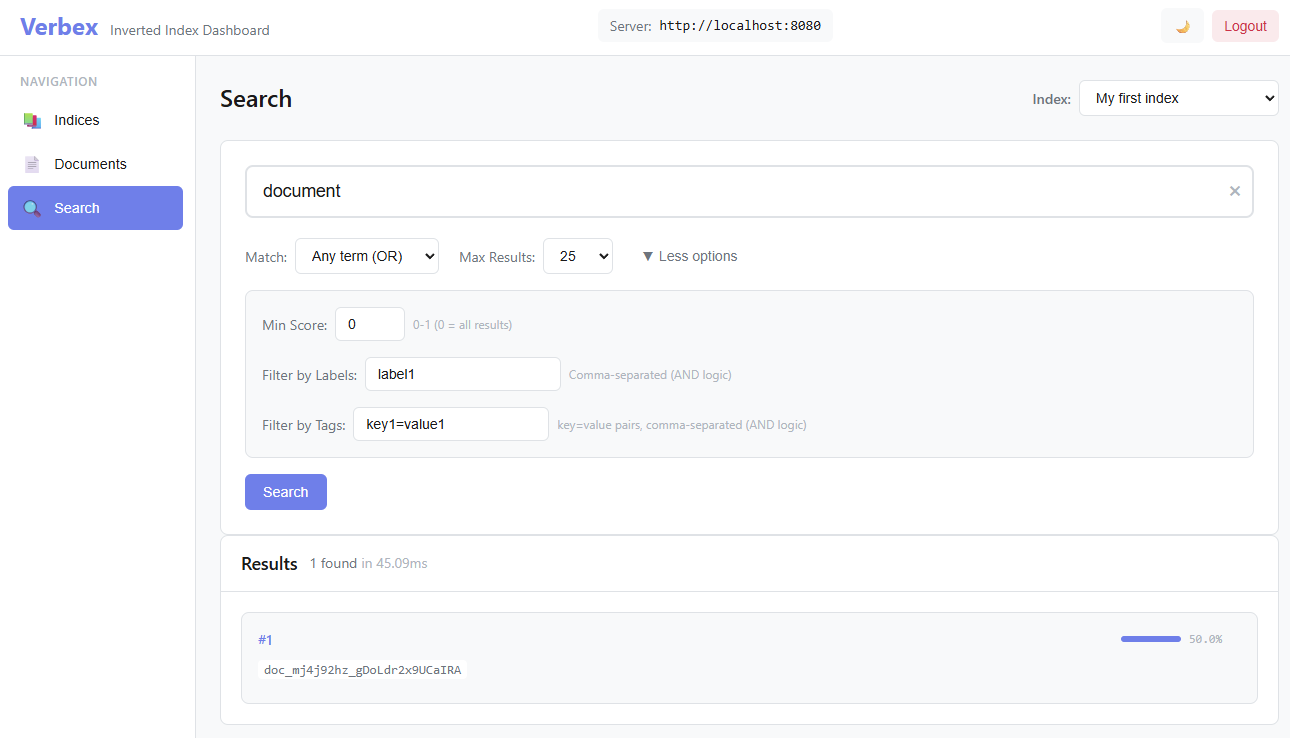
Quick Start
Docker (Recommended)
Get up and running in seconds with Docker:
# Clone and start
git clone https://github.com/jchristn/verbex.git
cd verbex/docker
docker compose up -d

# Server available at http://localhost:8080
# Dashboard available at http://localhost:8200
For detailed Docker configuration, see DOCKER.md.
From Source
git clone https://github.com/jchristn/verbex.git
cd verbex
dotnet build
dotnet run --project src/Verbex.Server    # Start REST API
dotnet run --project src/TestConsole      # Interactive shell
Library Usage
using Verbex;

// Create index
var config = new VerbexConfiguration { StorageMode = StorageMode.InMemory };
using var index = new InvertedIndex(config);

// Add documents
await index.AddDocumentAsync(Guid.NewGuid(), "The quick brown fox", "doc1.txt");
await index.AddDocumentAsync(Guid.NewGuid(), "Machine learning algorithms", "doc2.txt");

// Search
var results = await index.SearchAsync("fox machine");
foreach (var result in results)
    Console.WriteLine($"{result.DocumentId}: {result.Score:F4}");
Key Features
- Flexible Storage: In-memory SQLite or persistent on-disk SQLite
- TF-IDF Scoring: Relevance-ranked search results
- Text Processing: Lemmatization, stop word removal, token filtering
- Metadata Filtering: Labels and tags for document organization
- Thread-Safe: Optimized for concurrent read-heavy workloads
- REST API: Production-ready HTTP server with authentication
- CLI Tool: Professional command-line interface (
vbx) - Web Dashboard: React-based management UI
Components
| Component | Description |
|---|---|
| Verbex | Core library (NuGet package) |
| Verbex.Server | REST API server |
| VerbexCli | Command-line interface |
| TestConsole | Interactive testing shell |
| Dashboard | React web interface |
Storage Modes
// In-Memory (fast, non-persistent)
var config = VerbexConfiguration.CreateInMemory();

// On-Disk (persistent)
var config = VerbexConfiguration.CreateOnDisk(@"C:\VerbexData");
Text Processing
var config = new VerbexConfiguration
{
    StorageMode = StorageMode.OnDisk,
    StorageDirectory = @"C:\Data\Index",
    MinTokenLength = 3,
    MaxTokenLength = 20,
    Lemmatizer = new BasicLemmatizer(),
    StopWordRemover = new BasicStopWordRemover()
};
CLI Example
vbx index create docs --storage disk --lemmatizer --stopwords
vbx doc add readme --content "Getting started with Verbex"
vbx search "getting started" --limit 10
REST API Example
# Authenticate
curl -X POST http://localhost:8080/v1.0/auth/login \
  -H "Content-Type: application/json" \
  -d '{"Username": "admin", "Password": "password"}'

# Search
curl -X POST http://localhost:8080/v1.0/indices/myindex/search \
  -H "Authorization: Bearer YOUR_TOKEN" \
  -d '{"Query": "machine learning"}'
Documentation
- DOCKER.md - Docker deployment guide
- REST_API.md - REST API reference
- VBX_CLI.md - CLI documentation
- STORAGE.md - Storage architecture
- SCORING.md - Scoring algorithm details
Configuration
| Property | Default | Description |
|---|---|---|
StorageMode | InMemory | InMemory or OnDisk |
StorageDirectory | null | SQLite database location |
DefaultMaxSearchResults | 100 | Search result limit |
MinTokenLength | 0 | Minimum token length (0=disabled) |
MaxTokenLength | 0 | Maximum token length (0=disabled) |
Lemmatizer | null | Word lemmatization processor |
StopWordRemover | null | Stop word filter |
Support
Contributing
git clone https://github.com/jchristn/verbex.git
cd verbex
dotnet build
dotnet run --project src/Test  # Run test suite
License
MIT License - free for commercial and personal use.
Attribution
Logo icon by Freepik from Flaticon
Tag summary
Content type
Image
Digest
sha256:887bf7c7f…
Size
126.7 MB
Last updated
1 day ago
docker pull jchristn77/verbex-server