jermine/bow
As simple as possible docker registry frontend/UI
399
jermine/bow repository overview
Bow
As simple as possible docker registry frontend/UI
Pictures

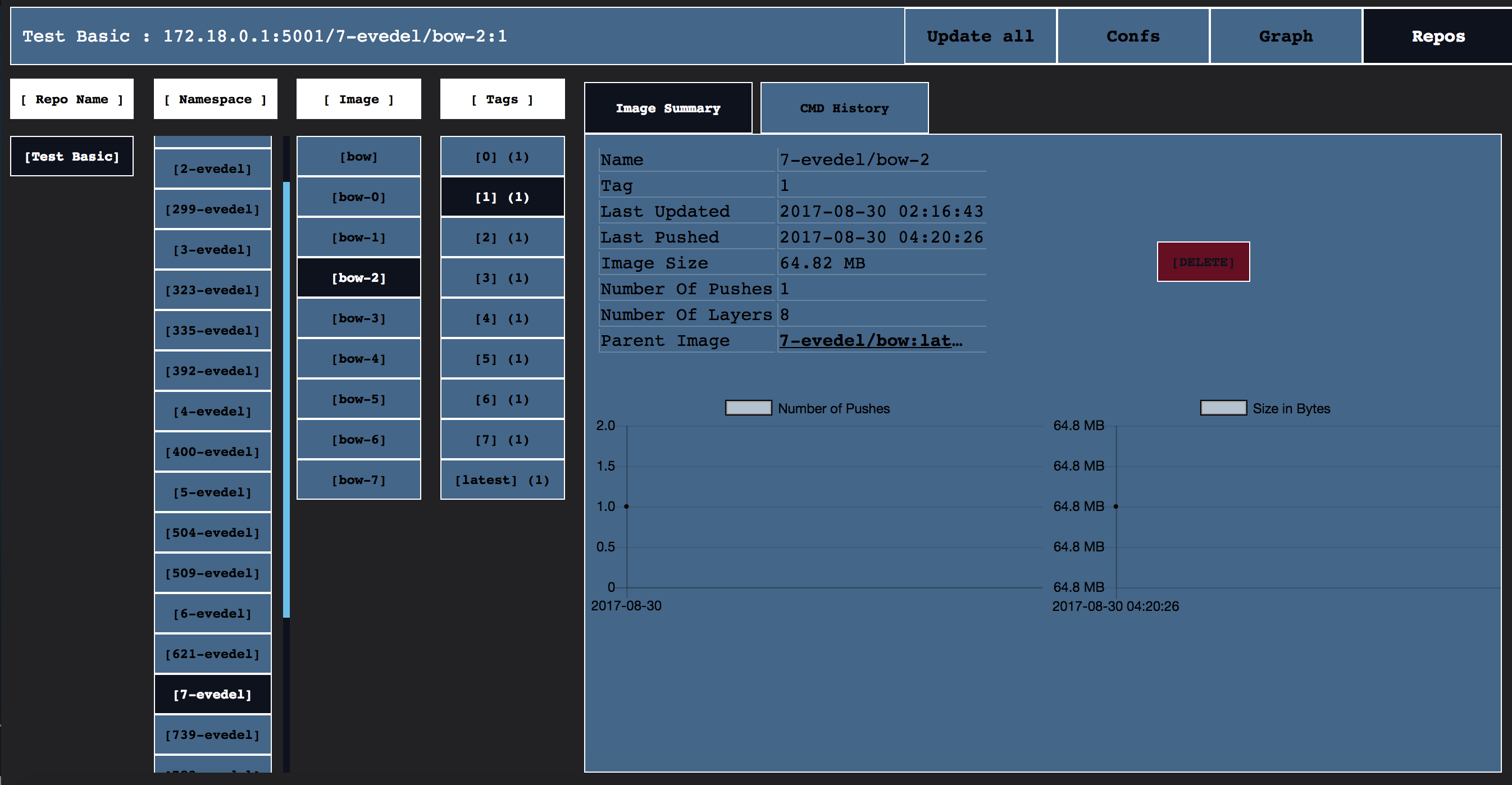
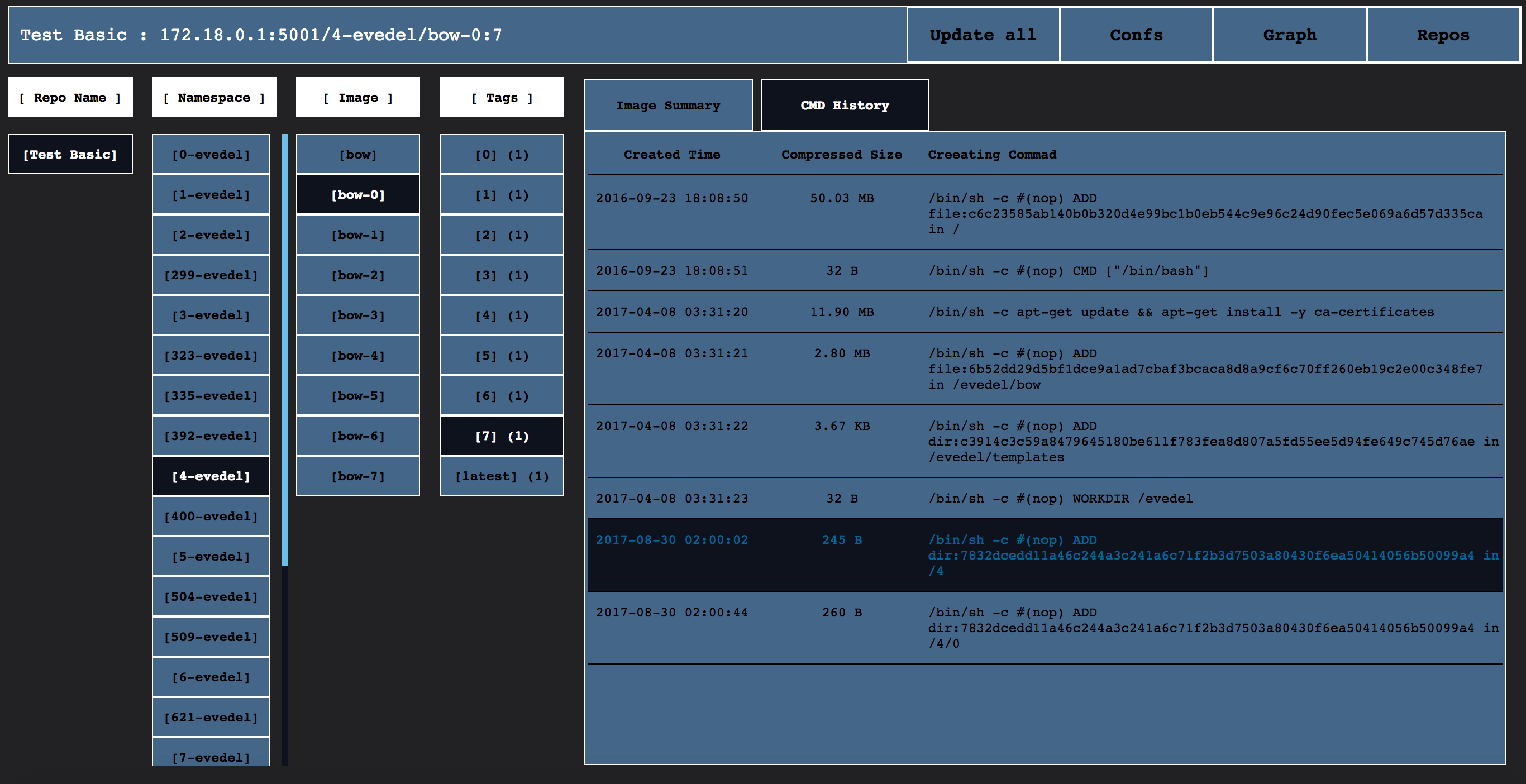
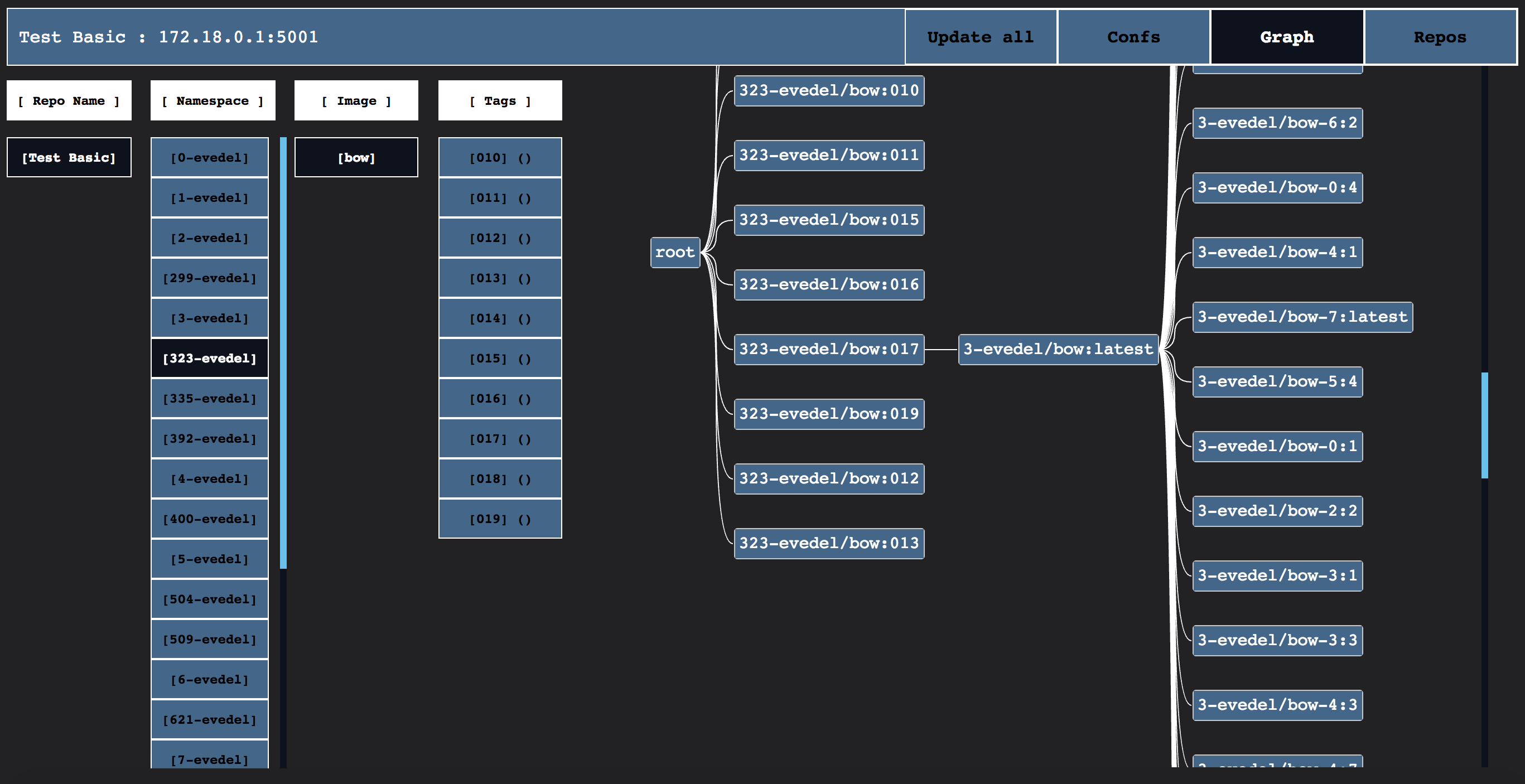
Features
- V2 registries support only (secure, selfsigned and insecure, DNS and IP:PORT)
- internal db (BoltBD) gives it ability to store info, and as result it responses much faster then after direct api call, and can provide more data
- app can pars, store and show info from registry such as:
- image layers info:
- name / tag
- image size and pushes number
- upload and push dates
- image creating commands history
- it is possible to set multiple repositories and watch all registries in one place
- show statistics pretty, draw curves of uploads number and image sizes for tag with respects to dates
- find parent of image, in case, parent in the same repo (it is clickable!)
- show tree-graph of parents for image
- enabled image deletion (registry --version >= 2.4.0)
- (new) API compatibility checks
- (the newest) Bearer token auth support (secure and selfsigned auth servers)
- (killerfeature) Namespace layer and parents graph filters
Image deletion
To enable image deletion you need to:
- Run your registry with the flag
-e REGISTRY_STORAGE_DELETE_ENABLED=true
Example:
docker run -d -p 5000:5000 --restart=always --name registry \
  -v ./auth:/auth \
  -e "REGISTRY_AUTH=htpasswd" \
  -e "REGISTRY_AUTH_HTPASSWD_REALM=Registry Realm" \
  -e REGISTRY_AUTH_HTPASSWD_PATH=/auth/htpasswd \
  -e REGISTRY_STORAGE_DELETE_ENABLED=true \
  registry:2
- Set up cron to run garbage collection
Example:
10 * * * * docker exec registry bin/registry garbage-collect /etc/docker/registry/config.yml - Also be aware, that there is a known issue in docker registry 2.6.2 and earlier. It means, that if you delete an image from a repository, you will not able to push the exactly same image in that repository. To fix it, you will need to perform rebuilding of image with
--no-cachemode each time or restarting the registrydocker restart registryonce after deletion.
See more:
https://github.com/docker/docker-registry/issues/988#issuecomment-224280919
https://docs.docker.com/registry/configuration/#delete
https://docs.docker.com/registry/garbage-collection/#/how-garbage-collection-works
Bearer token auth
What is it and how it works see docker documentation.
Bow was tested to work with cesanta/docker_auth in this configuration.
Prospects
I can say that this app almost fit my needs, so in all likelihood, soon, I will not improve it hardly, but this is the list of ideas just for case:
- info for whole repository: size, number of pushes so on so on soon
- add button 'Don't Track', to store repo data but not update it
- add tests for bearer token and for image deletion
How to start use Bow
docker run -d \
   --name=Bow \
   -e BS_LOG_SILENT=yes \
   -e BS_TIME_WATCH=no \
   -v ~/db/bow:/var/lib/bow \
   -p 5001:19808 \
   evedel/bow
How to start contribute to Bow
If you have interest, you can easily start with
git clone https://github.com/evedel/bow.git
cd bow && git clone https://github.com/fperucic/treant-js project/resources/treant-js
docker-compose -f develop/devcompose.yml up -d
docker exec -it develop_golang_1 go get
docker exec -it develop_golang_1 go test -v qurl -repo='https://UsErNaMe:[email protected]'
docker exec -it develop_golang_1 go run main.go
Code and packages
This app is written on golang with use of standard packages and:
https://github.com/boltdb/bolt -- BoltDB
https://github.com/fatih/color -- to make cli shiny
https://github.com/wader/disable_sendfile_vbox_linux -- to develop on docker-machine
http://www.chartjs.org/ -- to draw best graphs ever
https://github.com/fperucic/treant-js -- to draw parents graphs
Tag summary
Content type
Image
Digest
Size
5.2 MB
Last updated
over 8 years ago
docker pull jermine/bow