jessebot/onboardme
Official onboardme docker image.
10K+
jessebot/onboardme repository overview
Official onboardme docker image
100% FOSS: github.com/jessebot/onboardme
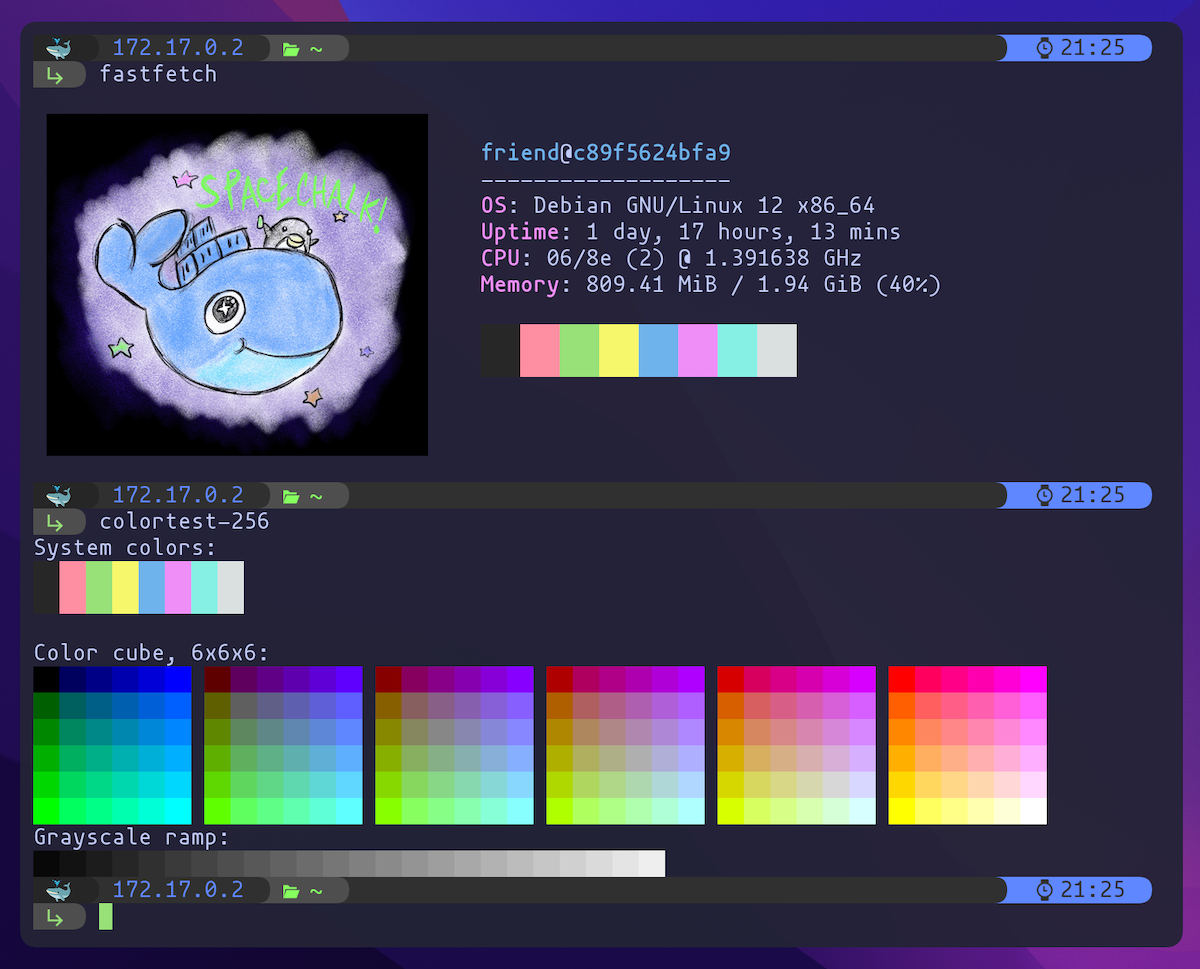
» Click this line for more info on local prerequisites
Compatible Terminals
For images to work properly, you should use a modern terminal like:
Font prereqs
For font symbols to work, you need to install a nerdfont.
Example on macOS:
# use the homebrew font casks
brew tap homebrew/cask-fonts

# installs a nice small font
brew install --cask font-mononoki

# installs special nerdfont symbols for the font
brew install --cask font-symbols-only-nerd-font
You can configure iterm2 to use two separate fonts, so set symbols-only-nerd-font as your non-ascii font.
For Wezterm on both macOS and Linux, check out an example on how to use two fonts here, or checkout their docs directly :)
Image prereqs
You need libsixel and libmagickcore-dev locally for images to work in your terminal. The installation method is different depending on OS and architecture.
Example to install image prereqs with brew on macOS (or linuxbrew on x64 arch):
brew install imagemagick
brew install sixel
Example to install image prereqs with apt on Debian/Ubuntu (works on both x86_64 and arm64):
sudo apt install --no-install-recommends -y libmagickcore-dev
sudo apt install --no-install-recommends -y libsixel-bin
All tags and why
We needed to do separate ARM docker tags, because uploading the same tag with two different architectures was not working, perhaps because the docker image itself has very different layers due to differing lines in the two Dockerfiles, as the ARM tags can't use linuxbrew as it's unsupported, so we compile several programs from source.
linux/amd64
Runs onboardme with default settings:
latest,debian12
Runs onboardme with default settings + devops packages:
debian12-devops,devops
Runs onboardme with default settings + devops + music + mail packages, the whole tui shebang:
debian12-full-tui,full-tui
Only install onboardme and prereqs:
prereqs,debian12-prereqs
linux/arm64 (aarch)
Runs onboardme with default settings:
latest-arm,debian12-arm
Runs onboardme with default settings + devops packages:
debian12-arm-devops,arm-devops
Runs onboardme with default settings + devops + music + mail packages, the whole tui shebang:
debian12-arm-full-tui,arm-full-tui
Only install onboardme and prereqs:
arm-prereqs,debian12-arm-prereqs
Usage
To run the image locally with onboardme already run using default settings:
# this image is built daily and has already run onboardme with the default settings
docker run -it jessebot/onboardme:latest
To run the image locally with onboardme installed but not run:
# best if you have your own dot files, or need a smaller initial docker image to pull.
# no packages outside of the required pre-reqs for onboardme have been installed
docker run -it -rm jessebot/onboardme:prereqs
Usage on linux/arm64 (aarch)
# image is built daily and has already run onboardme with the default settings
docker run -it --platform=linux/arm64 -rm jessebot/onboardme:latest-arm
# no packages outside of the required pre-reqs for onboardme have been installed
docker run -it --platform=linux/arm64 -rm jessebot/onboardme:arm-prereqs
Tag summary
Content type
Image
Digest
sha256:d4a7e66cf…
Size
1.1 GB
Last updated
over 1 year ago
docker pull jessebot/onboardme