jlospinoso/ccc
Companion Code for C++ Crash Course by Josh Lospinoso
Image
0
10K+
jlospinoso/ccc repository overview
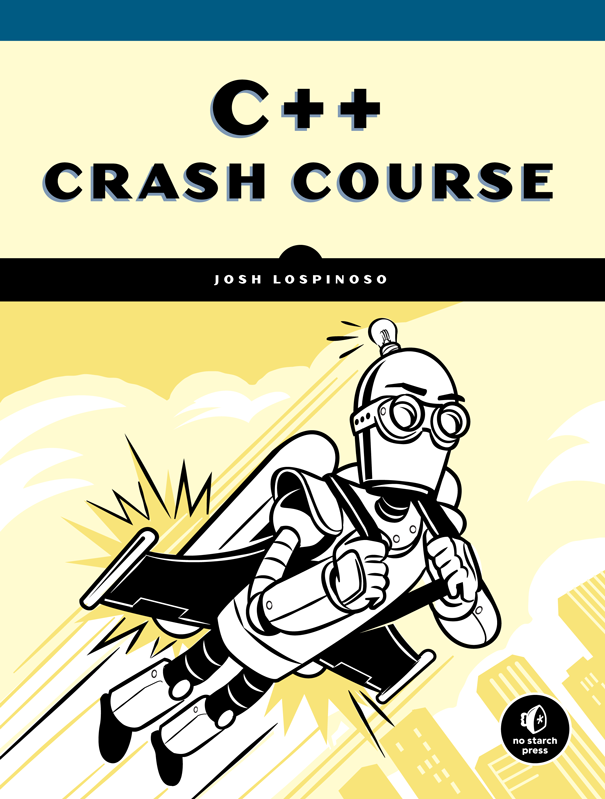
Get the Book
C++ Crash Course is currently available at No Starch Press.
Install Software
- Follow the instructions in Chapter 1 for setting up a development environment.
- Download and install CMake
- Download and install Boost
- Download and install Git
Build the Examples
First, clone this repository:
git clone [email protected]:JLospinoso/ccc
Next, perform an out-of-source CMake build. For example:
cd ccc
git submodule init
git submodule update
mkdir build
cd build
cmake ..
cmake --build .
Your build directory should now contain requisite files for building on your current platform. On Windows, for example, you should find a .sln Visual Studio Solution file. On macOS/Linux, you should find a make file.
Tag summary
Content type
Image
Digest
Size
750.1 MB
Last updated
over 5 years ago
docker pull jlospinoso/ccc