jonasbonno/ftb-oceanblock
Minecraft - Feed The Beast OceanBlock modpack made by Feed The Beast at https://feed-the-beast.com
2.9K
jonasbonno/ftb-oceanblock repository overview
ftb-oceanblock
Feed The Beast OceanBlock modpack made by Feed The Beast at https://feed-the-beast.com
Modpack for Minecraft 1.16 with Log4jPatcher.
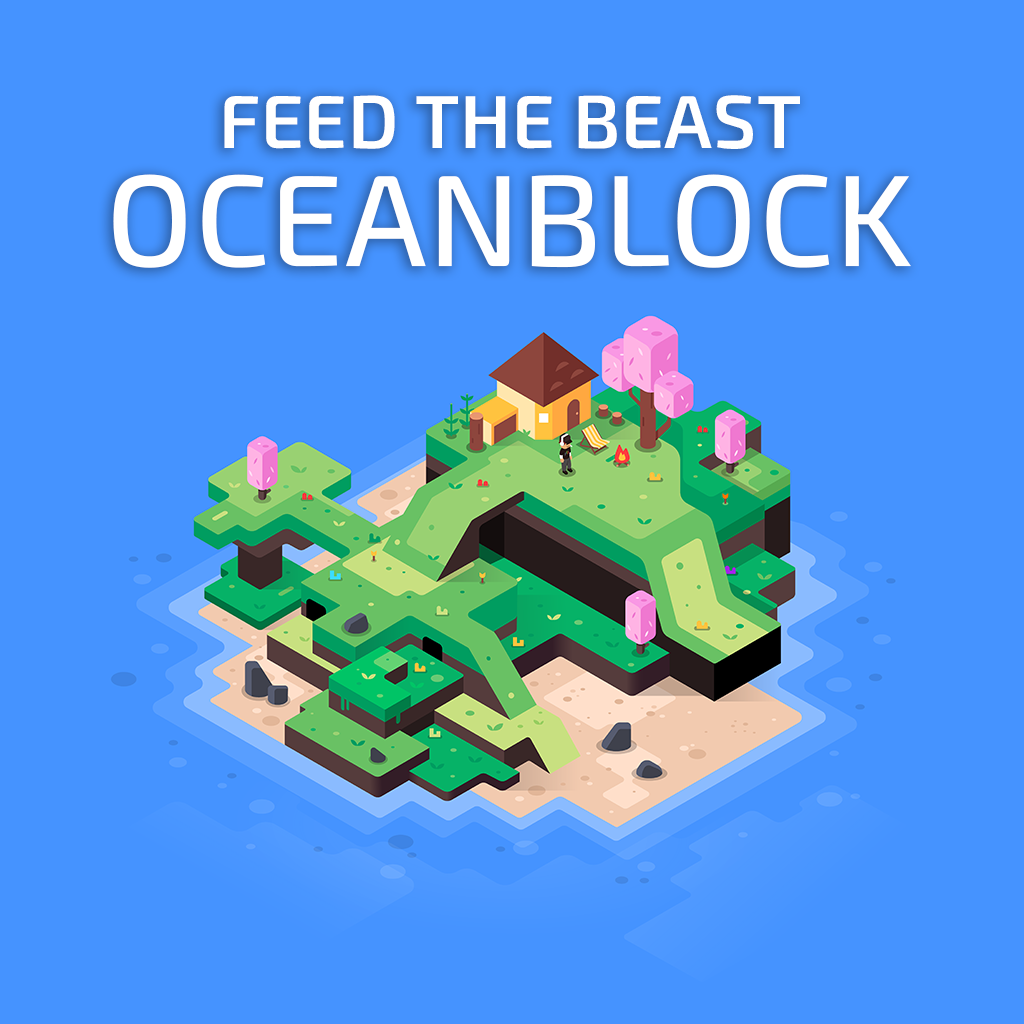
OceanBlock is a new, unique modpack created by the FTB Team inspired by the countless island-based modpacks.
“Enjoy” the lack of ability to swim, follow over 550 quests that will guide you through this wet and wild journey, along with a whole new crafting system, tempered jars!
NOTE: In compliance with Mojang "End User License Agreement", you will need to agree to the EULA in order to run your own Minecraft server. By using this container you acknowledge the EULA! If you do not agree, then you are not permitted to use this container! https://account.mojang.com/documents/minecraft_eula
The worldname must be the default "world". Settings will reset when upgrading. Access the console to op and whitelist.
Running ftb-oceanblock data container:
docker run --name [name of your data container] jonasbonno/ftb-oceanblock echo 'Data-only container'
Running ftb-oceanblock server:
docker run --tty=true --interactive=true --detach=true --name [name of your container] --volumes-from [name of your data container] --publish=[port on your host]:25565 jonasbonno/ftb-oceanblock
When upgrading sometime items have been remove and therefor you have to confirm removal.
To do so run docker attach [name of your container] and type /fml confirm when prompted to confirm or cancel.
Exit with CTRL+P CTRL+Q.
To access the console:
docker attach [name of container]
Run your commands
To exit: CTRL+P CTRL+Q
Tips:
Check for OS updates: docker exec -u 0 -it [name of your container] /usr/bin/apt update
Install OS updates: docker exec -u 0 -it [name of your container] /usr/bin/apt full-upgrade -y
Download file: docker cp [name of your container]:/minecraft/options.txt .
Upload file: docker cp options.txt [name of your container]:/minecraft/options.txt
Say Hi!: echo "say Hi!" | socat EXEC:"docker attach [name of your container]",pty STDIN
Say CPU and RAM usage: echo "say $(docker stats [name of your container] --no-stream --format "table CPU: {{.CPUPerc}} RAM: {{.MemPerc}}" | sed -n -e 2p)" | socat EXEC:"docker attach [name of your container]",pty STDIN
The first time the server starts it creates the server.properties file with default settings and spawns "world". Not recommended to change these settings by hand.
Tag summary
Content type
Image
Digest
sha256:eefa467f8…
Size
543.7 MB
Last updated
13 days ago
docker pull jonasbonno/ftb-oceanblock