jzohrab/lute3
Learning Using Texts (Lute) v3 - an application for learning foreign languages through reading.
50K+
jzohrab/lute3 repository overview
What is Lute v3?
LUTE (Learning Using Texts) is an application for learning foreign languages through reading.
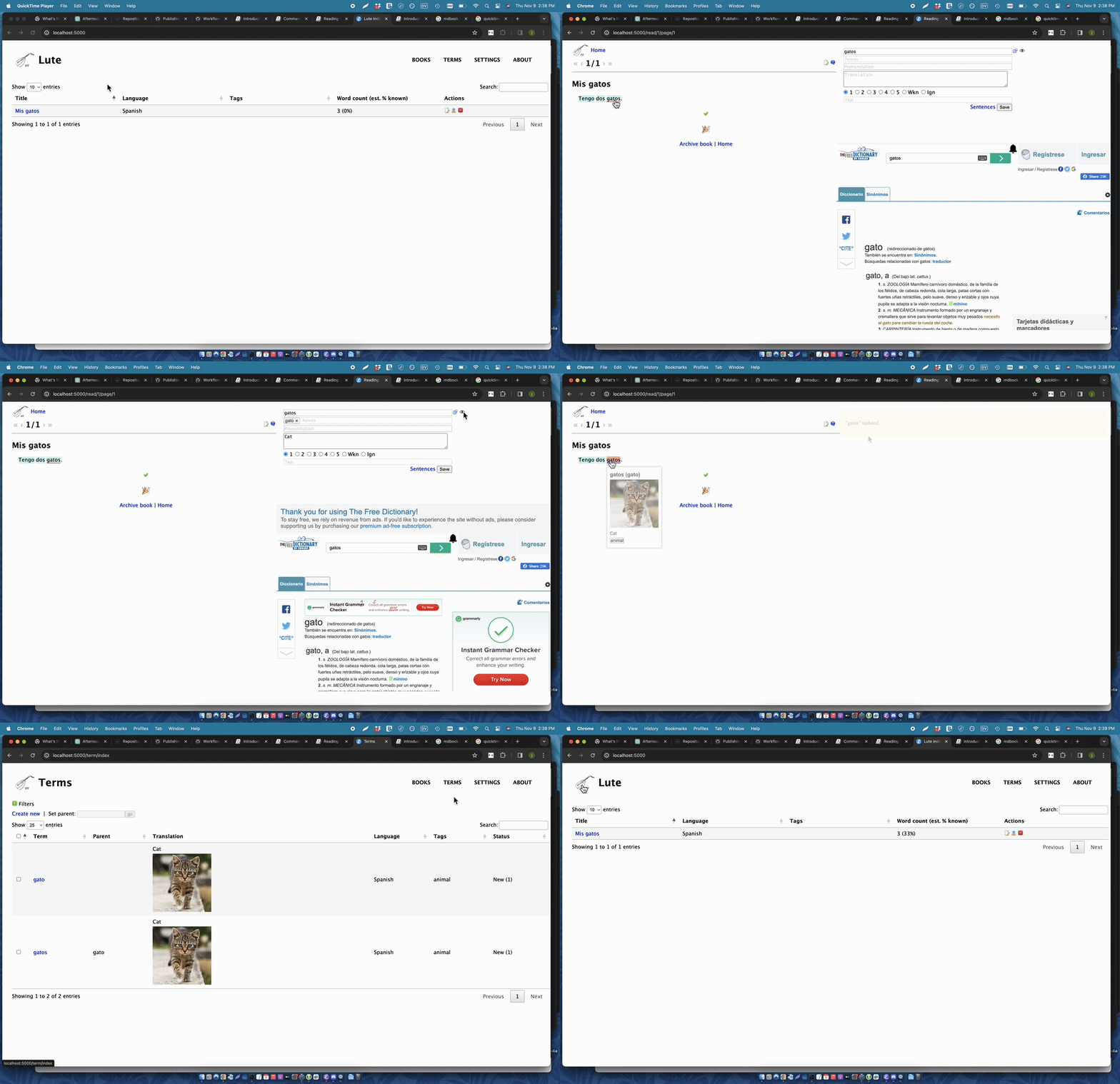
For more information, see the Lute manual.
How to use this image
docker run -p 5001:5001 -v <MY_DATA_PATH>:/lute_data -v <MY_BACKUP_PATH>:/lute_backup jzohrab/lute3:latest
Docker containers using this image writes to container directories which must be mounted from the host:
/lute_data: the database, user images, etc./lute_backup: your backups
If these directories are not mounted, the container will not start.
Example:
mkdir -p ~/lute/data
mkdir -p ~/lute/backups
docker run -p 5001:5001 -v ~/lute/data:/lute_data -v ~/lute/backups:/lute_backup --name my-lute jzohrab/lute3:latest
The above:
- runs the container from the
jzohrab/lute3:latestimage - exposes port 5001 on the host (so http://localhost:5001 works)
- mounts the necessary directories
- names the running container "my-lute"
and it prints:
  Starting Lute:

  Initializing app.
  data path: /lute_data
  database: /lute_data/lute.db
  (Note these are container paths, not host paths.)

  Running at:

  http://localhost:5001


  When you're finished reading, stop this container
  with Ctrl-C, docker compose stop, or docker stop <containerid>
  as appropriate.
(You can now open your browser to http://localhost:5001 and start working through the Lute demo.)
With the above command, the lutev3 process takes over that console window, so start a new console window and enter
docker stop my-lute
After the first call to docker run, you can start and stop that same container with:
docker start my-lute
docker stop my-lute
... via docker compose
Example docker-compose.yml for lute3:
version: '3.9'
services:
  lute:
    image: jzohrab/lute3:latest
    ports:
      - 5001:5001
    volumes:
      - ~/lute/data:/lute_data
      - ./lute/backups:/lute_backup
Store that file in some directory on your machine. Then, starting a console in that directory, starting and stopping examples:
docker compose up -d
docker compose stop lute
Image Variants
lute3 has two variants:
lute3:<version>(orlute3:latest): Lute v3 and all extra supported parsers (Japanese and Mecab, Mandarin). ~1 GB.lute3:<version>-lean(orlute3:latest-lean): Lute, without extra parsers. If you're not studying Japanese or Mandarin, this will suffice. ~450 MB
Source code and building your own images
Lute v3 is on GitHub.
The Dockerfile used to build the images, and docs, are in /docker in that repo.
Help
If you encounter any issues or have questions, please check the GitHub Issues or join the Discord.
License
Lute v3 and its Docker image are under the MIT license.
Tag summary
Content type
Image
Digest
sha256:ca0c26b81…
Size
427 MB
Last updated
3 months ago
docker pull jzohrab/lute3