kimi360/ariang repository overview
AriaNg





简介
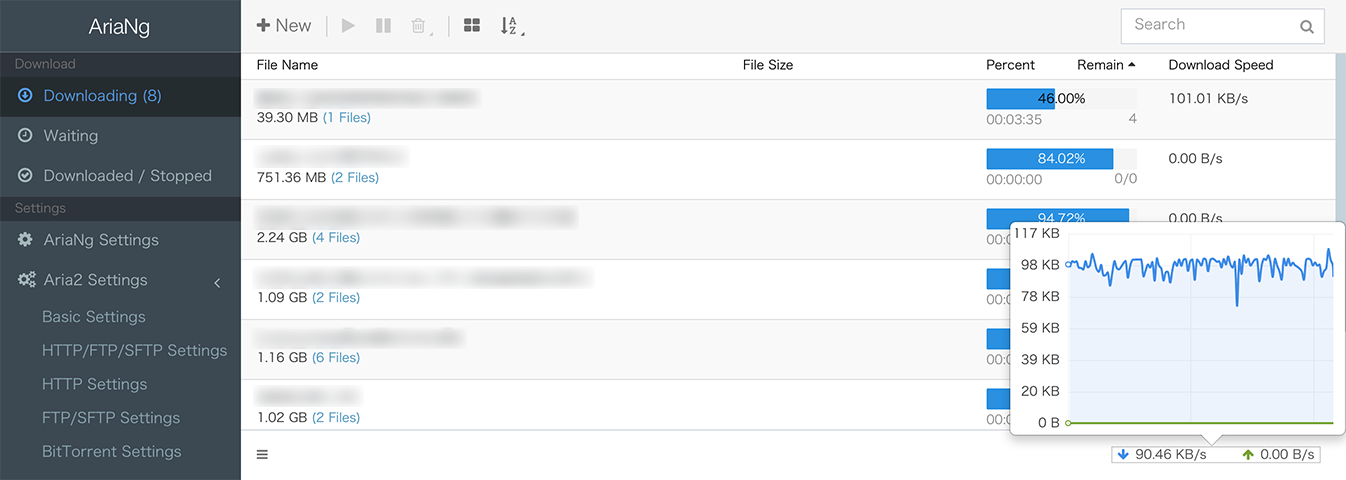
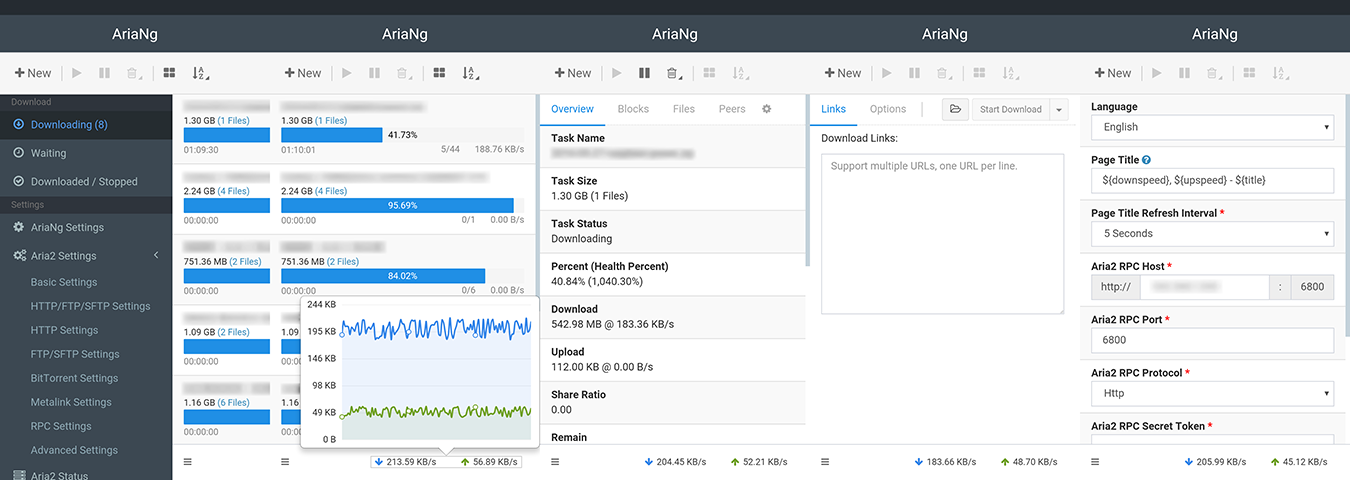
AriaNg 是一个让 aria2 更容易使用的现代 Web 前端. AriaNg 使用纯 html & javascript 开发, 所以其不需要任何编译器或运行环境. 您只要将 AriaNg 放在您的 Web 服务器里并在浏览器中打开即可使用. AriaNg 使用响应式布局, 支持各种计算机或移动设备.
AriaNg is a modern web frontend making aria2 easier to use. AriaNg is written in pure html & javascript, thus it does not need any compilers or runtime environment. You can just put AriaNg in your web server and open it in your browser. AriaNg uses responsive layout, and supports any desktop or mobile devices.
说明
- 基于 scratch 镜像构建体积超小。
- 查看 Dockerfile 。
使用
快速开始
docker run -d \
  --name ariang \
  --restart unless-stopped \
  -p 80:80 \
  kimi360/ariang:latest
启用日志 | 设置时区 | 健康检查
#使用第三方健康检查
wget https://github.com/chrisaxiom/docker-health-check/blob/master/docker-health-check?raw=true -O healthcheck
chmod a+x healthcheck
docker run -d \
  --name ariang \
  --restart unless-stopped \
  -v ~/logs:/logs \
  -v ~/healthcheck:/healthcheck \
  -v /usr/share/zoneinfo/Asia/Shanghai:/etc/localtime \
  -p 80:80 \
  --health-cmd="/healthcheck -url=http://127.0.0.1" \
  kimi360/ariang:latest \
  --log /logs/access.log
Docker-compose
version: '3'
services:
  ariang:
    image: kimi360/ariang
    container_name: ariang
    restart: unless-stopped
    ports:
      - 80:80
    volumes:
      - ~/logs:/logs
      - ~/healthcheck:/healthcheck
      - /usr/share/zoneinfo/Asia/Shanghai:/etc/localtime
    healthcheck:
      test: ["CMD", "/healthcheck", "-url=http://127.0.0.1"]
    command: ["--log","/logs/access.log"]
截图
桌面端
移动端
引用
协议
Tag summary
Content type
Image
Digest
sha256:bdcf106d3…
Size
1.1 MB
Last updated
over 1 year ago
docker pull kimi360/ariang