korap/kalamar repository overview

Kalamar is a Mojolicious-based user interface frontend for the KorAP Corpus Analysis Platform.
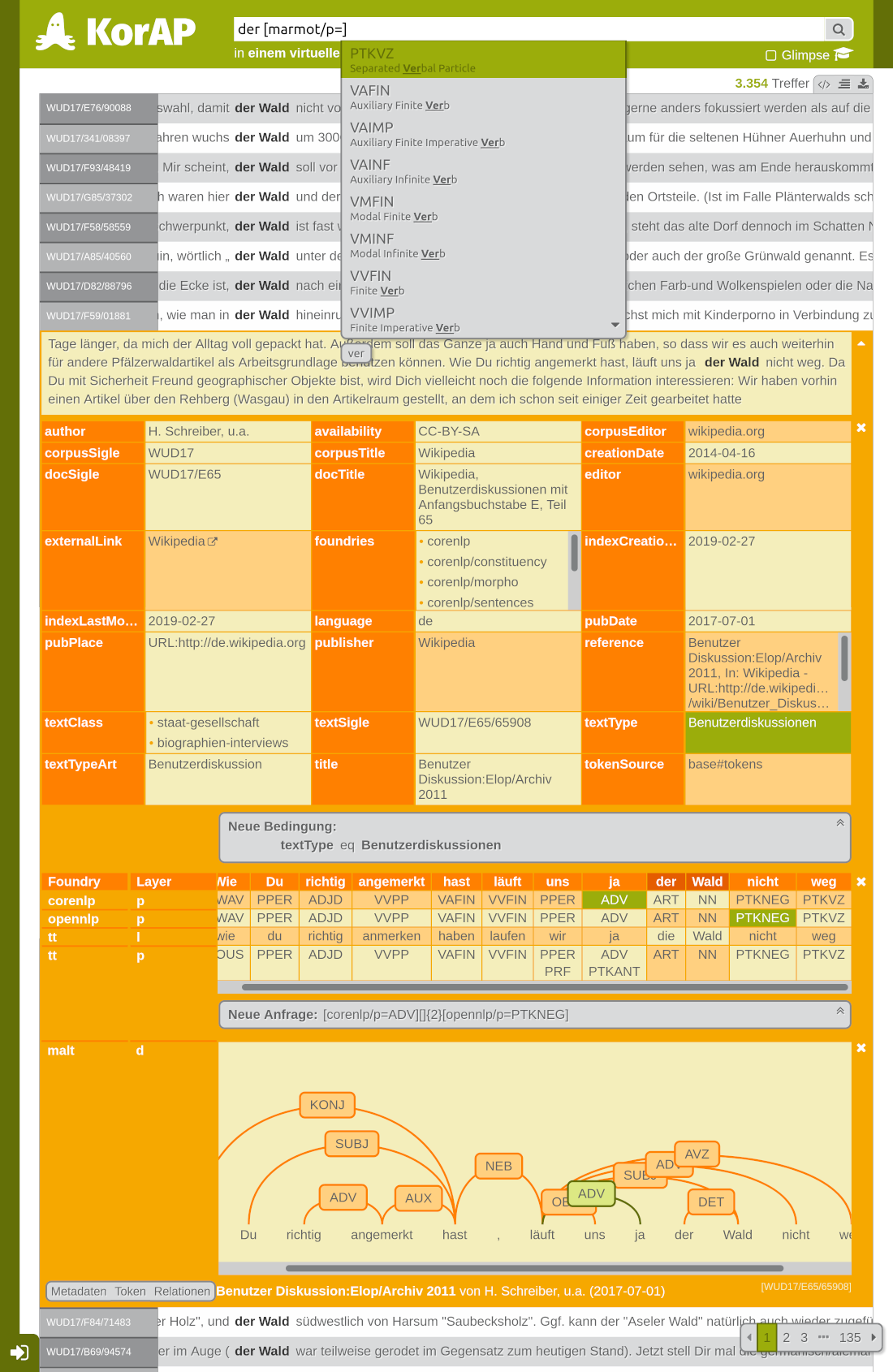
Please refer to the GitHub documentation on how to install Kalamar for development purposes, configuration, localization and customization. Please refer to the embedded documentation how to use Kalamar for corpus search.
Using the container
The entrypoint of the container is the mojolicious app script. Per default the container starts a demon in production mode, exposing the port 64543 for all requests. Example run is:
$ docker run --network host --name kalamar korap/kalamar
Alternative to the host network, you can also directly bind to the port.
$ docker run -d -p [HOSTPORT]:64543 --name kalamar korap/kalamar
It is recommend to provide a secret file, when planned to use in production:
--mount type=bind,readonly=true,source="[HOSTSECRETFILE]",target=/kalamar/kalamar.secret
To pass a configuration file, mount the /kalamar/kalamar.production.conf with
--mount type=bind,readonly=true,source="[HOSTCONFIGFILE]",target=/kalamar/kalamar.production.conf
For further commands available, run
$ docker run --rm korap/kalamar help
Tag summary
Content type
Image
Digest
sha256:87dba0318…
Size
16.1 MB
Last updated
about 2 months ago
docker pull korap/kalamar