kyzimaspb/webone
HTTP 1.x proxy for old web browsers by Alexander Tauenis
10K+
kyzimaspb/webone repository overview
WebOne HTTP 1.x proxy in container
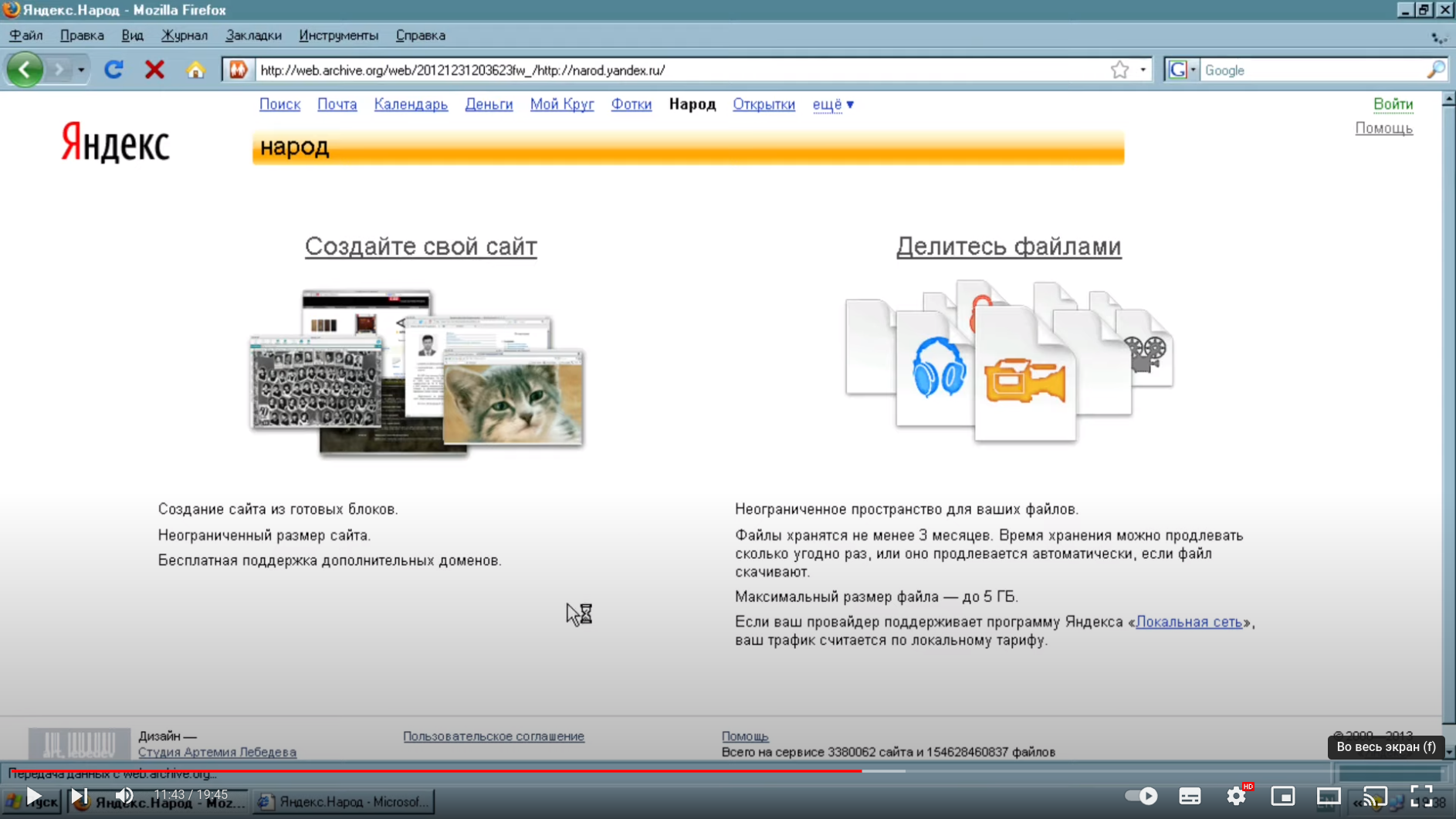
Container with WebOne - HTTP 1.x proxy that makes old web browsers usable again in the Web 2.0 world by Alexander Tauenis.
How to start a container?
The value of the DefaultHostName option is automatically calculated
as the IP address of the container in the Docker network or as the IP address of the host machine:
# Using the host machine's network
docker run -d --name webone_1 \
    --network host \
    --restart unless-stopped \
    kyzimaspb/webone

# Or in a custom bridge network with port forwarding:
docker network create webone
docker run -d --name webone_1 \
    --network webone \
    -p "8080:8080" \
    --restart unless-stopped \
    kyzimaspb/webone
To view the WebOne log, use the command:
docker logs -f webone_1
To use custom settings, mount the directory or file to the mount point /opt/webone/webone.conf.d.
A numeric prefix in the file name can be used to set the priority of configurations:
docker run -d --name webone_1 \
    --restart unless-stopped \
    --network host \
    -v "./custom.conf:/opt/webone/webone.conf.d/100_custom.conf:ro" \
    kyzimaspb/webone

docker run -d --name webone_1 \
    --restart unless-stopped \
    --network host \
    -v "./webone.conf.d:/opt/webone/webone.conf.d:ro" \
    kyzimaspb/webone
How to run a container as another user?
The image is not user-specific.
If you want to run as a different user, use the -u argument of the docker run command
or other built-in capabilities:
docker run -d --name webone_1 \
    --network host \
    --restart unless-stopped \
    -u 1001:1001 \
    kyzimaspb/webone
How to limit resource usage?
You can use all resource limits available for the docker run command. For example, limit the amount of RAM:
docker run -d --name webone_1 \
    --network host \
    --restart unless-stopped \
    -m 512M \
    kyzimaspb/webone
How to create a custom image?
How to change WebOne version?
The WEBONE_VERSION build argument allows you to specify the version of WebOne:
git clone https://github.com/kyzima-spb/webone.git
docker build \
    --build-arg WEBONE_VERSION=0.16.0 \
    -t webone \
    -f ./docker/Dockerfile \
    ./docker/root
How to change .NET version?
The DOTNET_VERSION build argument allows you to specify the version of .NET SDK.
The value is part of the ${DOTNET_VERSION}-alpine${ALPINE_VERSION} tag.
Available tags can be viewed on the official Microsoft website:
git clone https://github.com/kyzima-spb/webone.git
docker build \
    --build-arg DOTNET_VERSION=7.0 \
    -t webone \
    -f ./docker/Dockerfile \
    ./docker/root
Tag summary
Content type
Image
Digest
sha256:b77c2bbd4…
Size
113.1 MB
Last updated
almost 2 years ago
docker pull kyzimaspb/webone