lardbit/nefarious repository overview
Nefarious

Nefarious is a web application that helps you download Movies and TV Shows.
It aims to combine features of Sonarr, Radarr and Ombi.
It uses Jackett and Transmission under the hood. Jackett searches for torrents and Transmission does the downloading.
Features:
- Search TV
- Search Movies
- Auto download TV (individual or full season)
- Auto download Movies
- Discover Movies (by popularity, genres etc)
- Discover TV (by popularity, genres etc)
- Manually search Jackett results and download
- Support blacklisting torrent results (a bad torrent that should be avoided)
- Support quality profiles (i.e only download 1080p Movies and any quality TV)
- Auto download media once it's released (routinely scan)
- Monitor transmission results from within the app
- Self/auto updating application
- Support multiple users (i.e admin users and regular users)
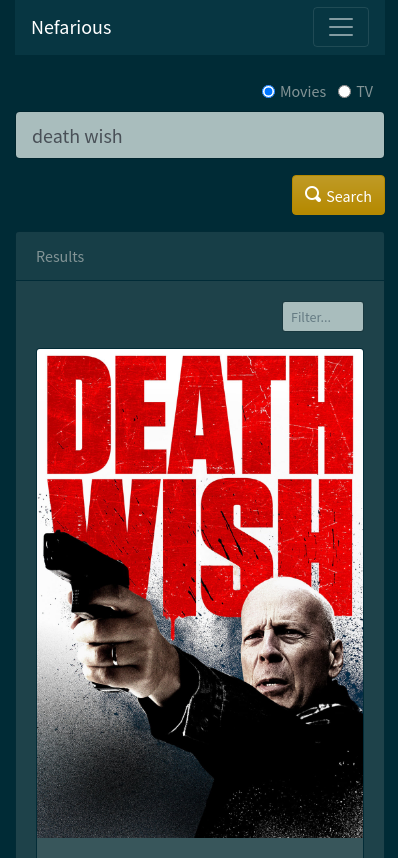
- Mobile Friendly (looks good on small devices like phones)
- Support user requests (i.e an unprivileged user must "request" to watch something)
- Smart Ratio management (auto seed to specified indexers)
Contents
Screenshots
Login

Search

Search Results

TV Result
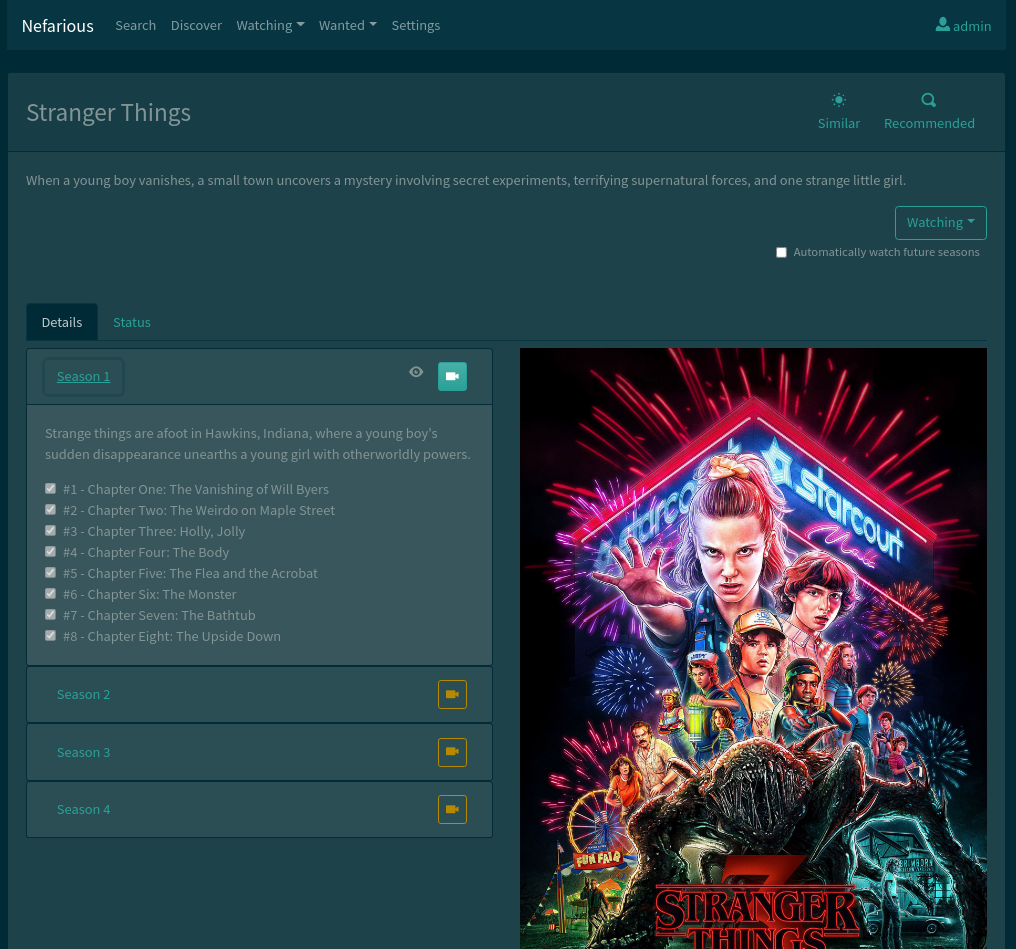
Download Status

Movie Result

Movie Custom Quality Profile

Discover

Wanted
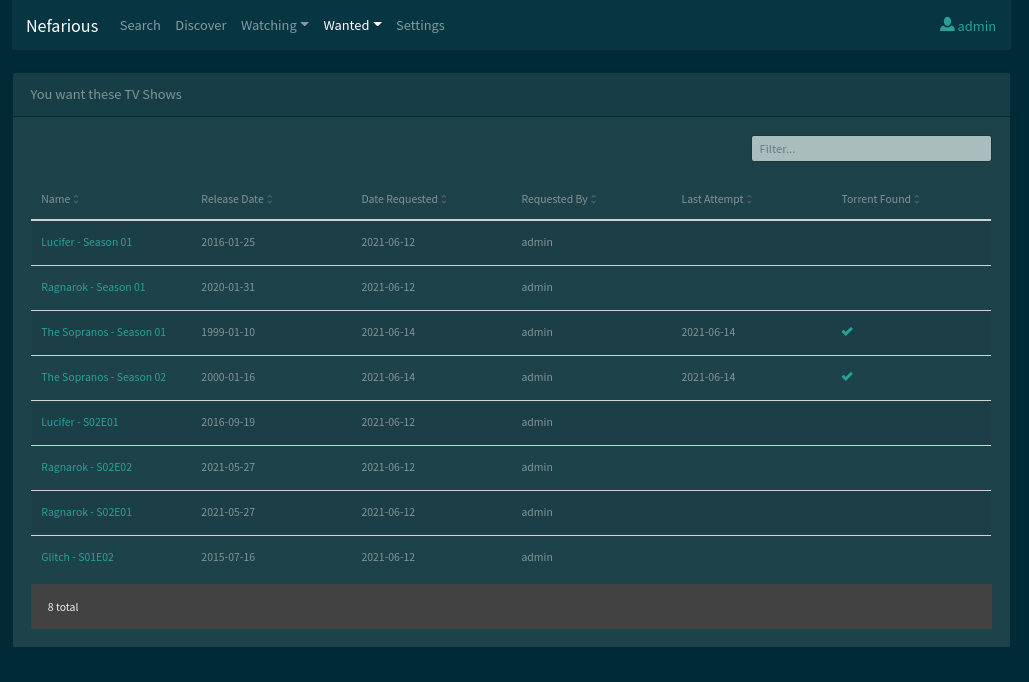
Watching

Settings

Search Manual

Mobile Friendly
Installing
Nefarious is best run via Docker through Docker Compose.
Install that and you're all set.
Running
Run nefarious and dependencies:
docker-compose up -d
The default user/pass is admin/admin. You can change this through the backend admin interface.
NOTE: there is an armv7 image as well.
Configure Jackett
Configure your local Jackett instance at http://localhost:9117. You'll need to add indexers and copy your api key to enter into nefarious.
Configure Transmission
If you're using the built-in transmission, then there's nothing to actually configure, but you can view its web ui at http://localhost:9091 to see what's actually being downloaded by nefarious.
Configure Nefarious
Open nefarious at http://localhost:8000. You'll be redirected to the settings page.
Jackett settings
Since jackett is running in the same docker network, you'll need to set the host as jackett. The default port is 9117. Enter your api token.
Transmission settings
Configure your transmission host, port, username and password, and download directories. Nefarious will save TV and Movies in individual sub-folders of your configured Transmission download path.
If you're using the built-in transmission in the docker-compose.yml, then make sure to enter transmission as the host since it's in the same docker network stack.
Troubleshooting
# logs for main app
docker-compose logs -f nefarious

# logs for tasks (search results)
docker-compose logs -f celery
Development
If you're interested in contributing or simply want to run nefarious without docker then follow these instructions.
Nefarious is built on:
- Python 3.6
- Django 2
- Angular 6
- Bootstrap 4
Note: Review the Dockerfile for all necessary dependencies.
Build front-end resources
First build the frontend html/css stuff (angular):
npm --prefix src/frontend run build
Note: run npm --prefix src/frontend run watch to automatically rebuild while you're developing the frontend stuff.
Run nefarious
Run the python application using django's development runserver management command:
python src/manage.py runserver 8000
It'll be now running at http://127.0.0.1:8000
Run celery (task queue)
Celery is a task queue and is used by nefarious to queue downloads, monitor for things, etc.
Run the celery server:
celery -A nefarious worker --loglevel=INFO
You'll see all download logs/activity come out of here.
Dependencies
Jackett, Redis and Transmission are expected to be running somewhere.
You can download and run them manually, or, for simplicity, I'd just run them via docker using the docker-compose.yml file.
Run redis, jackett and transmission from the docker-compose.yml file:
docker-compose up -d redis jackett transmission
Tag summary
Content type
Image
Digest
sha256:834dff17a…
Size
572.1 MB
Last updated
5 days ago
docker pull lardbit/nefarious