libzonda/linux-qq-release repository overview
Linux QQ Docker Image





This Docker image provides Tencent QQ for Linux with a web-accessible GUI, based on jlesage/baseimage-gui:ubuntu-24.04-v4.
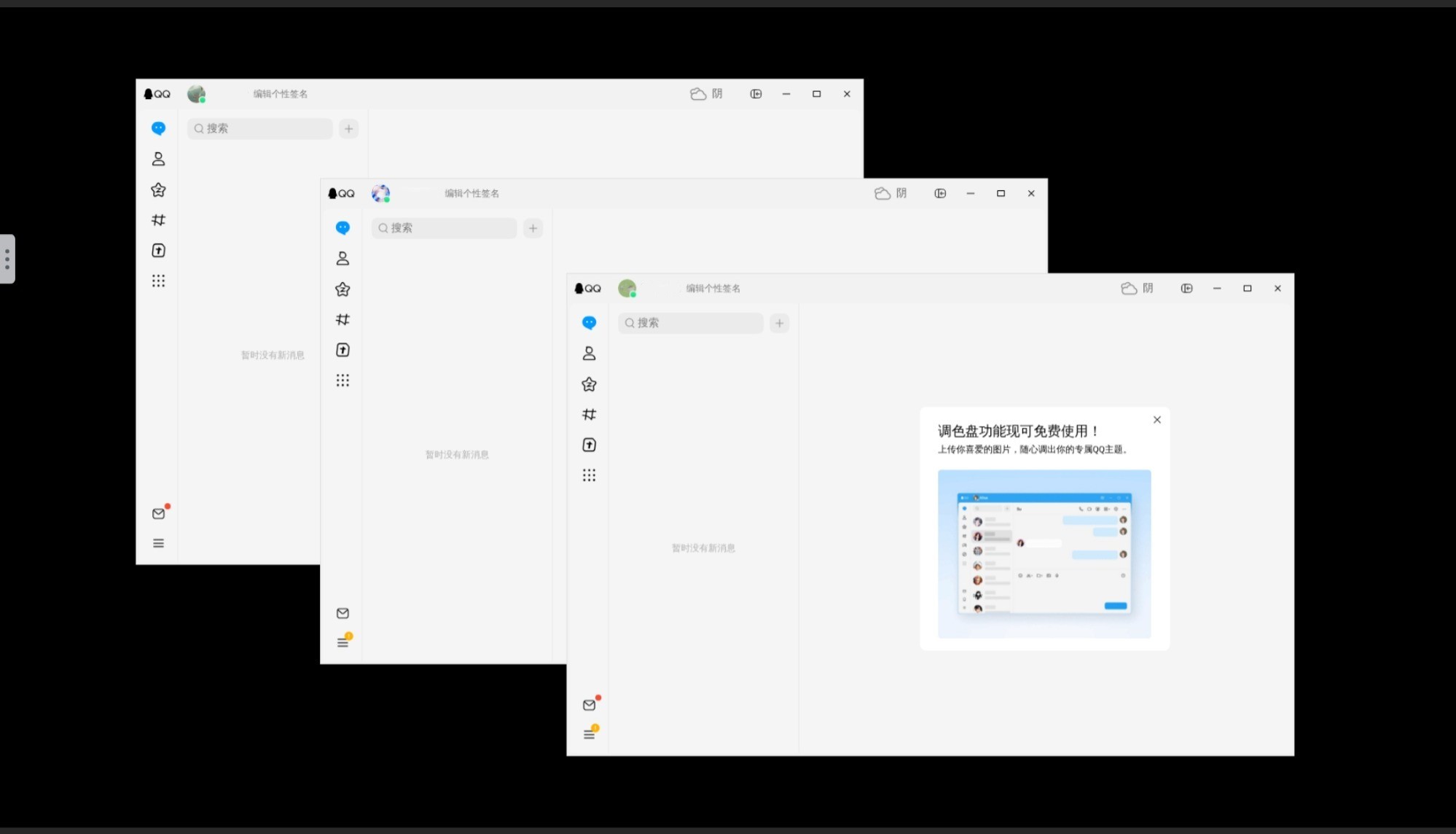
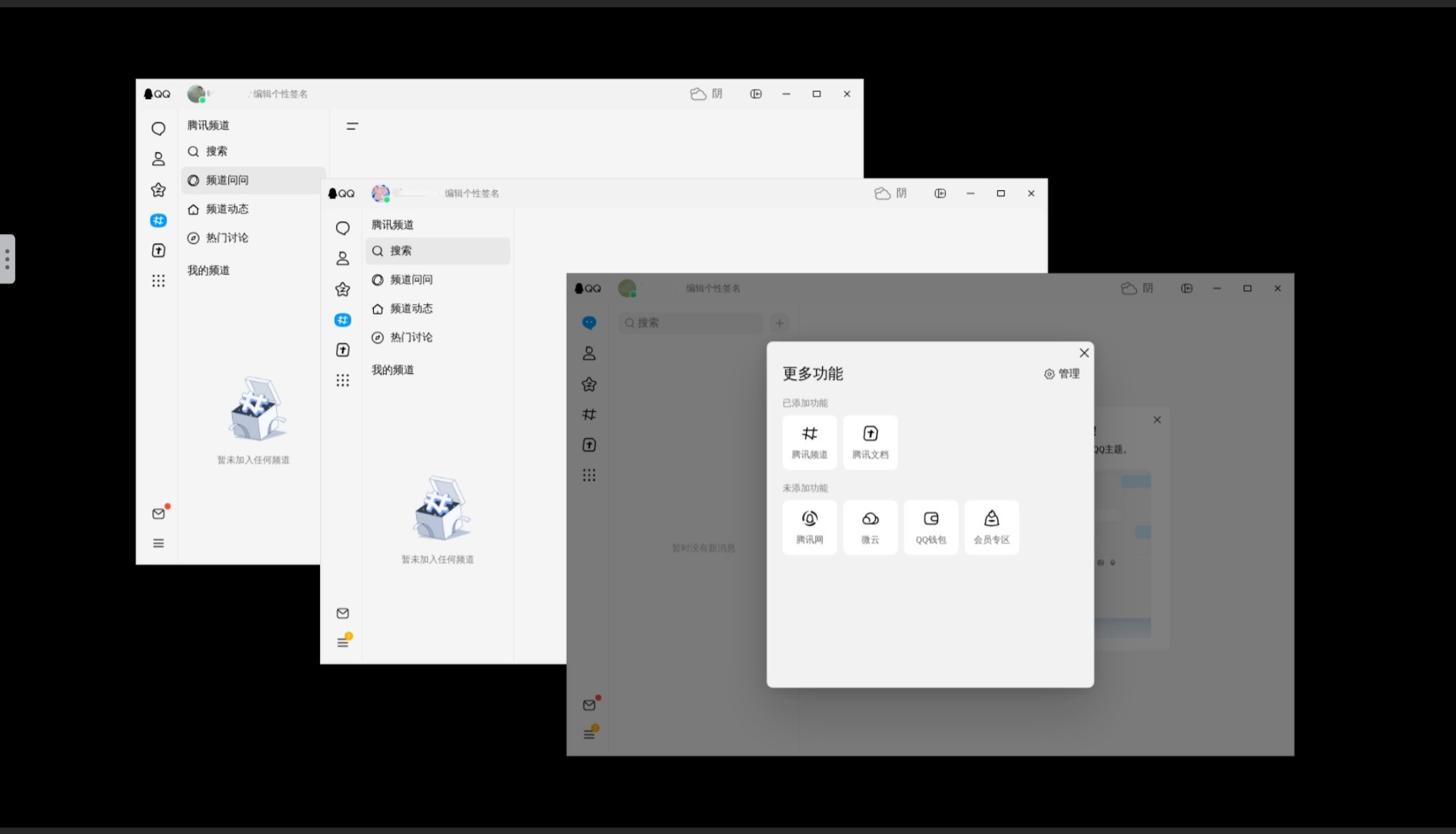
Highlights
- Multi-Instance Support: Easily run multiple QQ accounts in one container.
- Integrated Browser: Firefox integration to ensure all links open properly.
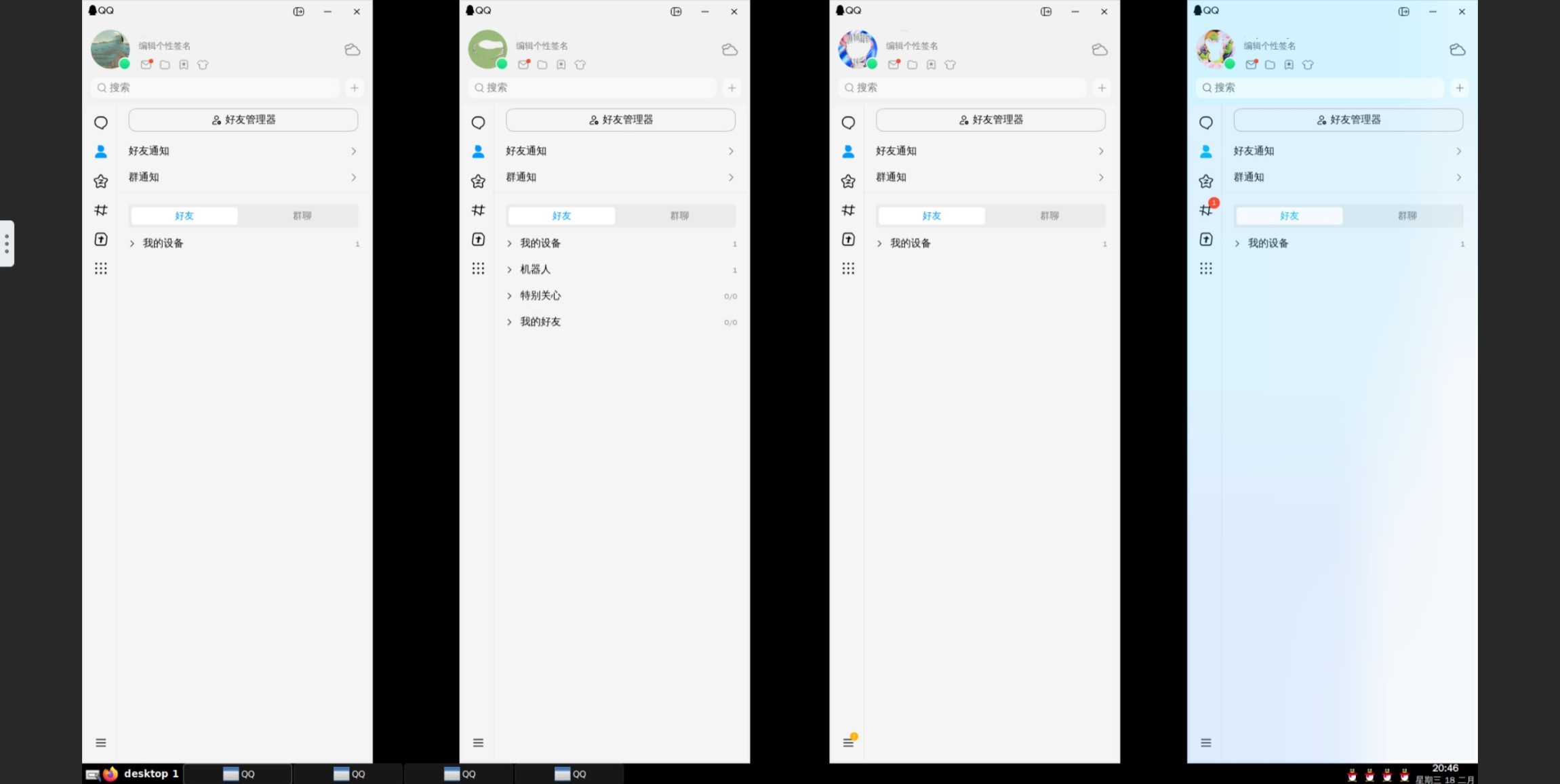
- Optional Taskbar: Switch on
tint2usingENABLE_TASKBAR=1.
Multi-Instance
Taskbar Support
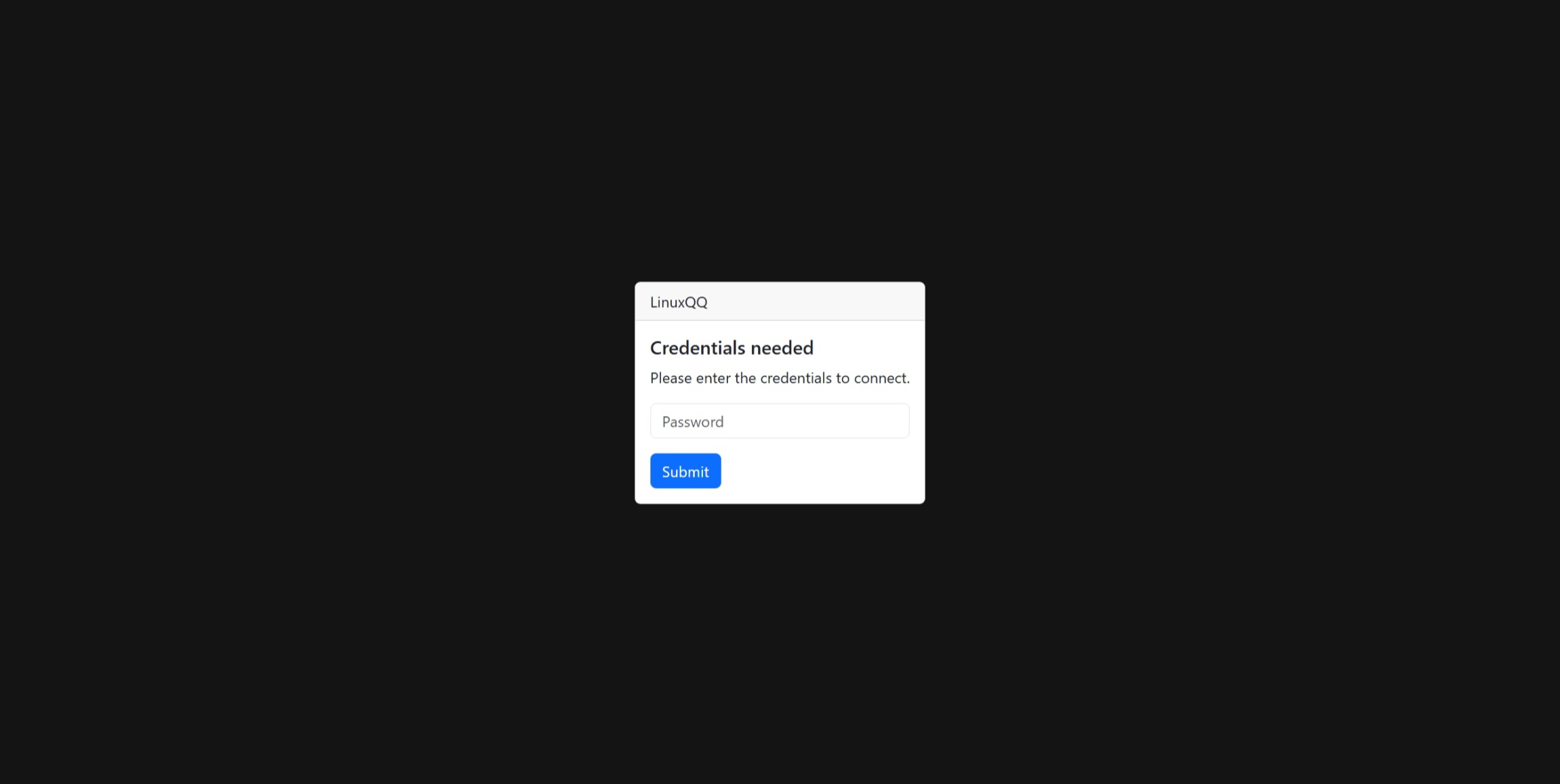
Secure Access
Features
- Web GUI (noVNC): Access QQ directly via browser at
http://localhost:5800. - Integrated Browser: Built-in Firefox (non-Snap) ensures external links (Email, Qzone) open correctly.
- Multi-Instance: Support running multiple QQ accounts simultaneously in one container via
QQ_INSTANCE_COUNT. - Chinese Support: Pre-configured
zh_CN.UTF-8locale and fonts (Noto Sans CJK,WenQuanYi). - Multi-Arch: Supports
linux/amd64andlinux/arm64.
Quick Start
Docker Run
docker run -d \
    --name=linuxqq \
    -p 5800:5800 \
    -v /path/to/config:/config \
    -e QQ_INSTANCE_COUNT=1 \
    libzonda/linux-qq-release:latest-amd64
Docker Compose
services:
  linuxqq:
    image: libzonda/linux-qq-release:latest-amd64
    container_name: linuxqq
    restart: unless-stopped
    ports:
      - "5800:5800"
    volumes:
      - ./config:/config
    environment:
      - TZ=Asia/Shanghai
      - QQ_INSTANCE_COUNT=1
      - KEEP_APP_RUNNING=1
      # - VNC_PASSWORD=secret
Configuration
Environment Variables
| Variable | Default | Description |
|---|---|---|
TZ | UTC | Time zone (e.g., Asia/Shanghai). |
QQ_INSTANCE_COUNT | 1 | Number of QQ instances to run. |
KEEP_APP_RUNNING | 0 | Set to 1 to restart application if it crashes. |
VNC_PASSWORD | (unset) | Password for accessing the GUI. Highly recommended to set this for security. |
ENABLE_CJK_FONT | 1 | Enable Chinese fonts (default: 1). |
ENABLE_TASKBAR | 0 | Set to 1 to enable a lightweight taskbar (tint2) for managing minimized windows. |
Volumes
| Volume | Description |
|---|---|
/config | Application data storage. Supports multi-instance isolation (/config/.config/QQ, /config/.config/QQ_2, etc.). |
Disclaimer: This project is for personal use and convenience. All rights to the QQ software belong to Tencent.
Tag summary
Content type
Image
Digest
sha256:efb5f4d85…
Size
801.9 MB
Last updated
8 months ago
docker pull libzonda/linux-qq-release:latest-arm64