longlivethepenguin/webmin
Docker container with Webmin installed by script on Debian Bookworm Slim base (as of 08/2025).
Image
Developer tools
Monitoring & observability
2
7.7K
longlivethepenguin/webmin repository overview
Docker Webmin
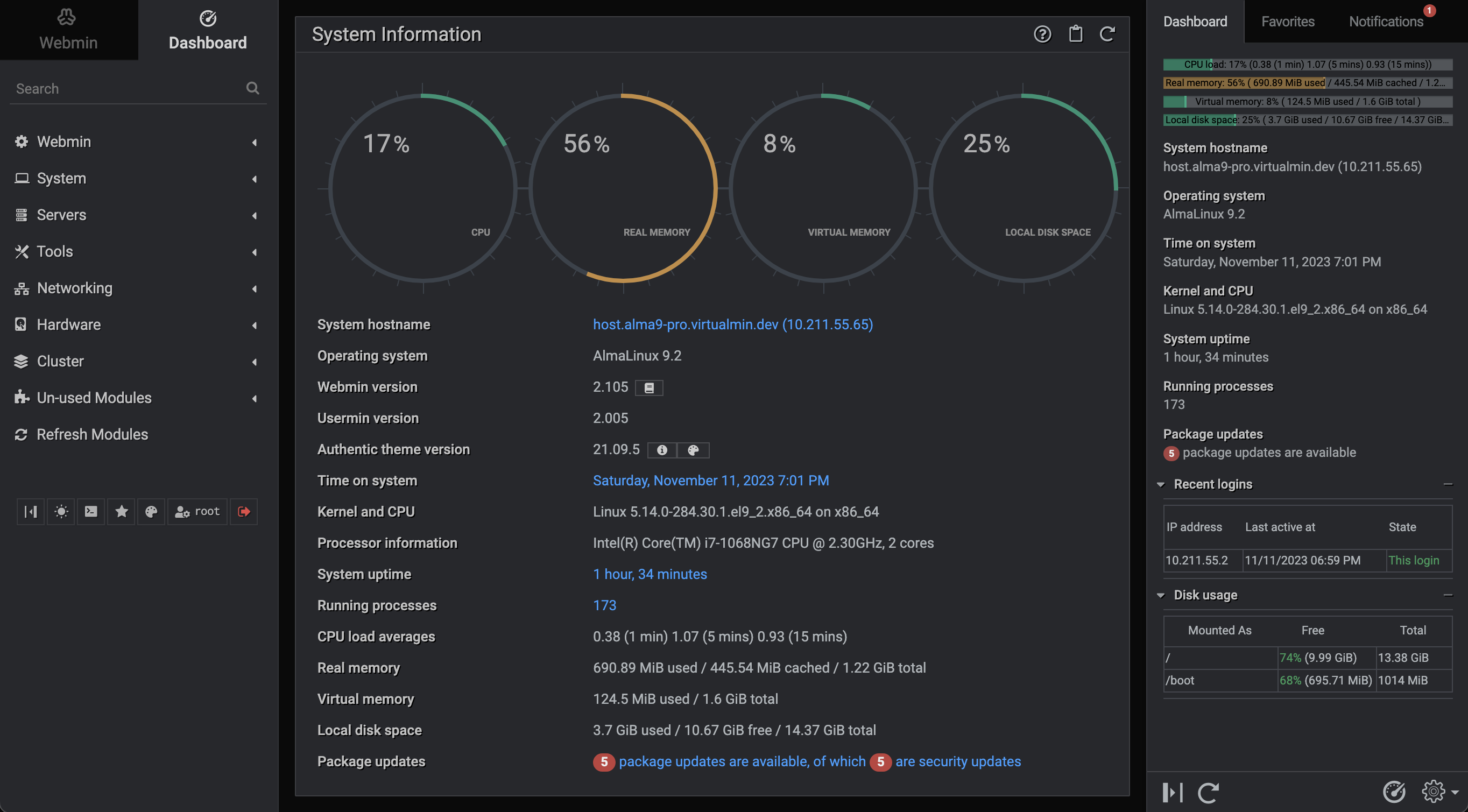
Configuration Note:
The default username & password upon deployment are "root" and "pass"... You absolutely need to change this default password at first login!!
URL will be https://[ip address]:10000 or https://docker-webmin:10000
Installation
Docker Compose:
volumes:
  webmin:
    name: "webmin"

services:
  webmin:
    container_name: webmin
    image: longlivethepenguin/webmin:[TAG]
    hostname: docker-webmin
    volumes:
      - webmin:/etc/webmin
    ports:
      - 10000:10000
    network_mode: bridge
    restart: unless-stopped
Command Line (run):
docker run -d -p 10000:10000 --name webmin --restart=unless-stopped --network-mode=bridge --hostname docker-webmin longlivethepenguin/webmin:[TAG]
GitHub clone & custom build:
git clone https://github.com/sfcampbell/docker-webmin.git
cd docker-webmin
(make changes to Dockerfile as needed)
docker build -t local/webmin .
docker run -d -p 10000:10000 --name webmin --restart=unless-stopped --network-mode=bridge --hostname docker-webmin local/webmin
Tag summary
Content type
Image
Digest
sha256:445fd716f…
Size
123.2 MB
Last updated
about 1 year ago
docker pull longlivethepenguin/webmin:20250819