macabrequinox/zshbuntu
Your Ultimate Ubuntu Image with Zsh Magic!
1.6K
macabrequinox/zshbuntu repository overview
Welcome to ZSHbuntu – Your Ultimate Ubuntu Image with Zsh Magic!
Discover a world of command-line sophistication with our ZSHbuntu Docker image. We've curated the perfect Ubuntu environment enhanced with the power of Zsh, Oh-My-Zsh. Elevate your terminal experience with this feature-packed image, designed to boost your productivity and style.
Whether you're a developer, system administrator, or terminal enthusiast, ZSHbuntu empowers you with a captivating, efficient, and fun command-line experience. Download now and unlock the full potential of your Ubuntu-based containers.
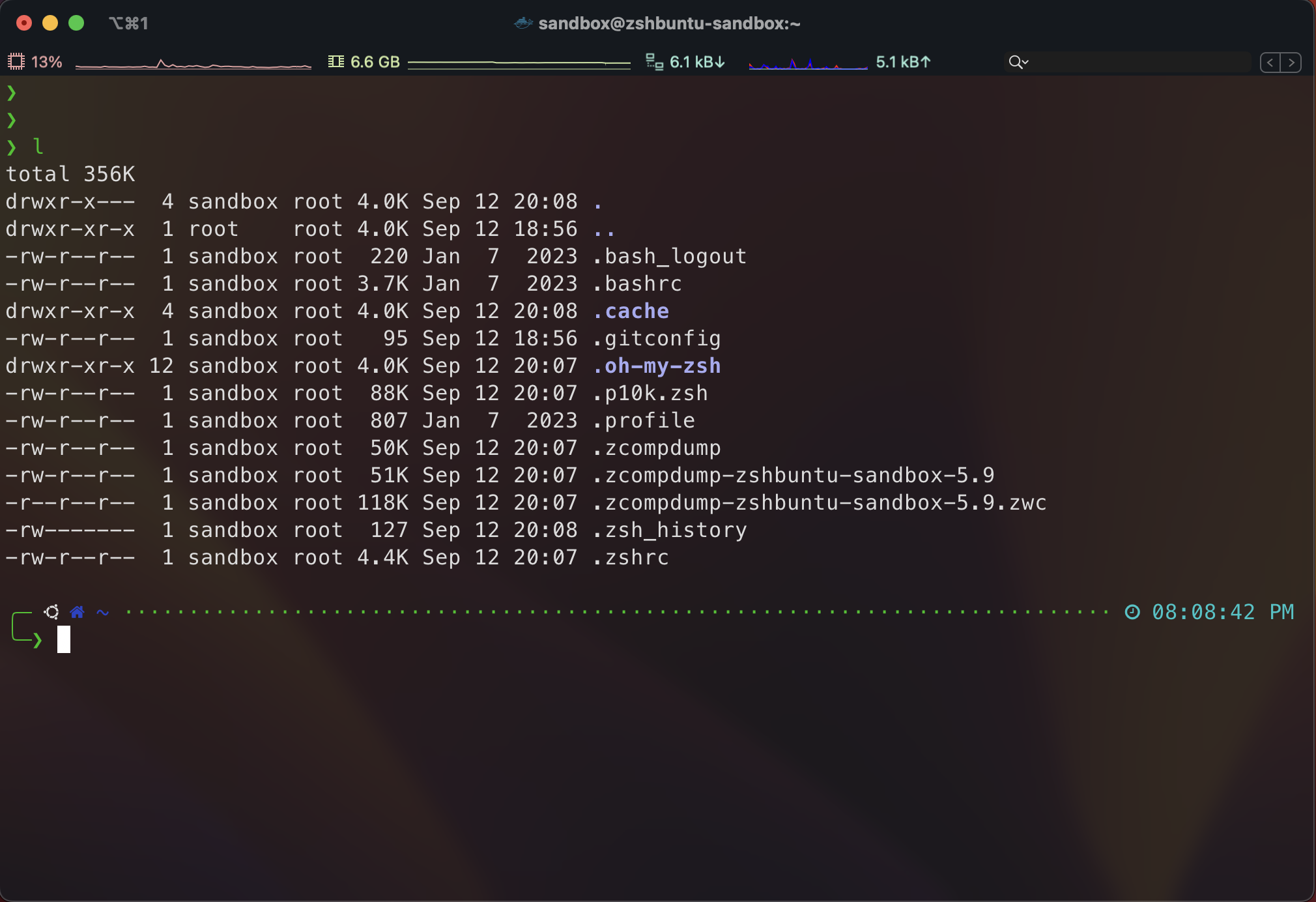
Key Features:
- Ubuntu base with Zsh magic.
- Oh-My-Zsh for enhanced shell capabilities.
- Powerlevel10k for eye-catching, customizable prompts.
- Syntax highlighting for code clarity.
- Vibrant auto-suggestions for faster typing.
- Zsh Docker Aliases for streamlined container management.
Modules Installed
zsh, sudo, systemd, vim, iputils-ping, curl, git, tig
How to Use ZSHbuntu
Run the ZSHbuntu Docker Sandbox:
- To run the Docker image with the previously created volume mounted to
/home/sandboxfor the usersandbox, use the following command:
docker run --name sandbox -v zshbuntu-sandbox:/home/sandbox --rm -it macabrequinox/zshbuntu
- Along with running the container, this command creates a docker volume named
zshbuntu-sandbox. - This command starts the ZSHbuntu Docker container, providing you with a secure and permission-free environment to run commands and experiment.
- Once you exit, it automatically deletes the container instance.
Now you're ready to enjoy your ZSHbuntu Docker Sandbox, where you can safely execute commands without worrying about permissions or security issues.
Feel free to customize your environment and configurations within the sandbox, and any changes on home directory will be stored in the zshbuntu-sandbox volume for future use.
To Have a Fresh Start Again:
- reset all settings just delete the
zshbuntu-sandboxvolume by running the following command:
docker volume rm zshbuntu-sandbox
- This volume was storing your configuration and setups of docker image's home directory.
Contribute
On GitHub by editing the Dockerfile


Tags: #Ubuntu #Zsh #OhMyZsh #Powerlevel10k #SyntaxHighlighting #AutoSuggestions #DockerImage #CommandLine #DeveloperTools #Productivity
Tag summary
Content type
Image
Digest
sha256:1e6de53fa…
Size
155.9 MB
Last updated
over 1 year ago
docker pull macabrequinox/zshbuntu