madhurbehl/f1tenth
Docker image to access the entire F1/10 Perception, Planning, and Control Tutorials
1.3K
madhurbehl/f1tenth repository overview
F1/10 Docker
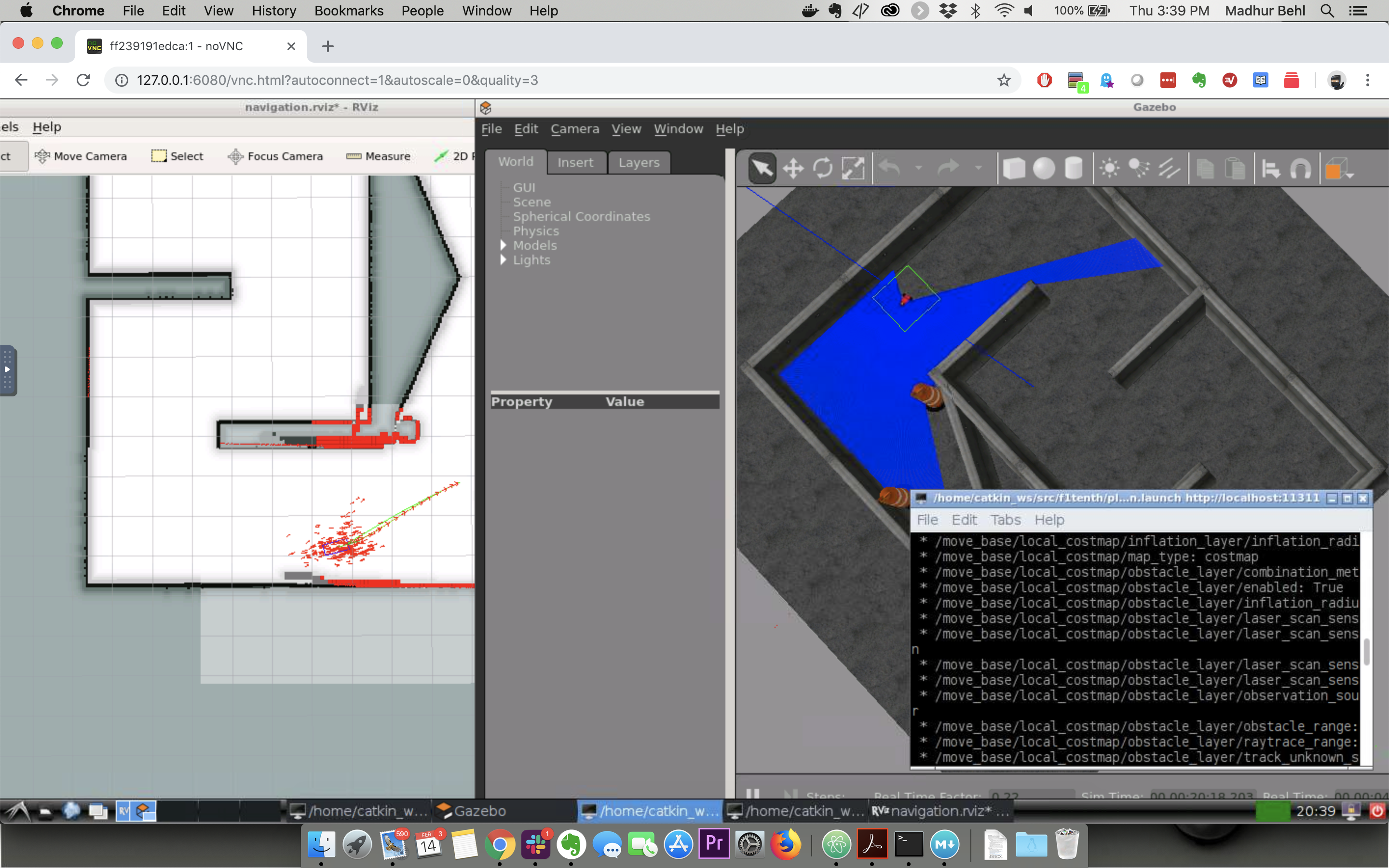
Docker image to provide HTML5 VNC interface to access the entire F1/10 Perception, Planning, and Control tutorials available at: https://github.com/linklab-uva/f1tenth_gtc_tutorial
The image inlcudes, Ubuntu 16.04 xenial, ROS Kinetic Desktop Full, Rviz, and Gazebo.
Quick Start
Run the docker image and open port 6080
docker run -it --rm -p 6080:80 madhurbehl/f1tenth
Then simply browse http://127.0.0.1:6080/ You can now launch a terminal window and follow the Geting Started instructions on the F1/10 Git repo: https://github.com/linklab-uva/f1tenth_gtc_tutorial
Connect with VNC Viewer and protect by VNC Password
Forward VNC service port 5900 to host by
docker run -it --rm -p 6080:80 -p 5900:5900 madhurbehl/f1tenth
Now, open the vnc viewer and connect to port 5900. If you would like to protect vnc service by password, set environment variable VNC_PASSWORD, for example
docker run -it --rm -p 6080:80 -p 5900:5900 -e VNC_PASSWORD=mypassword madhurbehl/f1tenth
A prompt will ask password either in the browser or vnc viewer.
Acknowledgements
Many thanks to dorowu for creating the dorowu/ubuntu-desktop-lxde-vnc image. https://hub.docker.com/r/dorowu/ubuntu-desktop-lxde-vnc/
Tag summary
Content type
Image
Digest
Size
1.5 GB
Last updated
over 7 years ago
docker pull madhurbehl/f1tenth