maptiler/server
MapTiler Server - self-hosting OpenStreetMap world maps and maps made with MapTiler
500K+
maptiler/server repository overview
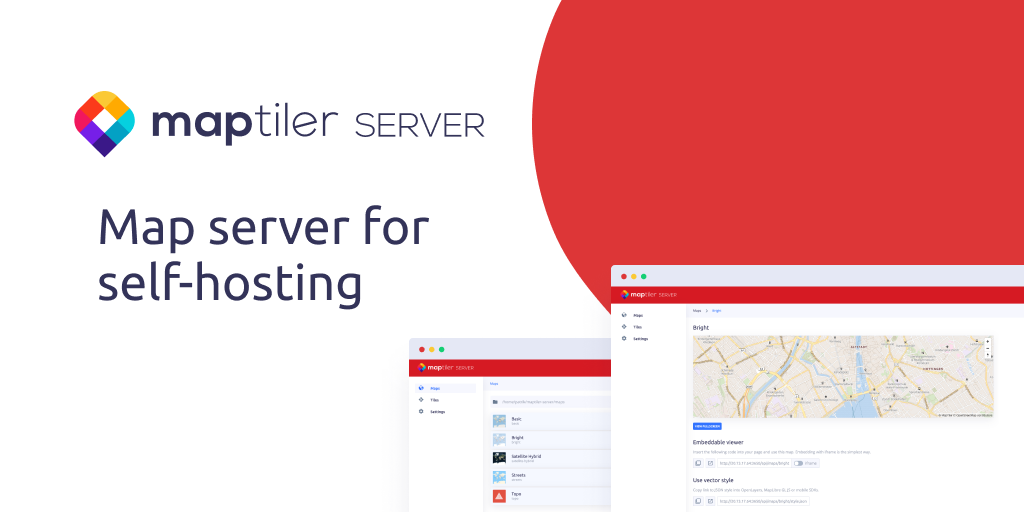
MapTiler Server
Map server for self-hosting. Publish interactive maps to get map services from your own server or laptop.
Get Started
One command to run MapTiler Server on the command line anywhere with your GeoPackage or MBTiles in the current working directory:
docker run -p 3650:3650 -v "$(pwd)":/data/ maptiler/server
License activation
Your license can be passed with -e MAPTILER_SERVER_LICENSE=... parameter to the docker. The software will be automatically deactivated at the end of execution (for example sending SIGTERM signal). Get your MapTiler Server license token from Data dashboard.
# Get your MapTiler Server license token from Data dashboard: data.maptiler.com/server/
export MAPTILER_SERVER_LICENSE=ABCDEF-ABCDEF-ABCEDF-ABCDEF
docker run -p 3650:3650 -e MAPTILER_SERVER_LICENSE -v "$(pwd)":/data/ maptiler/server
You can prepare an alias for running MapTiler Server
alias maptiler-server="docker run -p 3650:3650 -e MAPTILER_SERVER_LICENSE=ABCDEF-ABCDEF-ABCEDF-ABCDEF -v $(pwd):/data/ maptiler/server"

maptiler-server
Custom working directory
To start serving tiles and maps from your local dir $WORK_DIR, use:
docker run -p 3650:3650 -v $WORK_DIR:$WORK_DIR maptiler/server --workDir=$WORK_DIR
Help
Check all supported arguments for command line:
docker run maptiler/server --help
Documentation
You can read the full documentation of MapTiler Server at https://docs.maptiler.com/.
Tag summary
Content type
Image
Digest
sha256:6945b4c98…
Size
194.8 MB
Last updated
23 days ago
docker pull maptiler/server