marcusholtz/partylinepager-full
Messages room info to a private chat network. Everyone subscribed gets the link.
93
marcusholtz/partylinepager-full repository overview



marcusholtz/partylinepager-full
Open a room on a chat network, and everyone who subscribed on any chat network gets a way into it. Supports Tor, I2P, Reticulum party lines, and WebRTC browser links. Fans credentials to nine chat networks. No database, no accounts, nothing remembered.
Supported Architectures
| Architecture | Tag |
|---|---|
| x86-64 | amd64 |
Quick Start: Wizard Mode
Pull and run the web terminal. Configure adapters, policy, and providers through a browser.
docker-compose (recommended)
Save as docker-compose.yml, then run docker compose up -d:
services:
  partylinepager:
    image: marcusholtz/partylinepager-full:latest
    container_name: partylinepager
    restart: unless-stopped
    ports:
      - "7681:7681"
    volumes:
      - ./config:/config
    environment:
      - TTYD_CREDENTIAL=admin:changeme
Open http://<host>:7681 and follow the wizard.
docker cli
docker run -d \
  --name partylinepager \
  --restart unless-stopped \
  -p 7681:7681 \
  -v ./config:/config \
  -e TTYD_CREDENTIAL=admin:changeme \
  marcusholtz/partylinepager-full:latest
First run
- Open
http://<host>:7681in a browser - The wizard walks you through adapter setup (Telegram, Matrix, IRC, etc.)
- Configure which providers to enable (
tor,i2p,rns,web) - Config files are written to
/configautomatically - Start the daemon from the wizard menu
About five minutes of configuration, then a 20+ minute first build you can walk away from.
Quick Start: Headless Daemon
Run the daemon without a web terminal. Requires valid config from a prior wizard run.
docker-compose
services:
  partylinepager:
    image: marcusholtz/partylinepager-full:latest
    container_name: partylinepager
    restart: unless-stopped
    volumes:
      - ./config:/config
    environment:
      - PLP_HEADLESS=1
      - PLP_PROVIDERS=tor,i2p,rns,web
      - TELEGRAM_TOKEN=your-bot-token
docker cli
docker run -d \
  --name partylinepager \
  --restart unless-stopped \
  -v ./config:/config \
  -e PLP_HEADLESS=1 \
  -e PLP_PROVIDERS=tor,i2p,rns,web \
  -e TELEGRAM_TOKEN=your-bot-token \
  marcusholtz/partylinepager-full:latest
No ttyd, no wizard, no port 7681. Administration is docker exec only:
docker exec partylinepager partylinepagerctl --state /config/state roster
docker exec partylinepager partylinepagerctl --state /config/state pause
Parameters
Core
| Parameter | Function |
|---|---|
-p 7681:7681 | Web terminal (wizard and admin) |
-v /config | Persistent config, state, and secrets |
-e TTYD_CREDENTIAL | Basic auth for the web terminal (user:password) |
-e PLP_PROVIDERS | Comma-separated transports: tor, i2p, rns, web |
-e PLP_AUTO_START=0 | Start daemon on boot (0/1; requires valid config) |
-e PLP_HEADLESS=0 | Daemon-only, no web terminal (0/1) |
-e PLP_WEB_BASE_URL | Video call instance URL for web rooms |
Adapters
Enable an adapter by providing its credentials. Only enabled adapters receive room notifications.
| Parameter | Function |
|---|---|
-e TELEGRAM_TOKEN | Bot token from @BotFather |
-e DISCORD_TOKEN | Bot token from the Discord Developer Portal |
-e MATRIX_HOMESERVER | Matrix homeserver URL |
-e MATRIX_USER | Matrix bot username |
-e MATRIX_PASSWORD | Matrix bot password |
-e IRC_SERVER | IRC server hostname |
-e IRC_NICK=partylinepager | IRC bot nickname |
-e IRC_CHANNEL | IRC channel to idle in |
-e IRC_PASSWORD | NickServ password for SASL PLAIN |
-e XMPP_JID | XMPP JID for the bot |
-e XMPP_PASSWORD | XMPP account password |
-e MASTODON_INSTANCE | Mastodon instance URL |
-e MASTODON_TOKEN | Mastodon application token |
-e MATTERMOST_URL | Mattermost server URL |
-e MATTERMOST_TOKEN | Mattermost access token |
-e SIGNAL_NUMBER | Signal phone number in E.164 format |
-e EMAIL_SMTP_HOST | SMTP server hostname |
-e EMAIL_FROM | From address for outgoing email |
How It Works
A subscriber sends a command (partyline or web) on any connected chat network. The engine:
- Spins up a fresh room on the requested transport (new .onion, .b32.i2p, destination hash, or URL)
- Fans the connection details to every subscriber whose quiet hours are closed
- Tears the room down when the TTL expires
One room at a time. No occupancy tracking, no catch-up, no record of who joined.
Verifying a Deployment
# Logs: look for "partylinepagerd is up"
docker logs partylinepager

# Processes: tini, ttyd (if not headless), partylinepagerd
docker exec partylinepager ps aux

# Roster check:
docker exec partylinepager partylinepagerctl --state /config/state roster
The Party Line Trifecta
Three transports, same encryption, same TUI:
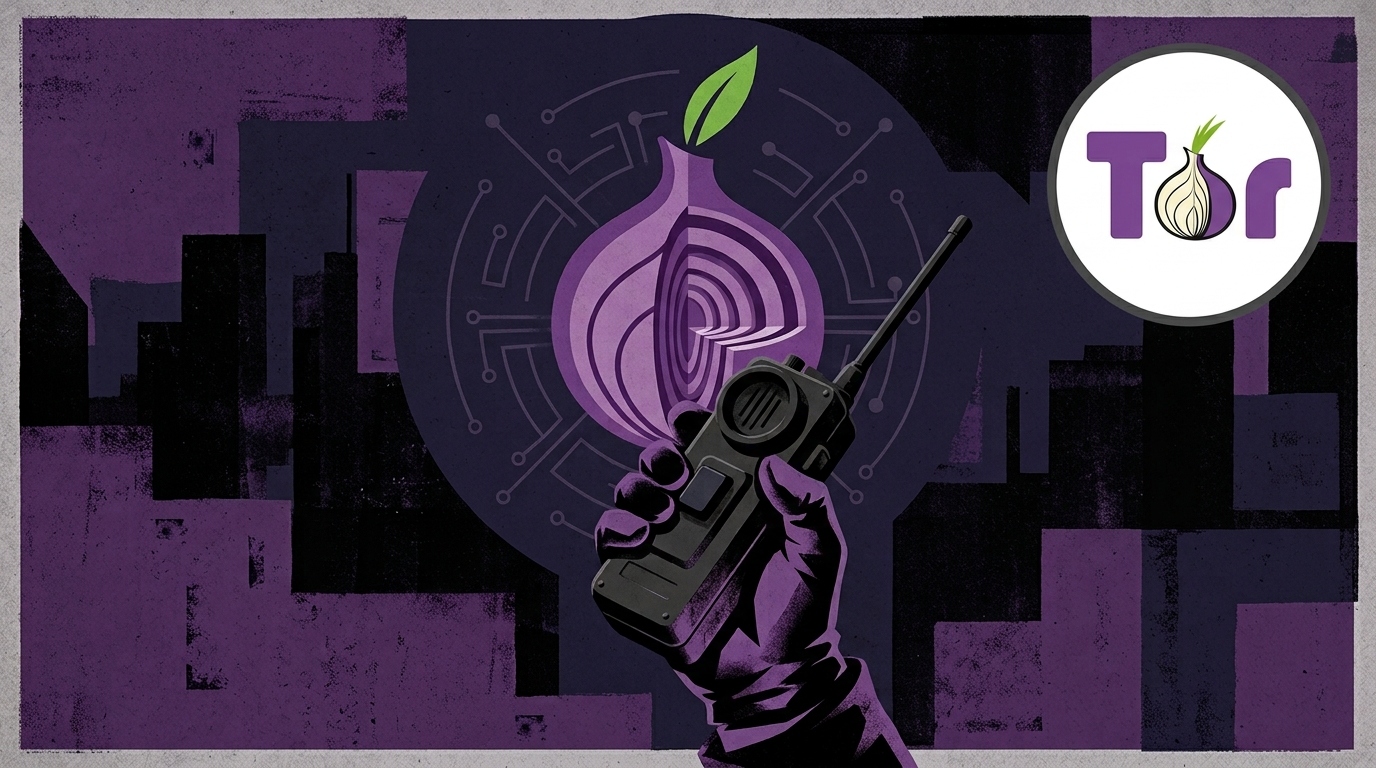


PartylinePager orchestrates all three (plus WebRTC) and fans credentials across nine chat networks.
License
MIT
Tag summary
Content type
Image
Digest
sha256:24ea5dc04…
Size
258.2 MB
Last updated
about 9 hours ago
docker pull marcusholtz/partylinepager-full