mastertinner/s3manager repository overview
S3 Manager


A Web GUI written in Go to manage S3 buckets from any provider.
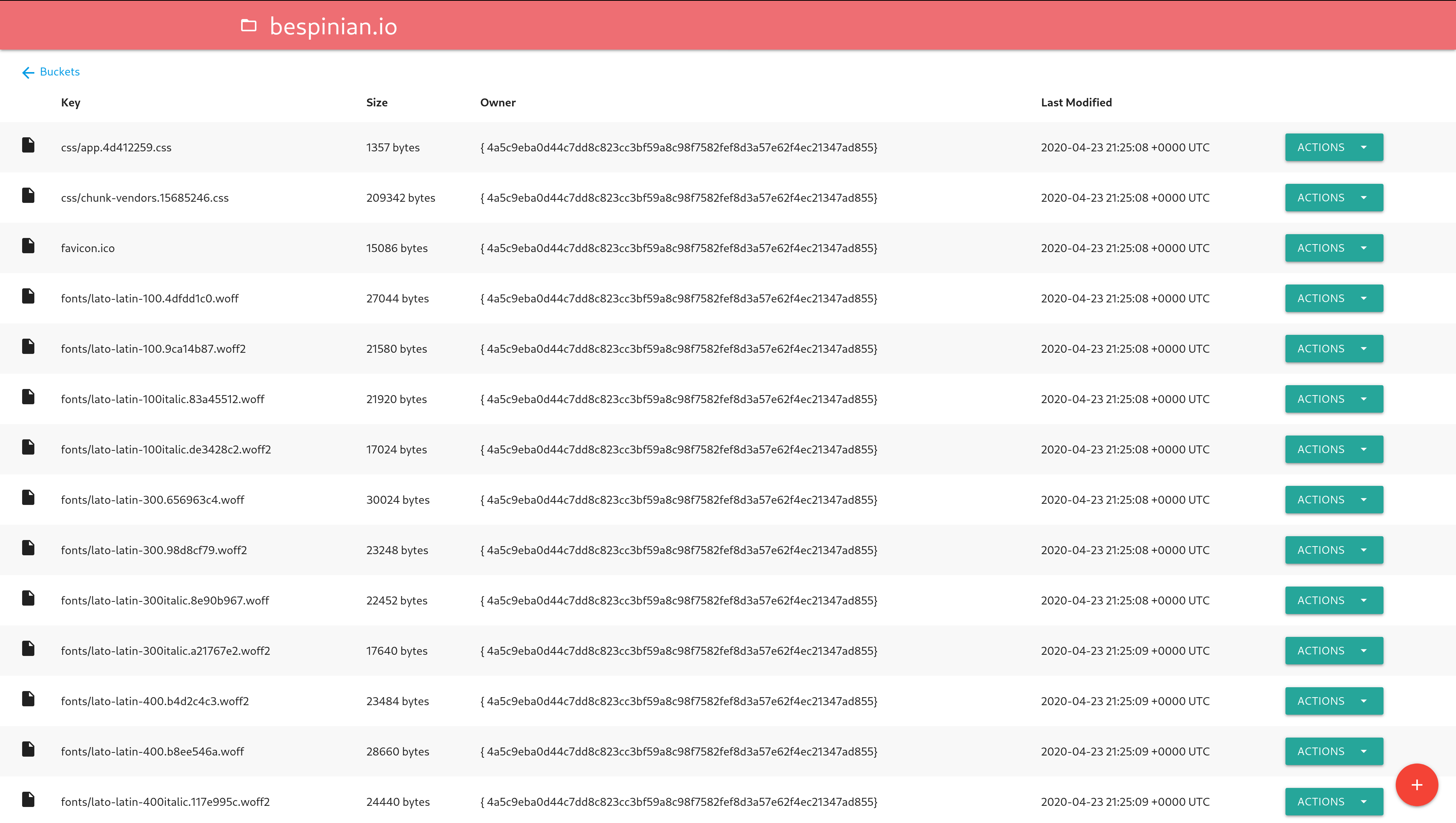
Usage
Configuration
The application can be configured with the following environment variables:
ENDPOINT: The endpoint of your S3 server (defaults tos3.amazonaws.com)ACCESS_KEY_ID: Your S3 access key ID (required)SECRET_ACCESS_KEY: Your S3 secret access key (required)USE_SSL: Whether your S3 server uses SSL or not (defaults totrue)SKIP_SSL_VERIFICATION: Whether the HTTP client should skip SSL verification (defaults tofalse)PORT: The port the s3manager app should listen on (defaults to8080)
Build and Run Locally
- Run
make build - Execute the created binary and visit http://localhost:8080
Run Docker image
- Run
docker run -p 8080:8080 -e 'ACCESS_KEY_ID=XXX' -e 'SECRET_ACCESS_KEY=xxx' mastertinner/s3manager
Deploy to Cloud Foundry
- Modify
deployments/cf/*to your liking - Run
make deploy-cf
Development
Lint Code
- Run
make lint
Run Tests
- Run
make test
Build Docker Image
The image is available on Docker Hub
- Run
make build-docker
Run Locally for Testing
There is an example docker-compose.yml file that spins up an S3 service and the s3manager. You can try it by issuing the following command:
$ docker-compose up
Tag summary
Content type
Image
Digest
Size
5.9 MB
Last updated
over 5 years ago
docker pull mastertinner/s3manager