mglennon/mastodon-streaming
dftba.club version of mastodon streaming container.
1.7K
mglennon/mastodon-streaming repository overview
Mastodon Glitch Edition


So here's the deal: we all work on this code, and anyone who uses that does so absolutely at their own risk. can you dig it?
- You can view documentation for this project at glitch-soc.github.io/docs/.
- And contributing guidelines are available here and here.
Mastodon Glitch Edition is a fork of Mastodon. Upstream's README file is reproduced below.
Note
Want to learn more about Mastodon? Click below to find out more in a video.




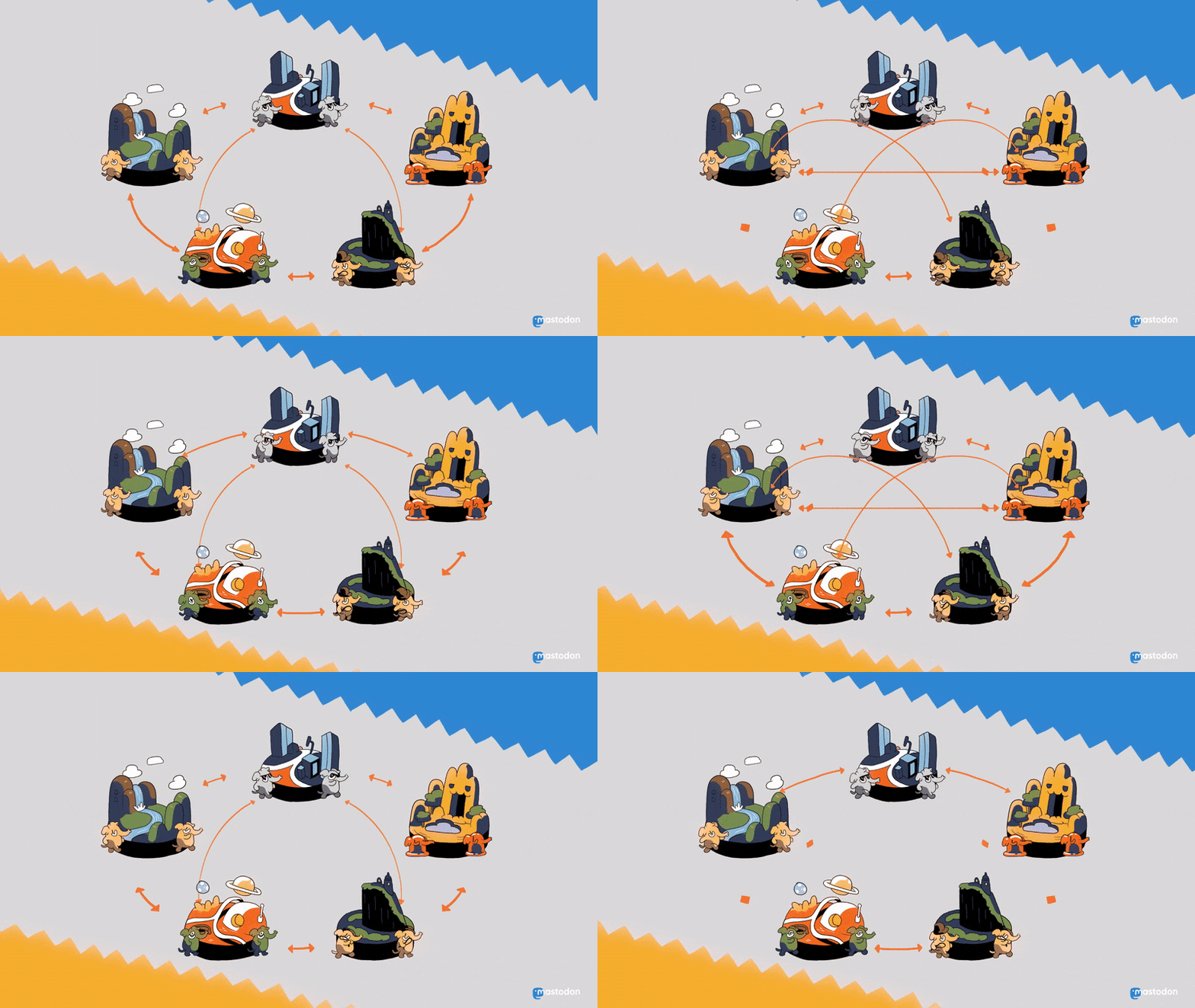
Mastodon is a free, open-source social network server based on ActivityPub where users can follow friends and discover new ones. On Mastodon, users can publish anything they want: links, pictures, text, and video. All Mastodon servers are interoperable as a federated network (users on one server can seamlessly communicate with users from another one, including non-Mastodon software that implements ActivityPub!)
Click below to learn more in a video:
| :warning: This is a fork specific for the dftba.club instance. |
|---|
| This won't work for anyone else right out of the box. |
Navigation
- Project homepage 🐘
- Donate to support development 🎁
- Blog 📰
- Documentation 📚
- Official container image 🚢
Features

Part of the Fediverse. Based on open standards, with no vendor lock-in. - the network goes beyond just Mastodon; anything that implements ActivityPub is part of a broader social network known as the Fediverse. You can follow and interact with users on other servers (including those running different software), and they can follow you back.
Real-time, chronological timeline updates - updates of people you're following appear in real-time in the UI.
Media attachments - upload and view images and videos attached to the updates. Videos with no audio track are treated like animated GIFs; normal videos loop continuously.
Safety and moderation tools - Mastodon includes private posts, locked accounts, phrase filtering, muting, blocking, and many other features, along with a reporting and moderation system.
OAuth2 and a straightforward REST API - Mastodon acts as an OAuth2 provider, and third party apps can use the REST and Streaming APIs. This results in a rich app ecosystem with a variety of choices!
Deployment
Tech stack
- Ruby on Rails powers the REST API and other web pages.
- PostgreSQL is the main database.
- Redis and Sidekiq are used for caching and queueing.
- Node.js powers the streaming API.
- React.js and Redux are used for the dynamic parts of the interface.
- BrowserStack supports testing on real devices and browsers. (This project is tested with BrowserStack)
- Chromatic provides visual regression testing. (This project is tested with Chromatic)
Requirements
- Ruby 3.3+
- PostgreSQL 14+
- Redis 7.0+
- Node.js 20+
- FFmpeg 5.1+
This repository includes deployment configurations for Docker and docker-compose, as well as for other environments like Heroku and Scalingo. For Helm charts, reference the mastodon/chart repository. A standalone installation guide is available in the main documentation.
Development
Vagrant
A Vagrant configuration is included for development purposes. To use it, complete the following steps:
- Install Vagrant and Virtualbox
- Install the
vagrant-hostsupdaterplugin:vagrant plugin install vagrant-hostsupdater - Run
vagrant up - Run
vagrant ssh -c "cd /vagrant && bin/dev" - Open
http://mastodon.localin your browser
macOS
To set up macOS for native development, complete the following steps:
- Use a Ruby version manager to install the specified version from
.ruby-version - Run
bundleto install required gems - Run
brew install postgresql@14 redis imagemagick libidnto install required dependencies - Navigate to Mastodon's root directory and run
brew install nvmthennvm useto use the version from.nvmrc - Run
yarnto install required packages - Run
corepack enable && corepack prepare - Run
RAILS_ENV=development bundle exec rails db:setup - Finally, run
bin/devwhich will launch the local services viaovermind(if installed) orforeman
Docker
For production hosting and deployment with Docker, use the Dockerfile and
docker-compose.yml in the project root directory.
For local development, install and launch [Docker], and run:
docker compose -f .devcontainer/compose.yaml up -d
docker compose -f .devcontainer/compose.yaml exec app bin/setup
docker compose -f .devcontainer/compose.yaml exec app bin/dev
Dev Containers
Within IDEs that support the [Development Containers] specification, start the
"Mastodon on local machine" container from the editor. The necessary docker compose commands to build and setup the container should run automatically. For
Visual Studio Code this requires installing the [Dev Container extension].
GitHub Codespaces
[GitHub Codespaces] provides a web-based version of VS Code and a cloud hosted development environment configured with the software needed for this project.
[ ][codespace]
- Click the button to create a new codespace, and confirm the options
- Wait for the environment to build (takes a few minutes)
- When the editor is ready, run
bin/devin the terminal - Wait for an Open in Browser prompt. This will open Mastodon
- On the Ports tab "stream" setting change Port visibility → Public
Contributing
Mastodon is free, open-source software licensed under AGPLv3. We welcome contributions and help from anyone who wants to improve the project.
You should read the overall CONTRIBUTING guide, which covers our development processes.
You should also read and understand the CODE OF CONDUCT that enables us to maintain a welcoming and inclusive community. Collaboration begins with mutual respect and understanding.
You can learn about setting up a development environment in the DEVELOPMENT documentation.
If you would like to help with translations 🌐 you can do so on Crowdin.
LICENSE
Copyright (c) 2016-2025 Eugen Rochko (+ mastodon authors)
Licensed under GNU Affero General Public License as stated in the LICENSE:
Copyright (c) 2016-2025 Eugen Rochko & other Mastodon contributors

This program is free software: you can redistribute it and/or modify it under
the terms of the GNU Affero General Public License as published by the Free
Software Foundation, either version 3 of the License, or (at your option) any
later version.

This program is distributed in the hope that it will be useful, but WITHOUT
ANY WARRANTY; without even the implied warranty of MERCHANTABILITY or FITNESS
FOR A PARTICULAR PURPOSE. See the GNU Affero General Public License for more
details.

You should have received a copy of the GNU Affero General Public License along
with this program. If not, see https://www.gnu.org/licenses/
Tag summary
Content type
Image
Digest
sha256:90a0a8b93…
Size
103 MB
Last updated
5 months ago
docker pull mglennon/mastodon-streaming