miraibytes/selfdrop
Share files directly from your own server.
1.1K
miraibytes/selfdrop repository overview
SelfDrop
Share files already on your server — without uploading them anywhere.
SelfDrop is a self-hosted file sharing tool that lets you create share links directly from your server's filesystem. Point it at a directory, pick a file, and get a link. No third-party services, no re-uploading files you already have.
Features
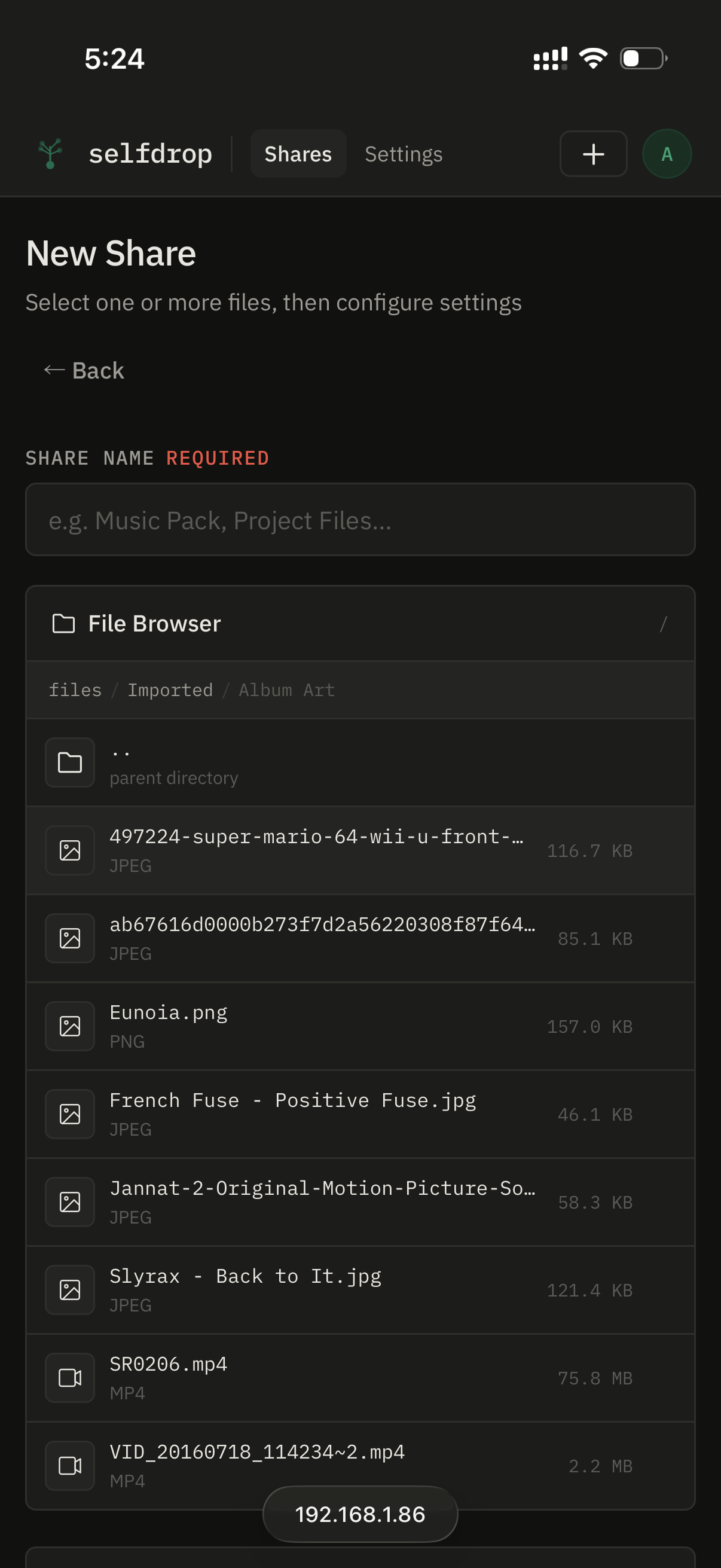
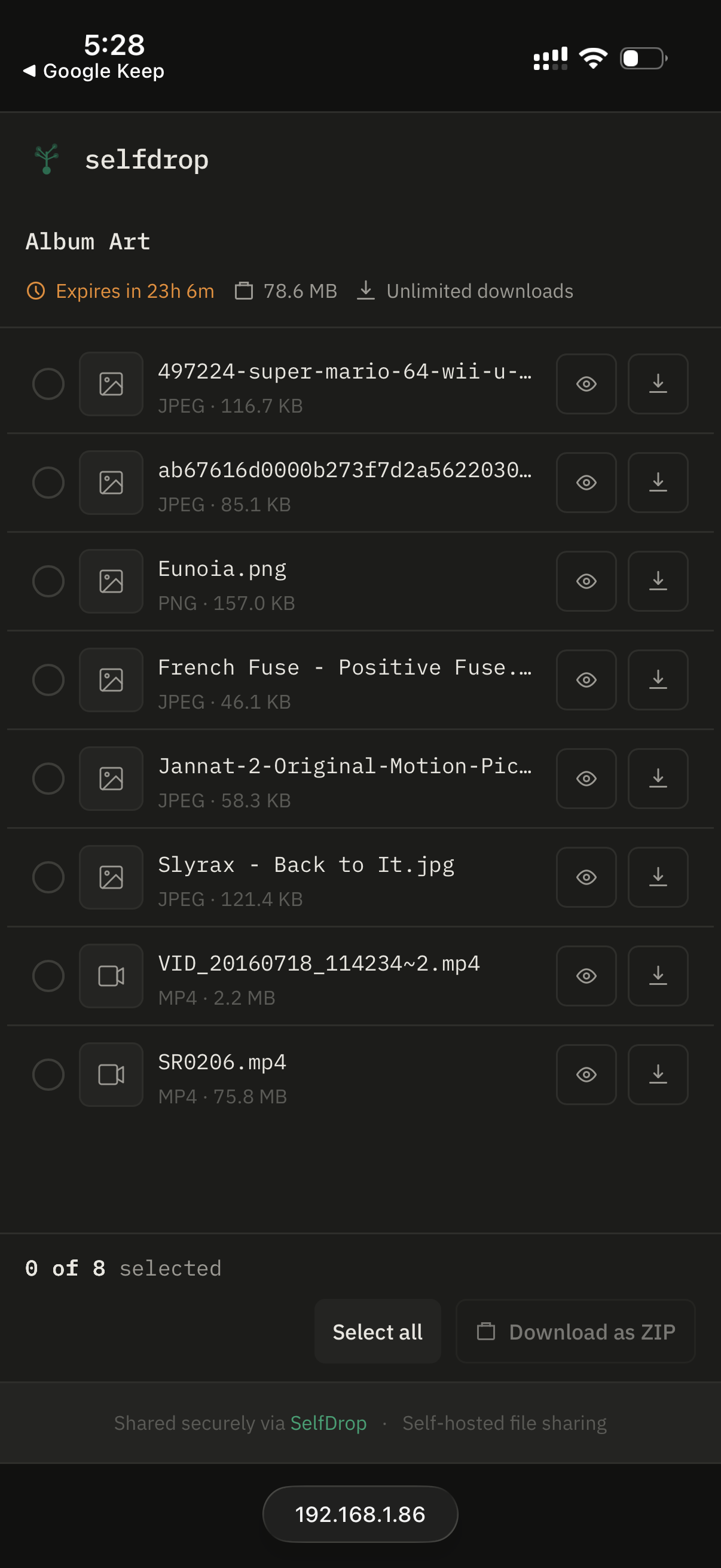
- Browse and share files directly from any directory on your server
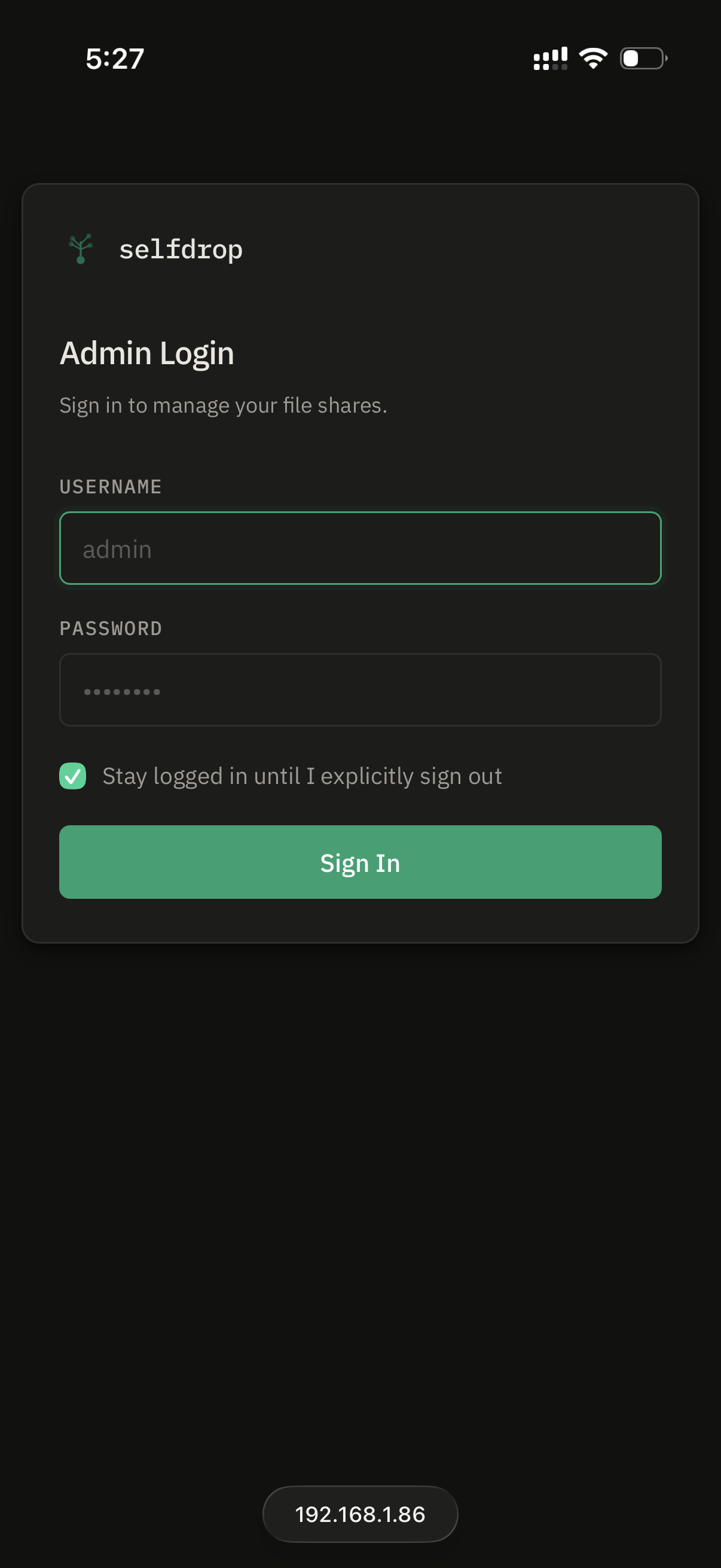
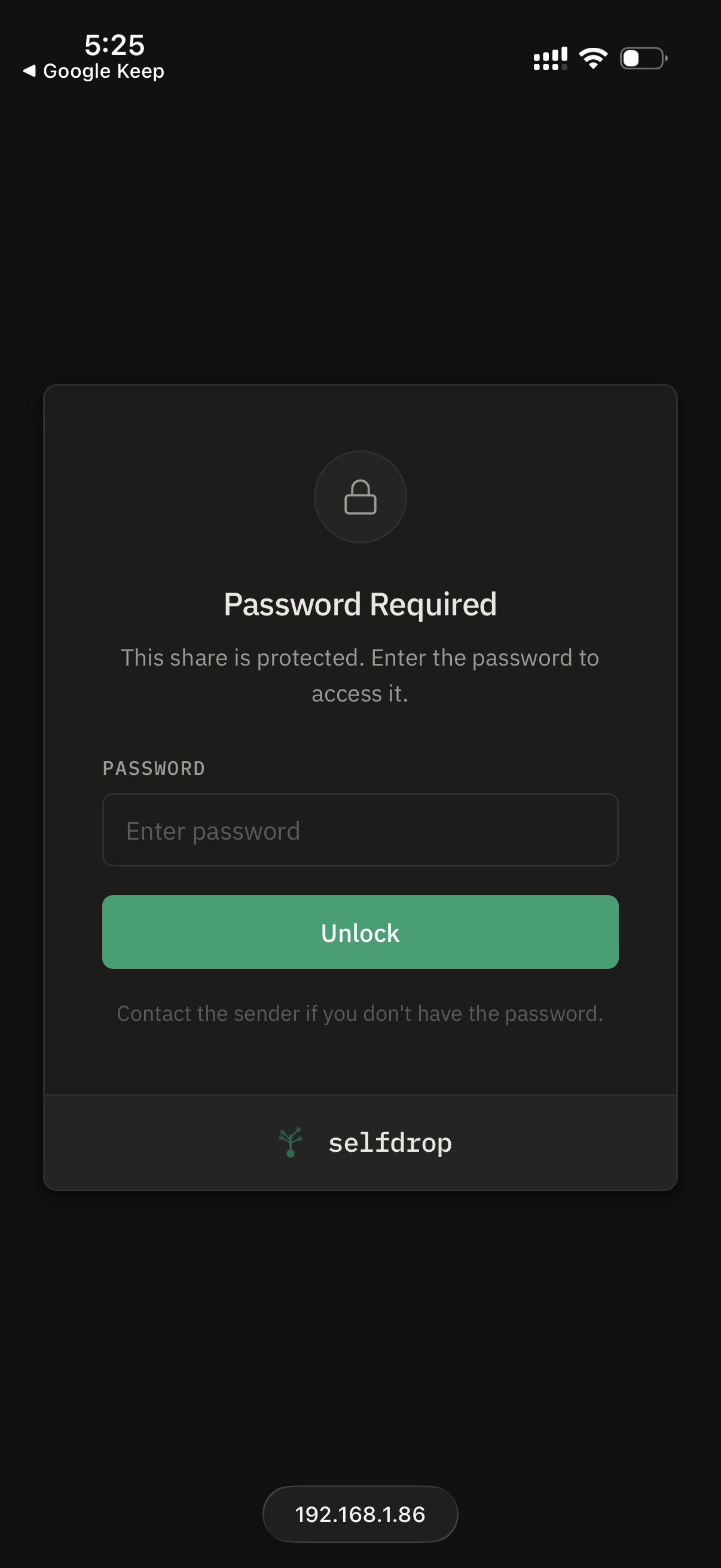
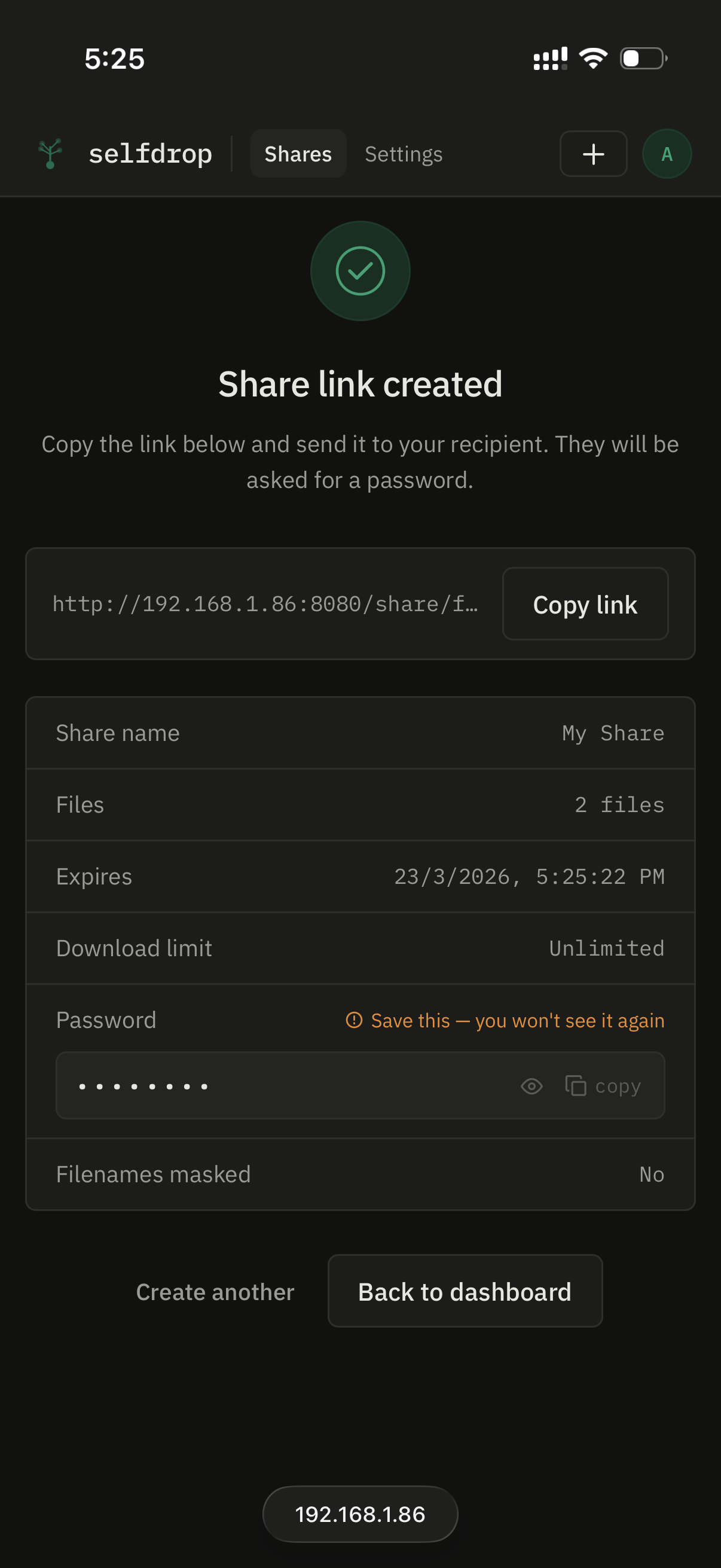
- Password protection with one-time reveal on share creation
- Download limits and expiry dates on every share
- Masked filenames to hide real file names from recipients
- Multi-file shares with ZIP download
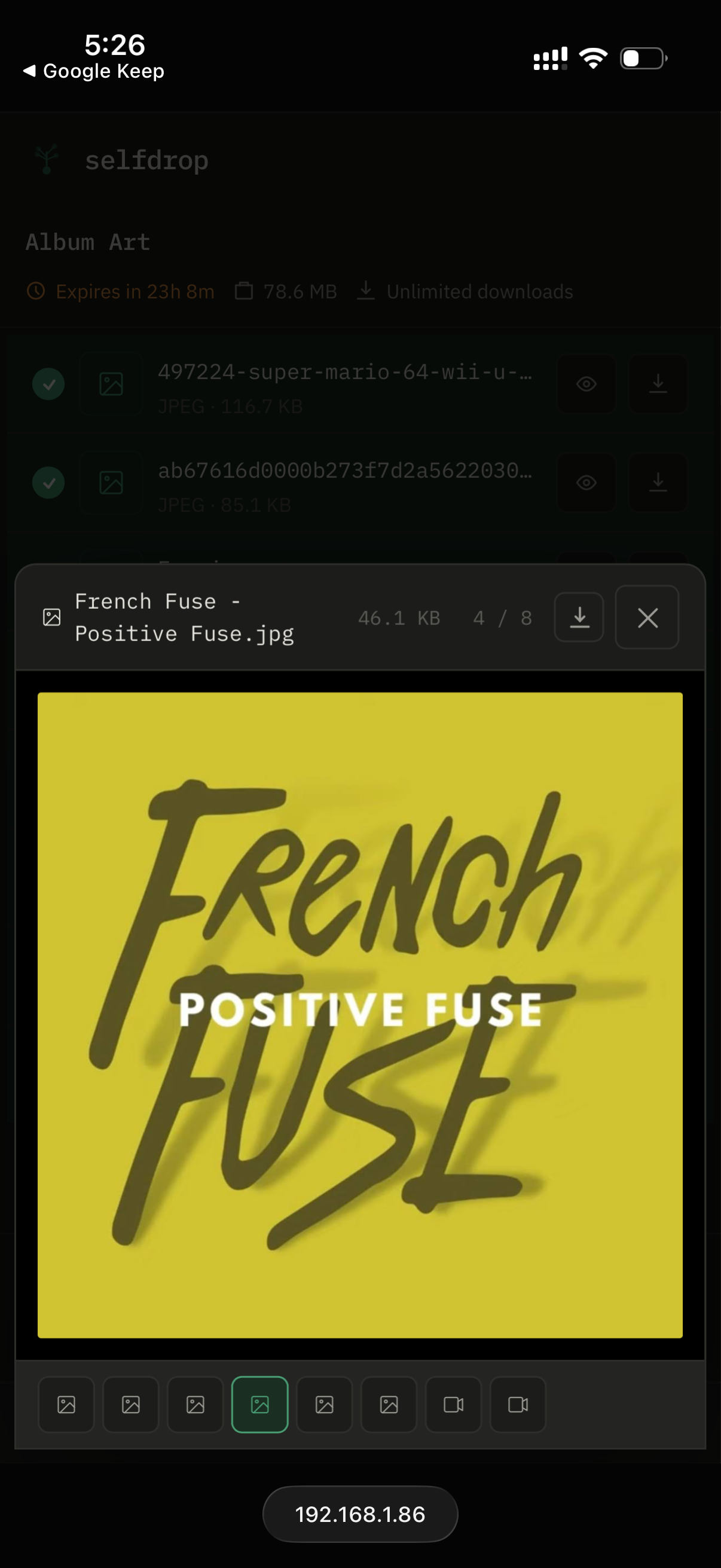
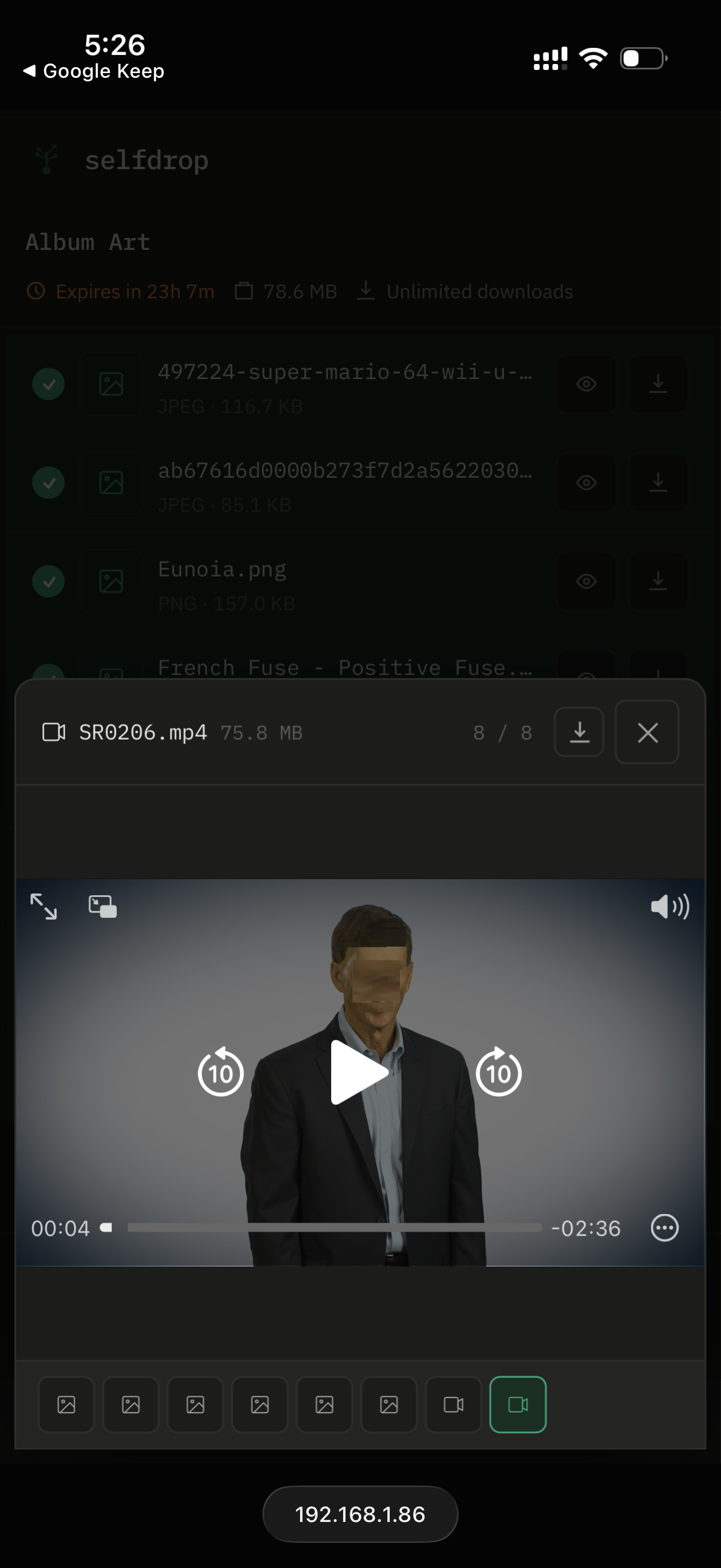
- File preview — images, audio, and video in-browser
- Dark mode
- Single Docker container — Nginx + Node.js + React, no external dependencies
- Designed for reverse proxies — Nginx, Traefik, and Caddy examples included
Quickstart
1. Clone the repo
git clone https://github.com/MiraiBytesLabs/selfdrop.git
cd selfdrop
2. Edit docker-compose.yml
Set your file path and a secret key:
volumes:
  - /path/to/your/files:/data/files:ro

environment:
  SESSION_SECRET: replace-this-with-a-long-random-string
Generate a secret:
openssl rand -hex 32
3. Start
docker compose up -d
Open http://localhost:8080 and complete the one-time setup.
docker-compose.yml
services:
  selfdrop:
    image: miraibytes/selfdrop:latest
    container_name: selfdrop
    restart: unless-stopped
    ports:
      - "8080:80"
    volumes:
      - /path/to/your/files:/data/files:ro
      - selfdrop-db:/data/db
    environment:
      SESSION_SECRET: change-me-to-a-long-random-string

volumes:
  selfdrop-db:
Environment Variables
| Variable | Default | Description |
|---|---|---|
SESSION_SECRET | change-me | Required. HMAC key for session tokens. Use a long random string. |
PROXY_MODE | internal | internal — embedded Nginx on port 80. external — Node on port 3000, use your own proxy. |
SENDFILE_MODE | x-accel-redirect | x-accel-redirect — Nginx serves files directly (best performance). stream — Node streams files (required for Traefik and Caddy). |
SESSION_MODE | persistent | persistent — tokens last 90 days. session — tokens expire when the browser is closed. |
PORT | 3000 | Internal Node.js port. |
FILES_ROOT | /data/files | Root directory SelfDrop serves files from. |
DB_PATH | /data/db/selfdrop.db | SQLite database path. |
ZIP_MAX_BYTES | 10737418240 | Maximum total file size allowed for ZIP downloads (10 GB). |
PREVIEW_MAX_BYTES | 209715200 | Maximum file size for in-browser preview (200 MB). |
ZIP_TEMP_DIR | /tmp/selfdrop-zips | Directory for temporary ZIP files. |
Mounting Multiple Directories
You can mount several host directories under /data/files:
volumes:
  - /mnt/media/movies:/data/files/movies:ro
  - /mnt/media/music:/data/files/music:ro
  - /home/user/documents:/data/files/documents:ro
  - selfdrop-db:/data/db
Each subdirectory appears as a top-level folder in SelfDrop's file browser.
Reverse Proxy Setup
Nginx
Set PROXY_MODE=external and SENDFILE_MODE=x-accel-redirect (default). See docker/examples/nginx-external.conf for the full config.
Note: When using an external Nginx proxy with
X-Accel-Redirect, theinternal-fileslocation on your proxy must alias the host path of your files, not the container path.
Traefik
Set PROXY_MODE=external and SENDFILE_MODE=stream. Traefik does not support X-Accel-Redirect — Node will stream files directly, which works fine for most use cases. See docker/examples/traefik-labels.yml.
environment:
  PROXY_MODE: external
  SENDFILE_MODE: stream
  SESSION_SECRET: your-secret-here
labels:
  - "traefik.enable=true"
  - "traefik.http.routers.selfdrop.rule=Host(`files.yourdomain.com`)"
  - "traefik.http.routers.selfdrop.entrypoints=websecure"
  - "traefik.http.routers.selfdrop.tls.certresolver=letsencrypt"
  - "traefik.http.services.selfdrop.loadbalancer.server.port=3000"
Caddy
Set PROXY_MODE=external and SENDFILE_MODE=stream. See docker/examples/caddy-snippet.txt.
files.yourdomain.com {
  reverse_proxy localhost:3000
}
Public URL
If SelfDrop is running behind a reverse proxy with a domain, set the Public URL in Settings so share links use your domain instead of the internal address:
Settings → Public URL → https://files.yourdomain.com
Tech Stack
- Runtime: Node.js 24 (ESM)
- Backend: Express 5, better-sqlite3, bcrypt, archiver
- Frontend: React 18, Vite
- Proxy: Nginx (embedded)
- Database: SQLite
Known Limitations
- Single admin account — multi-user support is not planned for 0.x
- Read-only file access — SelfDrop cannot upload files to your server; it only shares files that already exist
- No S3 / cloud storage — local filesystem only
- No link analytics — download counts are tracked per share but there is no detailed access log
- SQLite only — no support for PostgreSQL or MySQL
Building from Source
# Frontend
cd frontend
npm install
npm run build

# Backend
cd backend
npm install
npm start
Running Tests
cd backend
npm install
npm test
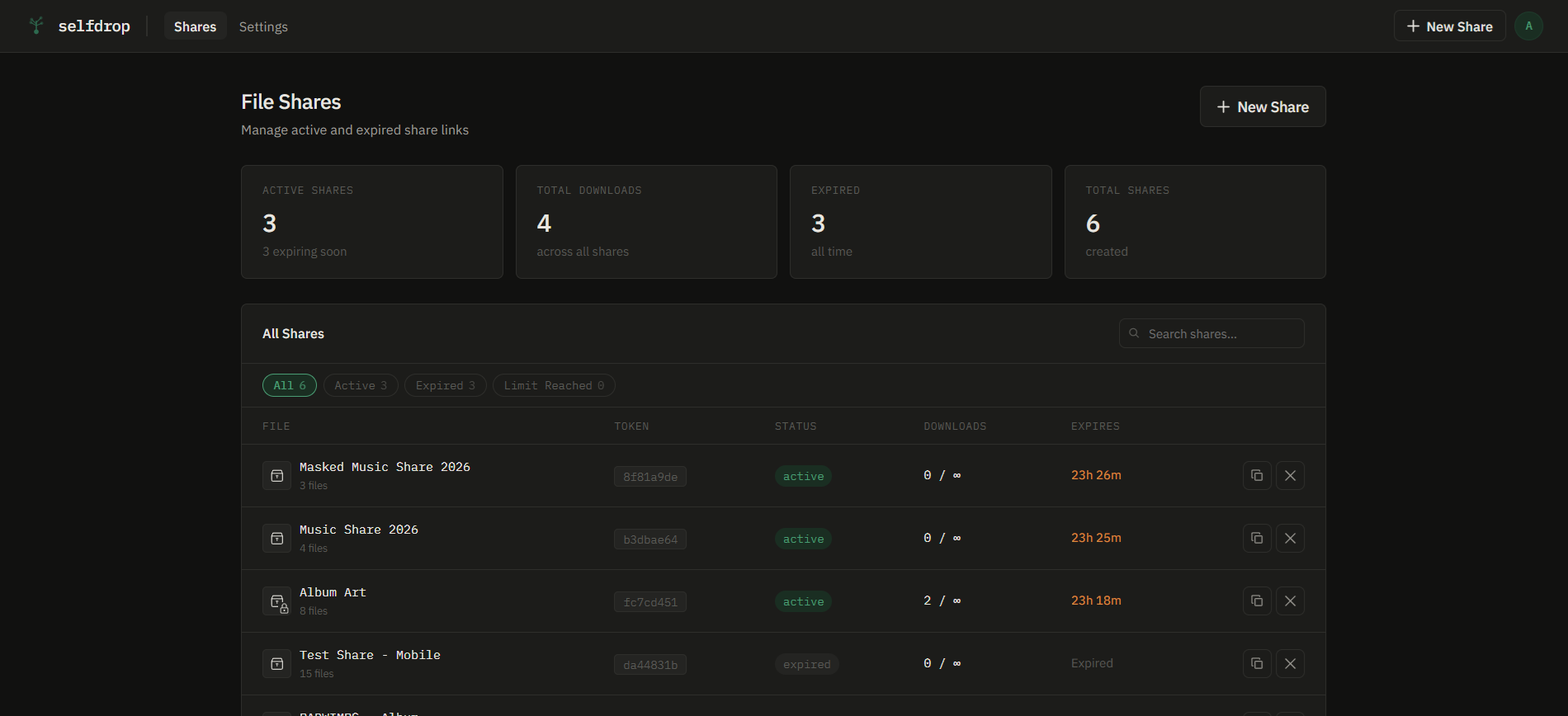
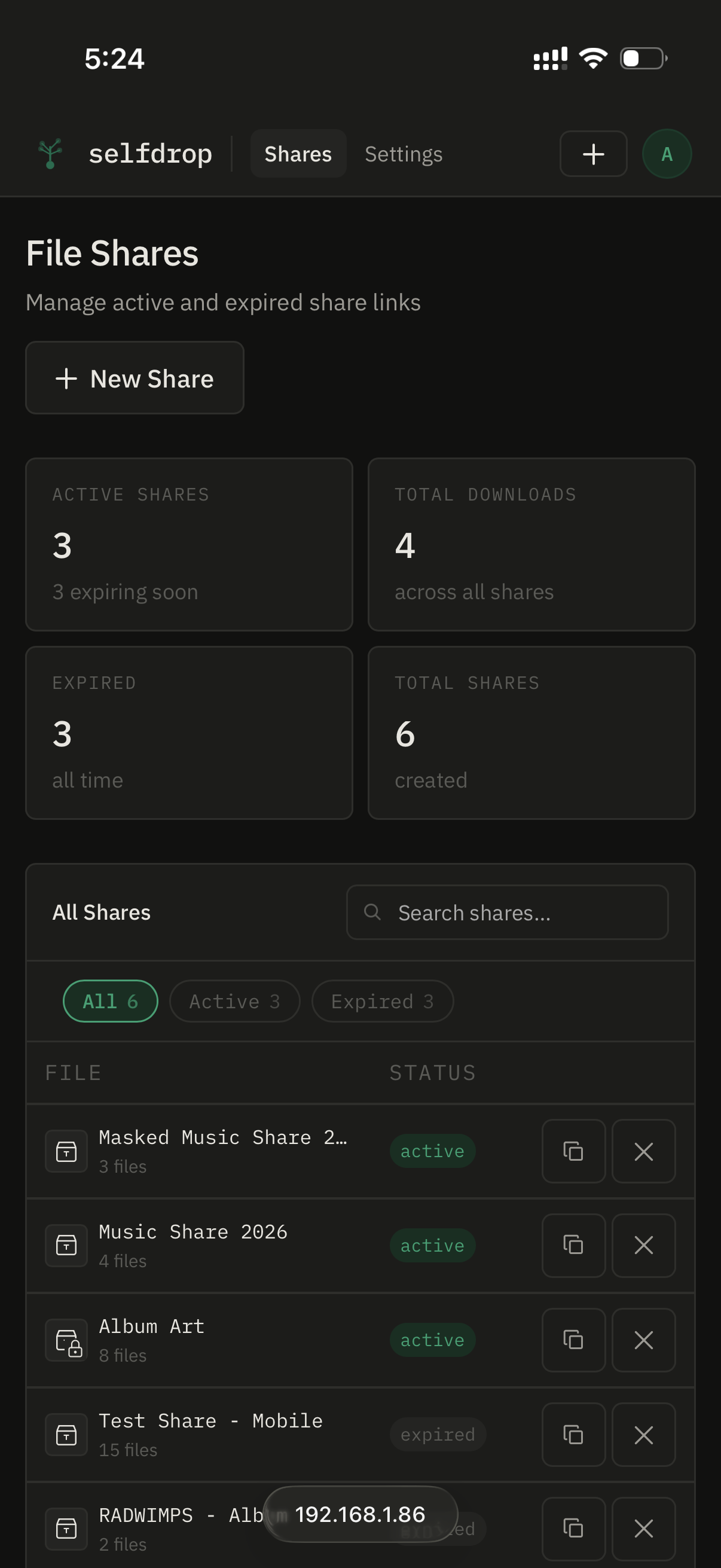
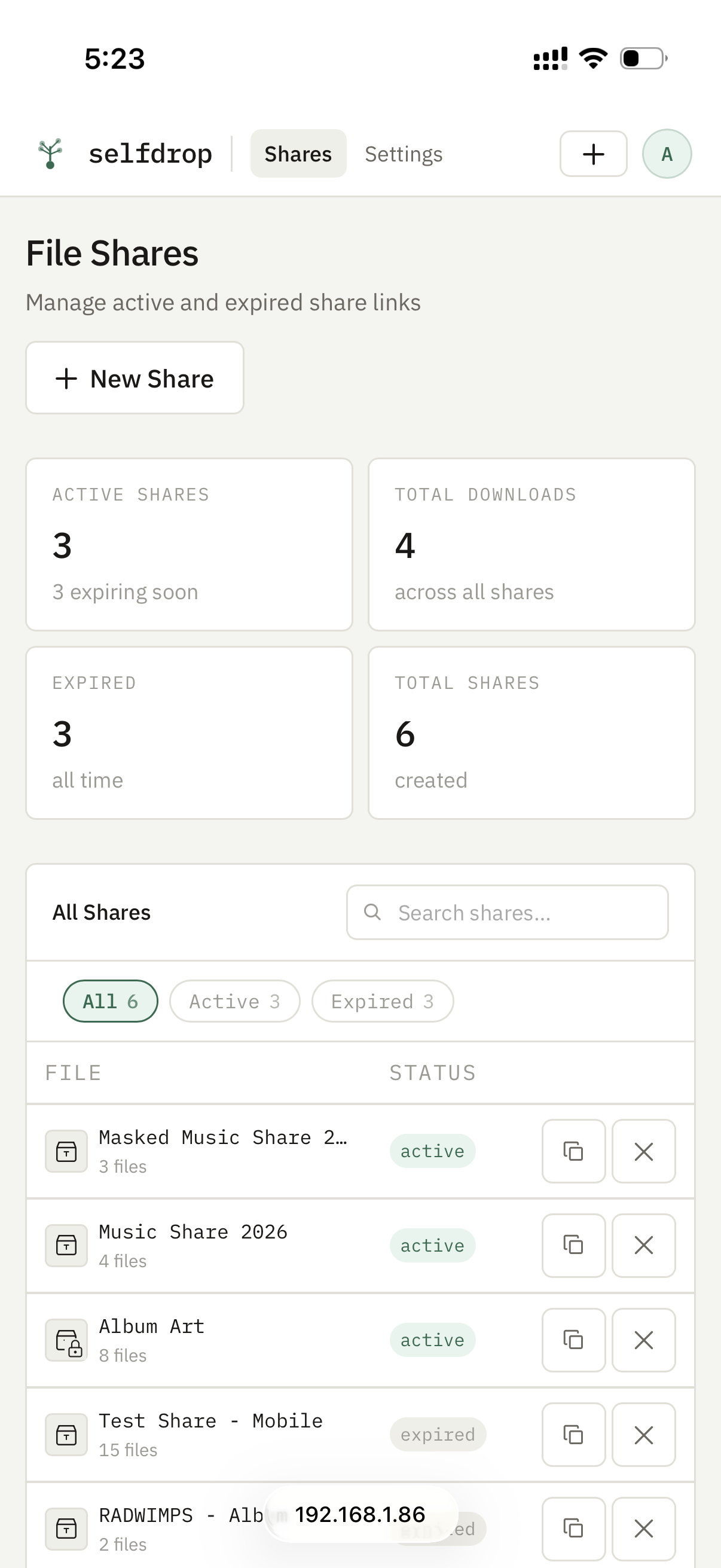
Screenshots
 |  |  |
 |  |  |
 |  |  |
Contributing
Issues and pull requests are welcome. Please open an issue first for significant changes.
License
MIT — see LICENSE.
Tag summary
Content type
Image
Digest
sha256:c7d5355c2…
Size
62.8 MB
Last updated
7 months ago
docker pull miraibytes/selfdrop