mrjk78/ldap-user-manager
Fork of wheelybird original project, with more features.
2.2K
mrjk78/ldap-user-manager repository overview
LDAP User Manager
This is a PHP LDAP account manager; a web-based GUI interface which allows you to quickly populate a new LDAP directory and easily manage user accounts and groups. It also has a self-service password change module.
It's designed to work with OpenLDAP and to be run as a container. It complements OpenLDAP containers such as osixia/openldap.
This project lives in mrjk/ldap-user-manager, but it is orignally forked from wheelybird/ldap-user-manager, because there are many open issues and unmerged PRs. Since I needed to have those fix, there is this fork. Eventually this project would disapear and be remerged back to original project if the original authors reappears at some points.
Features
Base features:
- Setup wizard: this will create the necessary structure to allow you to add users and groups and will set up an initial admin user that can log into the user manager.
- Group creation and management.
- User account creation and management.
- Optionally send an email to the user with their new or updated account credentials.
- Secure password auto-generator: click the button to generate a secure password.
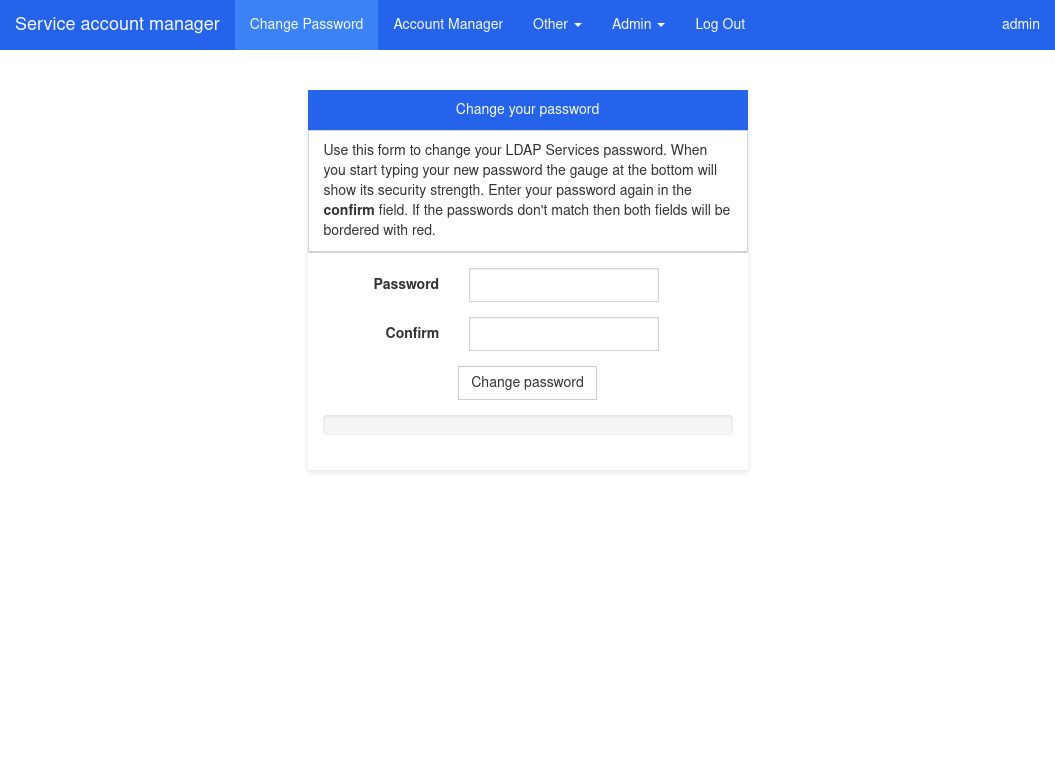
- Password strength indicator.
- Self-service password change: non-admin users can log in to change their password.
- An optional form for people to request accounts (request emails are sent to an administrator).
Fork features:
- Basic management of sub-ou to store users and groups.
- Provide options to display links for users and admins.
- Improved modern theme that improve UX.
- Provides 5 themes, to differenciate multiple instances.
Assets:
- Github project mrjk/ldap-user-manager
- Docker image mrjk78/ldap-user-manager
- Original code wheelybird/ldap-user-manager
- Documentation docs/
Screenshots
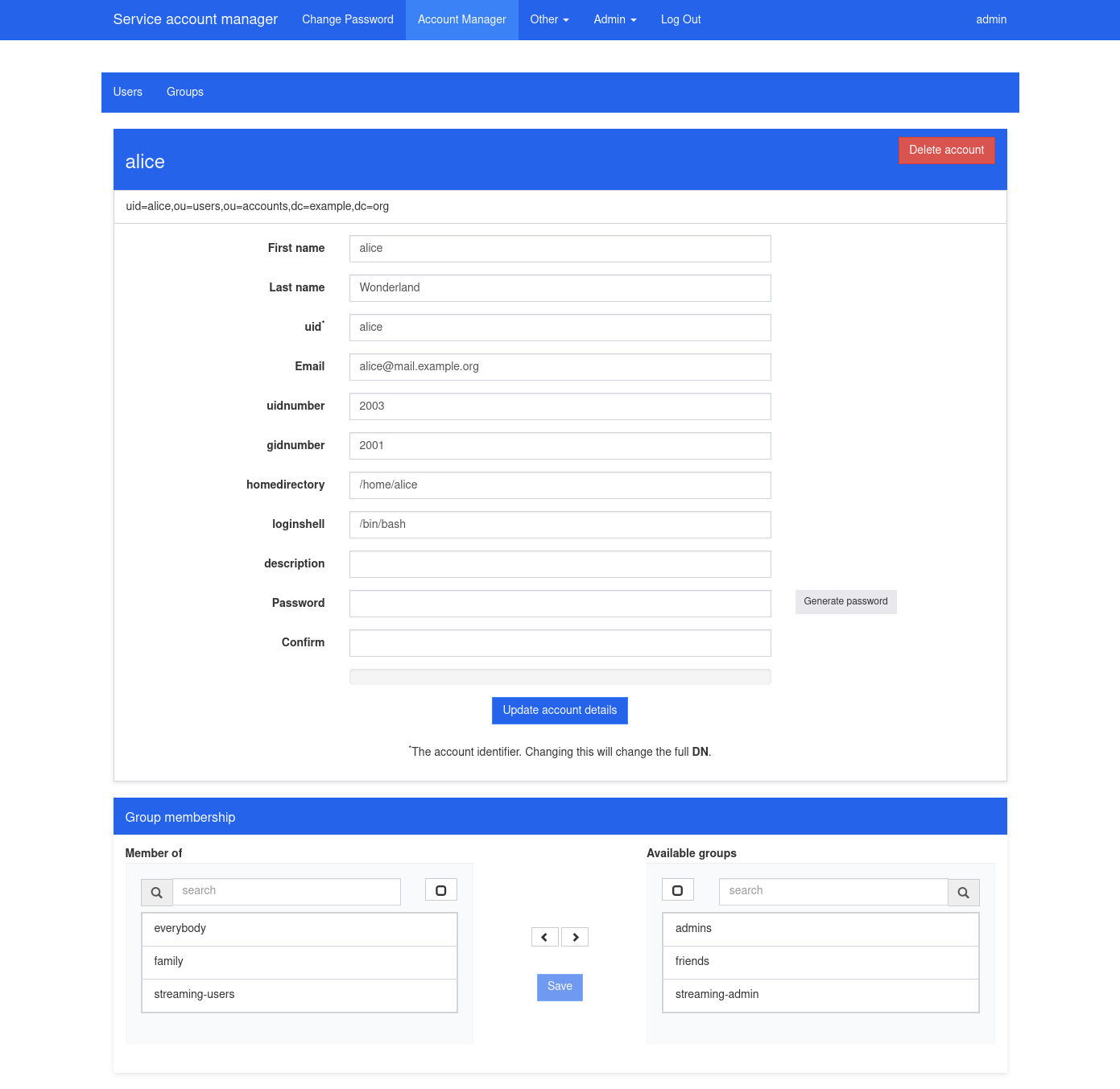
With blue modern theme.
Edit accounts:
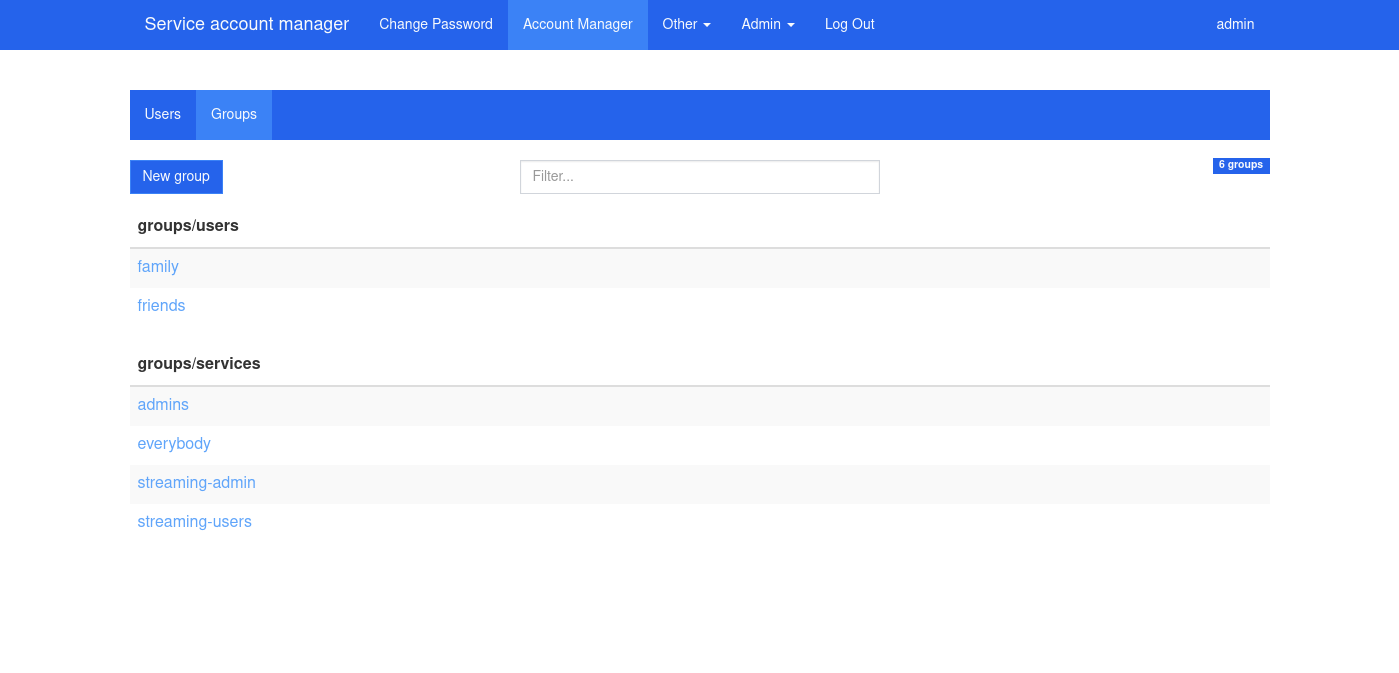
Manage group membership:
Self-service password change:
Modern theme (anthracite is default):
anthracite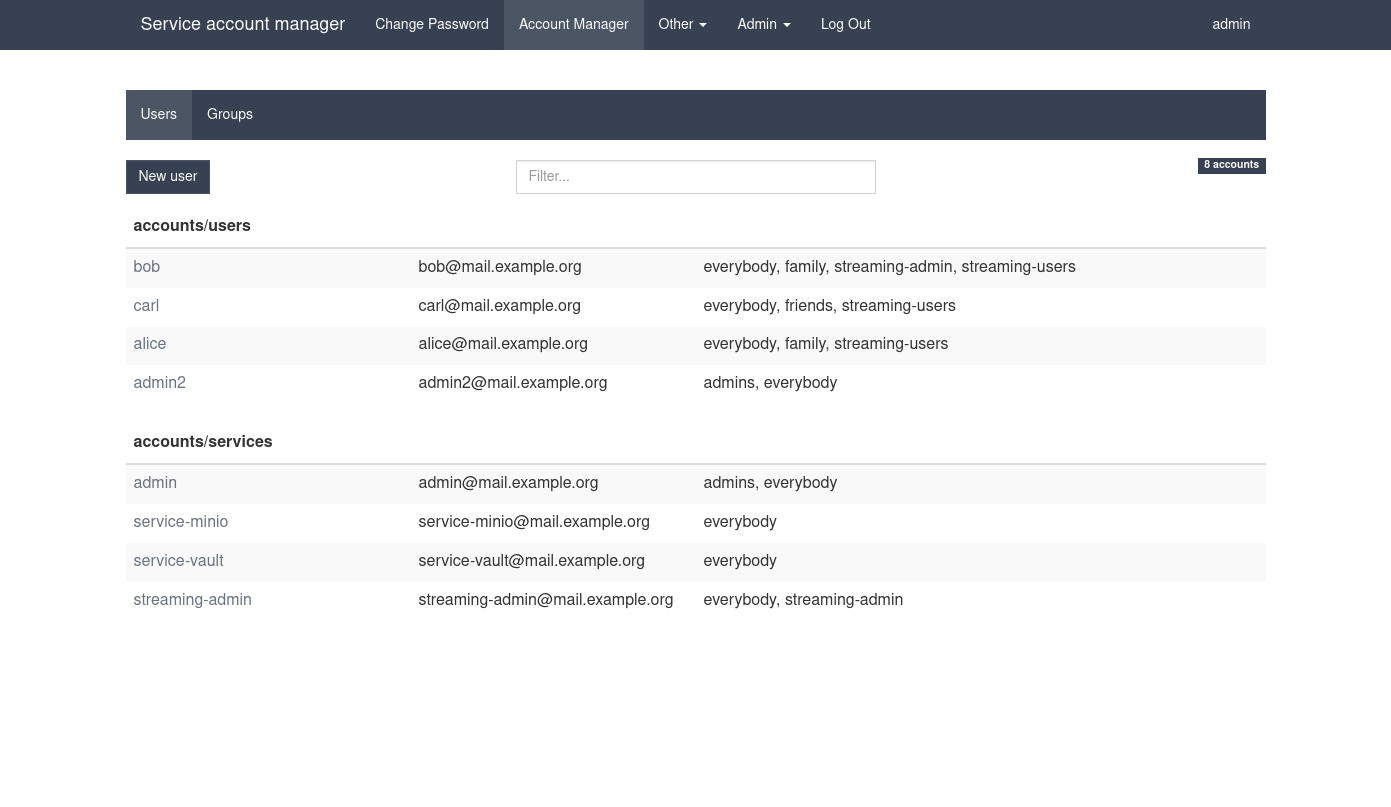 | green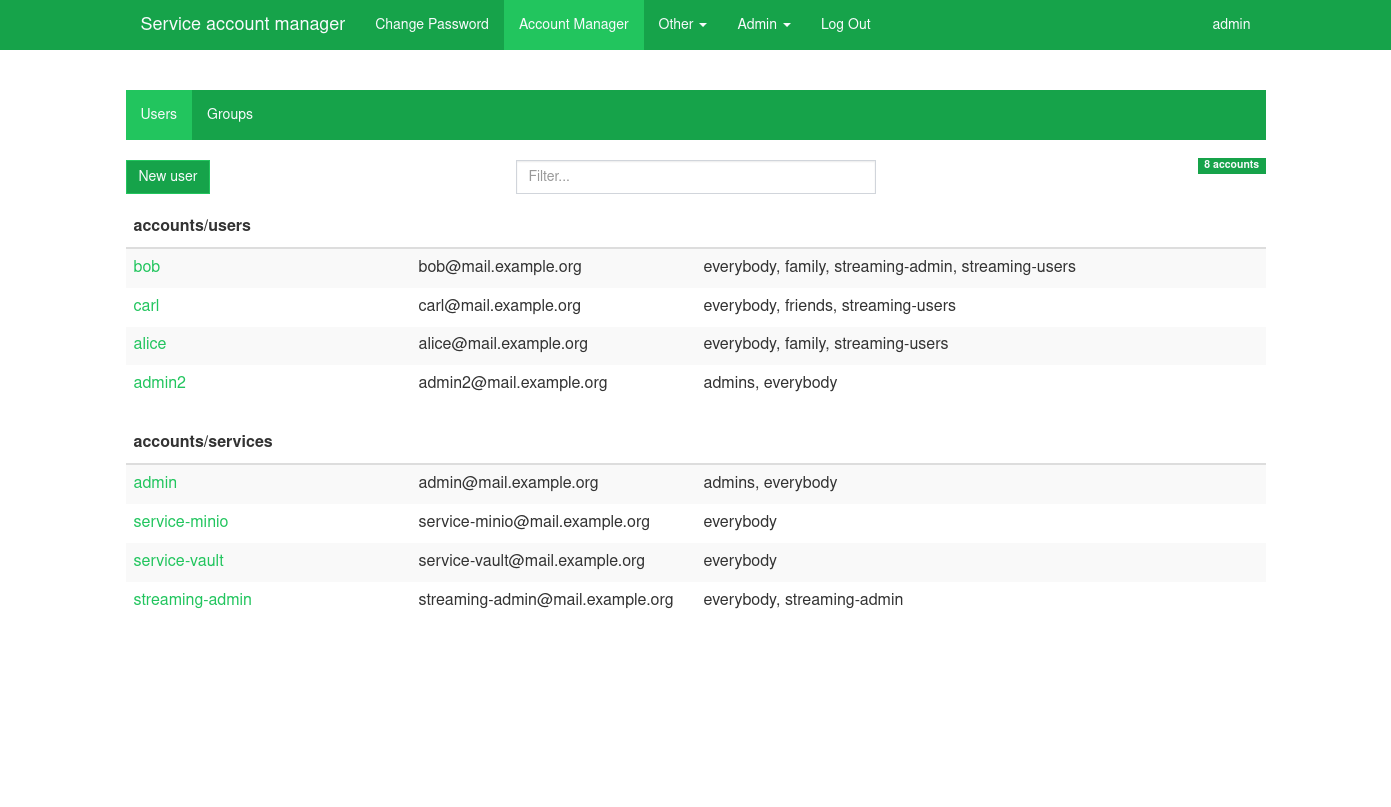 |
orange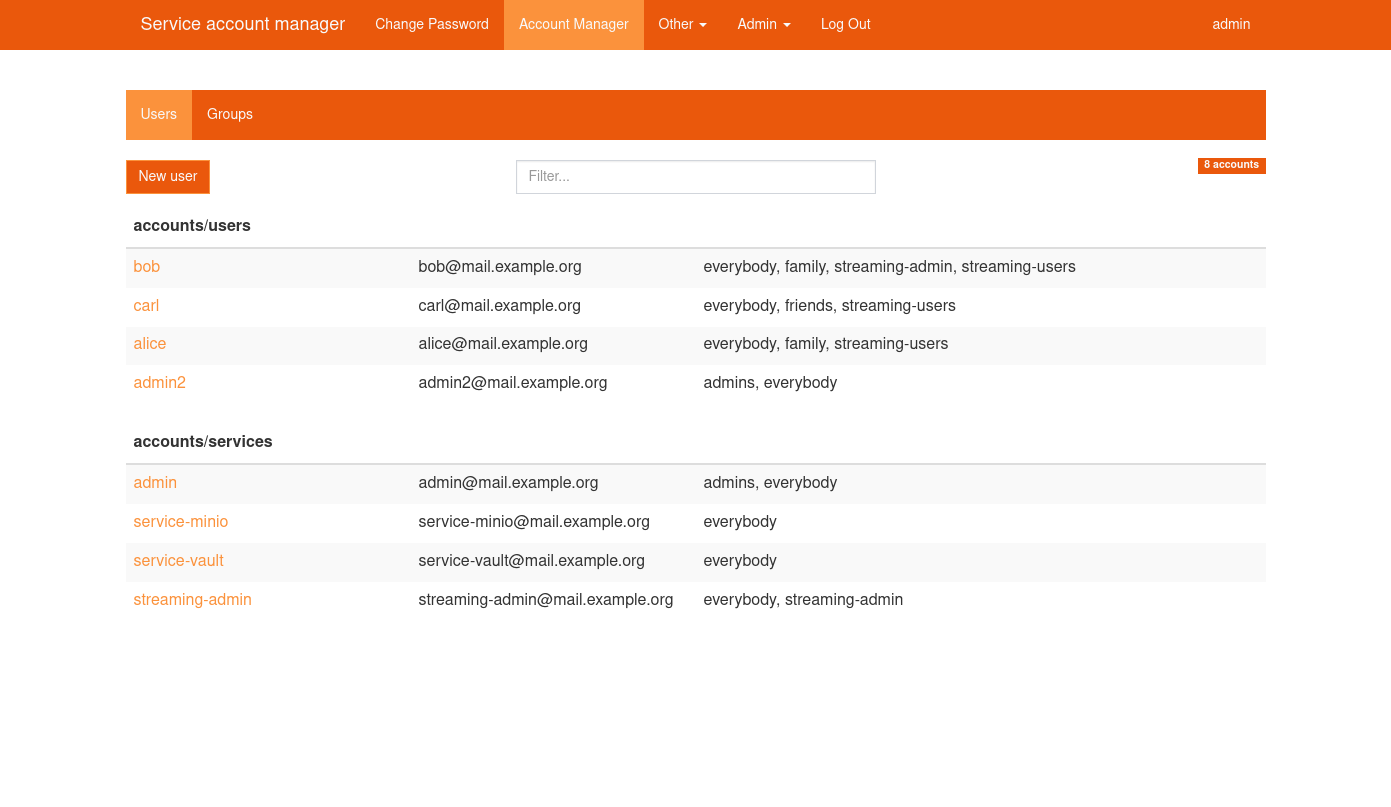 | blue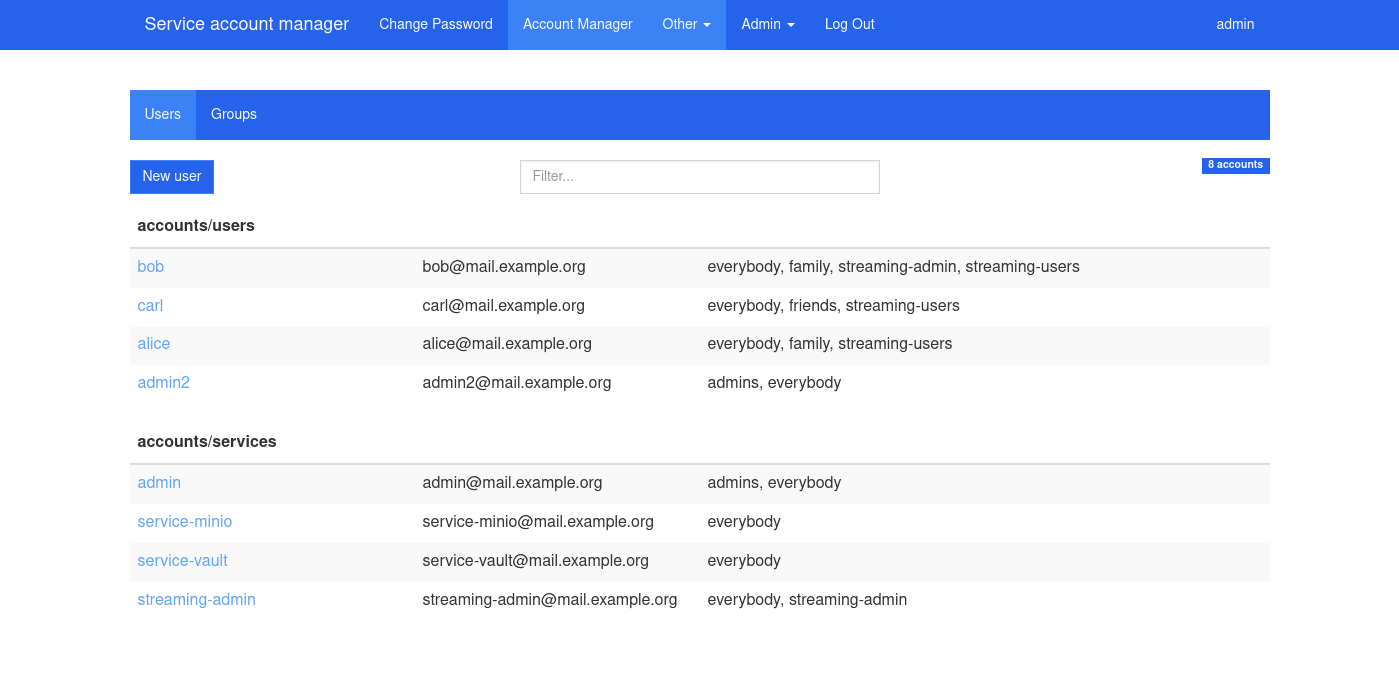 |
yellow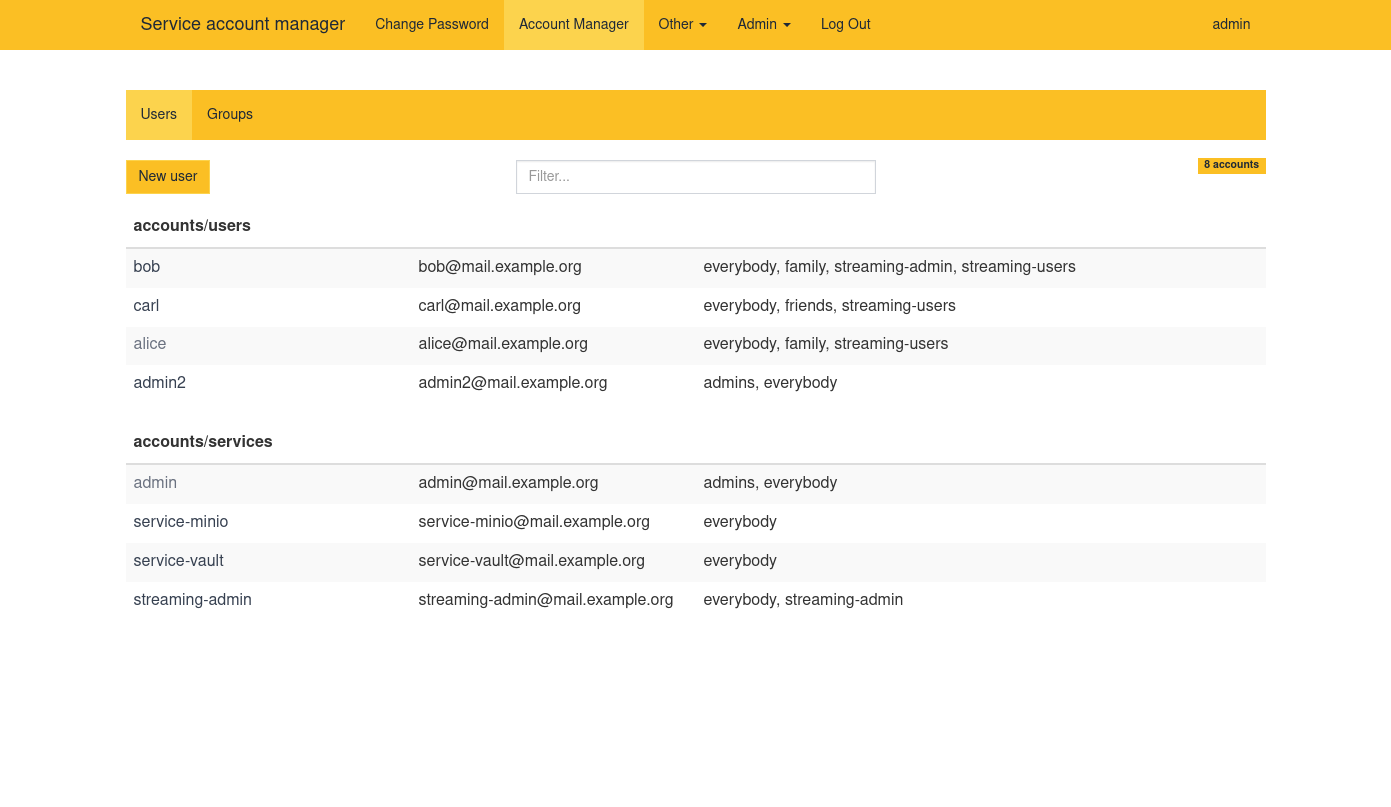 |
Quick start
docker run \
           --detach \
           --name=lum \
           -p 80:80 \
           -p 443:443 \
           -e "SERVER_HOSTNAME=lum.example.com" \
           -e "LDAP_URI=ldap://ldap.example.com" \
           -e "LDAP_BASE_DN=dc=example,dc=com" \
           -e "LDAP_REQUIRE_STARTTLS=TRUE" \
           -e "LDAP_ADMINS_GROUP=admins" \
           -e "LDAP_ADMIN_BIND_DN=cn=admin,dc=example,dc=com" \
           -e "LDAP_ADMIN_BIND_PWD=secret"\
           -e "LDAP_IGNORE_CERT_ERRORS=true" \
           -e "EMAIL_DOMAIN=ldapusermanager.org" \
           mrjk78/ldap-user-manager:v1.11
Change the variable values to suit your environment. Now go to https://lum.example.com/setup.
See configuration documentation
Initial setup
You can get the LDAP user manager running by following the Quick start instructions if you've got an LDAP server running already. If you haven't got an LDAP server then follow the [Testing with an OpenLDAP container](#testing with-an-openldap-container) instructions.
Once you've got got the LDAP user manager up-and-running you should run the setup wizard.
This will create the LDAP structures that the user manager needs in order to create accounts and groups. Go to https://{SERVER_HOSTNAME}/setup to get started (replace {SERVER_HOSTNAME} with whatever you set SERVER_HOSTNAME to in the Docker run command).
The log in password is the admin user's password (the value you set for LDAP_ADMIN_BIND_DN).
The setup utility will create the user and account trees, records that store the last UID and GID used when creating a user account or group, a group for admins and the initial admin account.
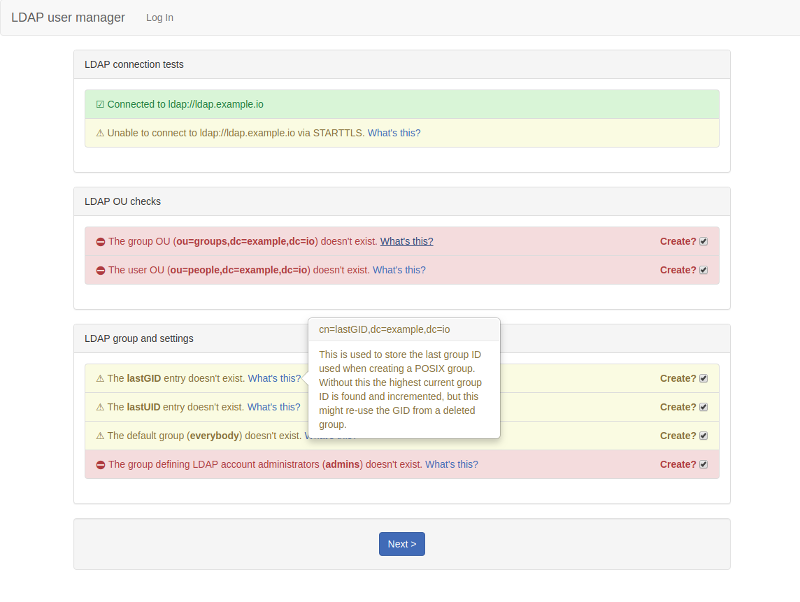
The setup wizard is primarily designed to use with a new, empty LDAP directory, though it is possible to use it with existing directories as long as you ensure you use the correct advanced LDAP settings.
Once you've set up the initial administrator account you can log into the user manager with it and start creating other accounts. Your username to log in with is (by default) whatever you set System username to. See Account names below if you changed the default by setting LDAP_ACCOUNT_ATTRIBUTE.
Security Note: For production environments, consider setting
SETUP_DISABLED=TRUEafter initial setup to prevent accidental changes to the LDAP structure.
Testing with an OpenLDAP container
This will set up an OpenLDAP container you can use to test the user manager against. It uses the RFC2307BIS schema.
docker run \
             --detach \
             --restart unless-stopped \
             --name openldap \
             -e "LDAP_ORGANISATION=ldapusermanager" \
             -e "LDAP_DOMAIN=ldapusermanager.org" \
             -e "LDAP_ADMIN_PASSWORD=change_me" \
             -e "LDAP_RFC2307BIS_SCHEMA=true" \
             -e "LDAP_REMOVE_CONFIG_AFTER_SETUP=true" \
             -e "LDAP_TLS_VERIFY_CLIENT=never" \
             -p 389:389 \
             --volume /opt/docker/openldap/var_lib_ldap:/var/lib/ldap \
             --volume /opt/docker/openldap/etc_ldap_slapd.d:/etc/ldap/slapd.d \
             osixia/openldap:latest

docker run \
             --detach \
             --name=lum \
             -p 80:80 \
             -p 443:443 \
             -e "SERVER_HOSTNAME=localhost" \
             -e "LDAP_URI=ldap://172.17.0.1" \
             -e "LDAP_BASE_DN=dc=ldapusermanager,dc=org" \
             -e "LDAP_ADMINS_GROUP=admins" \
             -e "LDAP_ADMIN_BIND_DN=cn=admin,dc=ldapusermanager,dc=org" \
             -e "LDAP_ADMIN_BIND_PWD=change_me" \
             -e "LDAP_IGNORE_CERT_ERRORS=true" \
             mrjk78/ldap-user-manager:latest
Now go to https://localhost/setup - the password is change_me (unless you changed it). As this will use self-signed certificates you might need to tell your browser to ignore certificate warnings.
Docker compose setup
Ther is an example of simple docker compose deployment for testing purpose, with openldap and phpldapadmin:
networks:
  ldap_network:

services:

  # Main openldap service
  openldap:
    image: docker.io/tiredofit/openldap:2.6 # Openldap 2.6 from tiredofit
    # image: osixia/openldap:latest # Openldap 2.4 from osixia
    environment:
      ADMIN_PASS: admin
      BASE_DN: dc=example,dc=org
      CONFIG_PASS: config
      CONTAINER_NAME: openldap
      DEBUG_MODE: "TRUE"
      DOMAIN: example.org

      HOSTNAME: ldap.example.org
      LOG_LEVEL: "256"
      ORGANIZATION: Example Org
      READONLY_USER_PASS: readonly
      READONLY_USER_USER: readonly
      SCHEMA_TYPE: rfc2307bis
      TIMEZONE: America/Toronto

      REMOVE_CONFIG_AFTER_SETUP: "false"
      ENABLE_BACKUP: "FALSE"
      ENABLE_READONLY_USER: "TRUE"
      ENABLE_REPLICATION: "FALSE"
      ENABLE_TLS: "FALSE"
      CONTAINER_ENABLE_MONITORING: "FALSE"

    hostname: ldap.example.org
    networks:
      ldap_network:
    ports:
      - "389:389"
    restart: unless-stopped
    # If you need to bootstrap with custom schema
    # volumes:
    #   - "$PWD/bootstrap_schema:/assets/slapd/config/bootstrap/schema/custom"
    #   - "$PWD/bootstrap_ldif:/assets/slapd/config/bootstrap/ldif/custom"

  # Debbugging web interface
  phpldapadmin:
    image: osixia/phpldapadmin:latest
    depends_on: openldap
    environment:
      PHPLDAPADMIN_HTTPS: "false"
      PHPLDAPADMIN_LDAP_HOSTS: openldap
    networks:
      ldap_network:
    ports:
      - "8090:80"
    restart: unless-stopped

  # Install of User Ldap Manager
  lum:
    image: mrjk78/ldap-user-manager:latest
    depends_on: openldap
    environment:
      ACCEPT_WEAK_PASSWORDS: "True"
      EMAIL_DOMAIN: mail.example.org
      LDAP_ADMIN_BIND_DN: cn=admin,dc=example,dc=org
      LDAP_ADMIN_BIND_PWD: admin

      LDAP_BASE_DN: dc=example,dc=org
      LDAP_DEBUG: "FALSE"
      LDAP_REQUIRE_STARTTLS: "FALSE"
      LDAP_URI: ldap://openldap
      LDAP_USER_OU: users,ou=accounts
      LDAP_GROUP_OU: groups
      LDAP_ADMINS_GROUP: admins

      NO_HTTPS: "true"
      ORGANISATION_NAME: LDAP Simple
      SERVER_HOSTNAME: ldap.example.org:8081
      USERNAME_FORMAT: '{first_name}'
      CN_FORMAT: '{first_name} {last_name}'
      USERNAME_REGEX: ^[a-z][a-zA-Z0-9._-]{2,32}$$
    networks:
      ldap_network:
    ports:
      - "8080:80"
    restart: unless-stopped
Deploy different instances
Since lum can be configured to work on different DN, it become possible to run multiple instances of lum, for exemple one to manage users, and another one to manage services. Exemple file to test locally:
# Common config to make docker compose DRY
x-lum-env: &LUM_BASE_ENV
  LDAP_URI: "ldap://openldap"
  LDAP_BASE_DN: "$app_ldap_base_dn"
  LDAP_REQUIRE_STARTTLS: "FALSE"
  LDAP_ADMIN_BIND_DN: "cn=admin,$app_ldap_base_dn"
  LDAP_ADMIN_BIND_PWD: "admin"
  LDAP_IGNORE_CERT_ERRORS: "true"
  ORGANISATION_NAME: "$app_ldap_org_name"

  EMAIL_DOMAIN: "mail.example.org"
  NO_HTTPS: "true"
  LDAP_ADMINS_GROUP: admins
  ACCEPT_WEAK_PASSWORDS: "True"
  FORCE_RFC2307BIS: "True"
  USERNAME_REGEX: '^[a-z][a-zA-Z0-9._-]{2,32}$'
  USERNAME_FORMAT: '{first_name}'
  CN_FORMAT: '{first_name} {last_name}'

services:
  lum-user:

    image: mrjk78/ldap-user-manager:latest
    restart: unless-stopped
    networks:
      ldap_network:
    ports:
      - "8080:80"                            # First instance use port 8080
    environment:
      << : *LUM_BASE_ENV
      SERVER_HOSTNAME: "127.0.0.0:8080"
      ORGANISATION_NAME: LDAP Simple
      SITE_NAME: "Manage people accounts"
      THEME_VARIANT: green

      LDAP_NEW_USER_OU: "users,ou=accounts"  # New users will be created on this DN
      LDAP_USER_OU: "users,ou=accounts"      # All user accounts under this dn are visible
      LDAP_NEW_GROUP_OU: "people,ou=groups"  # New groups will be created on this DN
      LDAP_GROUP_OU: "groups"                # All user groups under this dn are visible

  lum-svc:
    image: mrjk78/ldap-user-manager:latest
    restart: unless-stopped
    networks:
      ldap_network:
    ports:
      - "8081:80"                               # First instance use port 8081
    environment:
      << : *LUM_BASE_ENV
      SERVER_HOSTNAME: "127.0.0.0:8081"
      ORGANISATION_NAME: LDAP Services
      SITE_NAME: "Manage services accounts"
      THEME_VARIANT: blue

      LDAP_NEW_USER_OU: "services,ou=accounts"  # New users will be created on this DN
      LDAP_USER_OU: "accounts"                  # All user accounts under this dn are visible
      LDAP_NEW_GROUP_OU: "services,ou=groups"   # New groups will be created on this DN
      LDAP_GROUP_OU: "groups"                   # All user groups under this dn are visible
Develop and test with docker compose
To test and hack PHP code directly in container, you can mount the project source code into the html directory of the container:
services:
  lum:
    volumes:
      - $PWD/www:/opt/ldap_user_manager/
Once this mount is applied, code changes are directly propagated into the container.
Tag summary
Content type
Image
Digest
sha256:ec32b8437…
Size
176.6 MB
Last updated
about 1 year ago
docker pull mrjk78/ldap-user-manager