msjpq/kvm-windows repository overview
Much better project here
https://github.com/ms-jpq/windows-in-docker
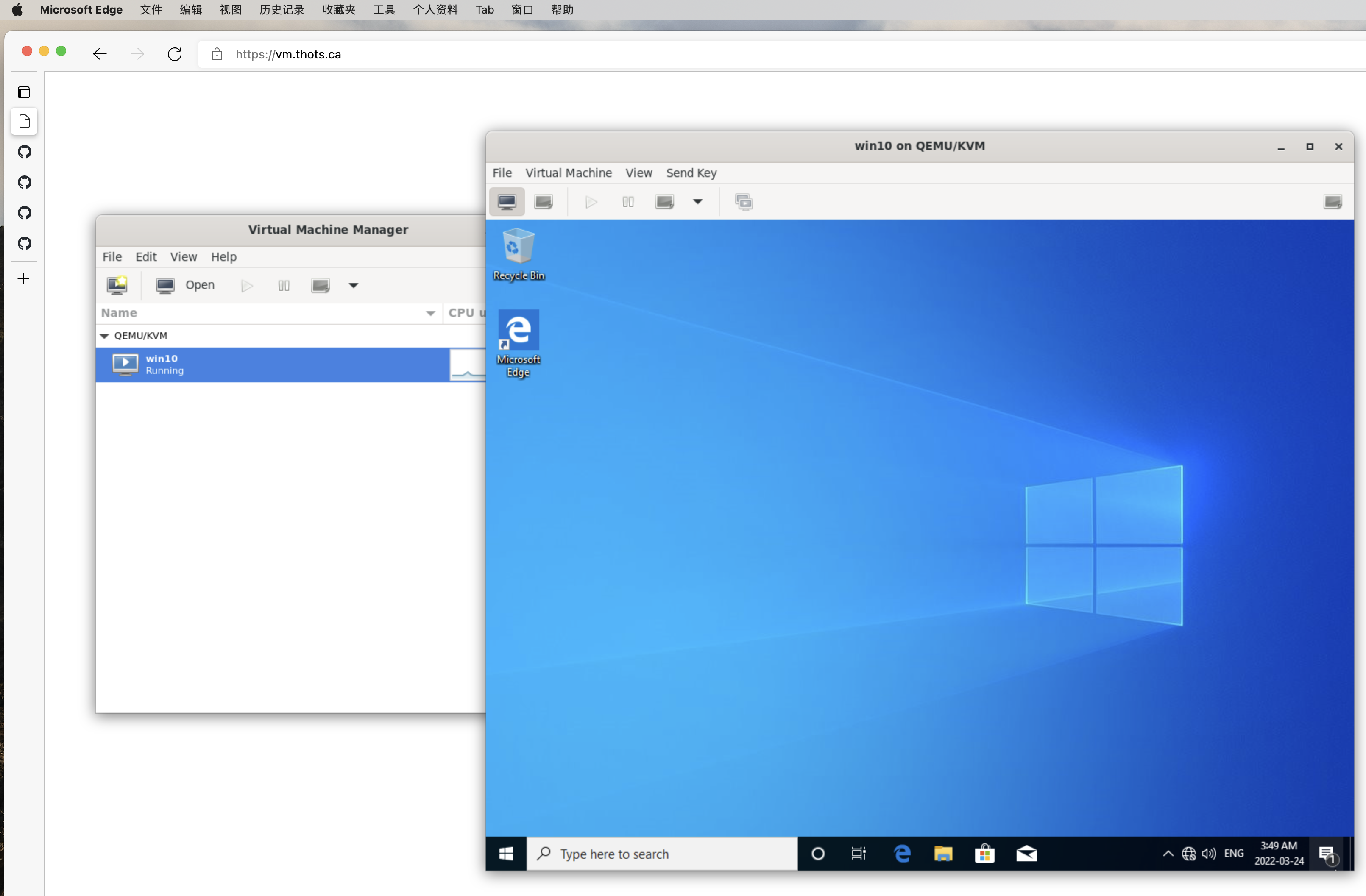
The thingy below is depreciated
Almost done, Work in Progress
WIND - Windows in Docker
Browser > Docker > KVM > Windows
Thank you Redhat, very legal & very cool.
WHY?
QEMU + KVM has a relatively involved setup, not very user friendly.
This image is vastly more user friendly, it comes with:
-
Browser UI
-
Networking out of the box
-
Literally copy paste install
-
Built-in Windows drivers
-
Crazy easy customizations, ie.
--cpus=9 --memory=6024 --size=120
Preview


Instructions
Prerequisites
You hardware must be able to run KVM. (Most computer can run at least 1 layer of virtualization now days.)
Install
Run the command below, and head to Firefox at port 8080 to finish installation
docker -it --rm \
  --privileged \
  -v /lib/modules:/lib/modules:ro \
  -p 8080:65080 \
  -v /vm_image_dir:/config \
  -v /iso_dir:/install \
  msjpq/kvm-windows new <windows.iso> --bios
Add --bios, if your windows version is old, or else it will load UEFI
<windows.iso> will eject after first poweroff, you will find the generated libvirt manifest under /config.
Run the command below to finish installation, and for future usage.
docker -it --rm \
  --privileged \
  -v /lib/modules:/lib/modules:ro \
  -p 8080:65080 \
  -v /vm_image_dir:/config \
  msjpq/kvm-windows
Drivers
You will need to manually install some of drivers, (VirtIO is annoying like that).
Essential
-
The harddrive drivers will need to be installed before first reboot.
-
The ethernet drivers will need to be installed after first login under Device Manager.
Whatever
Things like qxl can also be installed under Device Manager. Not really important though.
All drivers are included with the default install, under D:/ or E:/ drive.
Customization
Additional flags to pass onto new <image name> <flag> <flag> ...
| Flag | Default | Option |
|---|---|---|
--bios | False | Boot bios instead of uefi |
-os | win10 | Windows distro |
--cpus | #cores | Number of virtual cpus |
--memory | 4000 | (MB) |
--vram | 256 | (MB) |
--size | 100 | (GB) |
--dry-run | False | Dry run |
--extra | None | Extra args for virt-install |
Networking
All ports from VM are forwarded to container except:
53, 67-68, 65001-65535
NOT recommended to run with --net=host.
Environmental Variables
Browser UI
-e PATH_PREFIX=/-e VNC_RESIZE=scale|off-e RECON_DELAY=250reconnection delay (ms)
Virtualization
Libvirt look for VM_NAME.xml to boot.
new will create VM_NAME.xml and VM_NAME.img.
-e VM_NAME=wind
Ports
-
-p 8080:65080noVNC web UI -
-p 5900:65059VNC
Volumes
Libvirt manifests are stored in/config, along with VM images.
-v ./vm_data/:/config
You need to supply your own windows.iso, for obvious reasons.
-v ./install_media/:/install
Disclaimer
Works on my machine ™.
Tag summary
Content type
Image
Digest
Size
339.8 MB
Last updated
over 4 years ago
docker pull msjpq/kvm-windows