mynaparrot/plugnmeet-server
Plug-N-Meet server
50K+
mynaparrot/plugnmeet-server repository overview
Plug-N-Meet - Scalable, Open source web conferencing system.
Plug-N-Meet is an open source web conferencing system based on high performance WebRTC infrastructure livekit.
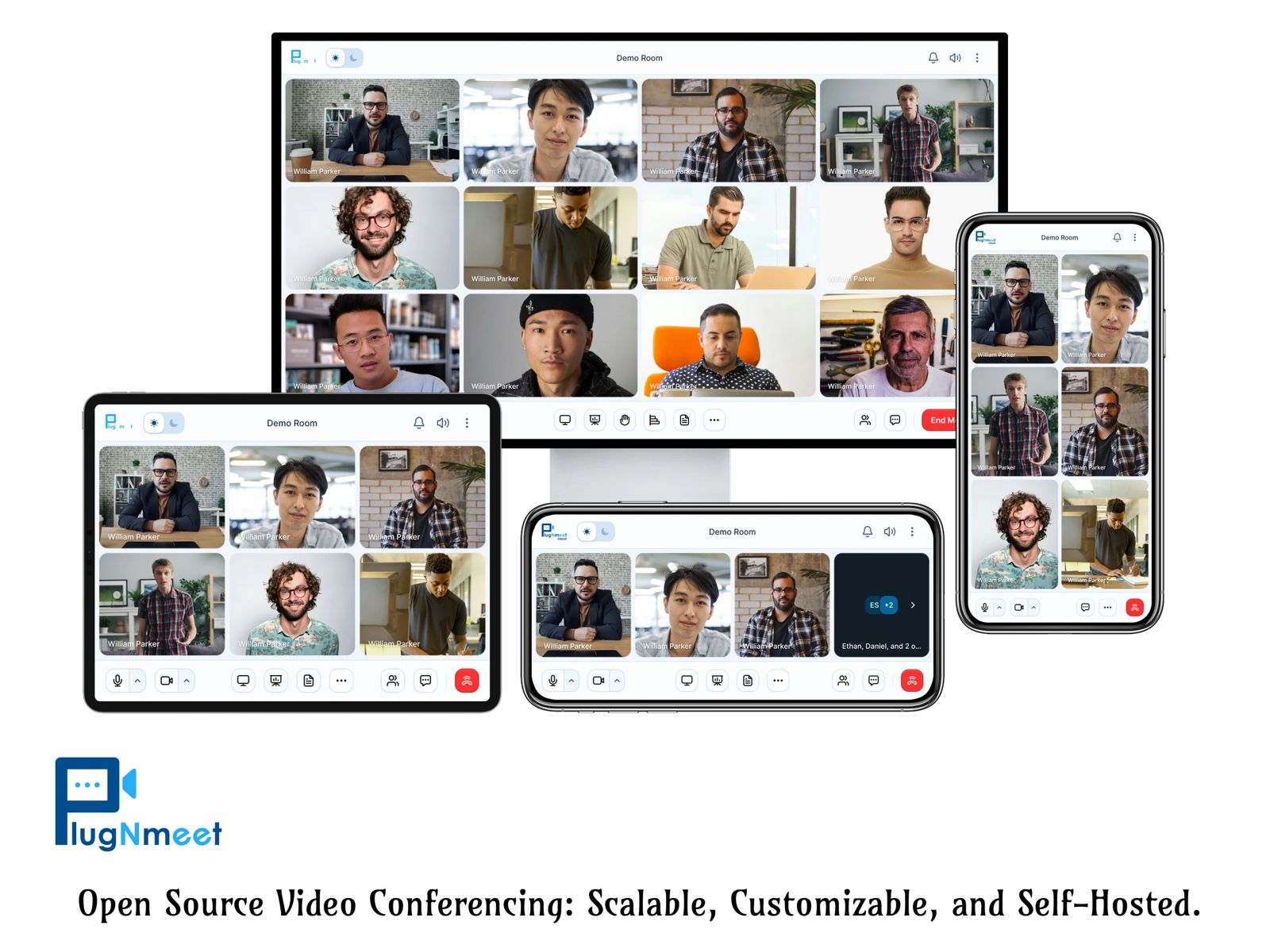
Features:
-
Compatible with all devices. Browser recommendation: Google Chrome, Firefox. For iOS: Safari.
-
WebRTC based secured & encrypted communication.
-
Scalable and high performance system written in Go programming language which made it possible to distributed as a single binary file!
-
Simulcast and Dynacast features will allow you to continue online conferencing even if your internet connection is slow!
-
Easy integration with any existing website or system.
-
Easy customization with functionality, URL, logo, and branding colors.
-
HD audio and video call.
-
HD Screensharing.
-
Lock settings.
-
Raise hand.
-
Chatting with File sharing.
-
MP4 Recordings.
-
RTMP Broadcasting
And many more!
The components of Plug-N-Meet are as follows:
-
plugNmeet-server, the main backend server written in go.
-
plugNmeet-client, which is the main interface/frontend. It's built with React and Redux.
-
plugNmeet-recoder, a node module for recording/rtmp broadcasting which is written in TypeScript.
Demo:
https://demo.plugnmeet.com/login.html
Requirements
-
Livekit configured with Redis.
-
plugNmeet-serverconfigured with same Redis instance using for livekit. -
Mariadb server for data storage.
We've created an easy to install script which can be used to install all the necessary components in 5 minutes. Check plugNmeet-install repo.
SDKs & Tools
SDK
Following ready to use extensions:
Docker:
Examples:
Manually
Create config.yaml
from config_sample.yaml &
change necessary info
Using docker
docker run --rm -p 8080:8080 \
    -v $PWD/config.yaml:/config.yaml \
    mynaparrot/plugnmeet-server \
    --config /config.yaml \
You can also follow docker-compose_sample.yaml file.
You can manually download server from release page too.
Development
-
Clone the project & navigate to the directory. Make sure you've docker install in your PC. https://www.docker.com/products/docker-desktop
-
Copy to rename this files:
cp config_sample.yaml config.yaml
cp livekit_sample.yaml livekit.yaml
cp docker-compose_sample.yaml docker-compose.yaml
- Now run
docker-compose up --build& wait to finish process. If you're running this first time then you may see some errors. Hitcontrol + corctrl + c& re-rundocker-compose up --build. Everytime need to run this command to boot servers.
Or you can build or run directly if you've go language install in your PC.
go run ./cmd/server/*.go
Tag summary
Content type
Image
Digest
sha256:436610b84…
Size
436.2 MB
Last updated
2 days ago
docker pull mynaparrot/plugnmeet-server