nedix/spx
Web GUI to display flame graphs for requests to PHP applications.
Image
1
3.9K
nedix/spx repository overview
spx-container
Web GUI to display flame graphs for requests to PHP applications.
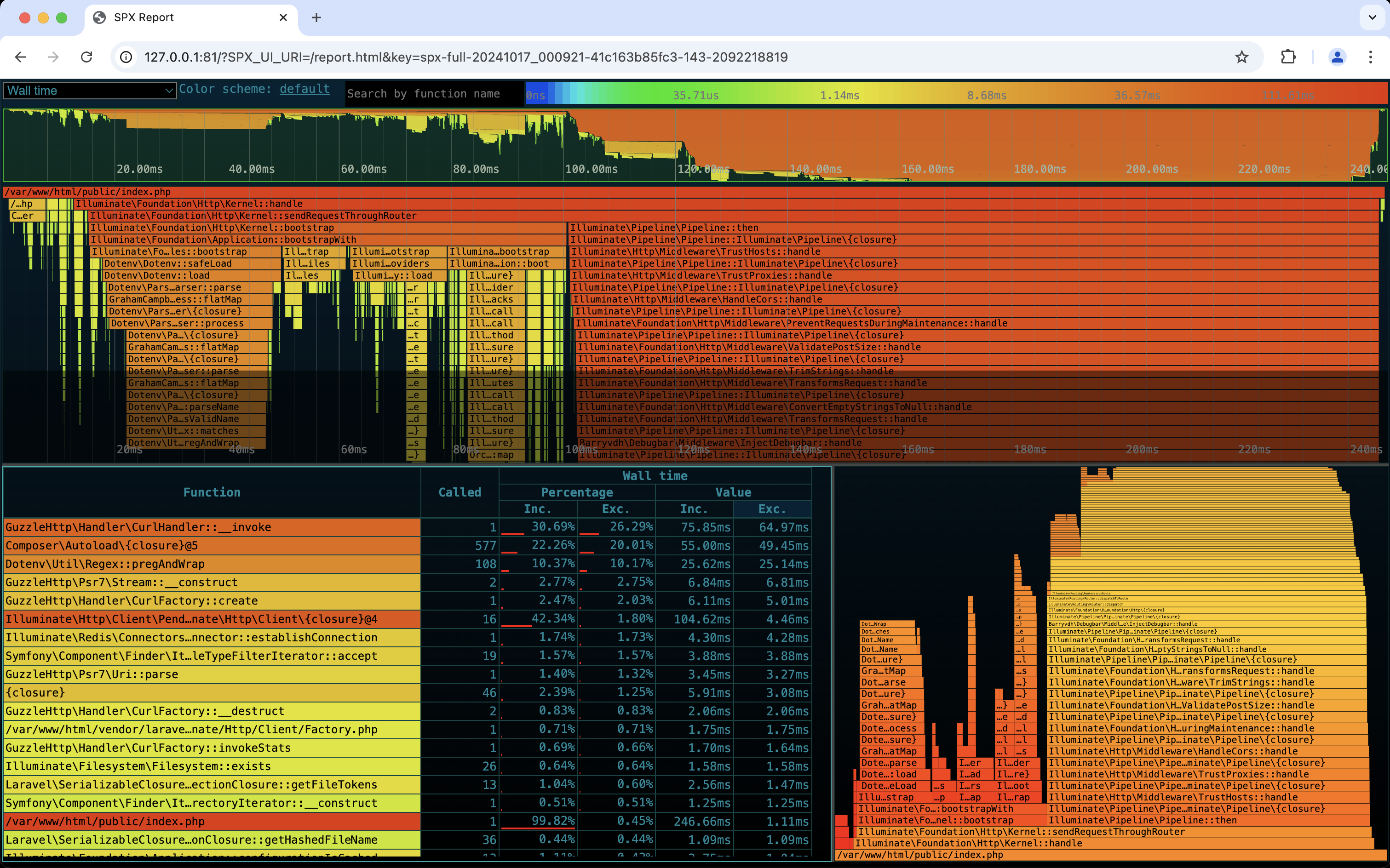
Usage
The following example expects that you have your projects' containers defined in compose.yml. It will listen for requests on port 81.
1. Create the Compose manifest
wget -O compose-spx.yml https://raw.githubusercontent.com/nedix/spx-container/main/docs/examples/compose.yml
2. Start the services
docker compose -f compose.yml -f compose-spx.yml up -d
3. Capture a profiling report
Navigate to the page you would like to get measurements for on http://127.0.0.1:81 to capture a profiling report.
4. Get insight into performance metrics
Navigate to the SPX web interface on http://127.0.0.1:81/?SPX_UI_URI=/&SPX_KEY=dev.
Tag summary
Content type
Image
Digest
sha256:433bd2f6a…
Size
417.7 MB
Last updated
8 months ago
docker pull nedix/spx