nerelohw/docker-pgadmin4 repository overview
How to use this image
In order to run a container with our image, execute:
docker run --name some-pgadmin4 \
           --link some-postgres:postgres \
           -p 5050:5050 \
           -d docker-pgadmin4
Then you can hit http://localhost:5050 or http://host-ip:5050 in your browser.
Use default administrator account to log in:
- user: [email protected]
- password: admin
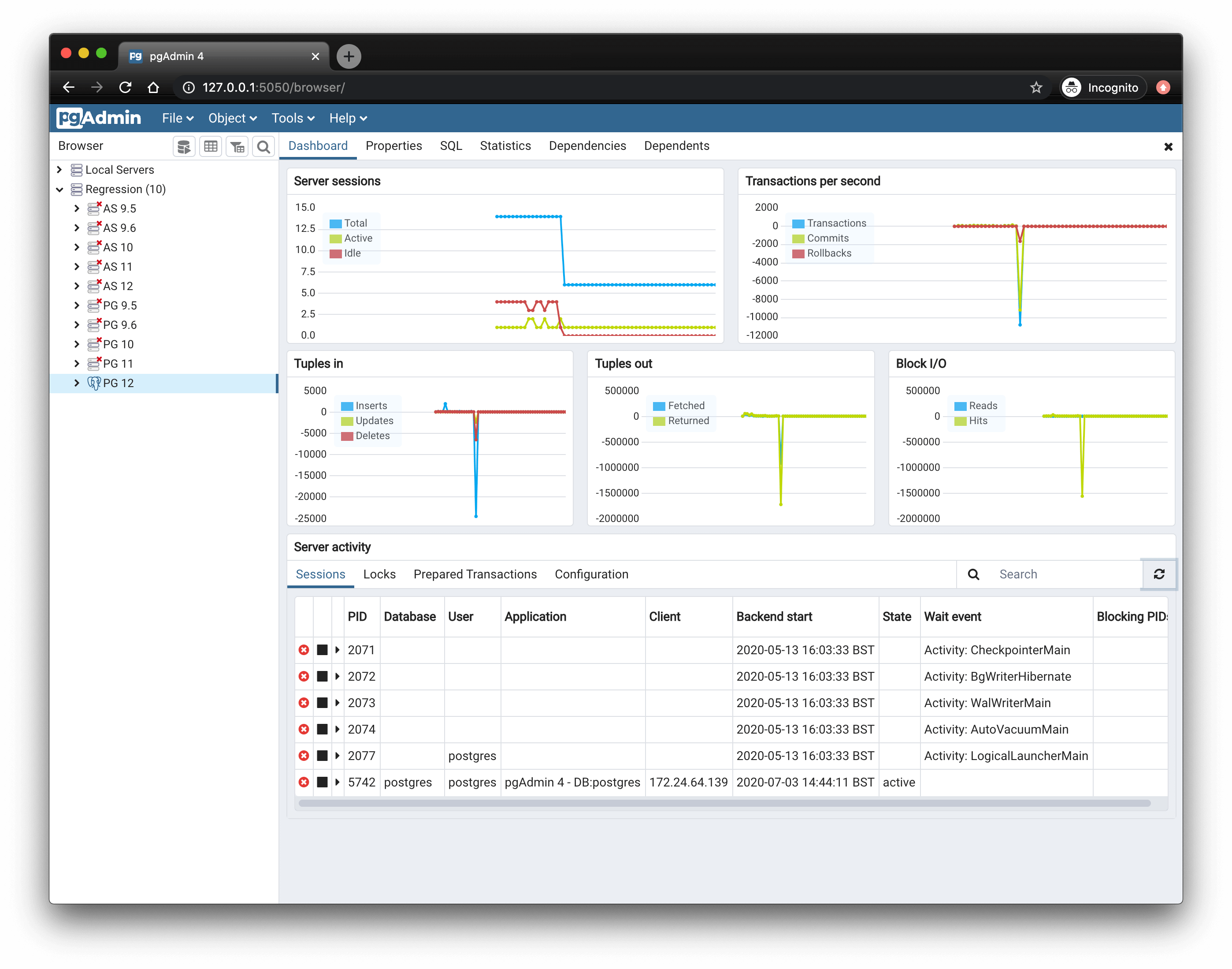
Screenshot
Environment Variables
-
DEFAULT_USER
default '[email protected]'
-
DEFAULT_PASSWORD
default 'admin'
-
MAIL_SERVER
default 'localhost'
-
MAIL_PORT
default 25
-
MAIL_USE_SSL
default False
-
MAIL_USE_TLS
default False
-
MAIL_USERNAME
default None
-
MAIL_PASSWORD
default None
License
Refer to the LICENSE file (MIT License).
Tag summary
Content type
Image
Digest
Size
137.7 MB
Last updated
over 8 years ago
docker pull nerelohw/docker-pgadmin4