nguoianphu/docker-remote-desktop repository overview
docker-remote-desktop

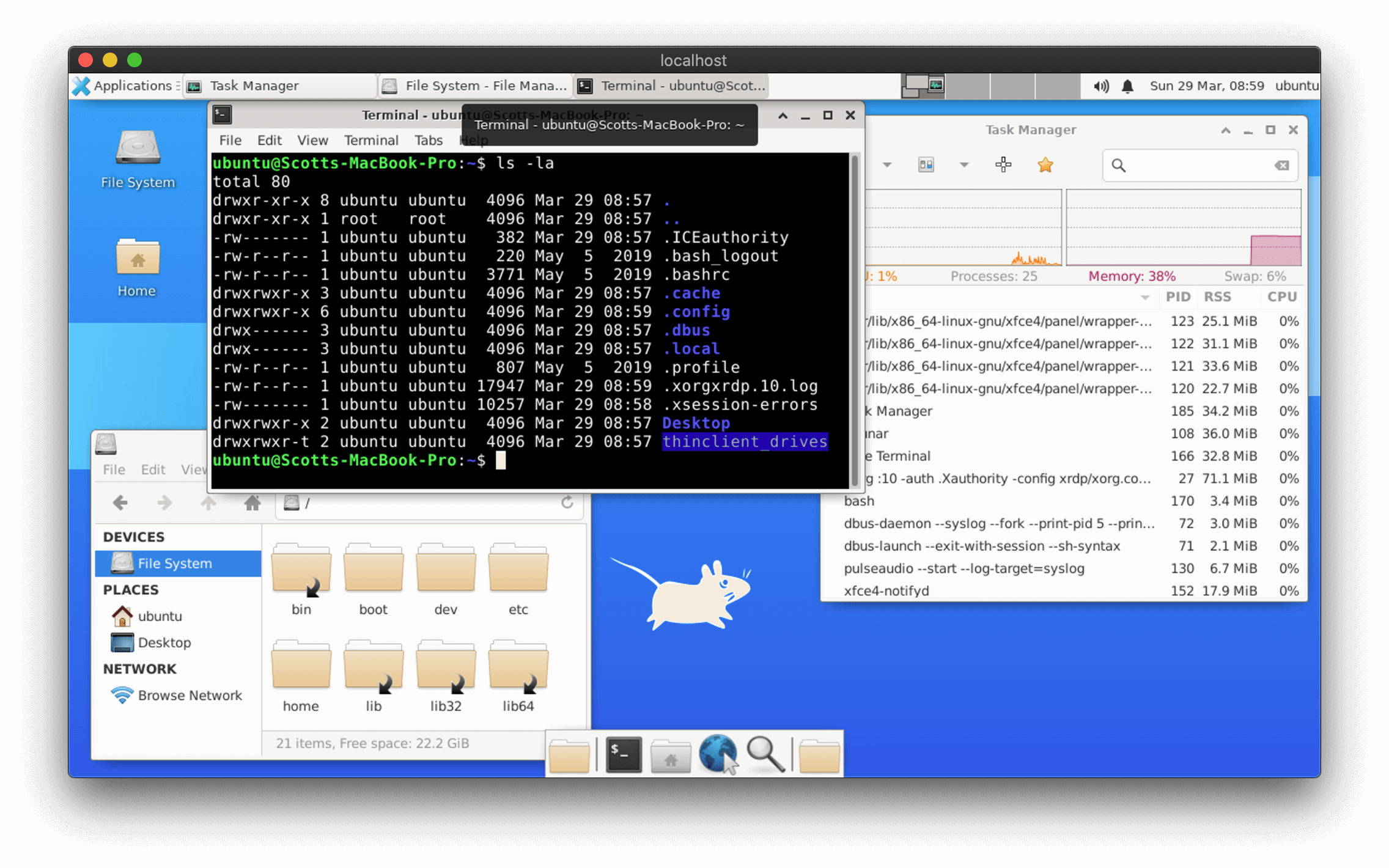
Docker image with RDP server using xrdp on Ubuntu with XFCE.
Images are built weekly using the Ubuntu Docker image with the 'latest' tag.
Running manually with docker commands
Download the latest version of the image:
docker pull nguoianphu/docker-remote-desktop
To run with an interactive bash session:
docker run -it \
    --rm \
    --hostname="$(hostname)" \
    --publish="3389:3389/tcp" \
    --name="remote-desktop" \
    nguoianphu/docker-remote-desktop:latest /bin/bash
To start as a detached daemon:
docker run --detach \
    --rm \
    --hostname="$(hostname)" \
    --publish="3389:3389/tcp" \
    --name="remote-desktop" \
    nguoianphu/docker-remote-desktop:latest
To stop the detached container:
docker kill remote-desktop
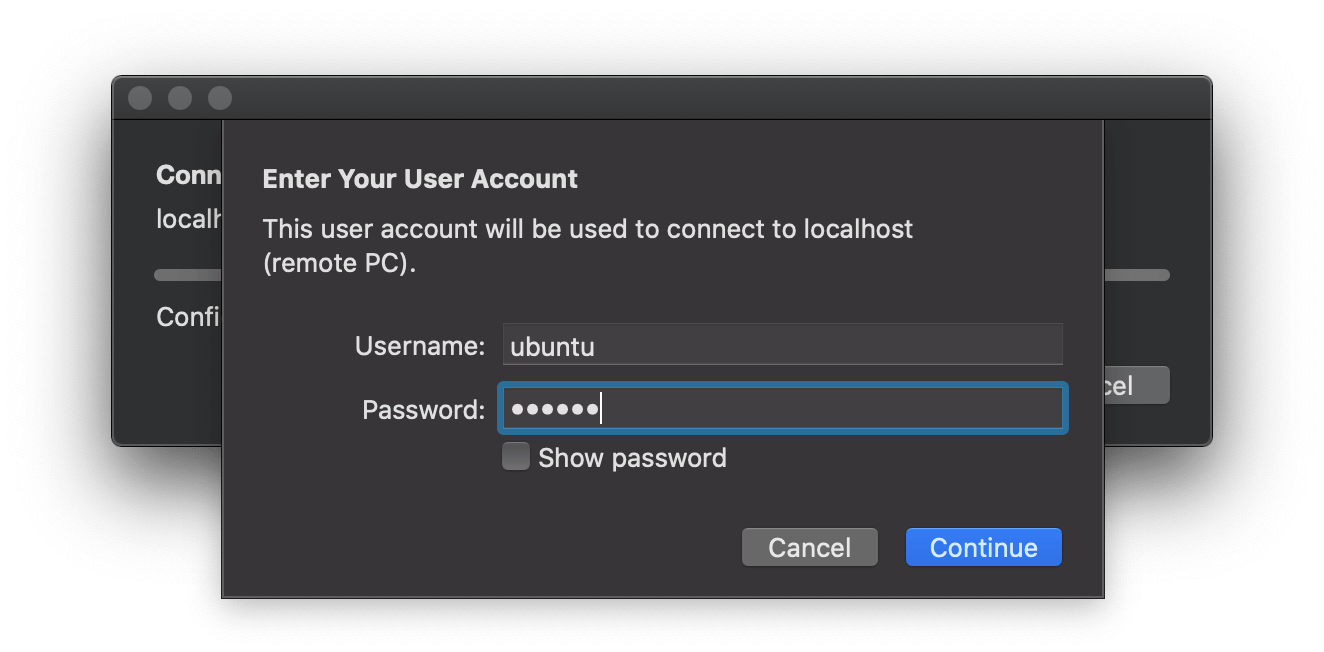
Connecting with an RDP client
All Windows desktops and servers come with Remote Desktop pre-installed and macOS users can download the Microsoft Remote Desktop application for free from the App Store. For Linux users, I'd suggest using the Remmina Remote Desktop client.
For the hostname, use localhost if the container is hosted on the same machine you're running your Remote Desktop client on and for remote connections just use the name or IP address of the machine you are connecting to.
NOTE: To connect to a remote machine, it will require TCP port 3389 to be exposed through the firewall.
To log in, use the following default user account details:
Username: ubuntu
Password: ubuntu
Building docker-remote-desktop on your own machine
First, clone the GitHub repository:
git clone https://github.com/nguoianphu/docker-remote-desktop.git

cd docker-remote-desktop
You can then build the image with the supplied script:
./build
Or run the following docker command:
docker build -t docker-remote-desktop .
Running local images with scripts
I've created some simple scripts that give the minimum requirements for either running the container interactively or running as a detached daemon.
To run with an interactive bash session:
./run
To start as a detached daemon:
./start
To stop the detached container:
./stop
Tag summary
Content type
Image
Digest
sha256:ed4e78261…
Size
290.4 MB
Last updated
over 2 years ago
docker pull nguoianphu/docker-remote-desktop