nomad4tech/backup-manager
Self-hosted web UI for scheduling and managing database backups in Docker environments
2.9K
nomad4tech/backup-manager repository overview
Backup Manager



A self-hosted web UI for scheduling and managing database backups in Docker environments.
Connect your Docker hosts, discover running databases automatically, and set up scheduled backups - without touching a config file.
Tech stack: Java 21 · Spring Boot 3 · H2 · React + TypeScript · shadcn/ui · Docker
Demo
Features
- 🐳 Docker-native - local socket or SSH tunnel to remote hosts
- 🔍 Auto-discovery - detects PostgreSQL/MySQL/MariaDB in running containers
- 🗓 Flexible scheduling - cron expressions or fixed-delay intervals (1h step)
- 🗂 Retention policy - keep the last N backups, old files deleted automatically
- 💾 Disk space pre-flight - checks free space before dump; fails fast if insufficient
- ☁️ S3 upload - optional upload to S3-compatible storage after each backup
- 📧 Email notifications - SMTP alerts on success and/or failure
- 🔁 Container resurrection - re-resolves container IDs by names after
docker-compose down/up - 💓 Heartbeat - periodic pings to UptimeRobot, Betterstack, etc.
- 📜 Backup history - full log with status, duration, and file size
- 🔐 Authentication - built-in login with session-based auth and remember me (30 days)
- 🗜 Compression - gzip compression per task, enabled by default
- ✏️ Task editing - edit schedule, compression, S3 upload, and retention directly from the task page
Quick Start
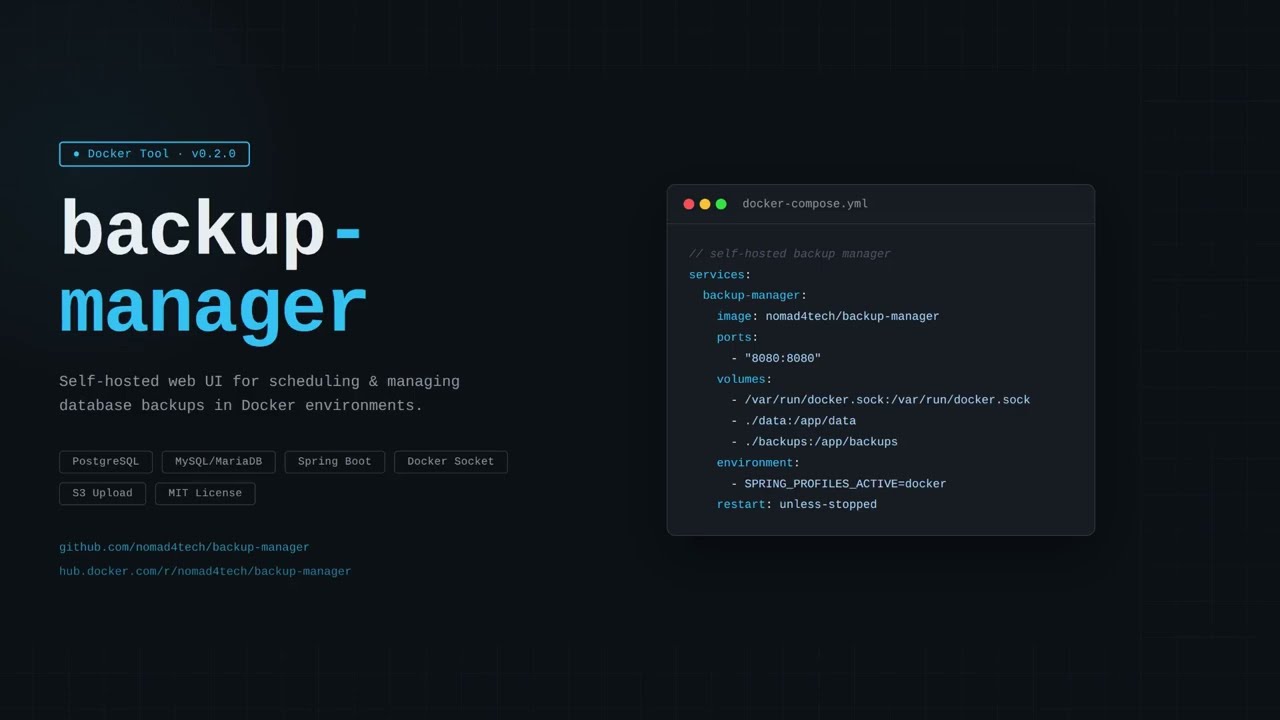
# docker-compose.yml
services:
  backup-manager:
    image: nomad4tech/backup-manager:latest
    container_name: backup-manager
    ports:
      - "8080:8080"
    volumes:
      - /var/run/docker.sock:/var/run/docker.sock
      - ./data:/app/data       # settings & task config (required)
      - ./backups:/app/backups  # backup files (required)
    environment:
      - SPRING_PROFILES_ACTIVE=docker
    restart: unless-stopped
docker compose up -d
Open http://localhost:8080 - the local Docker socket is detected automatically.
Default credentials: admin/admin - change them immediately in Settings -> Account.
Remote Docker Hosts (SSH)
Go to Docker Sockets -> Add Socket, enter the host and SSH credentials. Backup Manager establishes an SSH tunnel and proxies the Docker socket transparently.
socat is managed automatically: if port 2375 is free on the remote host, Backup Manager starts socat via SSH and stops it on disconnect. If Docker is already exposed on that port by other means, no setup is needed. Install socat on the remote host only if Backup Manager needs to start it itself.
Note: SSH password is stored in plain text. For production, prefer private key authentication - specify the key path instead of a password.
How It Works
Backup Manager runs pg_dump/mysqldump inside the database container via Docker exec API. Output streams directly to disk - never buffered in memory, so large databases don't cause memory pressure.
No credentials are stored in config files. PostgreSQL uses $POSTGRES_USER, MySQL uses $MYSQL_ROOT_PASSWORD - both resolved inside the container at runtime.
Supported Databases
| Database | Backup tool |
|---|---|
| PostgreSQL | pg_dump |
| MySQL | mysqldump |
| MariaDB | mysqldump/mariadb-dump |
Environment Variables
| Variable | Default | Description |
|---|---|---|
BACKUP_MANAGER_BACKUP_BASE_DIRECTORY | ./backups | Backup storage root |
BACKUP_MANAGER_BACKUP_MAX_CONCURRENT | 3 | Max parallel backup jobs |
BACKUP_MANAGER_BACKUP_MIN_FREE_SPACE_BYTES | 536870912 | Min free space before dump (bytes) |
BACKUP_MANAGER_BACKUP_DEFAULT_TIMEOUT | 3600 | Max seconds per dump before it's interrupted |
BACKUP_MANAGER_CORS_ALLOWED_ORIGINS | * | Restrict CORS origins in production |
APP_SECURITY_REMEMBER_ME_KEY | bkpmgr-default-key-change-in-production | Secret key for remember-me cookie signing; change in production |
Known Limitations
- Early stage - actively developed and tested by a single maintainer; edge cases and environment-specific bugs may exist; feedback and bug reports are welcome
- No HTTPS - run behind a reverse proxy (Nginx + Let's Encrypt, Caddy, or Cloudflare Tunnel) in production; don't expose port 8080 directly to the internet
- No progress indicator - large backups show
RUNNINGuntil complete - SSH transfers are slow - all dump data travels through the tunnel; schedule large remote backups off-peak
- Windows not tested - socket path is hardcoded to
/var/run/docker.sock
Roadmap
No specific priority or timeline. Features are added as time and interest allow
- Restore from backup via UI
- Progress indicator for running backups
- Notification webhooks
- Telegram notifications
- Slack notifications
- MongoDB support
- Backup encryption
- Setting import/export
Links
MIT License
Tag summary
Content type
Image
Digest
sha256:85840c9b8…
Size
152.9 MB
Last updated
6 months ago
docker pull nomad4tech/backup-manager