nulcraft/boxwatchr
Self-hosted IMAP email processor with custom rules and spam filtering.
1.9K
nulcraft/boxwatchr repository overview
boxwatchr
A self-hosted email filtering daemon that watches your IMAP mailbox, scores every incoming message with rspamd, runs it through your custom rules, and takes action automatically. No cloud, no subscriptions, just your server doing exactly what you tell it to.
What does it actually do?
boxwatchr connects to your email account over IMAP and for every new message it:
- Scores the email with rspamd and gets back a numeric spam score.
- Runs the email through your custom rules in order. First match wins.
- Takes action -- move it, mark it read, flag it, submit it for spam training.
- Logs everything to SQLite and shows you a dashboard of what happened to every message.
Screenshots
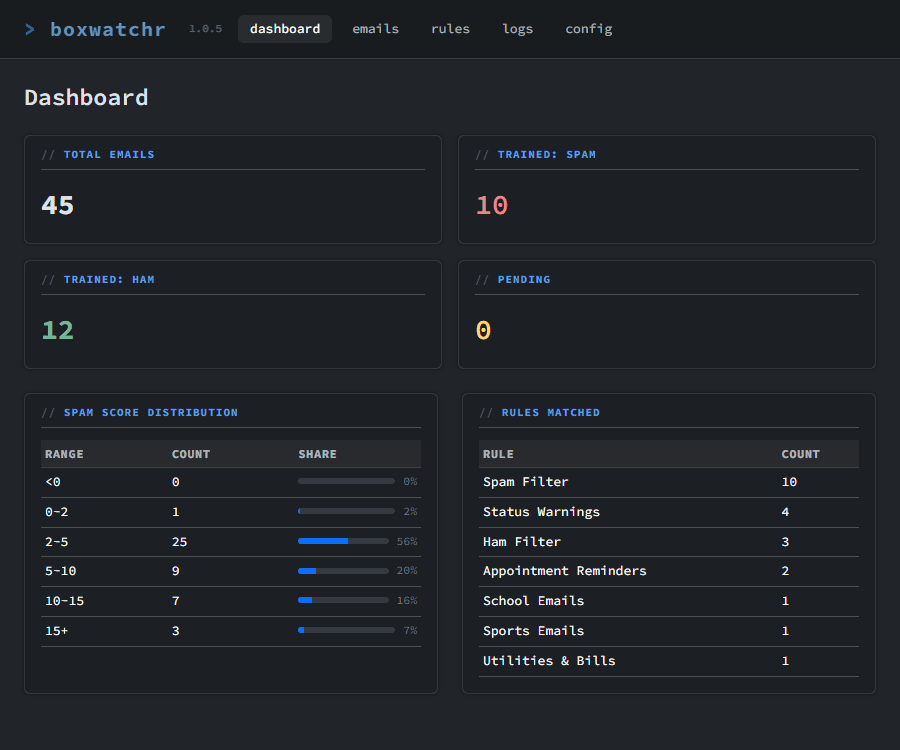
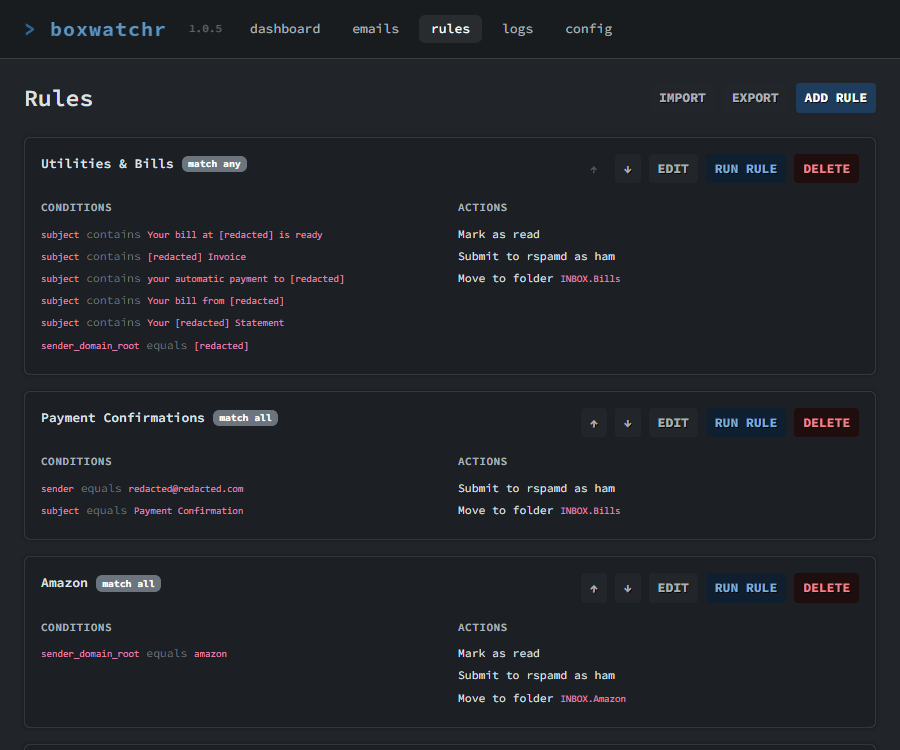
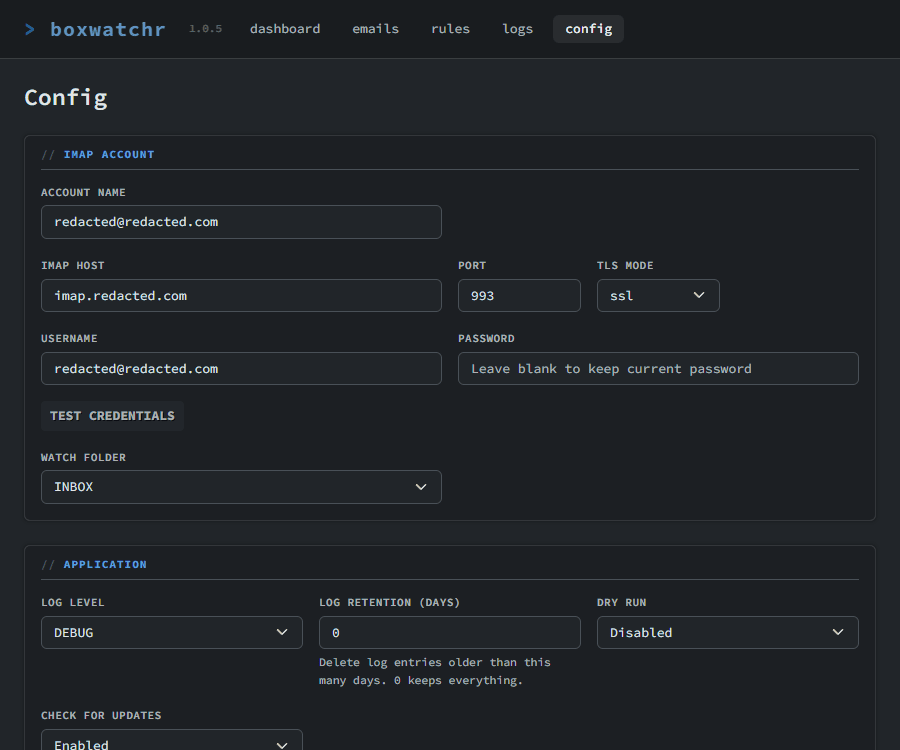
Getting started
Create two directories on your server for persistent storage:
mkdir -p boxwatchr/config boxwatchr/data
Option 1: Docker run
docker run -d \
  --name boxwatchr \
  --restart on-failure \
  -p 8143:80 \
  -p 11334:11334 \
  -v /path/to/config:/app/config \
  -v /path/to/data:/app/data \
  -e PUID=1000 \
  -e PGID=1000 \
  -e TZ=America/New_York \
  nulcraft/boxwatchr:latest
Replace /path/to/config and /path/to/data with absolute paths on your server. The -e flags are optional. Skip them to use the defaults (PUID/PGID 1000, UTC timezone, random rspamd password).
Option 2: Docker Compose
Create docker-compose.yml in your boxwatchr folder:
services:
  boxwatchr:
    image: nulcraft/boxwatchr:latest
    container_name: boxwatchr
    restart: on-failure
    ports:
      - "8143:80"
      - "11334:11334"
    volumes:
      - ./config:/app/config
      - ./data:/app/data
    env_file:
      - path: ./config/.env
        required: false
Optionally create config/.env to set environment variables:
PUID=1000
PGID=1000
TZ=America/New_York
RSPAMD_PASSWORD=
Then start it:
docker compose up -d
The first startup takes 15-30 seconds for rspamd and the DNS resolver to initialize. Then open http://your-server-ip:8143 and complete the setup wizard.
GUI-based Docker platforms (Unraid, Portainer, Synology, etc.)
Skip the .env file and pass environment variables directly through your platform's interface. Do not point --env-file at a file that doesn't exist -- it will prevent the container from starting.
| Variable | Default | Description |
|---|---|---|
PUID | 99 | User ID to run as |
PGID | 100 | Group ID to run as |
TZ | UTC | Display timezone |
RSPAMD_PASSWORD | (random) | rspamd web interface password |
| Container port | Purpose |
|---|---|
80 | boxwatchr web dashboard |
11334 | rspamd web interface (optional) |
If you assign the container its own IP address, access it directly at http://container-ip -- port mappings don't apply.
Full documentation, reverse proxy examples, and source code on GitHub.
Tag summary
Content type
Image
Digest
sha256:3ed1510f9…
Size
105.8 MB
Last updated
8 months ago
docker pull nulcraft/boxwatchr