obebete/winbox repository overview
Winbox in docker



Use Mikrotik's Winbox with your browser !
Using KasmVNC, this docker starts Winbox with Wine and make it avaiable in any browser.
Screenshots
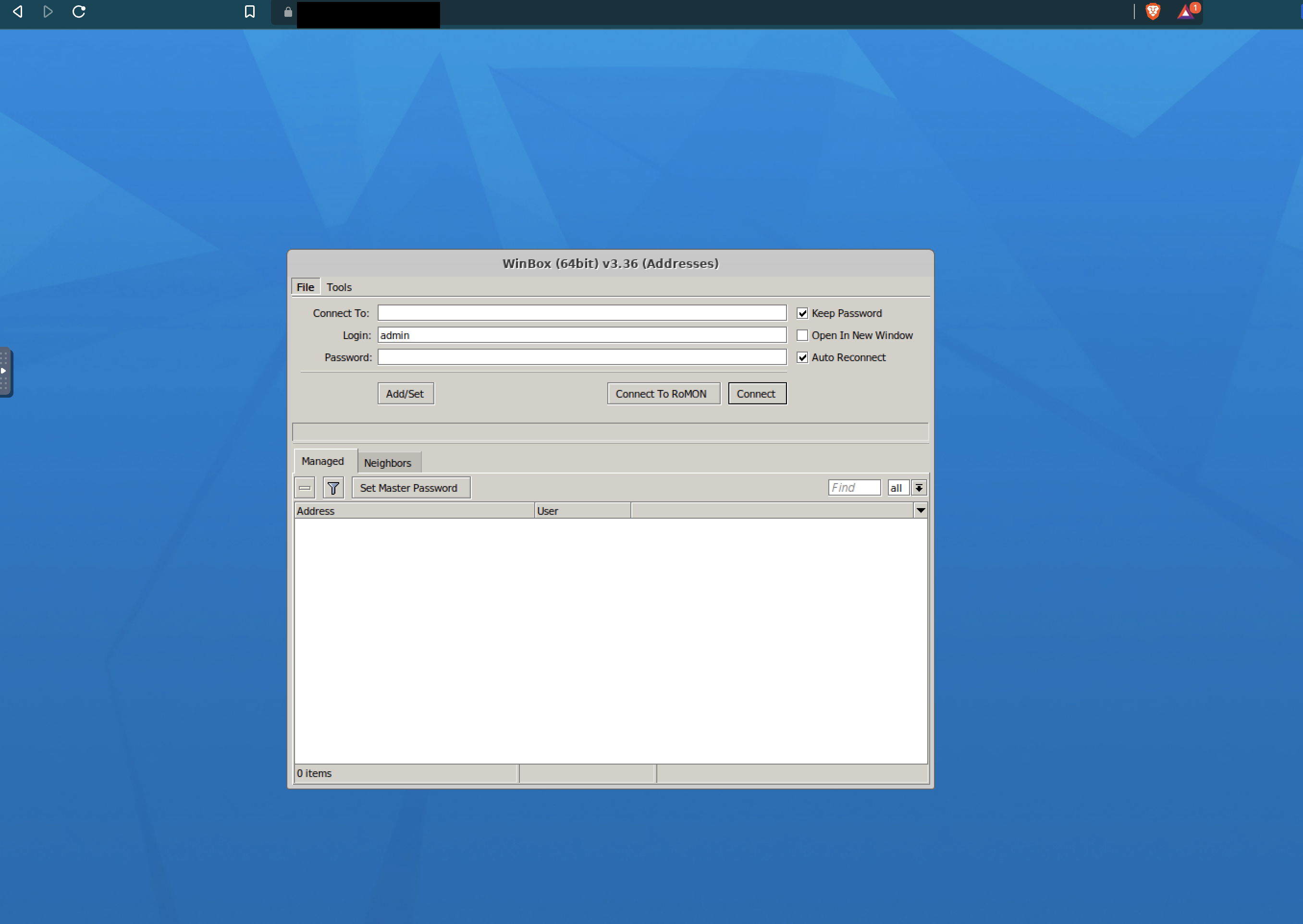
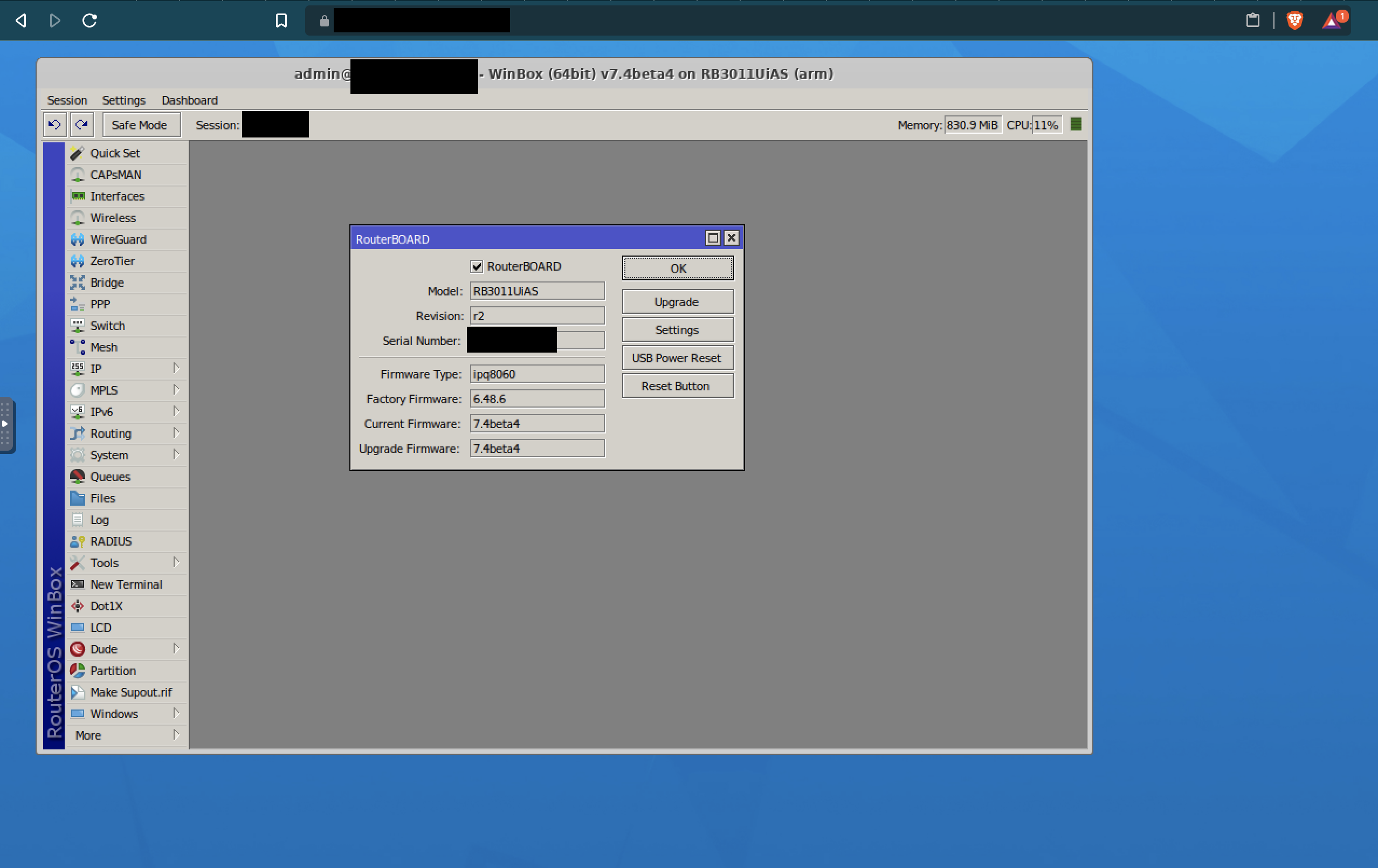
Usage
Docker
docker run -d --shm-size=512m -p 6901:6901 -e VNC_PW=password -v winbox_wine:/home/kasm-user/.wine ghcr.io/obeone/winbox:latest
You can access it at the address https://localhost:6901 with user kasm_user and password password.
It's not mandatory to mount (or bind) the volume, but it save initial configuration of Wine (which can take a while) and your winbox sessions.
TLS
If you want to use your own certificate rather than the autogenerated one, you can mount a PEM to the path /config/private-cert.pem :
docker run -d --shm-size=512m -p 6901:6901 -e VNC_PW=password -v winbox_wine:/home/kasm-default-profile/.wine -v LOCAL_PEM_PATH:/config/private-cert.pem:ro ghcr.io/obeone/winbox:latest
Kubernetes (Helm)
A helm chart exists, just follow documentation
Tag summary
Content type
Image
Digest
sha256:8e32c8b2a…
Size
1.1 GB
Last updated
about 3 years ago
docker pull obebete/winbox