parana/centos7
centOS 7 Docker Container with Systemd integration
Image
1
10K+
parana/centos7 repository overview
centos7
git clone [email protected]:joao-parana/centos7.git
cd centos7
./build-centos7
To run the container use:
docker run -d -e ROOT_PASSWORD=xyz --privileged -v /sys/fs/cgroup:/sys/fs/cgroup:ro -p 2222:22 -p 80:80 parana/centos7
or
docker run -i -t --rm -e ROOT_PASSWORD=xyz --privileged -v /sys/fs/cgroup:/sys/fs/cgroup:ro -p 2222:22 -p 80:80 parana/centos7 bash
Is not possible run Docker in privileged mode sharing /sys/fs/cgroup in macOS or Windows
For those systems use:
docker run -i -t --rm -e ROOT_PASSWORD=xyz -p 2222:22 -p 80:80 parana/centos7 bash
Please, view the comments on Dockerfile
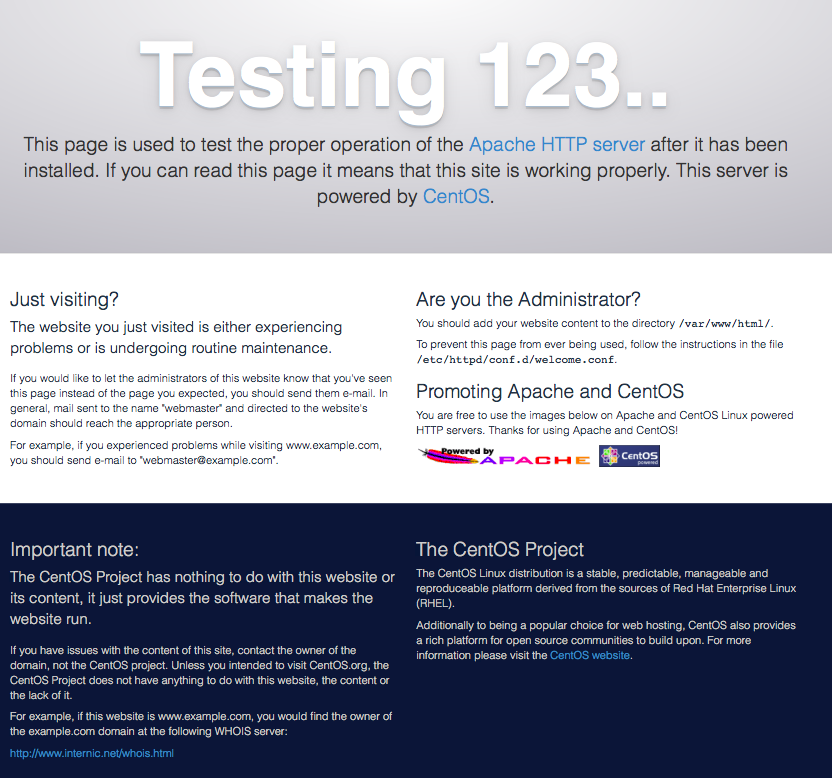
To view Default CentOS 7 Apache page use:
open http://$(docker-ip):80
Tag summary
Content type
Image
Digest
Size
163.7 MB
Last updated
about 10 years ago
docker pull parana/centos7