patrickalin/nestthermostat
Save metrics from Nest thermostat to InfluxDB
408
patrickalin/nestthermostat repository overview
Goal
Only if you have a nest Thermostat. Go to https://developer.nest.com/ to have one secret ID for your themostat
The goal is to save your metrics from your nest into InfluxDB.
After that, you can graph them in Chronograph or Grafana.
First execution
First execution standalone
docker run -d --name=nest -e nest_secretid=c.557ToBECopleted patrickalin/nestthermostat
don't forget to replace your secret ID.
docker logs nest
First result standalone
Saturday, 16-Jan-16 13:28:45 UTC :> Nest Thermostat API 0.1 in Go

DeviceId : 	 	o
SoftwareVersion : 	5.1.6rc4
Humidity : 	 	40.0
AmbientTemperatureC : 	20.5
TargetTemperatureC : 	21.0
Away : 	 	 	auto-away
Second execution
Second execution with config.yaml
docker cp nest:/go/src/GoNestThermostatAPIRest/config.yaml ./config.yaml
modify the config.yaml with the secretId
docker stop nest
docker rm nest

docker run -d --name=nest -v $(PWD)/config.yaml:/go/src/GoNestThermostatAPIRest/config.yaml patrickalin/nestthermostat

docker logs nest
Third execution
Execution with influxDB
Modify the config.yaml with the configuration influxDB. Don't forget to put : influxDB_activated: "true"
docker stop nest
docker rm nest

docker run -d --name=nest -v $(PWD)/config.yaml:/go/src/GoNestThermostatAPIRest/config.yaml patrickalin/nestthermostat
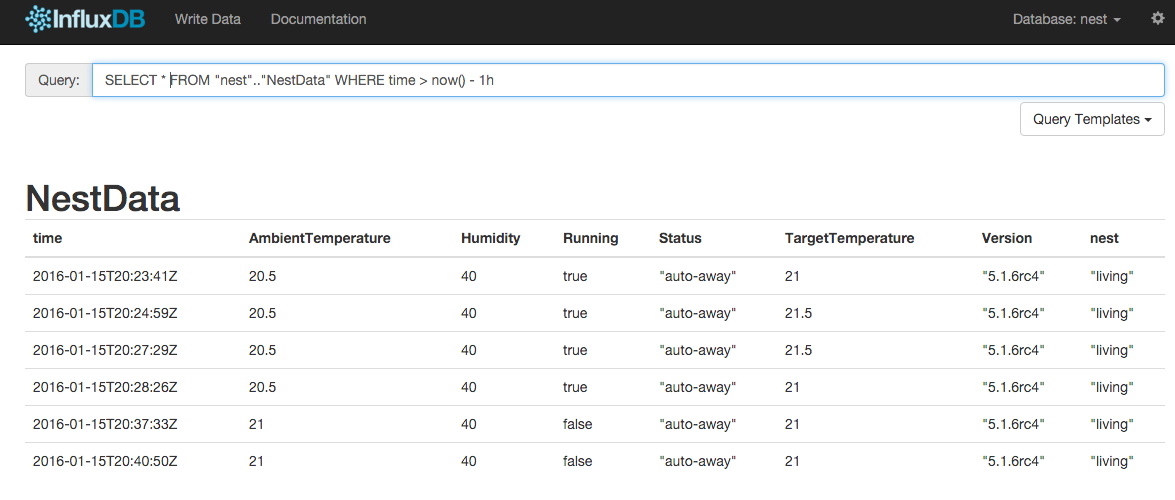
And you can show the result in influxDB.
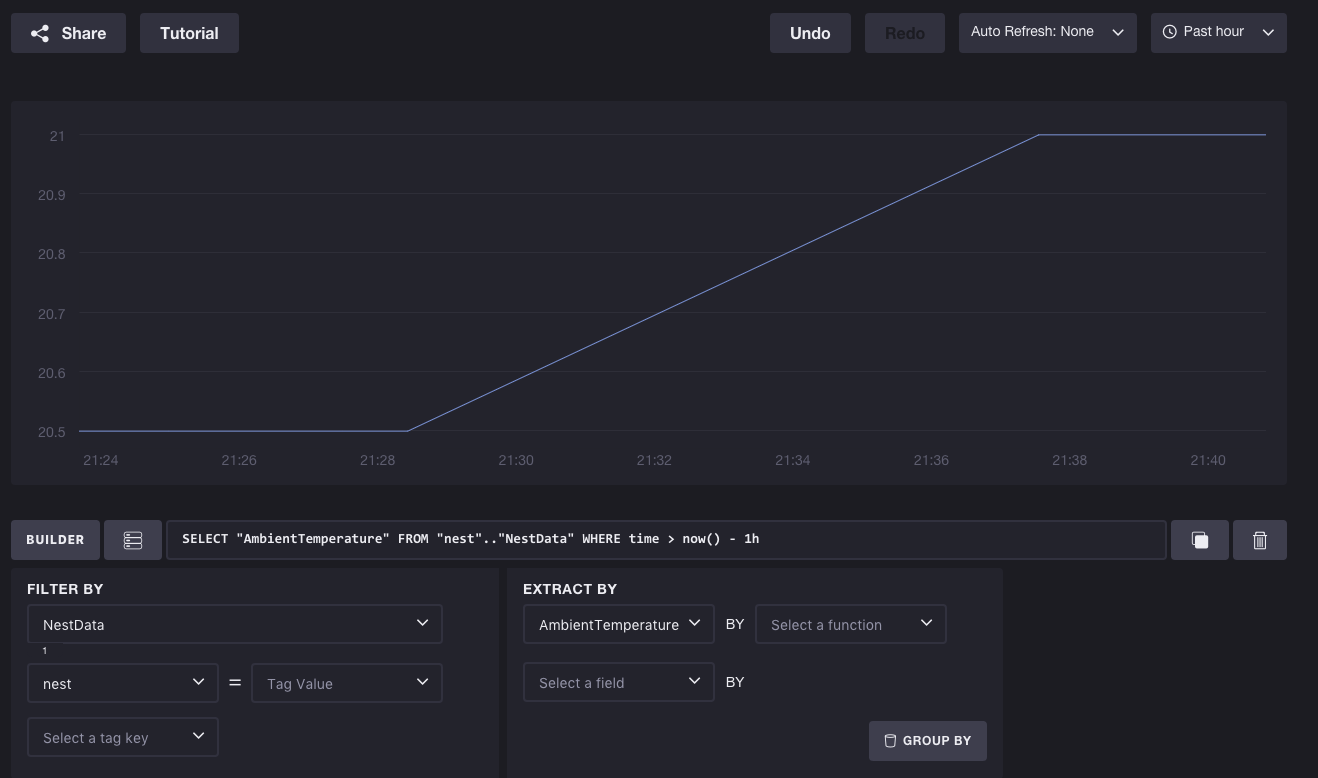
You can display the result with Chronograph
Sources
This image uses : code : https://github.com/patrickalin/GoNestThermostatAPIRest images : go-alpine, this last one uses alpine-linux
Todo
Write docker compose with Nest, InfluxDB, Chronograf and Grafana.
Tag summary
Content type
Image
Digest
Size
170.3 MB
Last updated
almost 10 years ago
docker pull patrickalin/nestthermostat