pitidev/mydatabaseui
MyDatabase UI: A modern, self-hosted web UI for managing MySQL, MariaDB, PostgreSQL, and Oracle DB
597
pitidev/mydatabaseui repository overview
MyDatabaseUI
A modern, self-hosted web UI for managing MySQL, MariaDB, PostgreSQL, and Oracle database servers — a phpMyAdmin-style tool with support for multiple saved connections at once.
Built with SvelteKit 5 + Node.js 24 and packaged as a single, lightweight node:24-alpine container. No native client libraries required — Oracle runs in thin mode, mysql2 and pg are pure JS.
📸 Screenshots
| Login Page | Connection Setup |
|---|---|
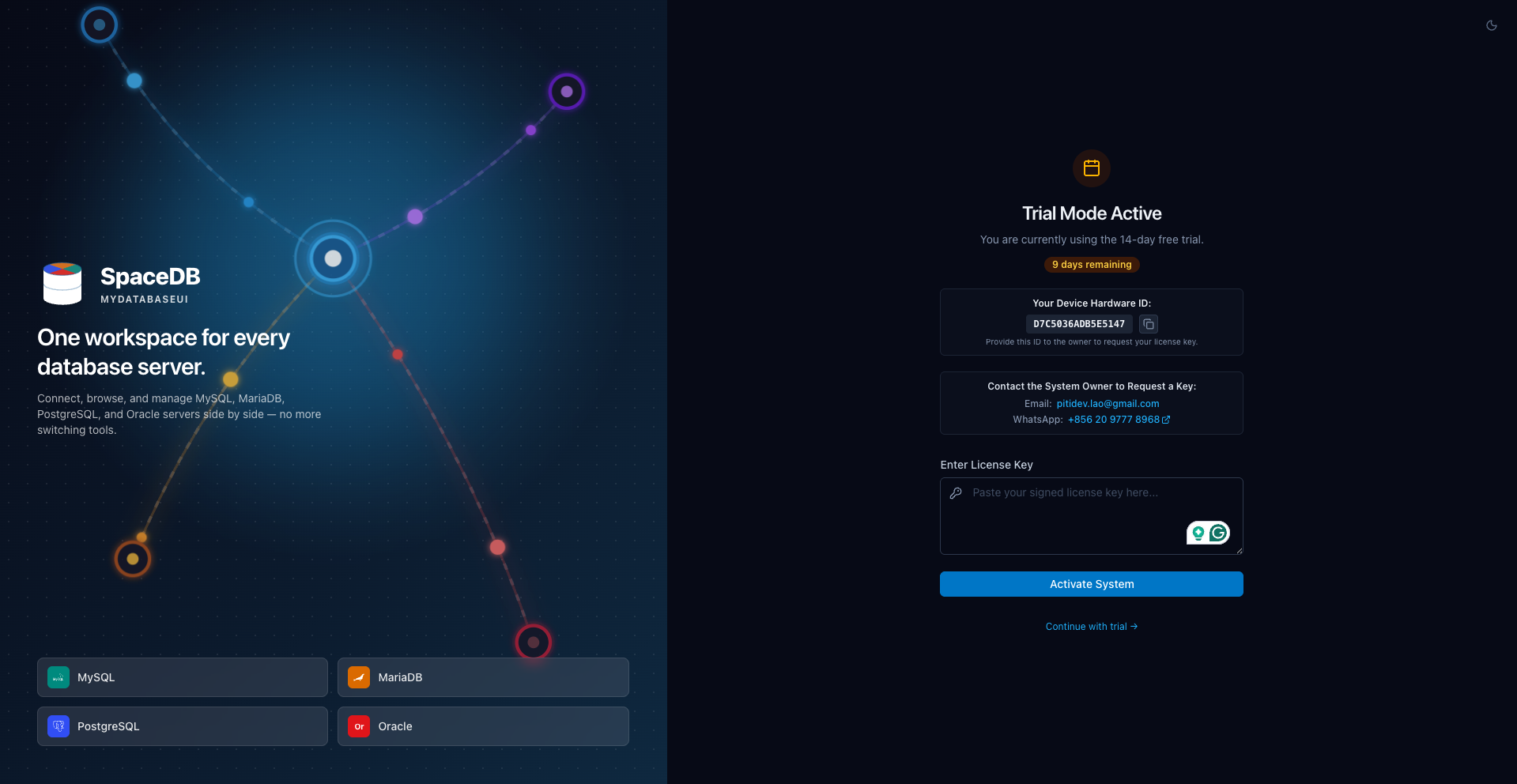 | 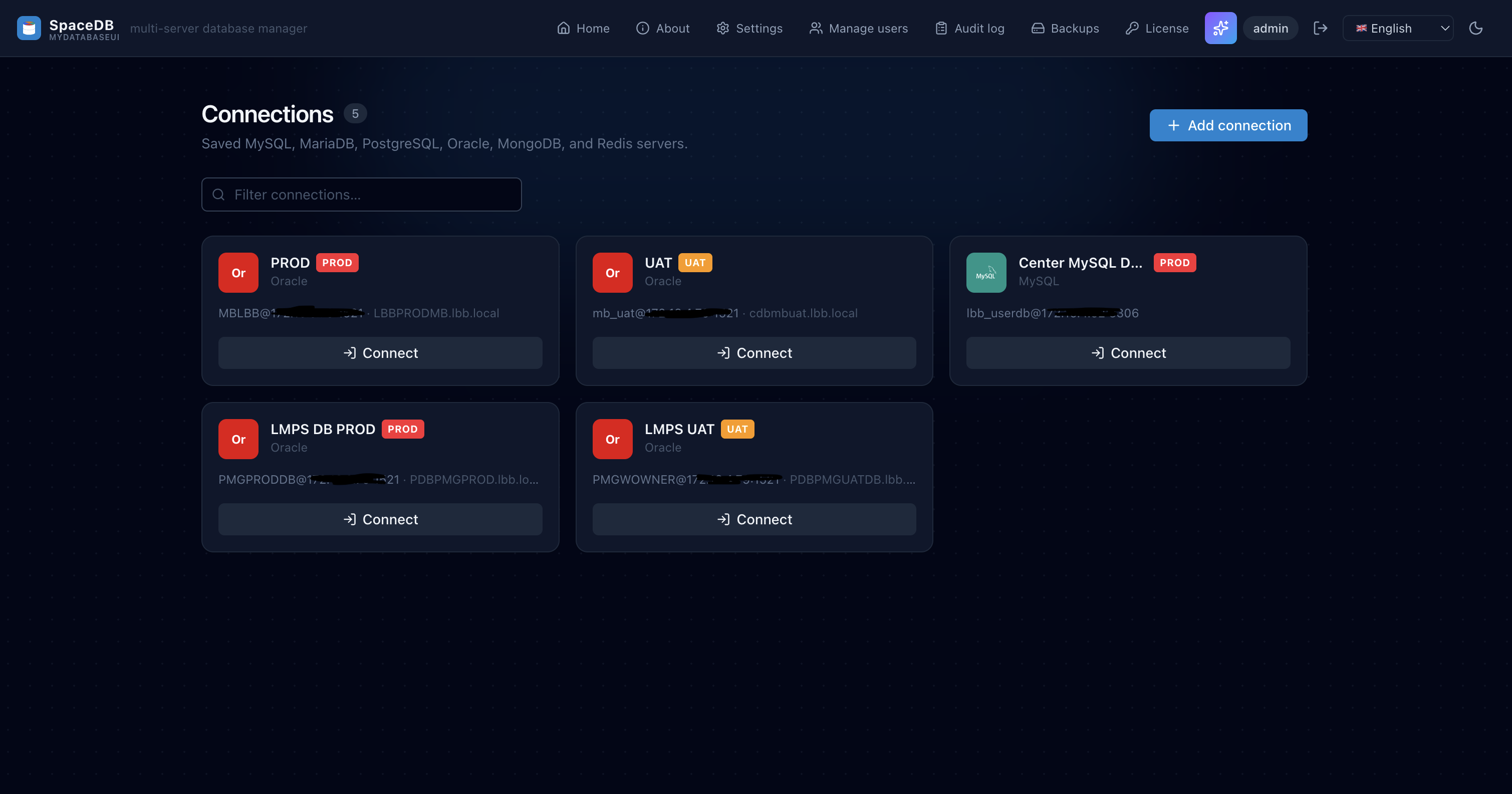 |
| SQL Query Editor | Database Schema / Design |
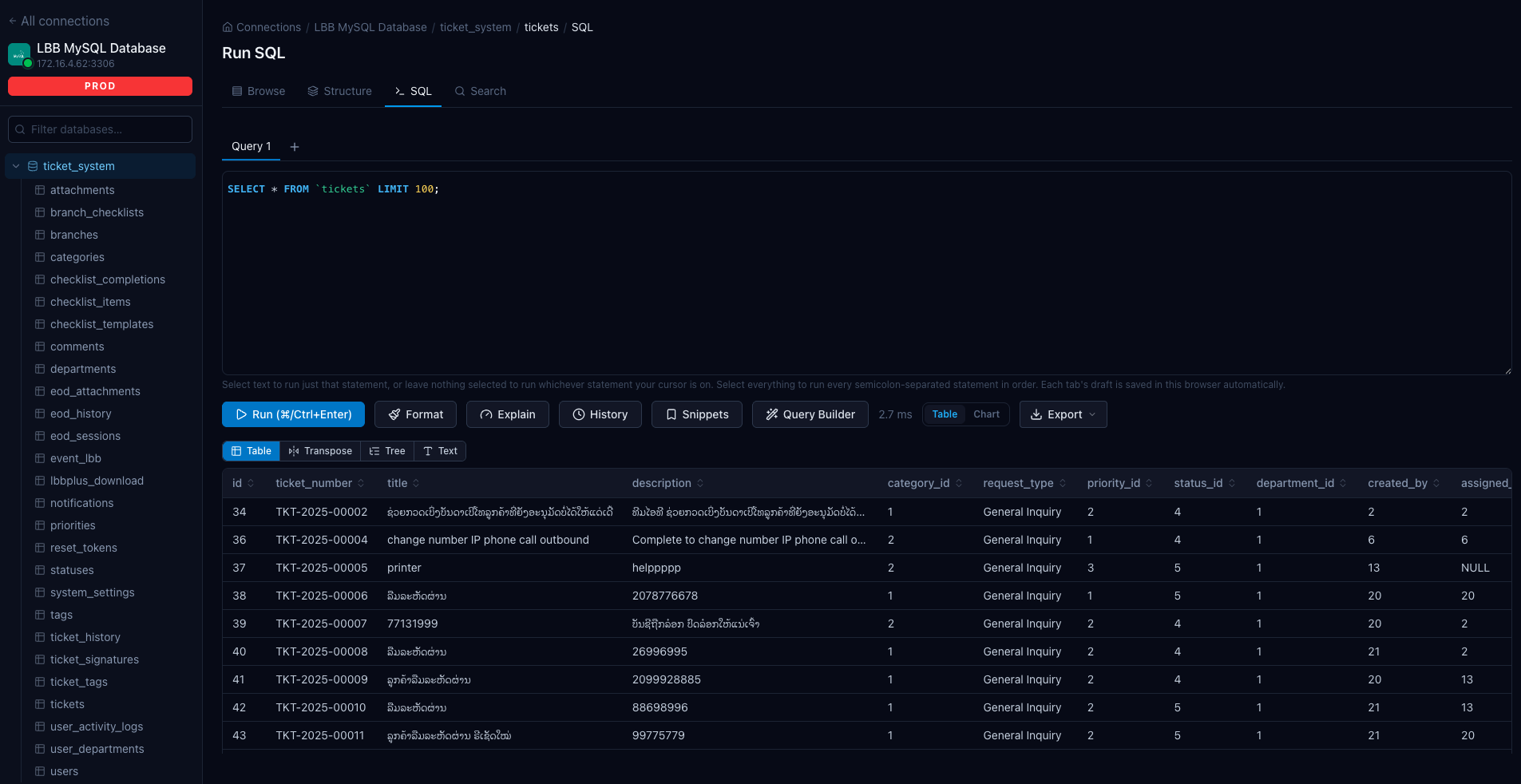 | 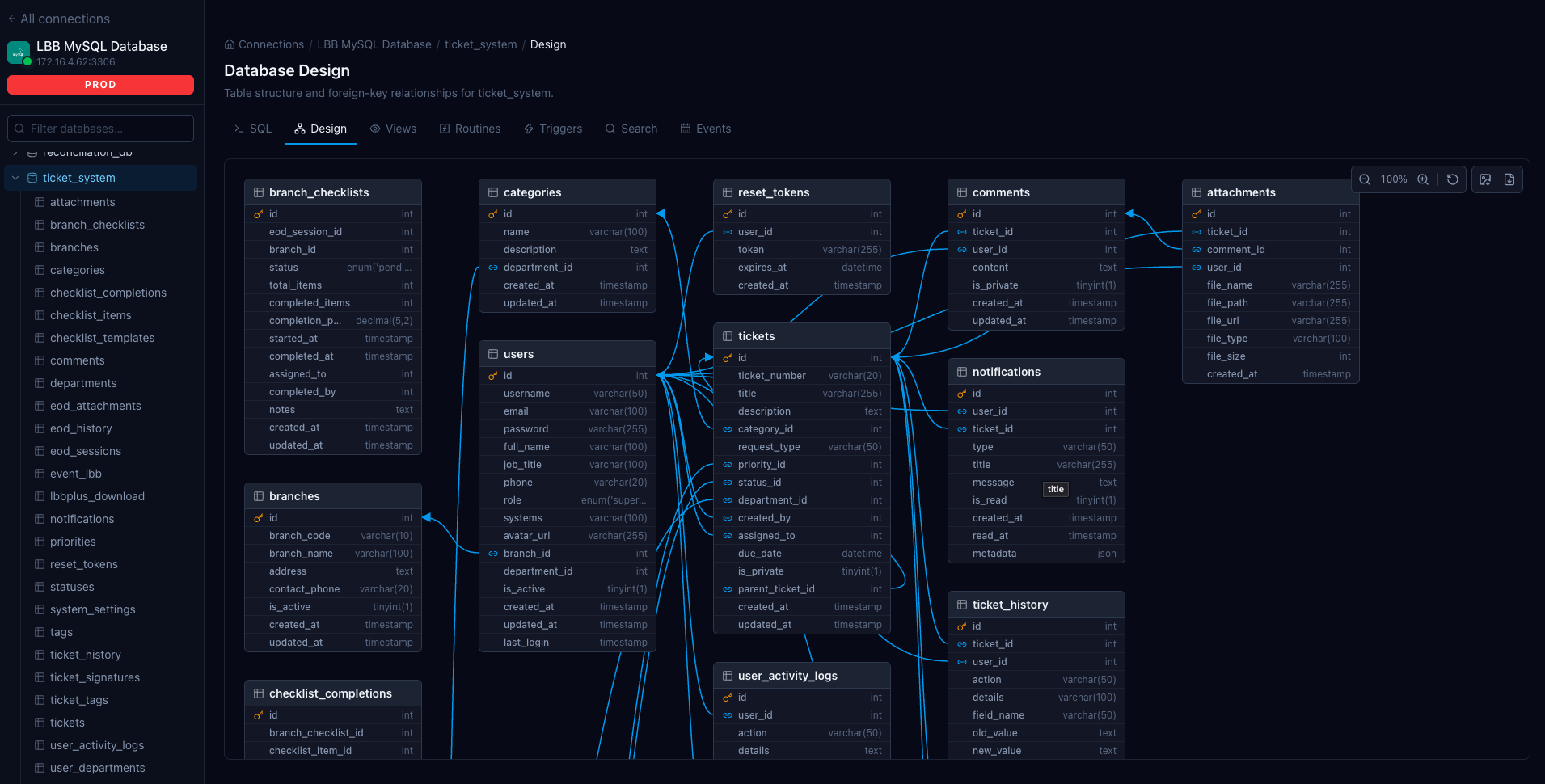 |
🚀 Quick Start
docker run -d \
  -p 3311:3000 \
  -v mydatabaseui-data:/app/data \
  --name mydatabaseui \
  --restart unless-stopped \
  pitidev/mydatabaseui:latest
Then open http://localhost:3311/setup to create the first admin account.
📦 Docker Compose
services:
  mydatabaseui:
    image: pitidev/mydatabaseui:latest
    ports:
      - '3311:3000'
    volumes:
      - mydatabaseui-data:/app/data
    environment:
      - PORT=3000
      - BODY_SIZE_LIMIT=20M
      # - ORIGIN=https://db.example.com  # set if behind a reverse proxy
    restart: unless-stopped

volumes:
  mydatabaseui-data:
✨ Features
- 🔌 Multi-connection — manage multiple database servers simultaneously
- 🗄️ MySQL, MariaDB, PostgreSQL, Oracle — pure-JS drivers, no native libraries needed
- 📝 SQL editor — CodeMirror 6 with syntax highlighting and autocomplete
- 📊 Table browser — schemas, tables, rows, indexes
- 📥 Import / Export — SQL and CSV
- 🔐 Authentication — built-in login with AES-256-GCM encrypted saved credentials
- 👤 Admin panel — manage app users
- 🐳 Minimal image —
node:24-alpine, runs as non-rootnodeuser
🗂️ Persistent Data (/app/data)
Mount a volume — this is critical. /app/data holds:
| File | Contents |
|---|---|
connections.json | Saved connection profiles (encrypted passwords) |
users.json | App login accounts |
sessions.json | Sessions (survive restarts) |
.secret-key | Encryption key (auto-generated on first run) |
⚠️ Losing this volume without a backup is unrecoverable — the encryption key is gone, every saved password is gone, and every app account is gone.
⚙️ Environment Variables
| Variable | Default | Description |
|---|---|---|
PORT | 3000 | Internal port the Node process listens on |
BODY_SIZE_LIMIT | 20M | Max upload size for SQL/CSV imports |
ORIGIN | (unset) | Set to external URL when behind a reverse proxy, e.g. https://db.example.com |
🔧 Troubleshooting
EACCES: permission denied on first run
Using a bind mount? Run sudo chown -R 1000:1000 <host-path>. The container's node user is uid/gid 1000.
Login works (200) but page never navigates
Usually one of: multiple container instances with separate volumes, Docker Swarm routing mesh (mode: host required), or a slow network-backed bind mount. Use a named volume and run exactly one instance.
403 behind a reverse proxy
Set ORIGIN=https://your-domain.com and ensure the proxy forwards the Host header unchanged.
🏷️ Tags
| Tag | Description |
|---|---|
latest | Latest stable build |
vX.Y.Z | Specific versioned release |
🔗 Links
- Full deployment guide: See
DEPLOYMENT.mdin the repository
Tag summary
Content type
Image
Digest
sha256:8deb55e14…
Size
66 MB
Last updated
about 1 month ago
docker pull pitidev/mydatabaseui