roura/simple-kanban
A deliberately boring kanban board — Next.js + SQLite, with a WeKan importer.
177
roura/simple-kanban repository overview
simple-kanban
A deliberately boring kanban board. Next.js, one SQLite file, and a folder of uploads — packaged for docker pull. Includes a one-command importer if you are done with WeKan.
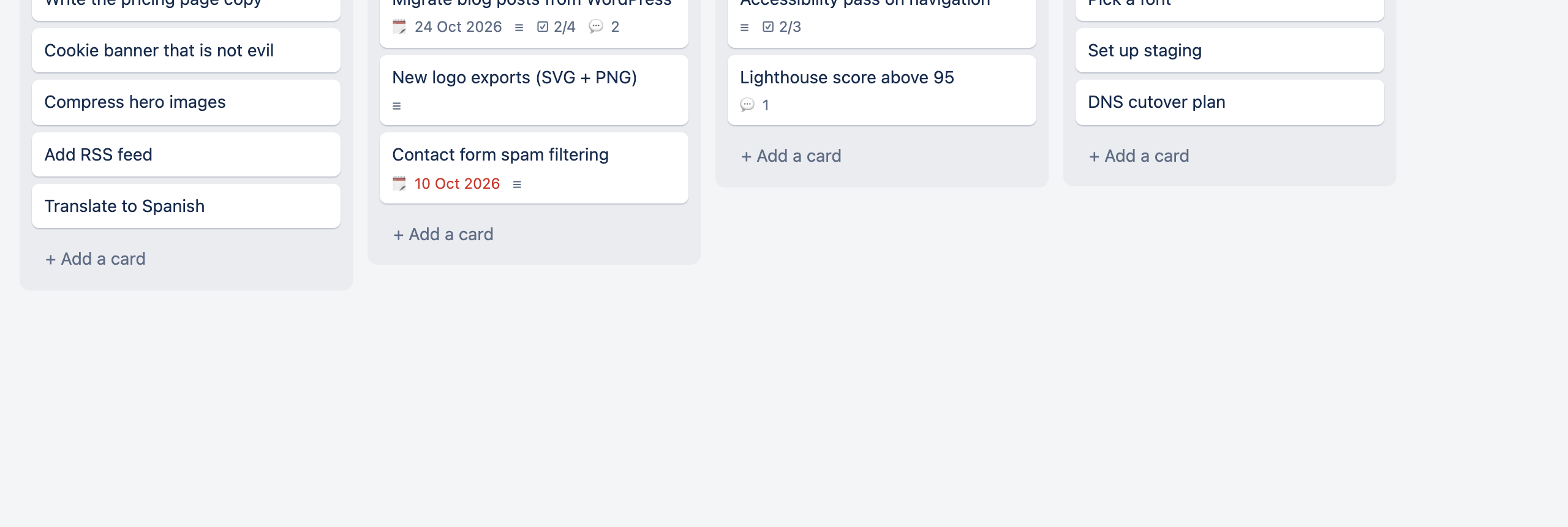


Why this image
- Small surface area — boards, lists, cards, Markdown descriptions, comments, attachments, due dates, archiving
- One SQLite file — back up with
cp; no Mongo, Redis, or message queue - Multi-arch —
linux/amd64andlinux/arm64 - WeKan escape hatch — import boards, cards, checklists, comments, attachments, and passwords
| Card details | Dark mode |
|---|---|
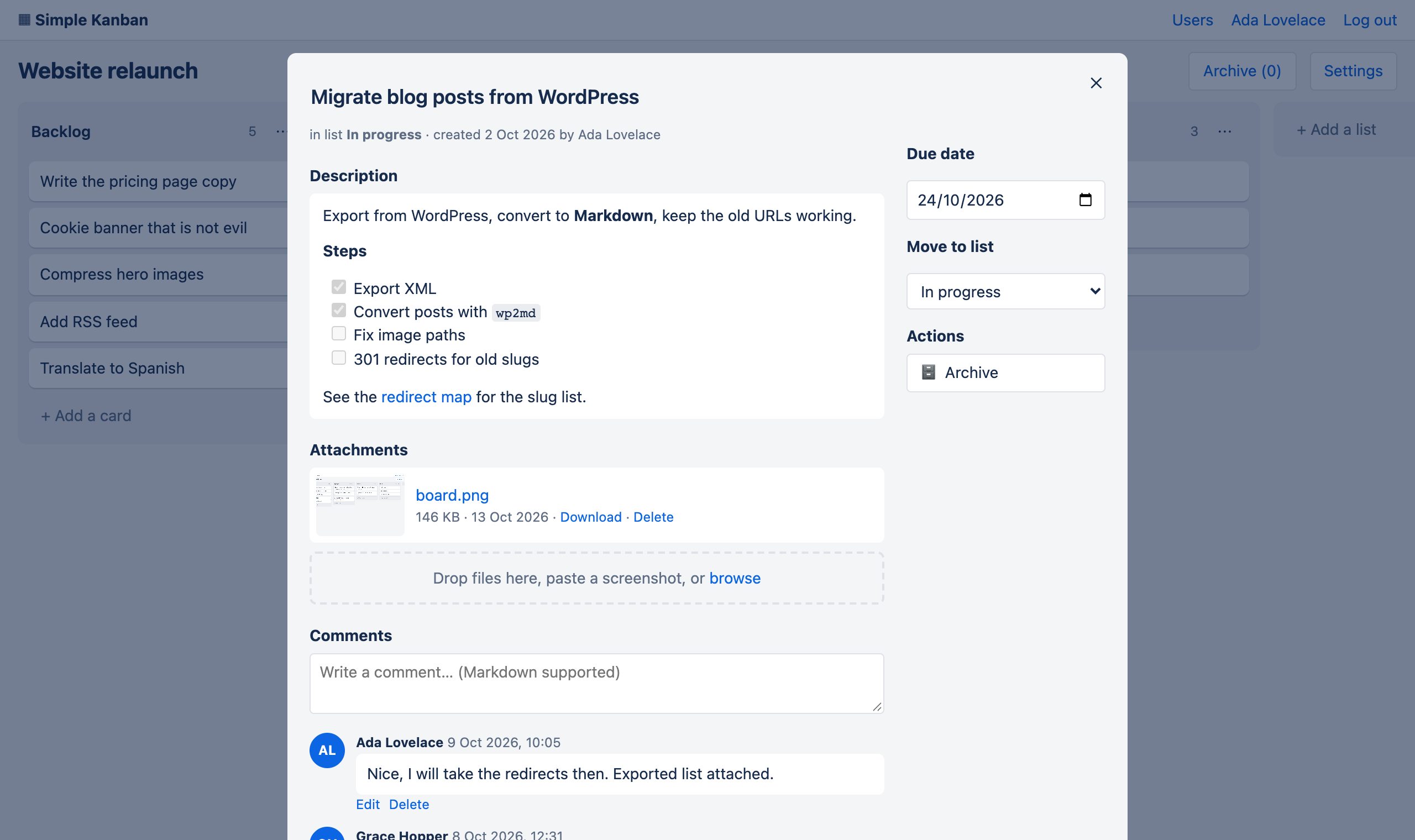 | 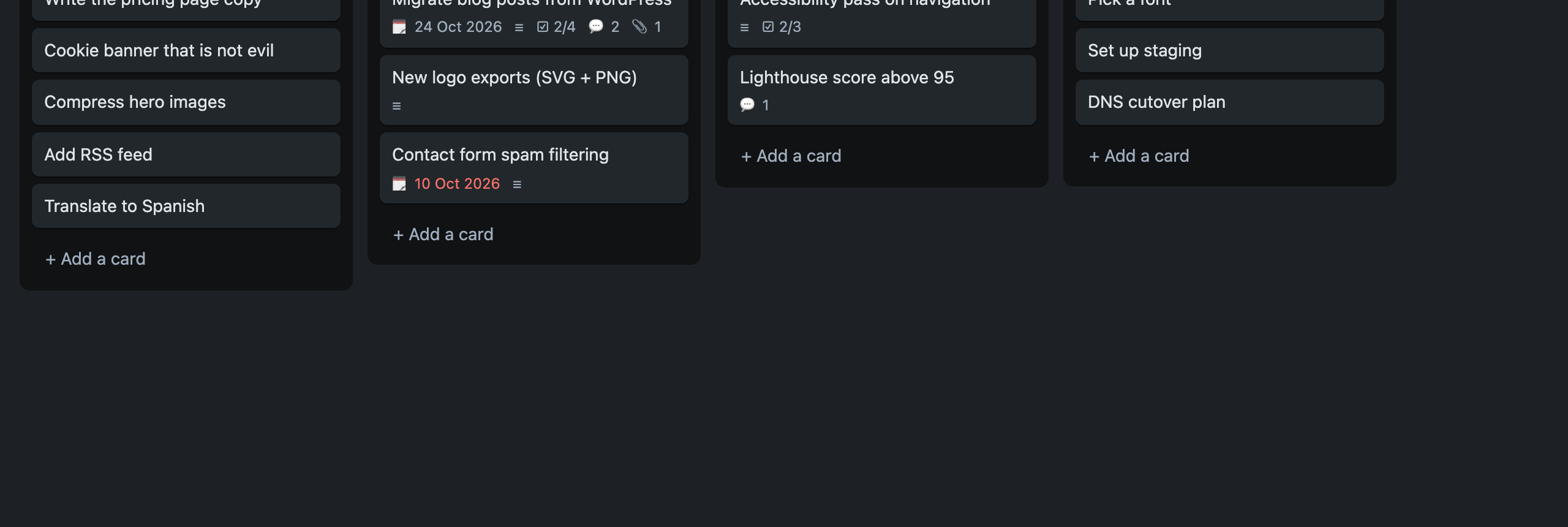 |
Quick start
docker run -d \
  --name simple-kanban \
  -p 3000:3000 \
  -v "$PWD/data:/data" \
  roura/simple-kanban
Open http://localhost:3000. On first visit you create the admin account.
Docker Compose
services:
  simple-kanban:
    image: roura/simple-kanban:latest
    restart: unless-stopped
    ports:
      - "3000:3000"
    volumes:
      - ./data:/data
    environment:
      COOKIE_SECURE: "false"   # set "true" behind HTTPS
Or fetch the file from GitHub:
curl -O https://raw.githubusercontent.com/rouralberto/simple-kanban/master/docker-compose.yml
docker compose up -d
Configuration
| Variable | Default | Meaning |
|---|---|---|
DATA_DIR | /data | Directory for kanban.db and uploads/ |
PORT | 3000 | HTTP port inside the container |
COOKIE_SECURE | false | Set to true when served over HTTPS |
MAX_UPLOAD_MB | 50 | Maximum upload size |
Backups: copy the mounted data folder, or while running:
sqlite3 data/kanban.db ".backup backup.db"
Copy uploads/ as well.
Admin tasks
# Create a user or reset a password (--admin for admin role)
docker exec simple-kanban node scripts/create-user.mjs alice 'a-long-password' --admin
Migrating from WeKan
The importer only reads WeKan; it never modifies it. Safe to re-run (--dry-run to preview).
MongoDB in another Docker container (typical WeKan setup) — use the helper script from the GitHub repo:
git clone https://github.com/rouralberto/simple-kanban.git && cd simple-kanban
./migrate-from-wekan.sh --mongo-container <wekan-mongo-container-name>
Then run this image with -v $PWD/data:/data and sign in with your WeKan username (or email) and password.
Already running this container on the same Docker network as Mongo:
docker exec simple-kanban node scripts/import-wekan.mjs --mongo mongodb://<mongo-host>:27017/wekan
Full migration tables, flags, and edge cases: README on GitHub.
Tags
| Tag | Use |
|---|---|
latest | Current stable release |
Version tags (e.g. 1.0.0) | Pin to a specific release when published |
Source & support
- Repository: https://github.com/rouralberto/simple-kanban
- Issues: https://github.com/rouralberto/simple-kanban/issues
- License: MIT © Alberto Roura
Tag summary
Content type
Image
Digest
sha256:e00b5323f…
Size
215.1 MB
Last updated
22 days ago
docker pull roura/simple-kanban