seji/laps-webui
A nice and simple Web Interface for LAPS (Local Administrator Password Solution) - Docker Edition
Image
0
1M+
seji/laps-webui repository overview
LAPS-WebUI
A nice and simple Web Interface for LAPS (Local Administrator Password Solution)
Setup Preqesites
- A working Active Directory with Microsoft LAPS installed
Setup (bare metal):
- Download the latest Release for your Platform
- Unzip Archive
- Copy
settings.json.exampleand renamed it tosettings.json - Adjust settings.json and run LAPS WebUI
Setup (docker):
Running LAPS-WebUI in docker is quite easy:
docker run -d \
  --name=lapswebui \
  -e LAPS_ListenAddress=0.0.0.0 \
  -e LAPS_ListenPort=8080 \
  -e LAPS_LDAP__Server=ldap.example.com \
  -e LAPS_LDAP__Port=389 \
  -e LAPS_LDAP__UseSSL=false \
  -e LAPS_LDAP__SearchBase=DC=example,DC=com \
  -p 8080:8080 \
  --restart unless-stopped \
  seji/laps-webui
Usage:
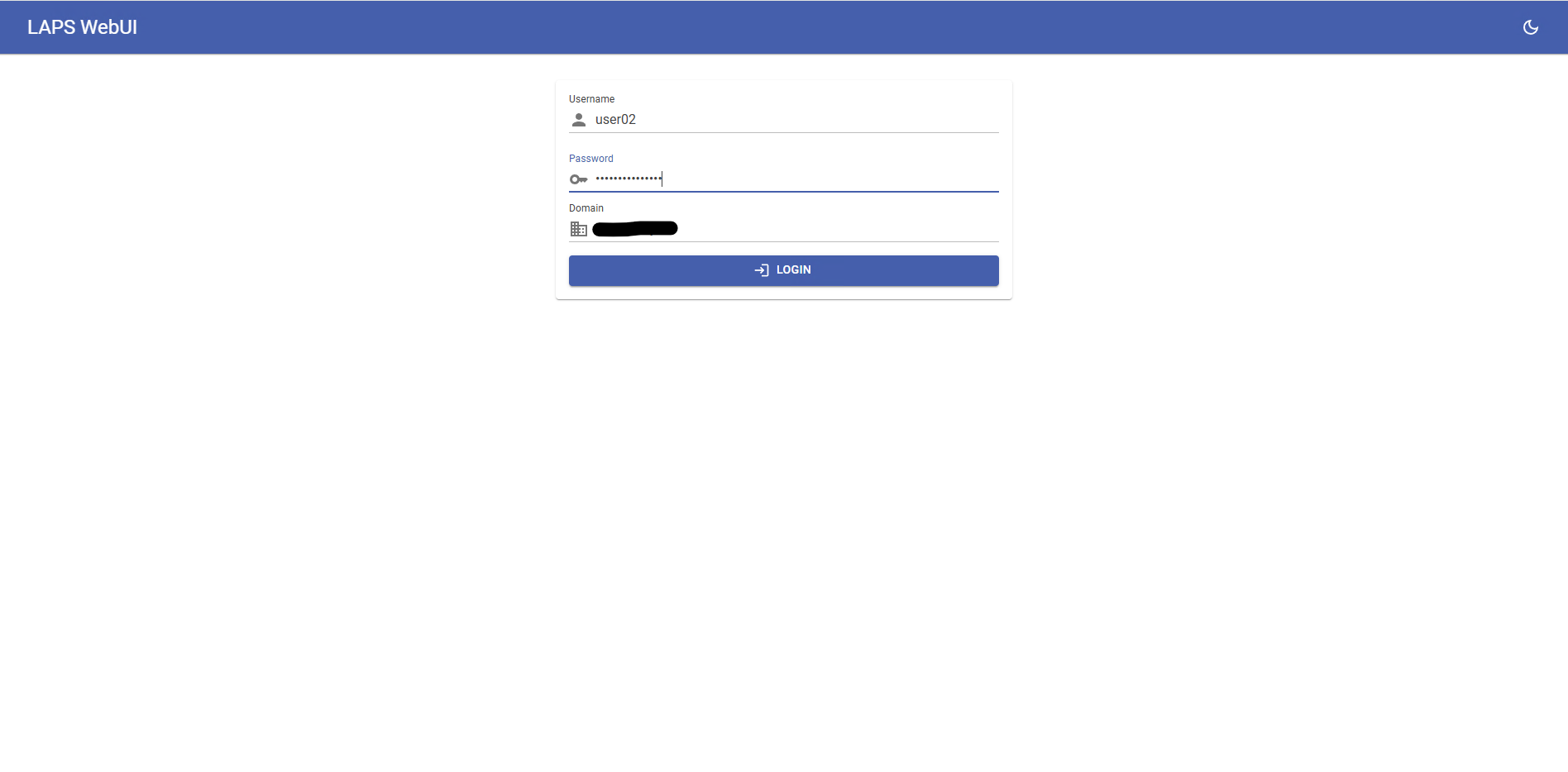
- Navigate with your WebBrowser to the LAPS WebUI Page (Default: http://127.0.0.1:8080 )
- Login with any Active Directory User which can access the LAPS LDAP Properties
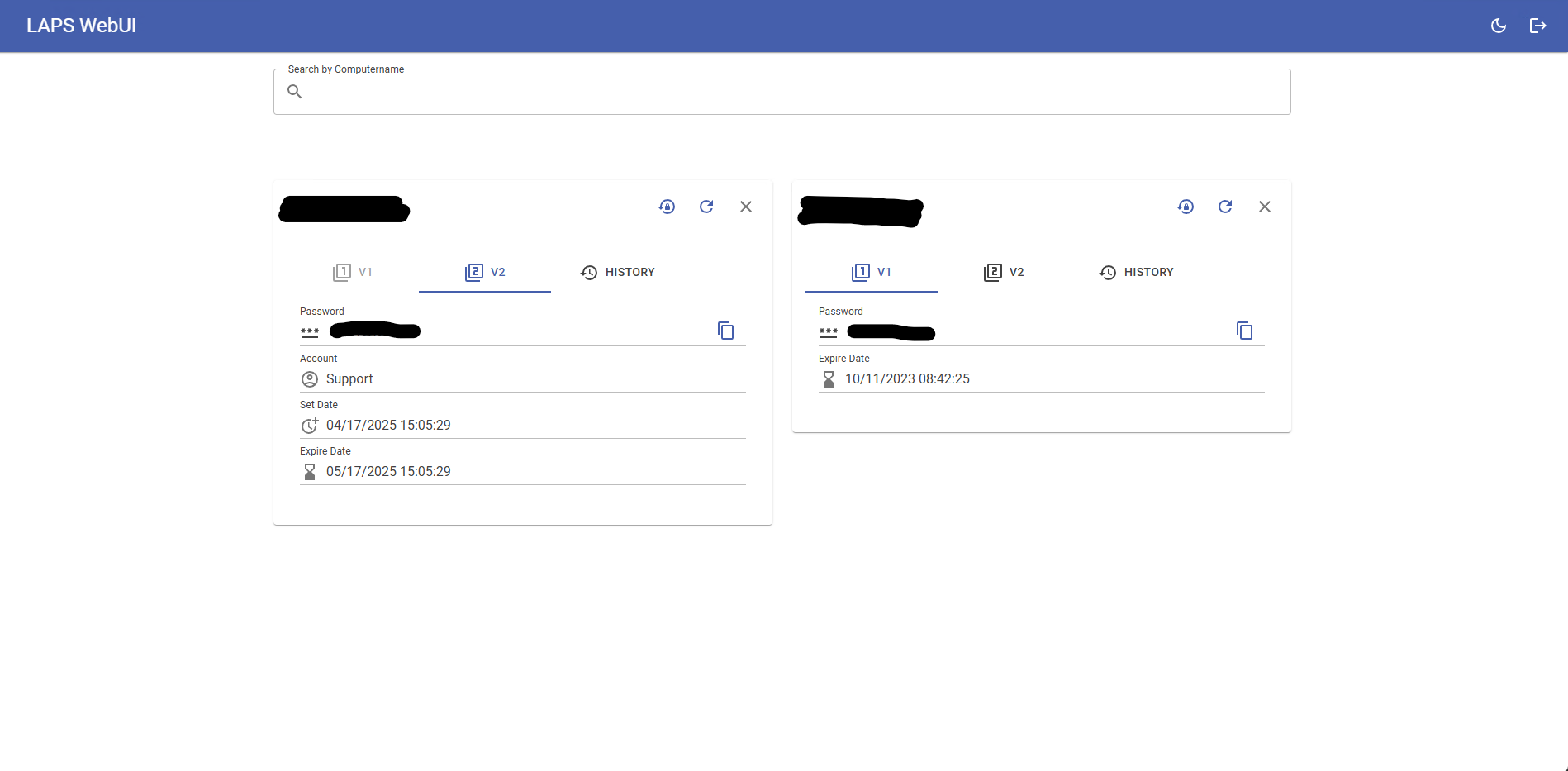
- Type any Computername in the Searchbox and click a result to view the LAPS Password.
Screenshots:

Tag summary
Content type
Image
Digest
Size
43.8 MB
Last updated
almost 6 years ago
docker pull seji/laps-webui