shellharbor/laraship
LaraShip CLI: deploy Laravel on Linux with Docker Compose or Kubernetes.
315
shellharbor/laraship repository overview
LaraShip
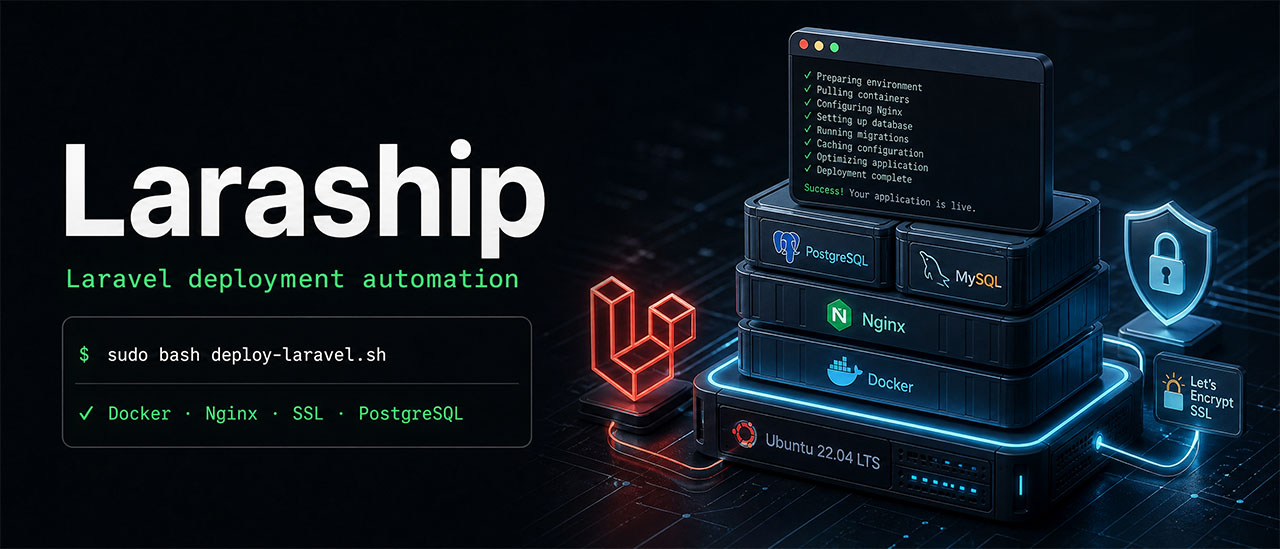
Deploy and manage Laravel applications on Linux with Docker Compose or Kubernetes.
LaraShip packages its deployment scripts, templates and command-line dependencies into one Docker image. Deploy a new Laravel application or an existing Git project, configure its services, enable HTTPS, and manage backups and application updates.
The CLI manages application containers through your Linux server’s existing Docker Engine. Application services continue running after the LaraShip CLI container exits.
- Image:
shellharbor/laraship:1.2.2 - Platform:
linux/amd64 - Source: github.com/shellharbor/laraship
Features
- Laravel deployment from a fresh skeleton or an existing Git repository.
- Docker Compose applications with PostgreSQL or MySQL.
- Shared Nginx reverse proxy and Let’s Encrypt HTTPS.
- Optional Filament, Redis, queue workers, Horizon and database backups.
- Configuration files, presets and deployment previews.
- Project listing, activation, deactivation, Git updates and backup restoration.
- Kubernetes manifest rendering and deployment using your application’s immutable image.
- Native Bash operation alongside the Docker CLI image.
Quick start
Docker must be installed and running, and your account must have permission to use it.
docker pull shellharbor/laraship:1.2.2
Check the version and available commands:
docker run --rm shellharbor/laraship:1.2.2 --version
docker run --rm shellharbor/laraship:1.2.2 --help
Preview deployment settings:
docker run --rm shellharbor/laraship:1.2.2 deploy --dry-run \
  --slug shop \
  --domain shop.example.com \
  --db-type postgres \
  --no-ssl
Help, version and dry-run commands work without mounting the server’s Docker socket or project directories.
Deploy on a Linux server
Run deployment and project-management commands on the target Linux server. When working from Windows or macOS, connect to that server over SSH.
The Compose runner uses the server’s local Docker Engine, host networking and identical host/container paths. Docker Desktop filesystem mappings and remote Docker endpoints are unsupported for this mode.
Prepare directories and define a helper
Run the following in the server’s Bash shell:
sudo install -d -m 755 /var/www
sudo install -d -m 700 /run/lock/laraship /var/backups/laraship

laraship() {
  sudo docker run --rm -it --network host \
    --mount type=bind,src=/var/run/docker.sock,dst=/var/run/docker.sock \
    --mount type=bind,src=/var/www,dst=/var/www \
    --mount type=bind,src=/run/lock/laraship,dst=/run/lock/laraship \
    --mount type=bind,src=/var/backups/laraship,dst=/var/backups/laraship \
    shellharbor/laraship:1.2.2 "$@"
}
This helper is available in the current shell session. Use it for the following examples.
| Host path | Purpose |
|---|---|
/var/run/docker.sock | Access to the server’s Docker Engine |
/var/www | Project files and shared reverse-proxy configuration |
/run/lock/laraship | Locks shared with native LaraShip commands |
/var/backups/laraship | Project ZIP archives |
Keep Docker’s generated container hostname. Docker socket access grants administrative control of the server, so use a trusted image.
Deploy Laravel with PostgreSQL
Replace the domain and email with your own. Point the domain’s DNS at the server before requesting a certificate.
laraship deploy \
  --slug shop \
  --domain shop.example.com \
  --db-type postgres \
  --ssl-email [email protected] \
  --with backup \
  --create-backup
This creates a Laravel application with PostgreSQL, enables the database backup module and generates a private project ZIP archive.
For a separate MySQL-backed application:
laraship deploy \
  --slug shopmysql \
  --domain shopmysql.example.com \
  --db-type mysql \
  --ssl-email [email protected] \
  --with backup
Unspecified passwords and service ports are generated automatically. Project credentials are saved under /var/www/<slug>.
Enable optional features
For a fresh Laravel application, add these deployment arguments to install Filament:
--install-filament --filament-email [email protected]
To configure Laravel to use Redis and start a queue worker, add:
--use-redis --queue-worker
These are arguments to append to a laraship deploy command. See the module documentation for additional modules and compatibility requirements.
Deploy an existing Git application
Replace the repository URL, domain and email with your own values:
laraship deploy \
  --slug api \
  --domain api.example.com \
  --db-type postgres \
  --ssl-email [email protected] \
  --repo https://github.com/your-org/your-app.git \
  --branch main \
  --with backup
Update that Git-deployed application later:
laraship update --slug api
Private repositories support SSH deployment keys. See the deployment guide for key mounts and configuration.
Manage projects
List deployed projects:
laraship list
Deactivate a project:
laraship deactivate --slug shop
Activate it again:
laraship activate --slug shop
Use the same helper and mounts for subsequent operations so project files, locks and archive paths remain consistent.
Database backups
For a project deployed with --with backup, create a database dump:
laraship backup --slug shop now
List available dumps:
laraship backup --slug shop list
Restore a dump using its exact filename from the list:
laraship backup --slug shop restore "DUMP_NAME_FROM_LIST"
Restoration asks for confirmation.
Database dumps are stored under /var/www/<slug>/backups. ZIP archives created with --create-backup are stored under /var/backups/laraship.
Kubernetes
The Kubernetes backend uses your application’s immutable image, versioned immutable ConfigMaps and Secrets, external database services, and appropriately configured persistent application state.
It runs migrations through a managed Job before applying and rolling out application workloads. Existing Compose projects require a deliberate migration to this deployment model.
Render manifests
Rendering requires no Docker socket or kubeconfig:
docker run --rm \
  --user "$(id -u):$(id -g)" \
  --read-only \
  --tmpfs /tmp \
  shellharbor/laraship:1.2.2 kubernetes render \
  --name shop \
  --namespace shop \
  --image registry.example.com/shop:1.0.0 \
  --configmap shop-config-v1 \
  --secret shop-secret-v1 \
  --revision v1 \
  > shop.k8s.yaml
Set --image to your application’s immutable image reference.
Deploy to a cluster
Prepare the namespace, application configuration, Secret and external services first. Use a self-contained kubeconfig with embedded certificates.
docker run --rm \
  --user "$(id -u):$(id -g)" \
  --read-only \
  --tmpfs /tmp \
  --mount type=bind,src="$PWD/kubeconfig",dst=/config/kubeconfig,readonly \
  -e KUBECONFIG=/config/kubeconfig \
  shellharbor/laraship:1.2.2 kubernetes deploy \
  --context YOUR_CONTEXT \
  --name shop \
  --namespace shop \
  --image registry.example.com/shop:1.0.0 \
  --configmap shop-config-v1 \
  --secret shop-secret-v1 \
  --revision v1
The Kubernetes command uses the Kubernetes API and can run without root or Docker socket access. Follow the Kubernetes guide for application-image requirements, configuration, storage and operator permissions.
Configuration and persistent data
Compose deployments keep their state on the Linux server:
- Application files and project metadata:
/var/www/<slug>. - Shared Nginx proxy configuration:
/var/www/nginxproxy. - Database dumps:
/var/www/<slug>/backups. - Project ZIP archives:
/var/backups/laraship. - Database volumes: managed by the server’s Docker Engine.
Mount deployment configuration files and SSH keys read-only when needed. Credentials remain external to the CLI image.
Host-native database provisioning is available through the native Bash runner.
For reproducible deployments, use an image digest instead of a version tag. The publication workflow reports the digest for each published image.
Documentation
Tag summary
Content type
Image
Digest
sha256:0dd264c24…
Size
137.8 MB
Last updated
about 12 hours ago
docker pull shellharbor/laraship:1.4.0