sjkp/technitium-dns-docker repository overview
Unofficial Docker container for Technitium DNS Server
Simple and sweet, even includes a healthcheck. Works great on a Raspberry Pi, too!
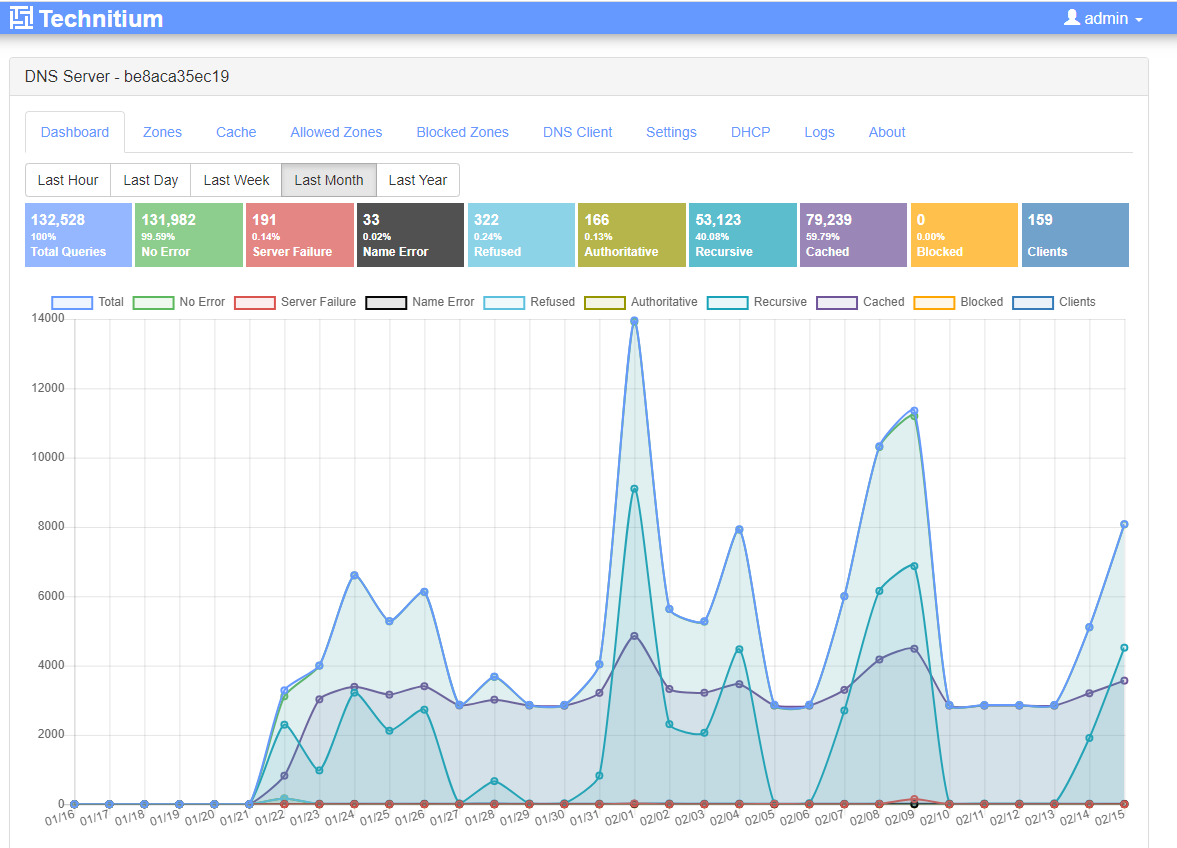
Usage
docker run \
-d \
--name technitium-dns \
--restart always \
-p 5380:5380/tcp \
-p 53/53/tcp \
-p 53/53/udp \
-v [path]:/app/config
Running on Ubuntu on vultr.
Firewall rules
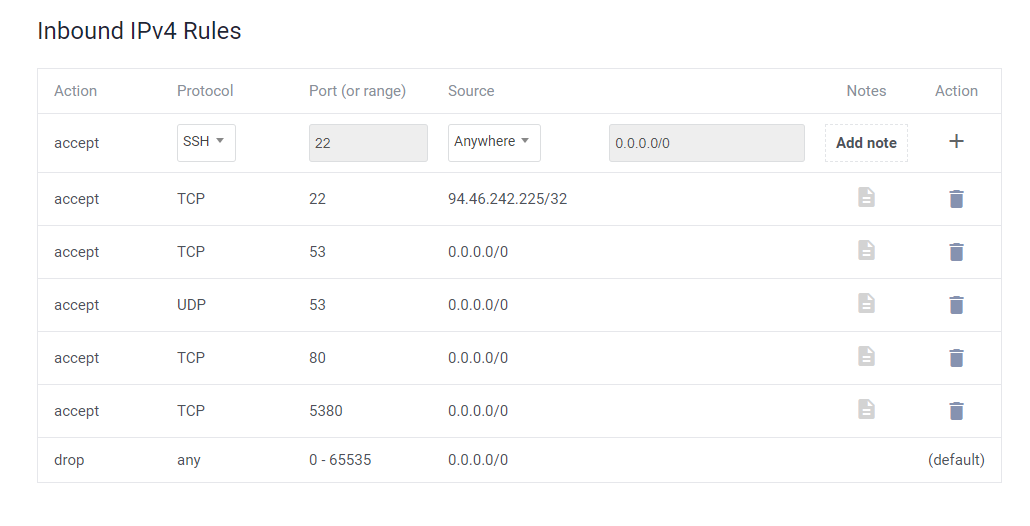
Install docker
apt install docker.io
Machine firewall disable
ufw status
Status: inactive
Technitium Setup
Enable recursive resolver, or the DNS server will not be usable from other machines. Beware that vultr will send you email warnings that you have a recursive DNS resolver running.

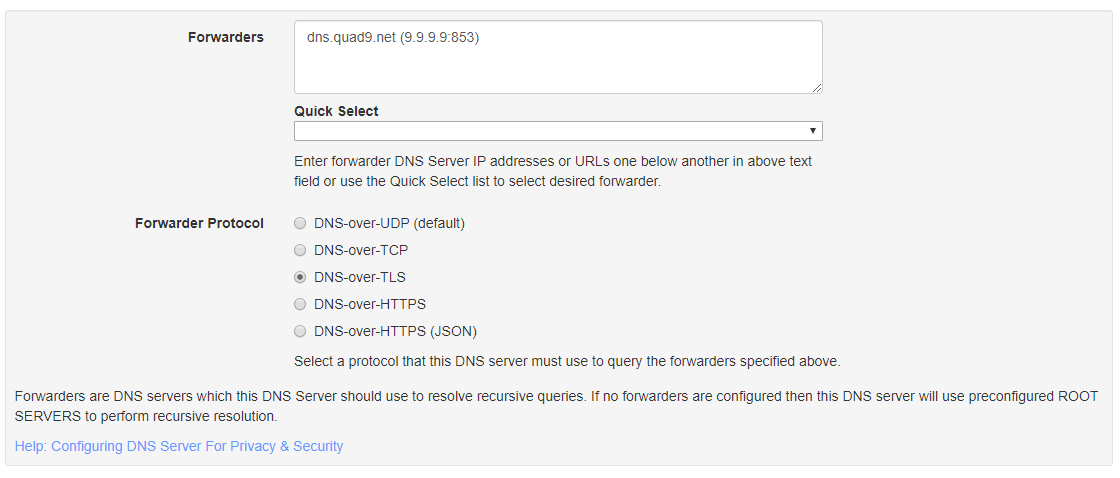
Configure the dns forwarder to which ever technology and provider you like
Tag summary
Content type
Image
Digest
Size
82.1 MB
Last updated
over 6 years ago
docker pull sjkp/technitium-dns-docker