skywirex/aria2-rpc
Running aria2 RPC on the headless machine and connect remotely
Image
0
1.5K
skywirex/aria2-rpc repository overview
Aria2-RPC server inside a docker container
How to run
Supported Architectures
The architectures supported by this image are: arm64
Simple Usage
docker run -d --name aria2-rpc -p 6800:6800 skywirex/aria2-rpc
Aria2
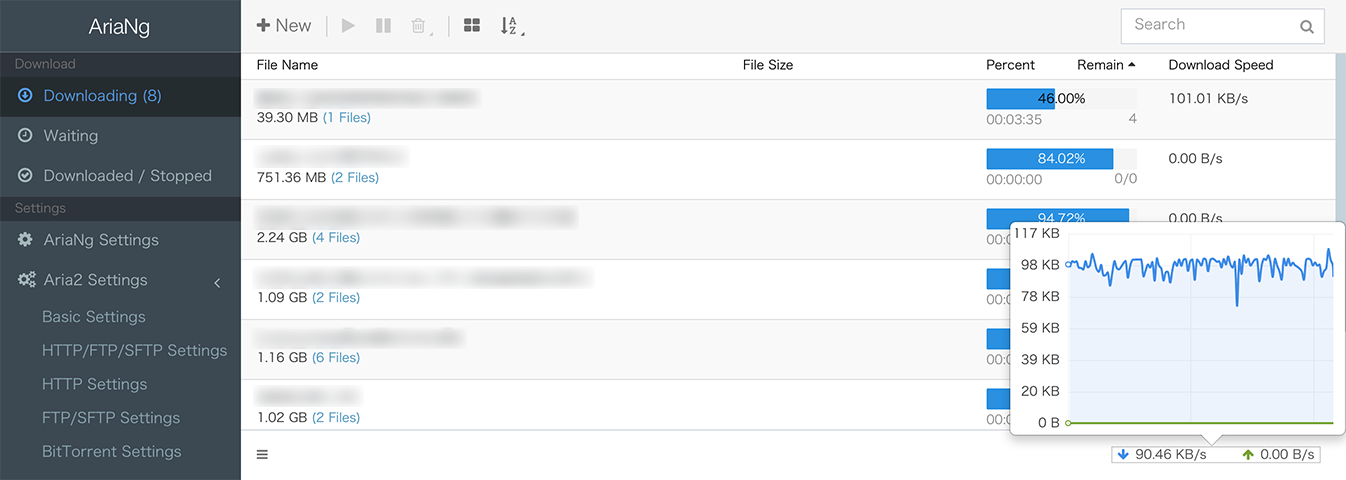
Full Usage
docker run -d \
  --name aria2-rpc \
  -p 6800:6800 \
  -v /DOWNLOAD_DIR:/aria2/data \
  -v /CONFIG_DIR:/aria2/conf \
  -e PUID=1000 \
  -e PGID=1000 \
  -e RPC_SECRET=skywirex \
  skywirex/aria2-rpc
Note: defaut rpc secret is
secret. You can also remove secret by overridingRPC_SECRETwith empty string when running your container:
-e RPC_SECRET=""
Now rpc status using this command
aria2c
Supported Environment Variables
PUIDUserid who will own all downloaded files and configuration files (Default0which is root)PGIDGroupid who will own all downloaded files and configuration files (Default0which is root)RPC_SECRETThe Aria2 RPC secret token (Defaultsecret)DOMAINThe domain you'd like to bind (Default0.0.0.0:80)
Supported Volumes
/aria2/dataThe folder of all Aria2 downloaded files/aria2/confThe Aria2 configuration file
User / Group Identifiers
When using volumes (-v flags) permissions issues can arise between the host OS and the container, we avoid this issue by allowing you to specify the user PUID and group PGID.
Ensure any volume directories on the host are owned by the same user you specify and any permissions issues will vanish like magic.
In this instance PUID=1001 and PGID=1001, to find yours use id user as below:
$ id username
    uid=1001(dockeruser) gid=1001(dockergroup) groups=1001(dockergroup)
How to build
git clone https://github.com/skywirex/aria2-rpc
cd aria2-rpc
docker build -t aria2-rpc .
Docker Hub
Tag summary
Content type
Image
Digest
Size
8.4 MB
Last updated
over 6 years ago
docker pull skywirex/aria2-rpc