smqasims/moodboard
A simple webpage to show your mood with a giphy
1.1K
smqasims/moodboard repository overview


Moodboard
A fun board tool to show your team mood using a giphy GIF.
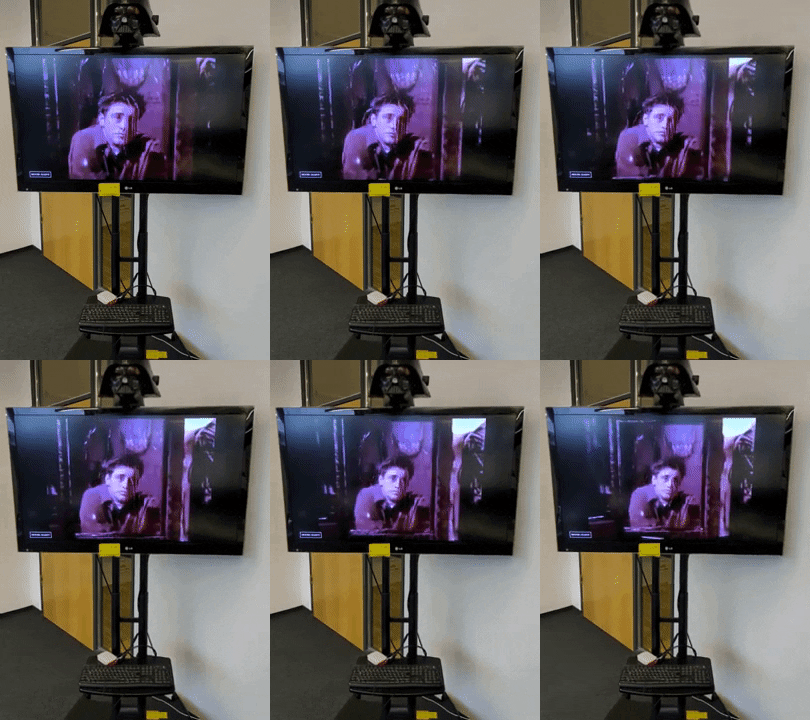
We use it at our workplace and we love it.
Installation
docker run --rm -d -p 80:3080 --name moodboard smqasims/moodboard:v1.0.3
if you run above on example.com then moodboard will be available at http://example.com.
You can also try out the platform specific binaries (e.g Raspberry Pi) in the release section of the project which start with a default port 3080
API
The moodboard starts with a default mood of hello world but you can update it using following:
curl -XPUT localhost/mood/<MOOD>
example:
curl -XPUT localhost/mood/happy
or use the client.
Form
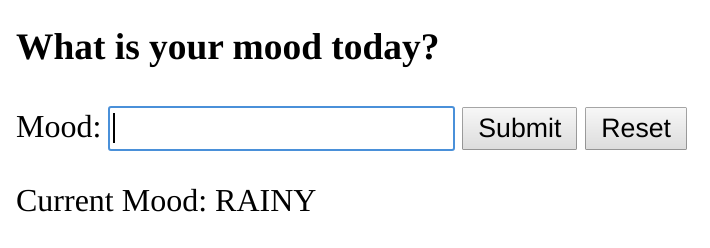
You can also use a simple form to update the mood by browsing to the path /mood/form.
Rate limiting
By default moodboard will use giphy public beta key to talk to giphy API which is rate limited to 1000 requests per day. To avoid hitting rate limit you can get your personal token and setting it using GIPHY_API_KEY environment variable while launching your container.
Tag summary
Content type
Image
Digest
Size
5.9 MB
Last updated
over 6 years ago
docker pull smqasims/moodboard